












A quotation set in the same type as the body text reads as more body text. Pulling it out is what makes a reader stop at it.
The Blockquote block gives the quote its own styling, a quote mark and an author credit, in several ready-made arrangements.
Before You Start
- Edition: Free — works in Nexter Blocks (free) and with Nexter Blocks Pro.
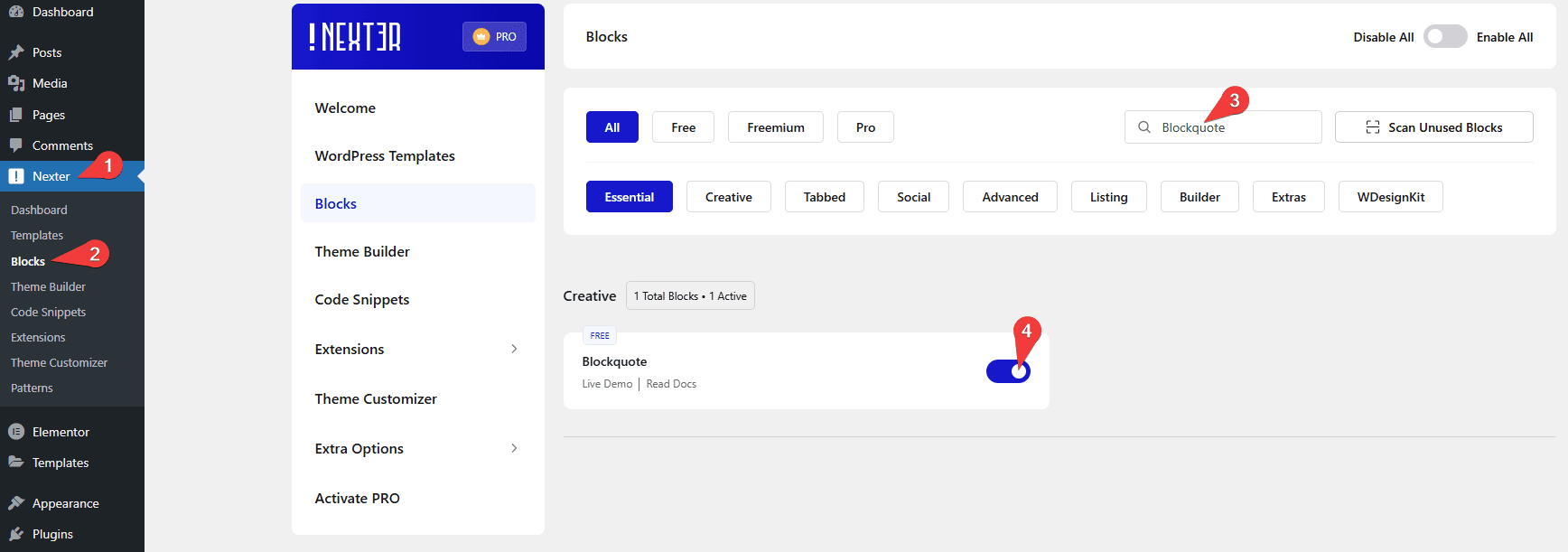
- Block to enable: Blockquote, switched on under Nexter > Blocks in your WordPress dashboard.
Video Tutorial

Steps
- Add the Blockquote block to your page.
- Type the quotation.

- Add the author name, or leave it empty.
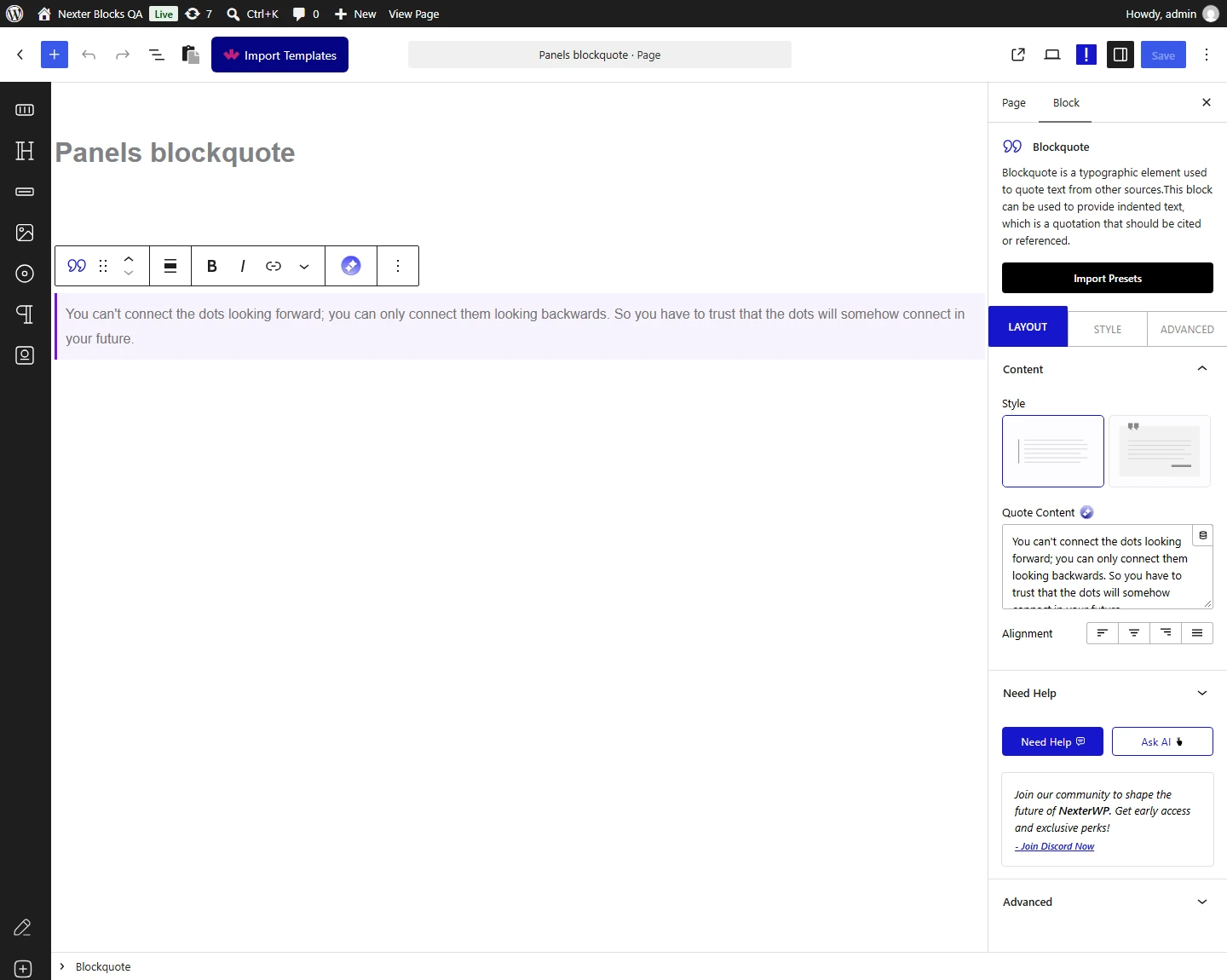
- Choose a style — the styles differ in where the quote mark sits and how the credit is laid out.
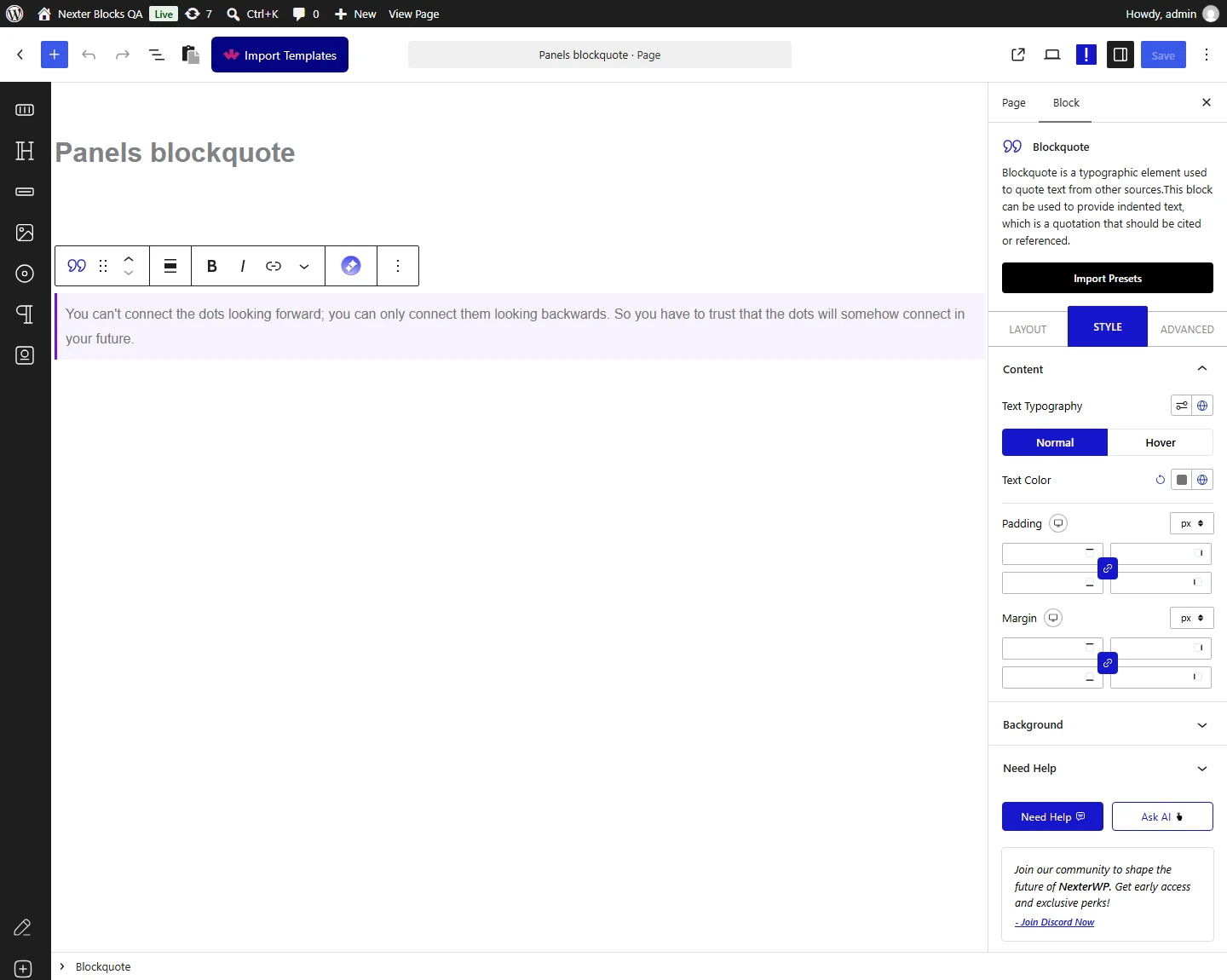
- Set the quote colour, typography and spacing, then publish.
How It Behaves
The Blockquote renders a real blockquote element, so the quotation is marked up as a quotation rather than as styled text.
- The style you choose is written into the markup — measured, the inner wrapper carries a
tpgb-quote-style-Nclass matching your choice. - Styles differ in height, not only decoration. Measured on the same quotation: style 1 rendered 78 pixels tall and style 2 rendered 115.
- The quote mark is part of the block, rendered as its own element, so it can be coloured separately from the text.
- The author credit is optional — leave it blank for an unattributed quote.
- Measured with Nexter Blocks Pro deactivated: this block renders identically. It is a free block.
Limitations
- One quotation per block. For several quotes use a listing or carousel block.
- There is no citation link field — the author is plain text. Put a source link in the paragraph below if you need one.
- Long quotations fight the styling. Pull quotes work best at a sentence or two; a full paragraph is usually better left as body text.
- Quote marks are decorative, so they do not replace proper quotation punctuation in the text.
Troubleshooting
The author name is not showing
Check the author field is filled in — it is optional, so an empty field simply renders no credit.
The quote mark is the wrong colour
It has its own colour setting, separate from the quotation text.
My quote looks cramped
Different styles give the text different room. Measured: style 2 is noticeably taller than style 1 for the same quotation. Try another style, or increase the padding.
I want the quotation to be a heading
It should not be. A quotation is marked up as a quotation; use the Heading block for headings so the page outline stays correct.
