












A long list of features is a wall of text before anyone reads a word of it.
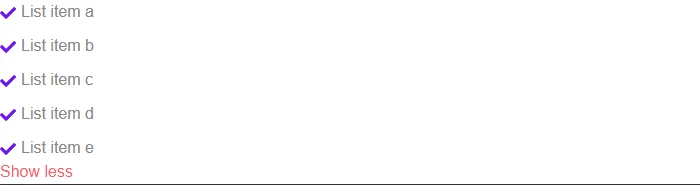
Read More trims the list to a handful of items on load, with a button that reveals the rest — and collapses it again.
For every Dynamic Device setting in one place, see the Icon List block guide.
Before You Start
- Edition: Free — the Stylish List block works in Nexter Blocks (free) and Nexter Blocks Pro.
- Block to enable: Stylish List, switched on under Nexter > Blocks in your WordPress dashboard.
- More list items than you want shown at once — the button only appears when the list is longer than the limit you set.

Steps
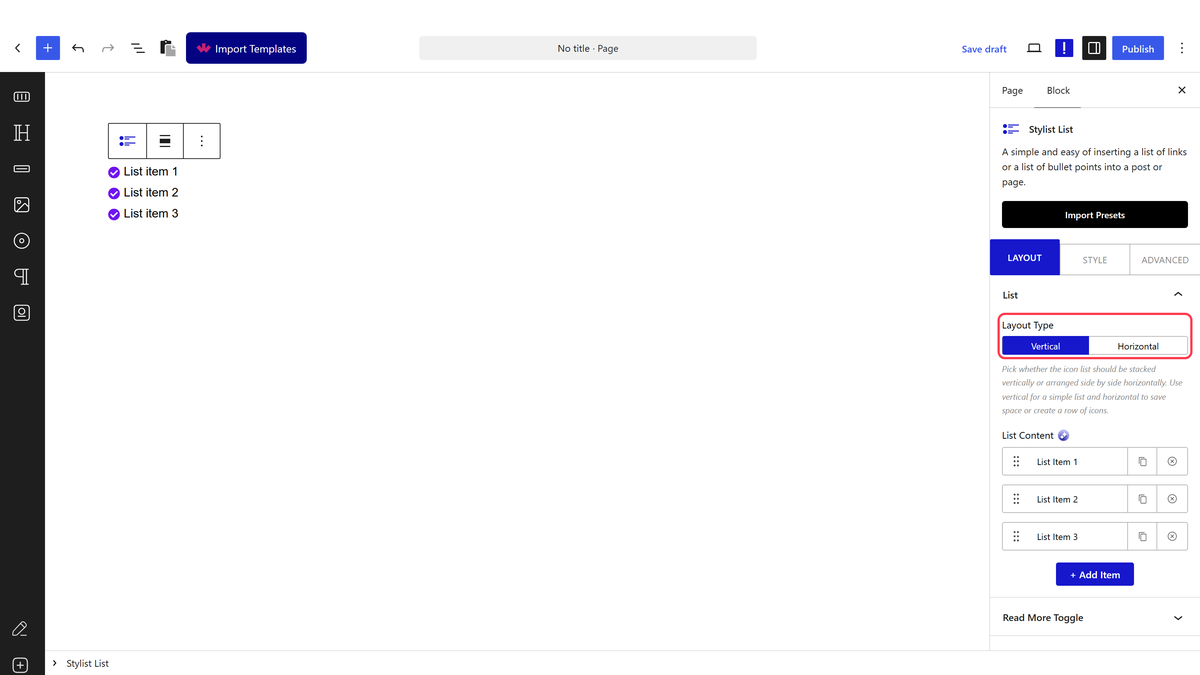
- Add the Stylish List block and add a row for each item, with its own text and icon.
- Switch on Read More Toggle under Layout.
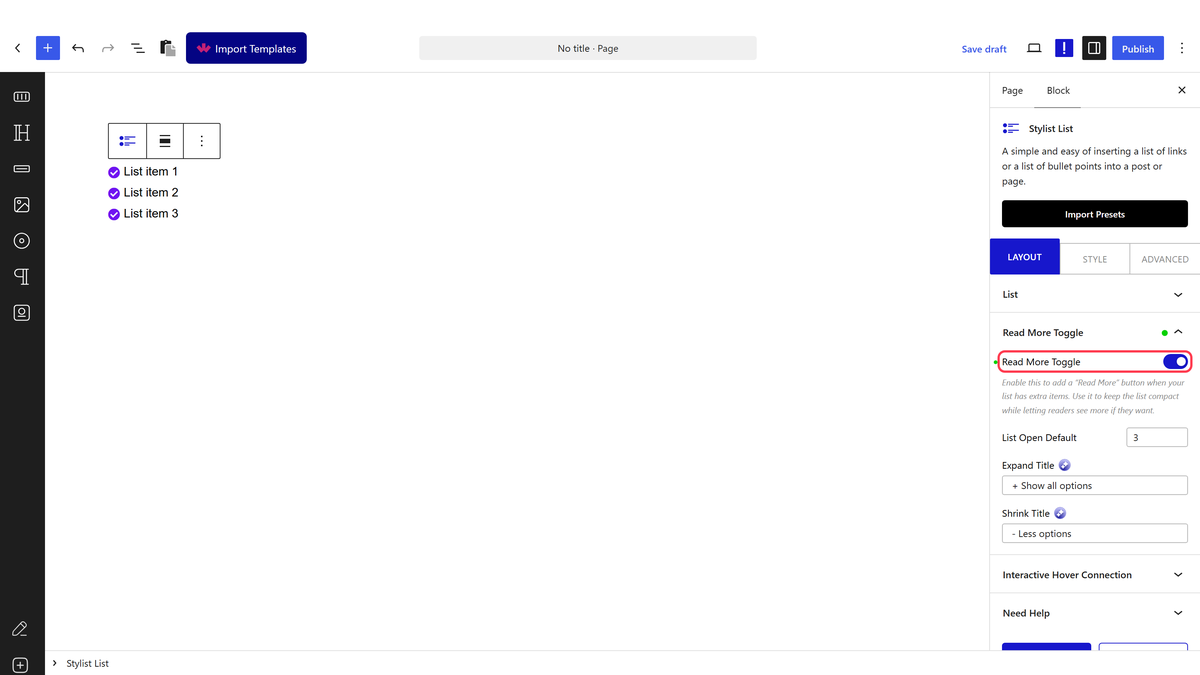
- Set List Open Default for how many items show before the button.
- Set the Expand and Show Less button text.
Measured end to end: a 7-item list with the limit set to 3 showed exactly 3 items on load; clicking the button revealed all 7, swapped its class, and changed its own text from the Expand wording to the Show Less wording.
How It Behaves
- The button only appears when it’s needed. A list shorter than the limit never shows a Read More button at all — there is nothing to collapse.
- Clicking genuinely toggles both ways, measured: expand reveals every hidden item, and clicking again hides them and restores the original count.
- The button’s text is fully custom on each side — Expand and Show Less are two separate fields, not a single label that just changes state.
Limitations
- The collapsed and expanded states are both all-or-nothing — there is no “load a few more at a time” option.
- Hidden items are still present in the page’s markup, just visually hidden — they are not removed from the DOM.
- The limit is a plain count of items, not a height or a smarter cutoff.
Troubleshooting
The Read More button never shows up
Check the list actually has more items than List Open Default — the button only appears when there is something to hide.
Clicking the button does nothing
Confirm Read More Toggle is switched on under Layout, not just text typed into the Expand/Show Less fields.
The button text doesn’t change after I click it
It should — measured, the button’s own text swaps between your Expand and Show Less wording on each click. If it doesn’t, check for a caching plugin serving an old version of the page.
