












A hover effect works best when it feels like something is actually there, not switched on.
Background Hover Effect adds one shared background layer behind the whole list, and slides it to whichever item the visitor points at.
For every Dynamic Device setting in one place, see the Icon List block guide.
Before You Start
- Edition: Free — the Stylish List block works in Nexter Blocks (free) and Nexter Blocks Pro.
- Block to enable: Stylish List, switched on under Nexter > Blocks in your WordPress dashboard.
Steps
- Add the Stylish List block and add a row for each item, with its own text and icon.
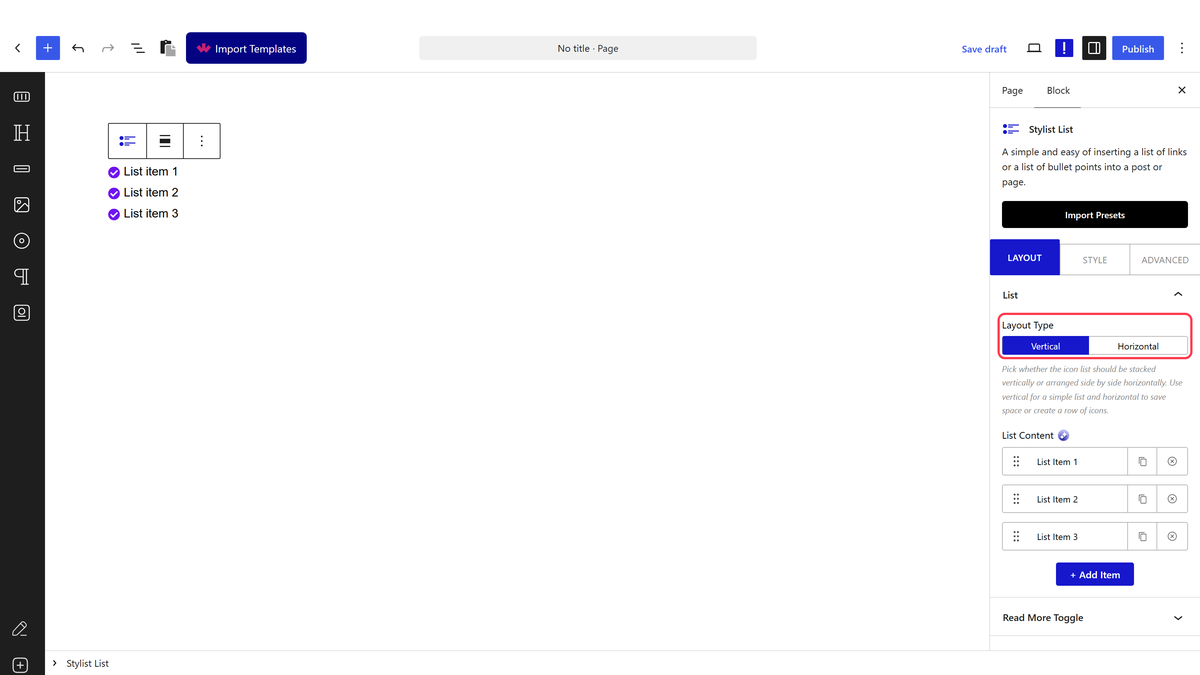
- Switch on Background Hover Effect under Style > List.
- Set the background colour, shape and size for the highlight under the same panel.
The first item starts highlighted, before any hover. Measured: on page load, with no hover at all, the background layer already sits behind the first item, not hidden.
How It Behaves
- One background, one layer, shared by the whole list — rather than a background on every item, a single highlight slides between them.
- Measured moving correctly on hover: hovering a different item moved both the background layer and that item’s own highlighted state to it, and removed both from the first item.
- The effect starts “on” by default, on the first item, rather than appearing only once a visitor interacts — worth knowing if you expected a blank list until the first hover.
- Works with any Layout Type and any icon source — it only affects the background layer, not the icons or text.
Limitations
- Only one item can be highlighted at a time; there is no way to show several backgrounds at once.
- The always-on first item might not be what a design calls for — there is no setting to start with nothing highlighted.
- Combining this with Interactive Links on the same list can look busy — consider using one effect or the other, not both.
Troubleshooting
One item is highlighted before I’ve touched anything
That is expected — the first item starts highlighted by design, measured directly.
The background doesn’t move when I hover
Confirm Background Hover Effect is switched on under Style > List, not just a colour set on individual items.
The highlight looks wrong on some icon types
The background layer sits behind everything in the row, including image and SVG icons — check its colour has enough contrast against your icon and text colours.
