












Breadcrumbs on a product page show shoppers which category the product belongs to and let them go back to that category in one click.
Add the free Breadcrumbs block from Nexter Blocks to your single product template, and every product gets the trail.
For every Breadcrumbs setting in one place, see the Breadcrumbs block guide.
Before You Start
- Edition: Free — works in Nexter Blocks (free) and with Nexter Blocks Pro.
- Block to enable: Breadcrumbs, switched on under Nexter > Blocks in your WordPress dashboard.
- WooCommerce installed, with products assigned to product categories.
- A single product template: build one with the free Nexter Builder (Nexter > Theme Builder).
Steps
- Open your single product template and add the Breadcrumbs block above the product title.
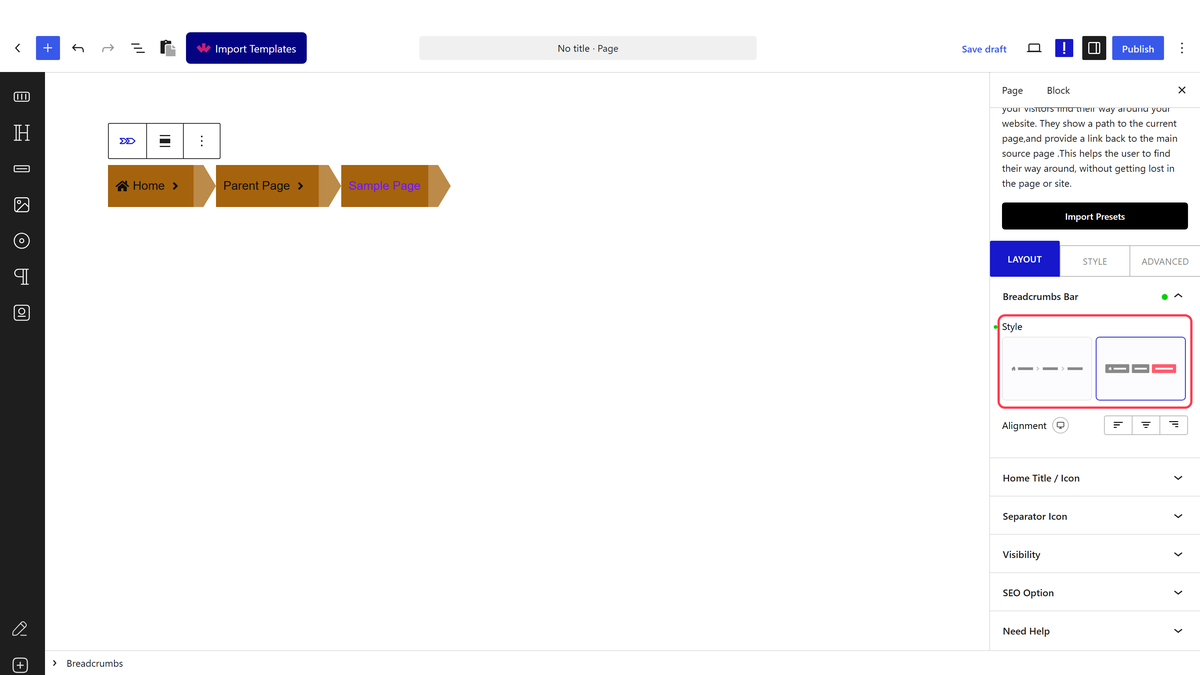
- Click Design from Scratch and choose a Style in Breadcrumbs Bar.
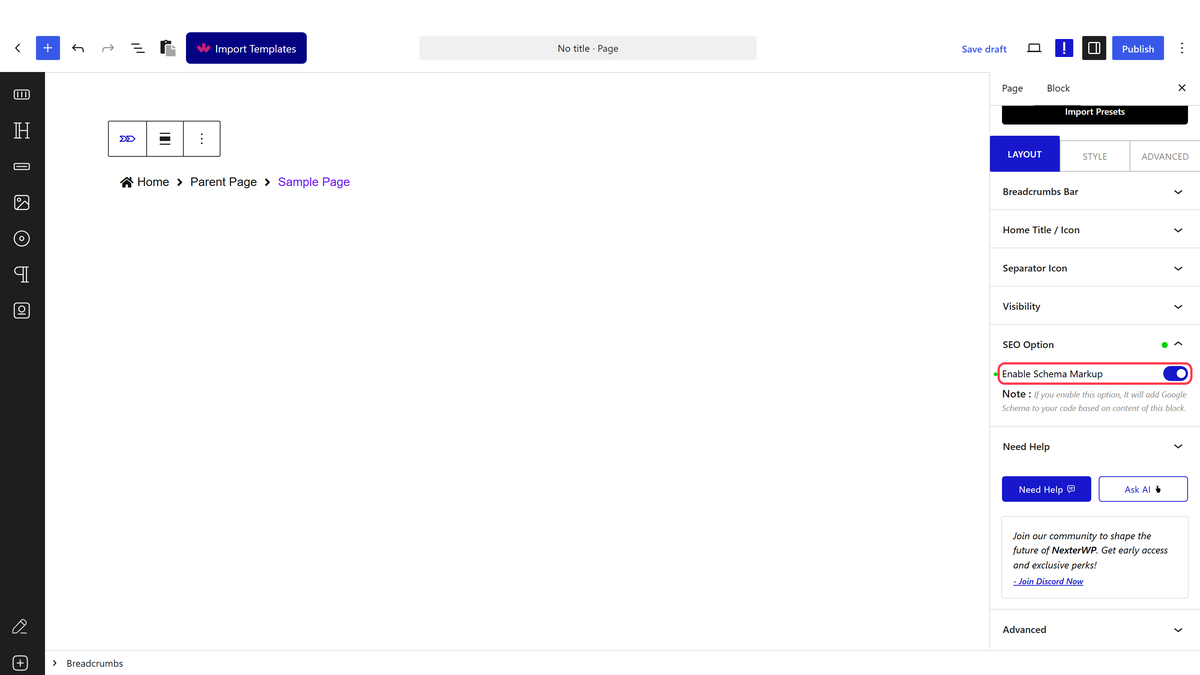
- Optional: turn on Enable Schema Markup in SEO Option.
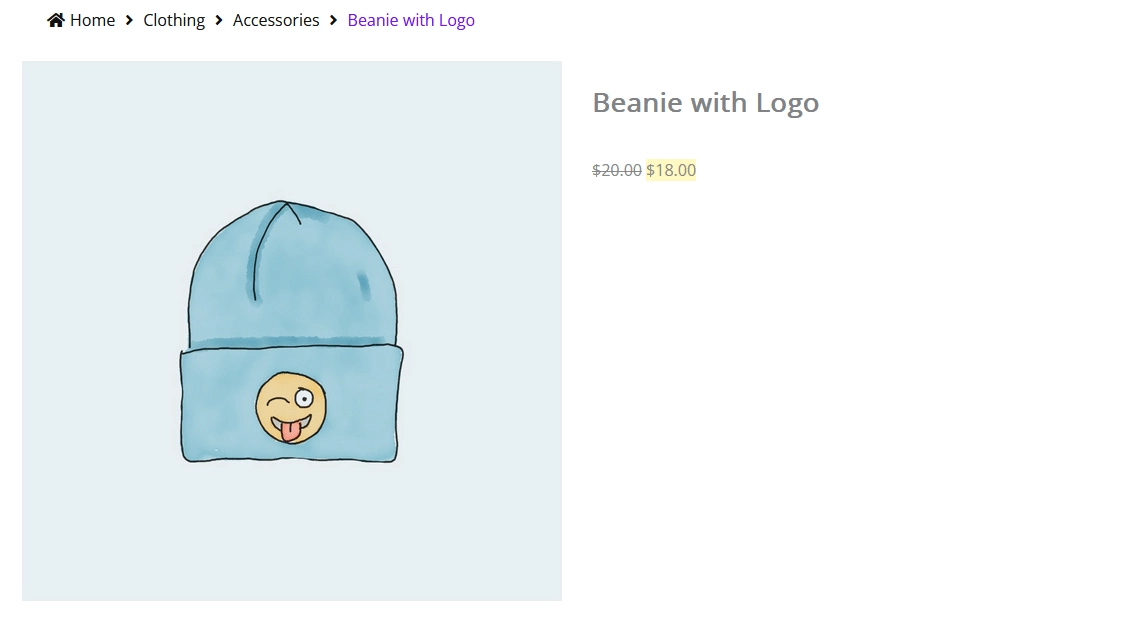
- Save the template and open a product on your store.
How It Behaves
- On a product, the trail is Home, the product’s category with its parent categories, then the product name.
- On a product category page, the trail is Home, the parent categories, then the category you are viewing.
- A product without a product category shows only Home and the product name.
- The product name is cut to 20 characters by default. Raise the second Current setting in Visibility (up to 100) for full names.
Limitations
- Do not set the Parent or Current limit to 0: it empties the crumbs. Use 100 for full names.
- If a product is in several categories, WooCommerce decides which one the trail uses.
- In the template editor the block shows a sample trail. Check the real trail on a product page.
Troubleshooting
Only Home and the product name show
The product has no product category. Add one in the product’s Product categories box.
The breadcrumbs do not show on products
The block is in a template that is not set to display on single products. Check the template’s display settings in Nexter Builder.
