












A teammate stopped me in the middle of a call last month and asked, half embarrassed, “everyone keeps saying MCP. Is that something I need to install on my WordPress site?” It is a fair question. The term shows up in every AI thread now, usually with zero explanation, and it sounds like one more piece of plumbing you are behind on. The short answer I gave her: no, you do not install MCP on your site, but understanding what it is will tell you a lot about where the web is heading. This guide is the plain-English version of that answer.
What is MCP in AI?
MCP stands for Model Context Protocol. In the words of its official documentation, it “is an open-source standard for connecting AI applications to external systems.” That is the whole idea in one sentence. An AI model on its own only knows what it was trained on. MCP is the standard way to give it live access to your files, your databases, your tools, and your workflows so it can actually do useful things.
The documentation uses an analogy worth borrowing: “Think of MCP like a USB-C port for AI applications. Just as USB-C provides a standardized way to connect electronic devices, MCP provides a standardized way to connect AI applications to external systems.” Before USB-C, every device had its own cable. Before MCP, every AI integration was custom built. MCP is the single connector that replaces all of those one-off cables.
Who created MCP and why
MCP was introduced by Anthropic, the company behind the Claude family of models, and released as an open standard so anyone can use and build on it. The problem it solves is what engineers call the M times N problem. If you have a number of AI apps and a number of data sources, and every pairing needs its own custom integration, the work grows fast and nothing is reusable. MCP turns that into a much smaller M plus N problem: build one MCP server for your data once, and any MCP-aware AI app can connect to it.
That reusability is why adoption moved quickly. MCP is now supported across a wide range of clients and servers. As the official site notes, AI assistants like Claude and ChatGPT, along with development tools like Visual Studio Code and Cursor, all support MCP, so you can build a server once and connect it everywhere.
How MCP works: hosts, clients, and servers
MCP has three roles. Once you see them, the rest makes sense.
- Host. The AI application the person actually uses, such as Claude or an AI-powered code editor. It is the thing holding the conversation.
- Client. A connector that lives inside the host and speaks the MCP protocol. Each client maintains a connection to one server.
- Server. A lightweight program that exposes a specific set of capabilities: data sources to read, tools to call, or prompts to run. A server might wrap a database, a file system, or an app like Notion or Google Calendar.
So when an AI app reads your calendar or queries a database through MCP, the flow is: host to client to server to the actual system, and back again. The official examples make it concrete. An agent can reach your Google Calendar and Notion to act as a more personal assistant, generate a web app from a Figma design, or connect to databases across an organization so people can analyze data just by chatting.
MCP vs an API: what is actually different
The most common question after the definition is how MCP differs from a regular API. They are related, not opposites. An API is a way for two pieces of software to talk, and every API is different, with its own docs, authentication, and quirks. MCP is a standard layer that sits on top of that idea specifically for AI. Instead of teaching a model how to use a hundred different APIs, you expose your capability once as an MCP server, and any MCP-aware model already knows how to discover and call it. In other words, an API connects software to software, while MCP standardizes how AI models connect to many tools at once.
Also Read: MCP vs API for WordPress for a deeper side-by-side on when each one makes sense.
What MCP means for WordPress site owners
Here is the part that matters for your site. You do not need to run an MCP server to benefit from the shift MCP represents. The bigger story is that AI tools are moving from answering questions to taking actions, and they increasingly read the open web to do it. Whether content reaches a model through a search index, an answer engine, or eventually an MCP connection, the same thing decides if your content is usable: is it clean, structured, and easy for a machine to parse.
A page buried in heavy markup, with no clear structure and no machine-readable copy, is hard for any AI system to use well. A page with clear headings, structured data, and a clean text version is easy. That is the practical takeaway from the MCP era for publishers, and it is the same discipline behind answer engine optimization. If you want the WordPress-specific implementation side of MCP, our Model Context Protocol for WordPress guide goes further.
Also Read: Model Context Protocol for WordPress if you want to go past the concept and into how it connects to a WordPress site.
Getting your content ready for the agentic web
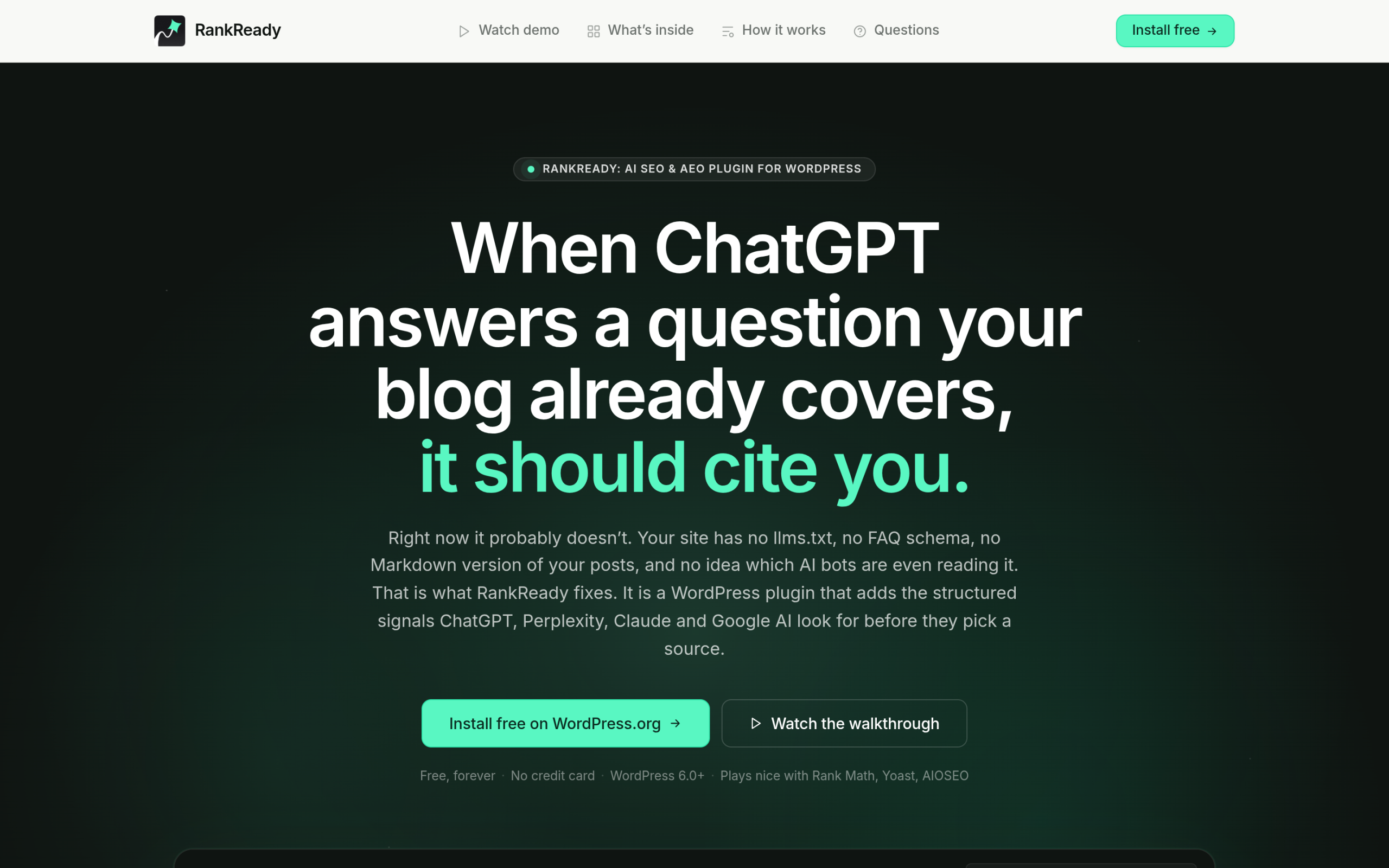
This is where a tool helps. RankReady is a free WordPress plugin that makes your content easy for AI systems to read and lets you see how they interact with it. It generates llms.txt and llms-full.txt files that give AI systems a map of your site, adds a clean Markdown copy of every post that any model can read without wading through page markup, and ships Article, Speakable, FAQPage, HowTo, and ItemList schema so the structure is explicit.
On top of that it shows you what is happening: a live log of the 31 AI crawlers it can track, citation candidates, AI referral traffic, and a per-post readiness score out of 100. It is free forever under the GPL-2.0-or-later license, runs on WordPress 6.0 and PHP 7.4 or higher, collects zero telemetry, and works alongside Rank Math, Yoast, and AIOSEO. If you are weighing it against a traditional SEO plugin, our roundup of the best WordPress SEO plugins using AI and our AI SEO tool guide put it in context. You can also automate structured data with a schema markup generator.
So, to answer my teammate properly: MCP is not a plugin you install. It is the standard that lets AI applications plug into the world’s data and tools, the same way USB-C lets your devices share one cable. You cannot control the protocol, but you can control whether your content is ready for the machines that use it. On WordPress, that part is squarely in your hands.
Suggested Reading
- Model Context Protocol for WordPress
- MCP vs API for WordPress
- Answer Engine Optimization for WordPress
- How to Add an llms.txt File to WordPress
- Best WordPress SEO Plugins Using AI
