












Key Takeaways
- Gutenberg is the free, built-in WordPress block editor. Elementor is a separate drag-and-drop page builder with a free tier and a Pro version that starts at $49 per year.
- Gutenberg wins on speed and cost because it ships with WordPress and adds no extra page-builder overhead. Elementor wins on out-of-the-box visual control for people who want pixel-level drag-and-drop.
- WordPress 7.0 closed much of the old feature gap, adding per-block CSS, device visibility controls, and new layout blocks to core.
- A block library like Nexter Blocks gives Gutenberg the advanced widgets and builders that used to be the main reason people reached for Elementor.
- There is no single winner. The right choice depends on your priorities: raw performance and zero cost, or maximum visual control with a gentler design learning curve.
The first site I ever built ran on Elementor, and for years I did not question it. Then a client handed me a site that was painfully slow, and when I opened it up the culprit was the same builder I had always defaulted to, stacked three plugins deep. That was the moment I actually sat down and compared what Gutenberg could do in 2026 against what I was paying Elementor to do. The answer surprised me, and it is not the clean “one is better” verdict most comparison posts try to sell you.
This is an honest look at Gutenberg versus Elementor as they actually stand in 2026, written by someone who builds with both. We will go through speed, ease of use, design flexibility, and cost, then land on a decision framework so you can pick the right tool for your specific site rather than the one with the loudest marketing.
Gutenberg vs Elementor at a glance
Gutenberg is the block editor built into WordPress itself. You already have it, it costs nothing extra, and it is what the WordPress project is actively building the future on. Elementor is a separate page-builder plugin you install on top of WordPress. It has a free version and a Pro version that starts at $49 per year, and it gives you a visual, drag-anywhere canvas.
| Factor | Gutenberg | Elementor |
|---|---|---|
| What it is | Built-in WordPress block editor | Separate page-builder plugin |
| Cost | Free, ships with WordPress | Free tier; Pro from $49/year |
| Performance | Lighter, less code overhead | Heavier, adds its own assets |
| Learning curve | Steeper at first, native UI | Gentler, true drag-and-drop |
| Design control | Strong in core, more with a block library | Very high out of the box |
| Future direction | The direction WordPress is heading | Mature, but a third-party layer |
Performance and page speed
This is where Gutenberg has the clearest edge. Because it is part of WordPress core, it does not load a separate framework of CSS and JavaScript the way a page builder does. Elementor has improved its output a lot over the years, but it still adds its own assets to every page, and those add up, especially once you layer Pro and a few add-ons on top.
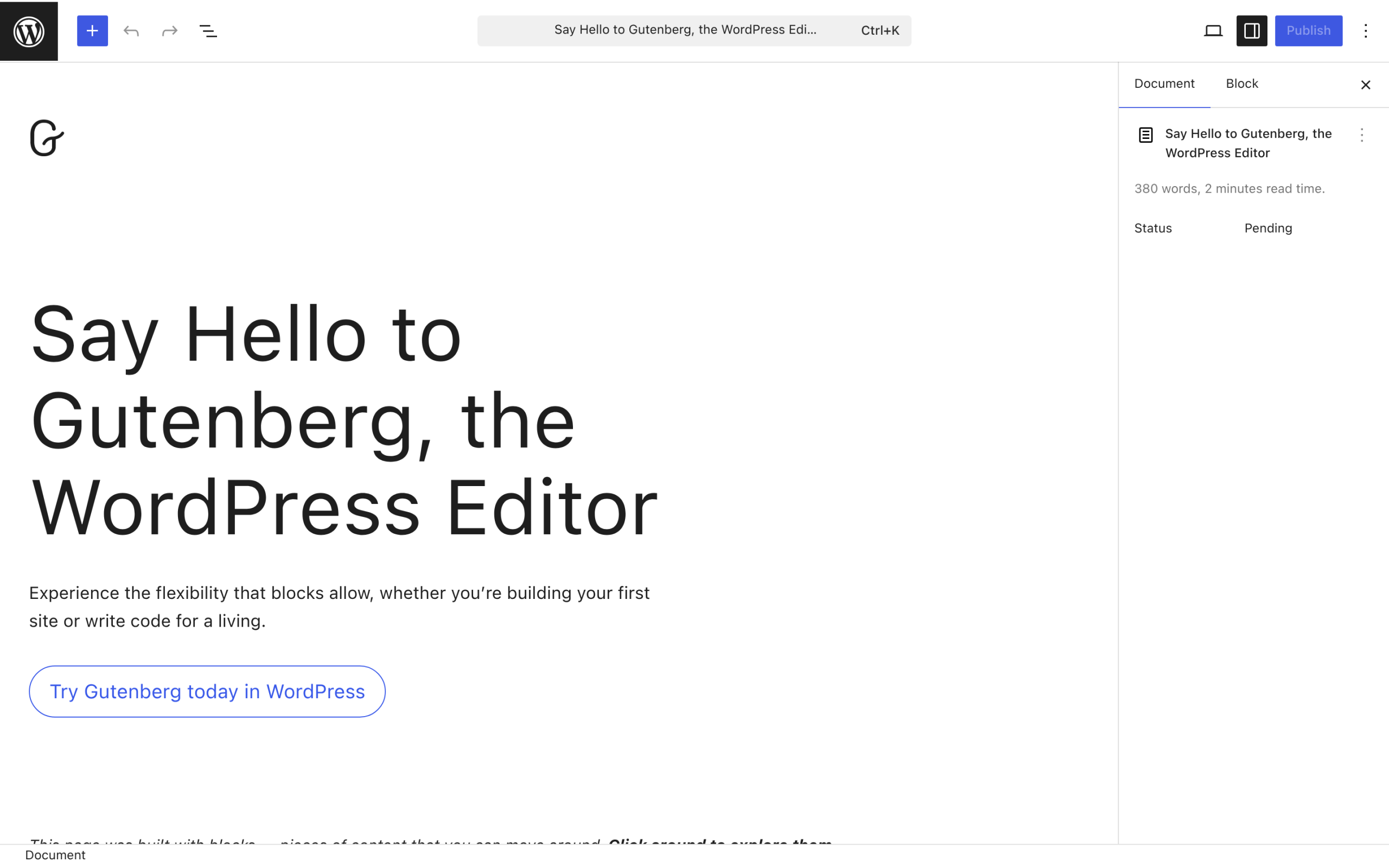
For a content-heavy or performance-sensitive site, a block-based build on a lightweight theme will almost always render faster than the equivalent Elementor build. If Core Web Vitals and load time are near the top of your list, that points toward Gutenberg.
Also Read: Gutenberg Core Web Vitals, how to speed up a block-theme WordPress site and where the real performance wins come from.
Ease of use and the learning curve
Elementor wins here for most newcomers. Its canvas is genuinely drag-and-drop: you drop a widget where you want it, click anything to style it, and what you see is what you get. People who do not think in terms of structure find that immediate and reassuring.

Gutenberg asks you to think in blocks and containers, which is a slightly steeper start. The trade-off is that you are learning the native WordPress interface, not a separate product layered on top, so the skills carry across themes and sites. In 2026 the block editor is far more polished than the clunky early version many people remember, and the gap in day-to-day comfort is much smaller than it used to be.
Design flexibility and features
Out of the box, Elementor offers more ready-made visual control: a large widget set, theme building, popups, and fine-grained styling without touching code. That breadth is the main reason it became so popular.
Core Gutenberg covers the fundamentals well and keeps gaining ground, but if you want the advanced widgets, listings, and builders that Elementor users rely on, you extend it with a block library. Nexter Blocks adds 90 or more blocks to Gutenberg, including advanced listings, a header and blog builder, sliders, and interactive elements, with a free tier to start. That is what closes the design gap: native block speed plus the kind of widget depth people used to switch builders for. On the Elementor side, The Plus Addons for Elementor plays the same role, adding 120 or more widgets if you are committed to that ecosystem.
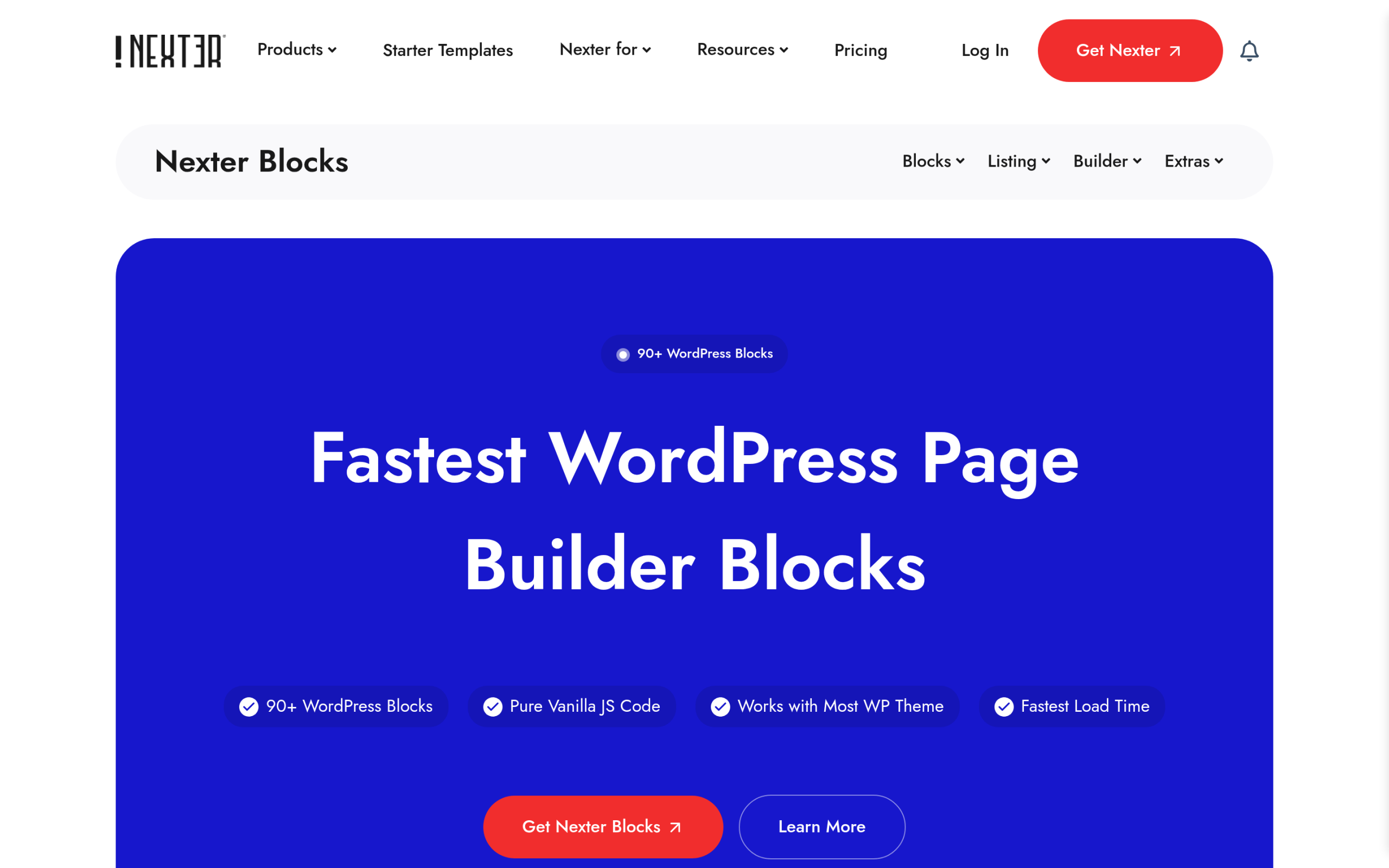
So the honest framing is not “Gutenberg cannot do what Elementor does.” It is “core Gutenberg plus a good block library does most of what Elementor plus its add-ons does, at a lower performance cost.”
Cost
Gutenberg is free. It is part of WordPress, so there is no license to renew. A block library to extend it often has a generous free tier and affordable paid plans if you need the advanced pieces.
Elementor has a free version, but most serious sites end up on Elementor Pro, which starts at $49 per year for a single site and rises from there for more sites. Add a premium add-on or two and the yearly cost grows. Neither path has to be expensive, but if your goal is the lowest possible recurring cost, the Gutenberg route wins.
How WordPress 7.0 changed the comparison
The 2026 release of WordPress 7.0, named Armstrong, narrowed the gap that used to make Elementor feel necessary. Core now includes block-level custom CSS, device visibility controls so you can hide or show a block per device, and new layout and navigation blocks. Several of those were exactly the features people installed a page builder to get.
This matters for your decision because the trend line is clear. Each WordPress release pushes more page-builder-style control into core, where it is fast and free, while a third-party builder has to keep justifying its weight. Betting on blocks is betting on where the platform is going.
Also Read: WordPress 7.0 for block builders, a breakdown of what actually changed and which features now ship in core.
Which should you choose?
There is no universal winner, so match the tool to the priority:
- Choose Gutenberg if performance, page speed, and low recurring cost matter most, if you want to stay aligned with where WordPress is heading, or if you are comfortable extending it with a block library for advanced design.
- Choose Elementor if you want the gentlest possible drag-and-drop learning curve, if your team already knows it well, or if a specific Elementor-only widget or workflow is central to how you build.
- A practical middle path: new sites are easier to start on Gutenberg in 2026, while an existing Elementor site that works fine rarely needs a rushed migration. Move when there is a real reason, not just for the sake of it.
Is Gutenberg good enough to replace Elementor in 2026?
For most sites, yes. Core Gutenberg paired with a capable block library now covers the large majority of what people used Elementor for, and it does it with less overhead and no license fee. Elementor remains a strong, mature choice, especially for teams already invested in it, but it is no longer the obvious default it once was. The block editor has caught up enough that the honest answer is “it depends on your priorities,” which was not true a couple of years ago.
Suggested Reading
- WordPress 7.0: what is actually changing for block builders
- Gutenberg Core Web Vitals: speed up a block-theme site
- NexterWP vs Kadence: speed benchmark on identical sites
- Answer engine optimization: the complete WordPress guide
- What is topical authority and how WordPress sites build it
