












Picture a designer handing you a brand kit with six weights of one typeface: Thin, Light, Regular, Medium, Bold, and Black. Add italics and you are suddenly loading twelve separate font files before a single headline paints. The page feels heavy, the network tab looks like a font warehouse, and you have not even added images yet.
That is the exact problem variable fonts were built to solve. One file carries the entire range, and you dial in any weight, width, or slant you want. The catch is that they are not automatically lighter, and getting one onto a WordPress site the right way depends on how your site is built. This guide walks through what a variable font really is, when it helps, and three reliable ways to use one in WordPress: the built-in Font Library, a free plugin that works in any builder, and plain CSS.
What Is a Variable Font, Exactly?
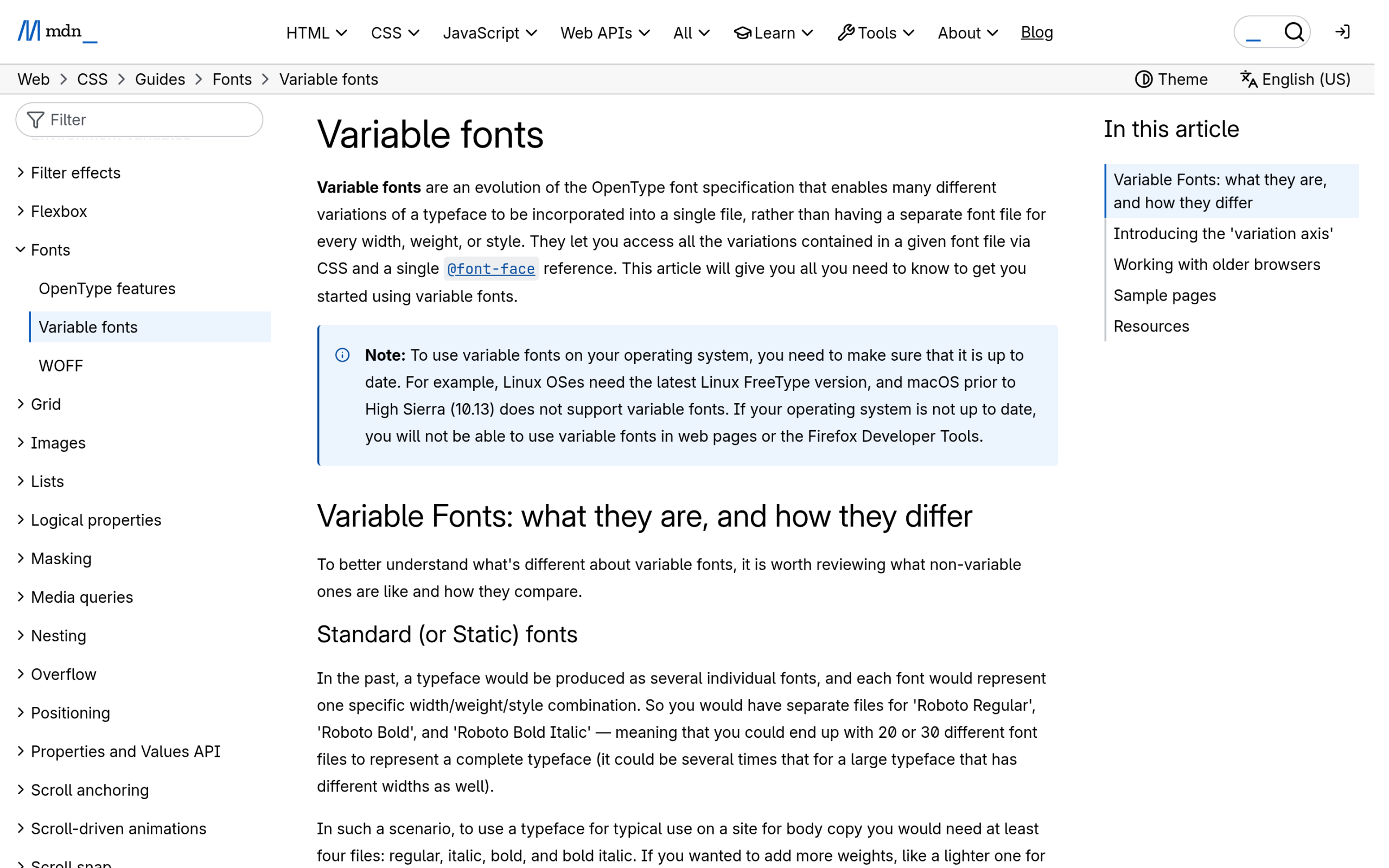
A variable font is a single font file that stores a continuous range of styles instead of one fixed style. The technology was announced together by Adobe, Apple, Google, and Microsoft in September 2016 as an extension to the OpenType format, and browser support is now everywhere that matters.
Inside the file are adjustable sliders called axes. Five of them are standardized (called registered axes), and a font can expose any combination of them:
- Weight (wght): thin to black, usually a 100 to 900 range but able to hit any value in between, like 375 or 612.
- Width (wdth): condensed to expanded, expressed as a percentage.
- Italic (ital) and Slant (slnt): upright to italic, or a specific oblique angle.
- Optical size (opsz): subtle shape tweaks so the type reads well at both caption and headline sizes.
Because every step lives in one file, you are not limited to the handful of preset weights a designer exported. You can set a heading to weight 650 and body text to 430 from the same font. Google Fonts serves many of its families as variable fonts, and its type tester lets you drag the weight axis to feel this in real time.
When Variable Fonts Actually Help (and When They Don’t)
Here is the part most tutorials skip. A variable font is not smaller by default. One variable file is bigger than one static weight because it carries the machinery for the whole range. It wins when you would otherwise load several styles.
So the decision is simple:
- Use a variable font when your design genuinely uses three or more weights, or a width and slant range. One request replaces many, and you keep fine control over every value.
- Use a static font when you only need one or two weights. A trimmed static file (subset to the characters and weights you use) will almost always be the lighter choice.
Either way, self-hosting the file and preloading the one weight your header uses does more for real-world speed than the variable-versus-static question alone. If page speed is your main worry, treat fonts as one piece of a wider performance pass rather than a silver bullet.
Also Read: Gutenberg Core Web Vitals for how fonts fit into a broader block-theme speed strategy.
Method 1: Use the WordPress Font Library (No Plugin, Block Themes)
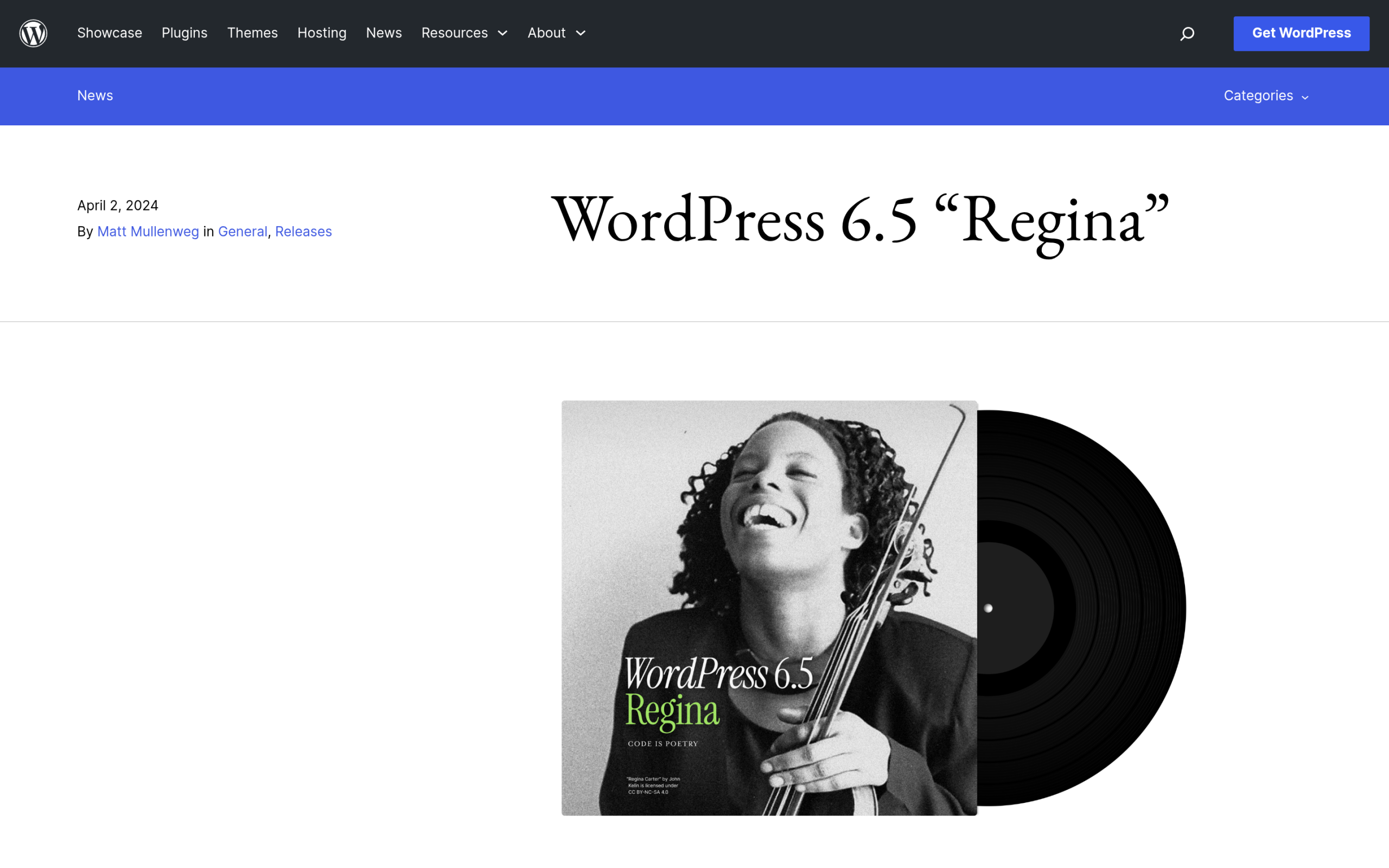
If you run a block theme, the fastest route needs no plugin at all. WordPress 6.5 “Regina,” released on April 2, 2024, shipped the Font Library. In the words of the release announcement, it lets you “effortlessly install, remove, and activate local and Google Fonts across your site for any Block theme.”
To add a variable font this way:
- Open the Site Editor (Appearance > Editor), then open Styles and click the typography or fonts panel.
- Choose Manage Fonts, then the Upload tab.
- Select your variable font file (a .ttf or .woff2). WordPress installs it locally and makes it available across your styles and blocks.
- Assign it to your headings or body in the Styles panel and save.
This keeps the font on your own server, which is better for privacy and avoids an extra external request. The trade-off: the Font Library is built for block themes and the Site Editor, so a classic theme or a page builder will not see fonts added here. That is where the next method comes in.
Method 2: Upload a Variable Font With Nexter Extension (Any Builder, Free)
If you use Elementor, a classic theme, or want fonts that work everywhere on the site, a plugin gives you one font manager that is not tied to the Site Editor. Nexter Extension includes a free Custom Font Uploads feature that, in its own words, lets you “Upload TTF, WOFF, WOFF2 and variable fonts. Apply in any page builder without a separate WordPress custom fonts plugin.”
Because a variable file is an accepted format, you upload the single file, give it a name, and it becomes selectable in your builder’s typography controls alongside your other fonts. The same feature set also self-hosts Google Fonts (which removes the external Google request and helps with GDPR) and connects Adobe Fonts through a Project ID, so one plugin covers most font jobs on a site. At the time of writing it is on 10,000+ active installs with a 4.7 star rating on WordPress.org, and the font features sit in the free version.

Also Read: How to Upload Custom Fonts on WordPress for Free if you are adding a standard static font rather than a variable one.
Method 3: Self-Host a Variable Font With CSS
Developers who want full control can skip the UI and load the font in CSS. This is the most flexible option and the one that unlocks any weight value you like. Upload the .woff2 file to your theme (or via the media library), then declare it once with @font-face and define the weight as a range, not a single number:
@font-face {
  font-family: "MyVariable";
  src: url("/fonts/my-variable.woff2") format("woff2");
  font-weight: 100 900;   /* the full available range */
  font-stretch: 75% 125%; /* if the font has a width axis */
  font-display: swap;
}

h1 { font-family: "MyVariable"; font-weight: 650; }
p  { font-family: "MyVariable"; font-weight: 430; }
For everyday weight and width changes, the standard properties font-weight, font-stretch, font-style, and font-optical-sizing are the preferred way to drive the axes. When you need a custom axis or precise control, drop to the low-level font-variation-settings property, which takes the axis tag and a value, like font-variation-settings: "wght" 375;. In WordPress you can add this CSS through Appearance > Customize > Additional CSS or your theme’s stylesheet.
How to Check It Actually Loaded
Whichever method you pick, confirm the result rather than trusting the preview. Open your browser DevTools, go to the Network tab, filter by Font, and reload the page. You want to see one font file for the family, not four or five. Then change a weight in your CSS or builder to an in-between value like 550 and check that the text responds smoothly. If it snaps between only bold and regular, the file you uploaded was a static font, not a variable one.
Suggested Reading
- How to Upload Custom Fonts on WordPress for Free
- How to Host Google Fonts Locally in WordPress
- 10 Best Programming Fonts for Developers
- Web Design Trends and How to Build Them in Gutenberg
- The WordPress Site Editor: A Complete Guide to Full Site Editing
Frequently Asked Questions
Are variable fonts good for website performance?
They help when your design uses several weights or a width and slant range, because one request replaces many files. If you only need one or two weights, a trimmed static font is usually lighter. Self-hosting and preloading matter more for real speed than the format alone.
Can I upload a variable font in WordPress without a plugin?
Yes, if you use a block theme. The WordPress Font Library, added in version 6.5, lets you upload a variable font file in the Site Editor under Styles and use it site-wide. Classic themes and page builders do not read those fonts, so there you need a plugin or CSS.
Does Google Fonts offer variable fonts?
Yes. Many Google Fonts families are published as variable fonts, and the type tester on each specimen page lets you drag the weight and other available axes. You can either link the font from Google or download and self-host the variable file for privacy and speed.
What file format should a variable font be for the web?
Use .woff2 for the web whenever you can, since it is the most compressed and widely supported. A .ttf variable file also works and is what many foundries ship. In your @font-face rule, point the src at the .woff2 and define the weight as a range so the browser knows the full span.
