












nxt_field_value() is the function you will use most. It returns one field’s value, already formatted according to that field’s return-format setting.
What It Does
It takes a field name and an optional object. With no object it reads the current post in the loop.
Before You Start
- Nexter Extension is installed and active, so the template functions exist.
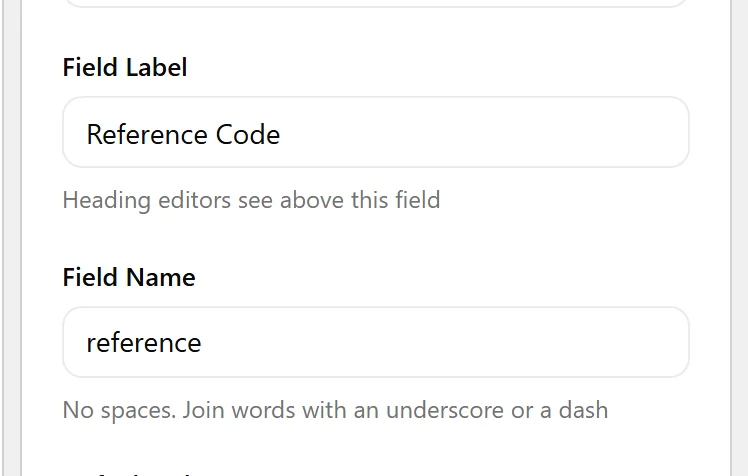
- You know the field’s Field Name — not its label.
- You are editing a theme template, a template part, or a plugin.
Use It in a Template
- Open the template that renders the content —
single.php, a template part, or a block template.
- Call
nxt_field_value()with the field name.
- Check the value before rendering. Some types store an empty value as
0, so compare with'' !==rather than usingempty().
- Escape for the context you print into.
Display the Value
Signature and common uses:
<?php
// nxt_field_value( string $selector, mixed $object = false )

$price = nxt_field_value( 'price' );
if ( '' !== $price ) {
    echo esc_html( number_format_i18n( (float) $price ) );
}

// from another post
$ref = nxt_field_value( 'reference', 123 );

// from a user
$bio = nxt_field_value( 'short_bio', 'user_' . get_current_user_id() );
Limitations
- Returns
nullwhen the field’s conditional logic is not met, even if a value is stored.nxt_field_value_raw()ignores that. - Applies the field’s return format. An image field set to return an ID gives you an integer, not a URL.
- Takes the field name, never the label.
Troubleshooting
It returns nothing
Check the name matches the builder exactly, that the post has a value saved, and that the field group’s location rules match the post you are reading from.
I get an ID where I wanted a URL
That is the field’s Return Format. Either change it on the field, or convert in the template — for example wp_get_attachment_url( $id ).
