












Conditional logic hides a field until another field has a particular value, so editors only see what applies to what they are writing.
What It Does
Each field has a Conditional Logic tab. A rule points at another field in the same group and a value to compare against. When the rule is not met, the field is hidden in the editor.
Before You Start
- Nexter Extension is installed and active.
- Content Fields is enabled under Nexter → Content Fields.
- You have a field group, or are about to create one.
Add a Condition
- Open the field group and click Edit on the field you want to hide or show.

- Open the Conditional Logic tab.
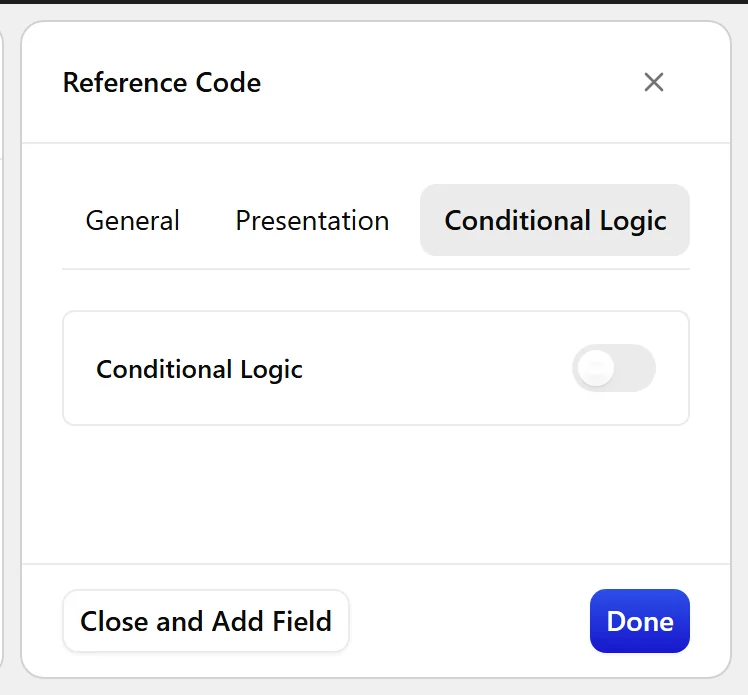
- Turn conditional logic on.
- Choose the field to test, the comparison, and the value.
- Click Update, then open a post to check the field appears and disappears as expected.
When to Use It
- Showing “Sold date” only when status is Sold.
- Showing a URL field only when a “Has external link” toggle is on.
- Keeping a long form short by hiding what does not apply.
Limitations
- Conditional logic controls the editor, not storage. A value saved earlier stays in the database even when the field is later hidden.
nxt_field_value()returnsnullfor a field whose condition is not met, even when a value is stored. Usenxt_field_value_raw()to read past that.- Conditions compare against fields in the same group.
Troubleshooting
The field is hidden but my template still needs the value
That is expected: the formatted getter respects conditional logic. Use nxt_field_value_raw() to read the stored value regardless.
The rule never matches
Compare against the stored value of the other field, not its label. For a select, that is the part before the colon in Choices.
