












An empty custom field almost always has one of a handful of causes. This page works through them in the order they are most likely, so you can stop at the first one that matches.
What It Does
“Empty” covers two different problems: the field is missing from the editing screen, or the value is missing on the front end. They have different causes, so start by working out which one you have.
Before You Start
- You know whether the field is missing in the editor or on the front end.
- You know the field’s Field Name as shown in the builder.
Work Through It in This Order
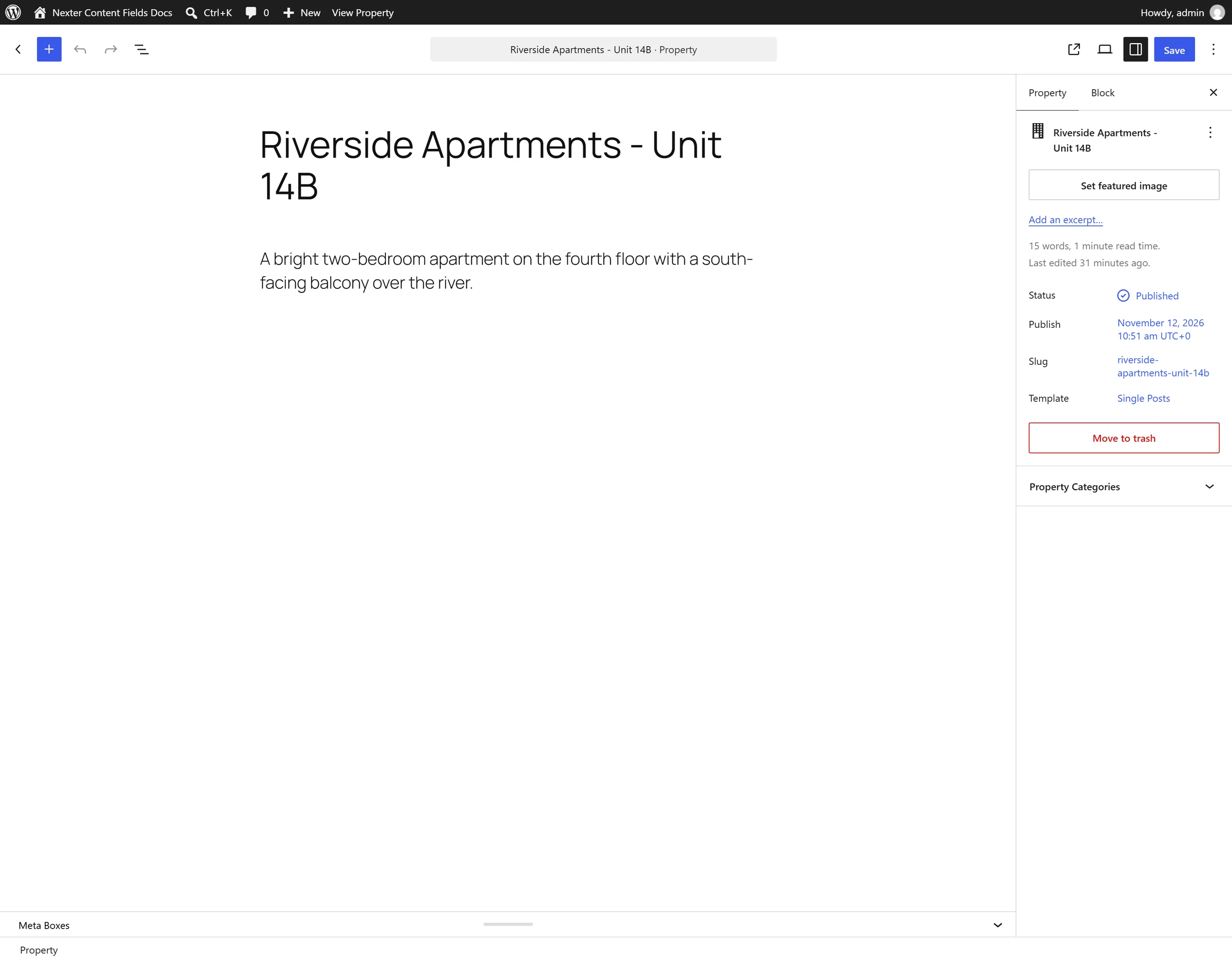
- Is the field group even on the screen? In the block editor, the meta box area is collapsed by default — open the Meta Boxes drawer at the bottom. This is the single most common cause.
- Do the location rules match? Open the group and check its rules against the post you are editing. A rule set to the wrong post type hides the group everywhere you are looking.

- Was the post saved? Field values are stored with the post. Entering a value and navigating away saves nothing.
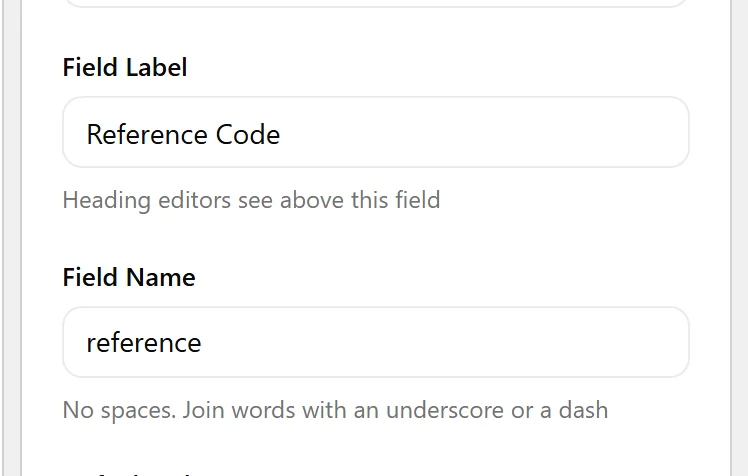
- Are you using the field NAME? Templates read the field name, not the label. Once the label is edited the two differ. The builder shows both.
- Is conditional logic hiding it?
nxt_field_value()returnsnullfor a field whose conditional logic is not met, even when a value is stored. Usenxt_field_value_raw()to read past that.
- Is the value actually
0? Some types store an empty value as0, andempty()treats that as empty. Compare with'' !== $valueinstead.
- Did you edit definitions outside the admin? If a definition file was changed on disk — a git deploy, for example — the change may not have reached the front end. See the cache note below.
Display the Value
If a template returns nothing, check what is actually stored before blaming the template:
<?php
// Formatted value — respects conditional logic and return formats
var_dump( nxt_field_value( 'price' ) );

// Raw stored value — ignores conditional logic
var_dump( nxt_field_value_raw( 'price' ) );

// Is the field registered at all for this post?
var_dump( nxt_field_exists( 'price' ) );
Limitations
- If a definition file is edited directly on disk, the change may not be picked up immediately. Nexter caches the model in a
wp_optionsrow and a transient, and the cache is keyed on the index file rather than the definition contents — so an out-of-band edit can be served stale. Clearing both caches resolves it.
Troubleshooting
The field group is missing from the block editor entirely
Open the Meta Boxes drawer at the bottom of the editor. WordPress ships it collapsed, and nothing indicates a field group is hidden inside it.
I edited a definition file on the server and nothing changed
Clear both cache layers with WP-CLI: wp option delete nxt_model_cache then wp transient delete nxt_ct_definitions_v1. Clearing only the transient is not enough — it repopulates from the still-stale option.
The value shows in the editor but not on the front end
Almost always the field name, or a location rule that does not match the template’s post. Confirm with nxt_field_exists() as above.
