












People click cards, not headings. A feature box that only responds on its title text feels broken to anyone who aims at the icon or the description.
Full Box Link turns the whole card into one link target.
For every Infobox setting in one place, see the Infobox feature guide.
Before You Start
- Edition: Free — the Infobox block works in Nexter Blocks (free) and with Nexter Blocks Pro.
- Block to enable: Infobox, switched on under Nexter > Blocks in your WordPress dashboard.
Steps
- Add the Infobox block and fill in its title and description.
- Enter the destination in the block’s Link field.
- Switch Full Box Link on.
- Check on the published page that the whole card responds, not just the heading.
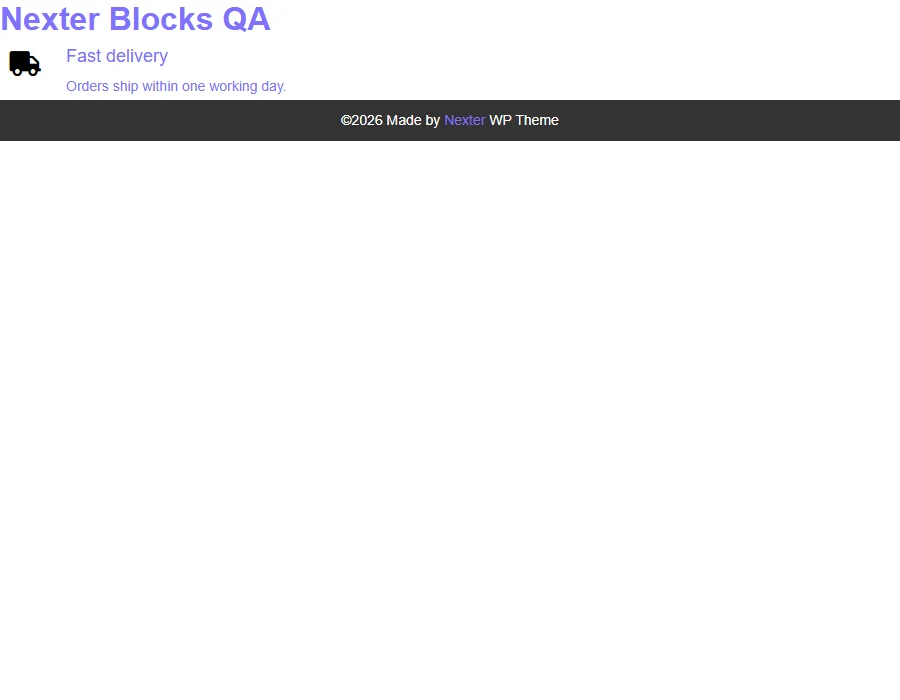
Full Box Link changes how much of the box is clickable. Measured: with it on, the link element covers the whole card — exactly the card’s width and height; with it off, only the title is a link.
How It Behaves
| Full Box Link | Measured on a published page |
|---|---|
| On | The link element covers the entire card — exactly the card’s width and height — so a click anywhere on it follows the link. |
| Off | Only the title is a link, measured at the width and height of the heading text alone. |
- The destination is the same field either way; the toggle only changes how much of the card uses it.
- A full box link makes the whole card one target, which is usually what a reader expects from a feature card.
- Because the card becomes a single link, avoid putting a second, different link inside the same box.
Limitations
- One destination per box — the whole card points at a single URL.
- Do not put a second link inside a full-box-linked card; nested links are invalid and browsers handle them unpredictably.
- The toggle needs a URL to be useful — with an empty Link field there is nothing to click through to.
- Screen-reader users hear the whole card as one link, so keep the title meaningful on its own.
Troubleshooting
Only the heading is clickable
Full Box Link is off. Measured with it off, the link is just the title; with it on, it covers the whole card.
Nothing happens when I click the card
Check the Link field actually has a URL in it — the toggle changes the clickable area, not the destination.
My button inside the box stopped working
That is a nested link. Turn Full Box Link off if the card needs its own separate button.
