












Key Takeaways
- WordPress Multisite is one installation running many sites that share core files, and optionally share themes and plugins. It is a hosting and governance decision before it is a design decision.
- WordPress documentation says a network “might not be the best solution” when your sites are strongly interconnected or share data and users, which is the opposite of how multisite is usually pitched.
- You cannot pick a subdirectory network if the WordPress install is more than a month old. That single constraint decides the structure for a lot of people before they know they had a choice.
- In a network, site administrators cannot install themes or plugins, and cannot edit user profiles. That is either the feature you wanted or the problem you just created.
- Pick multisite when the sites are near identical and centrally governed. Pick separate sites when each one needs its own backups, its own risk profile, and the freedom to be sold or moved.
Say you are about to launch a fourth site for the same organisation. Three are already live on their own hosting plans, each with its own login, its own plugin updates, and its own quarterly invoice. Someone suggests putting all four into a single WordPress Multisite network so there is one dashboard and one update button. It sounds obviously correct. That is exactly when it is worth slowing down, because multisite is not a tidier version of what you already have. It is a different architecture with different failure modes.
The honest version of this comparison is not a list of pros and cons. It is a short set of questions about who controls what, how much you are willing to couple these sites together, and what happens the day one of them needs to leave. This guide answers those, using WordPress’s own documentation rather than the usual roundup claims.
What WordPress Multisite Actually Is
The WordPress documentation defines it plainly. A multisite network is “a collection of sites that all share the same WordPress installation core files. They can also share plugins and themes.”
Read that twice, because the important word is share. One set of core files. One wp-config.php. One update cycle for WordPress itself. When you update core on a network of twelve sites, you update twelve sites at once, whether or not all twelve were ready.
Turning it on is a configuration change, not a new install. You add WP_ALLOW_MULTISITE to wp-config.php, which reveals the Network Setup screen. Before that, the docs are specific about preparation: back up your database and files, confirm pretty permalinks work on the single install, and deactivate all active plugins.
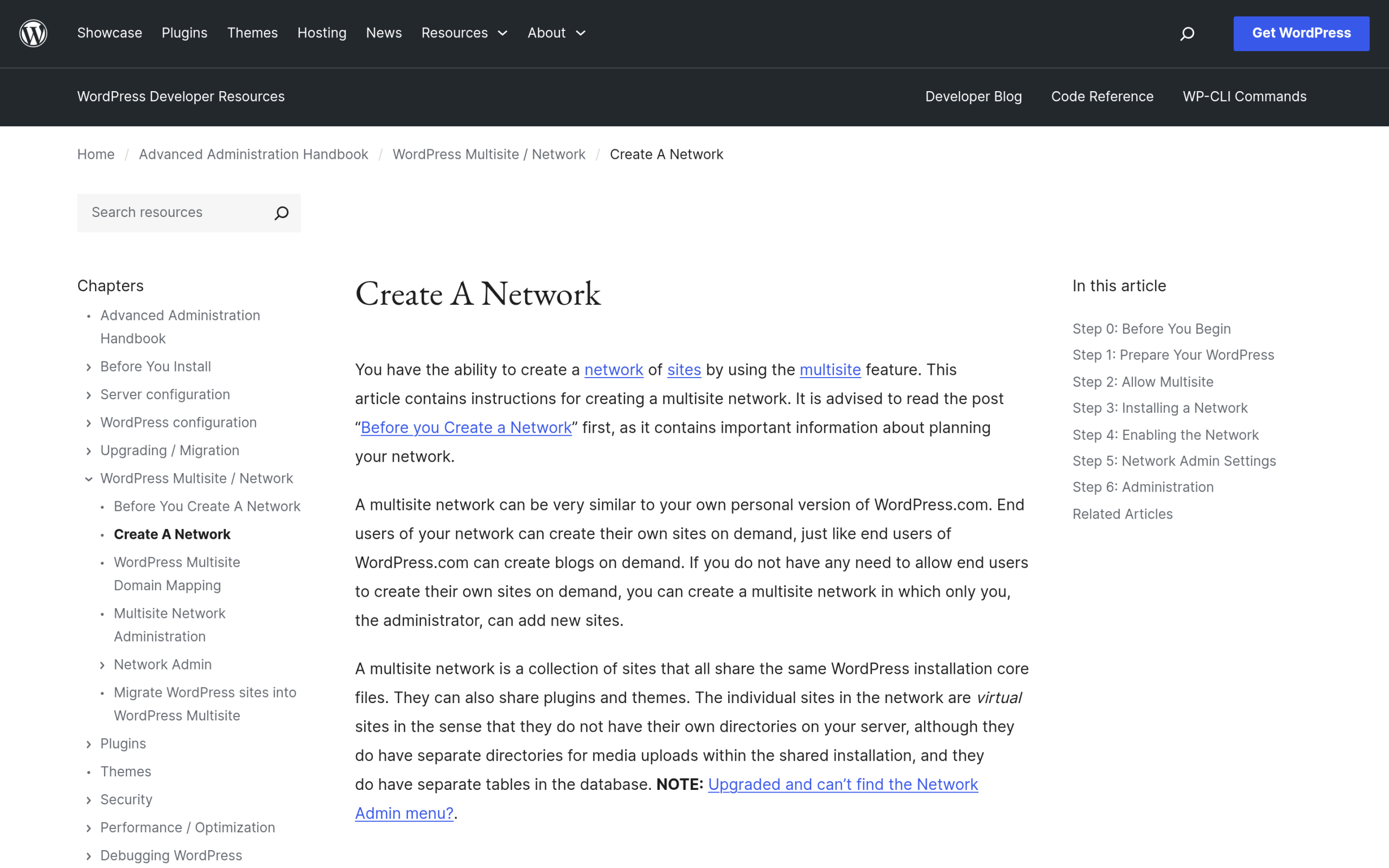
Separate sites, by contrast, are exactly what they sound like. Each site is its own WordPress install, its own database, its own file tree. Nothing is shared unless you deliberately share it. The cost is repetition. The benefit is isolation, and isolation turns out to matter more than most people expect.
What a Network Genuinely Shares
Vague talk about “sharing resources” is where most multisite advice goes wrong. Here is the specific list.
Core Files and the Update Cycle
One copy of WordPress serves every site. One core update applies to every site simultaneously. If you have been careful about how you handle WordPress automatic updates on individual sites, understand that a network collapses those decisions into a single one.
Themes and Plugins, With a Governance Catch
Plugins and themes are installed once at network level, then made available to sites. Network activation applies a plugin everywhere, and the documentation notes that such plugins appear as “Network Active” to site admins with no deactivation options. Site level activation is also possible, letting a single site run a plugin with its own settings and data.
There is also the must-use route. Network admins can drop plugins into the mu-plugins directory, where they auto load “without appearing in any site’s plugin list.” Useful for enforcing something everywhere. Confusing for whoever debugs the site in two years.
Users, and Who Is Allowed to Do Anything
This is the part that decides the argument for most teams. In a network, the Super Admin installs themes and plugins, edits user profiles across the network, enables themes per site, and manages network settings. Individual site administrators, per the documentation, “cannot install new themes or plugins and cannot edit the profiles of users on their site.”
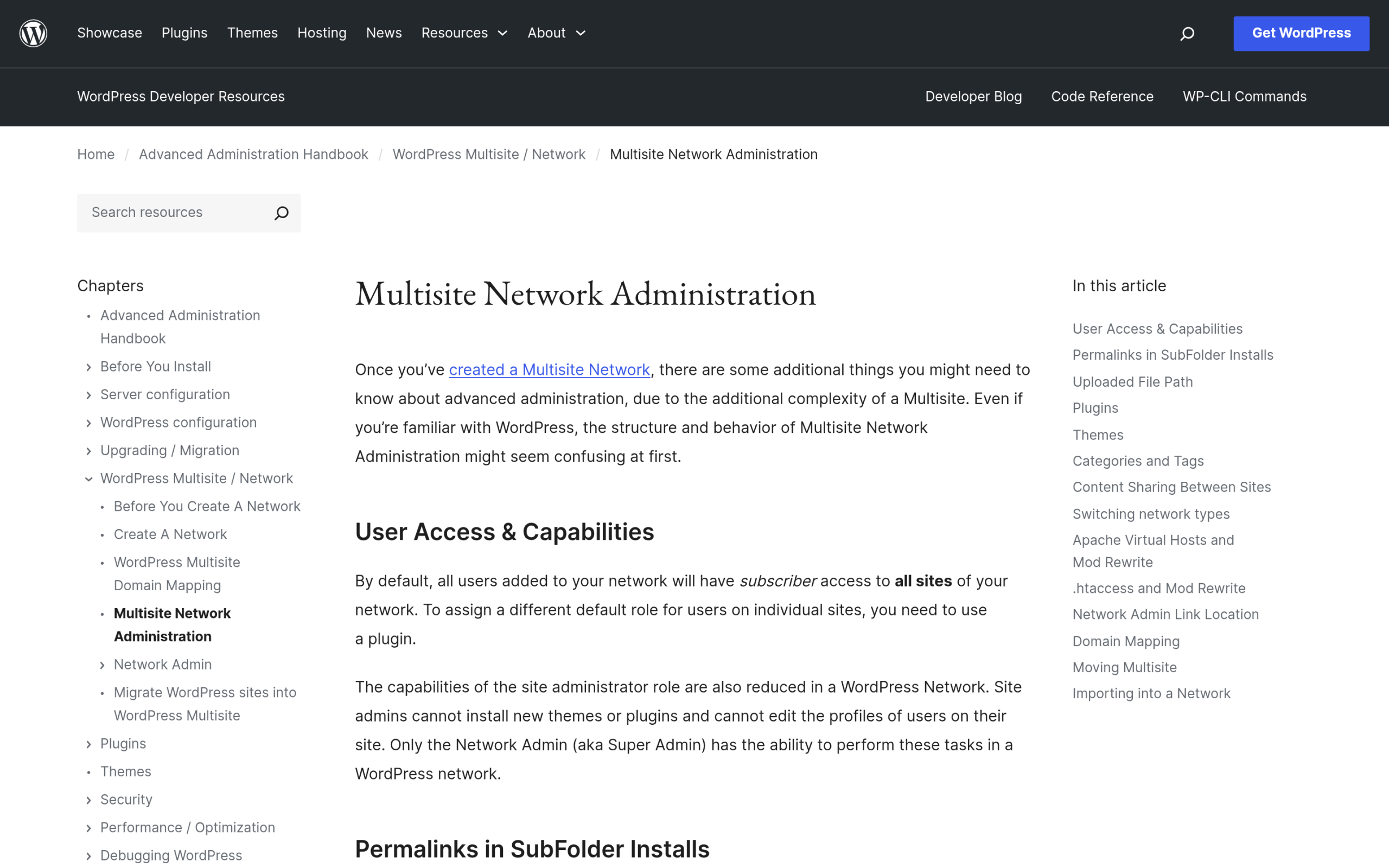
If your client is a franchise head office that wants regional managers editing copy and nothing else, that restriction is the whole reason to build a network. If your client is three independent businesses that share an accountant, you have just made yourself their permanent plugin installer.
Subdomain vs Subdirectory, and the One-Month Trap
At setup you choose between a domain based network using subdomains, and a path based network using paths. Most guides present this as a preference. It is closer to a one way door.
Two constraints matter. First, from the WordPress documentation: “You cannot choose Sub-directory Install (for a path-based network) if your existing WordPress installation has been set up for more than a month, due to issues with existing permalinks.” If the site you are converting has been live since last year, subdirectories are off the table. The decision was made for you.
Second, on reversing it later, the docs are candid: “You can reconfigure your network to use the other choice after installation, despite the advice on the screen, but reconfiguring it might not be easy.”
Hosting has its say too. Subdomain networks need wildcard subdomains, virtual hosts, or control panel domain configuration, and WordPress “should be run from the root of your webfolder (i.e. public_html) for subdomains to work correctly.” Apache setups need mod_rewrite with .htaccess support and Options FollowSymLinks. Networks cannot be created if the WordPress URL uses a port other than 80 or 443, and subdomain installs will not work with localhost, IP addresses, or URLs containing paths.
Also Read: WordPress staging sites are worth setting up before you convert anything to a network, because this is not a change you want to test in production.
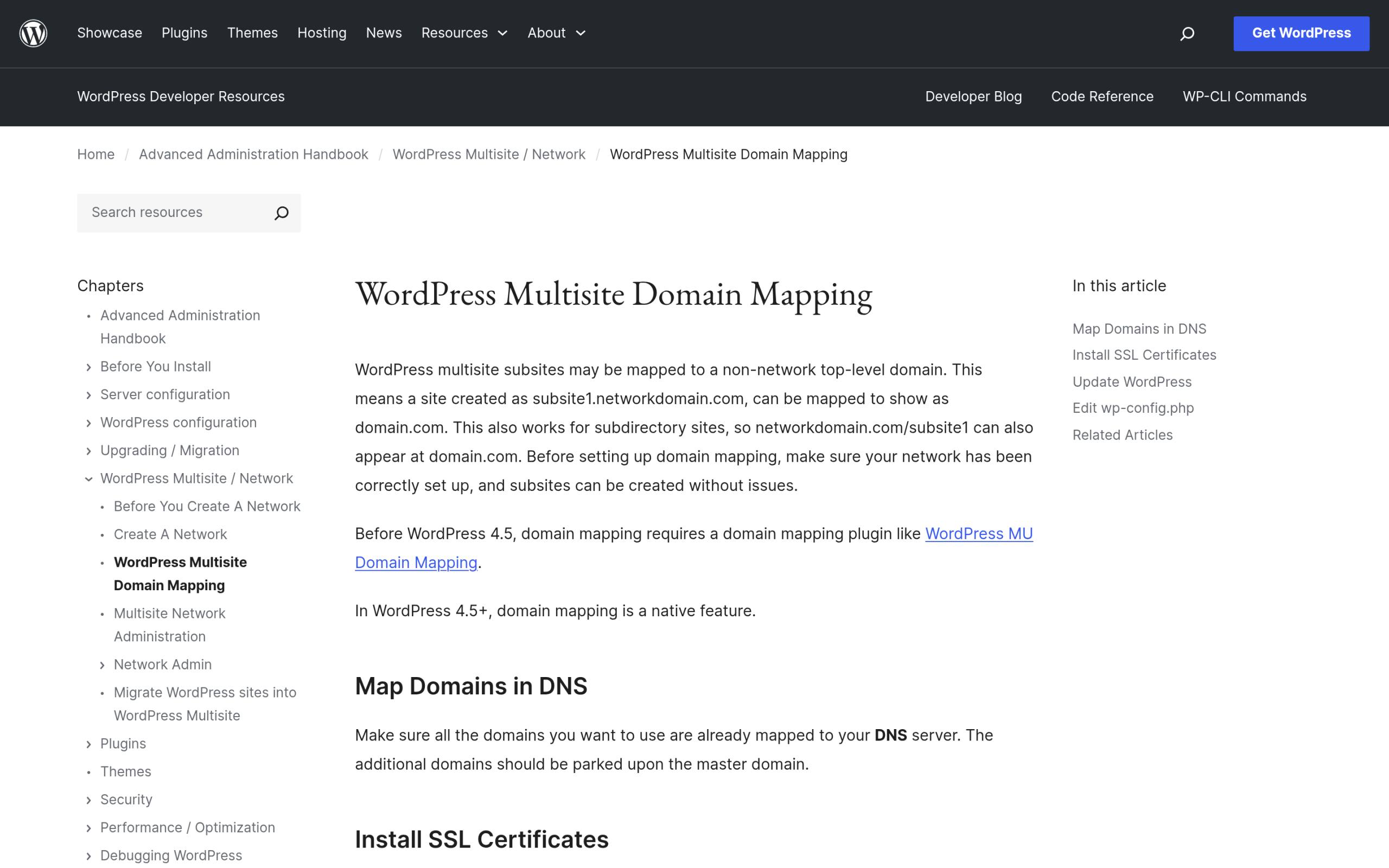
Custom domains per site are possible without a third party plugin. Domain mapping became native in WordPress 4.5 and later, where earlier versions needed something like WordPress MU Domain Mapping. The requirements are practical rather than exotic: the domains must already point at your DNS, you update the Site Address in network admin, you install SSL for the primary domain and use Server Name Indication for the others, and you may need a COOKIE_DOMAIN constant in wp-config.php if logins misbehave.
When Multisite Is the Right Call
Four situations where a network is the better architecture, not just the tidier one.
- Near identical sites under one owner. University departments, franchise locations, regional offices of one company. Same brand, same plugin stack, same rules, differing mainly in content.
- You actually want to restrict site admins. The inability of site admins to install plugins is a feature when you are the one accountable for the platform.
- One shared user base. A network keeps users in one place, so a single account can hold roles on several sites without duplicate registrations.
- Site creation needs to be routine. If spinning up a new site is a monthly event, doing it in a network beats provisioning hosting each time.
When Separate Sites Win
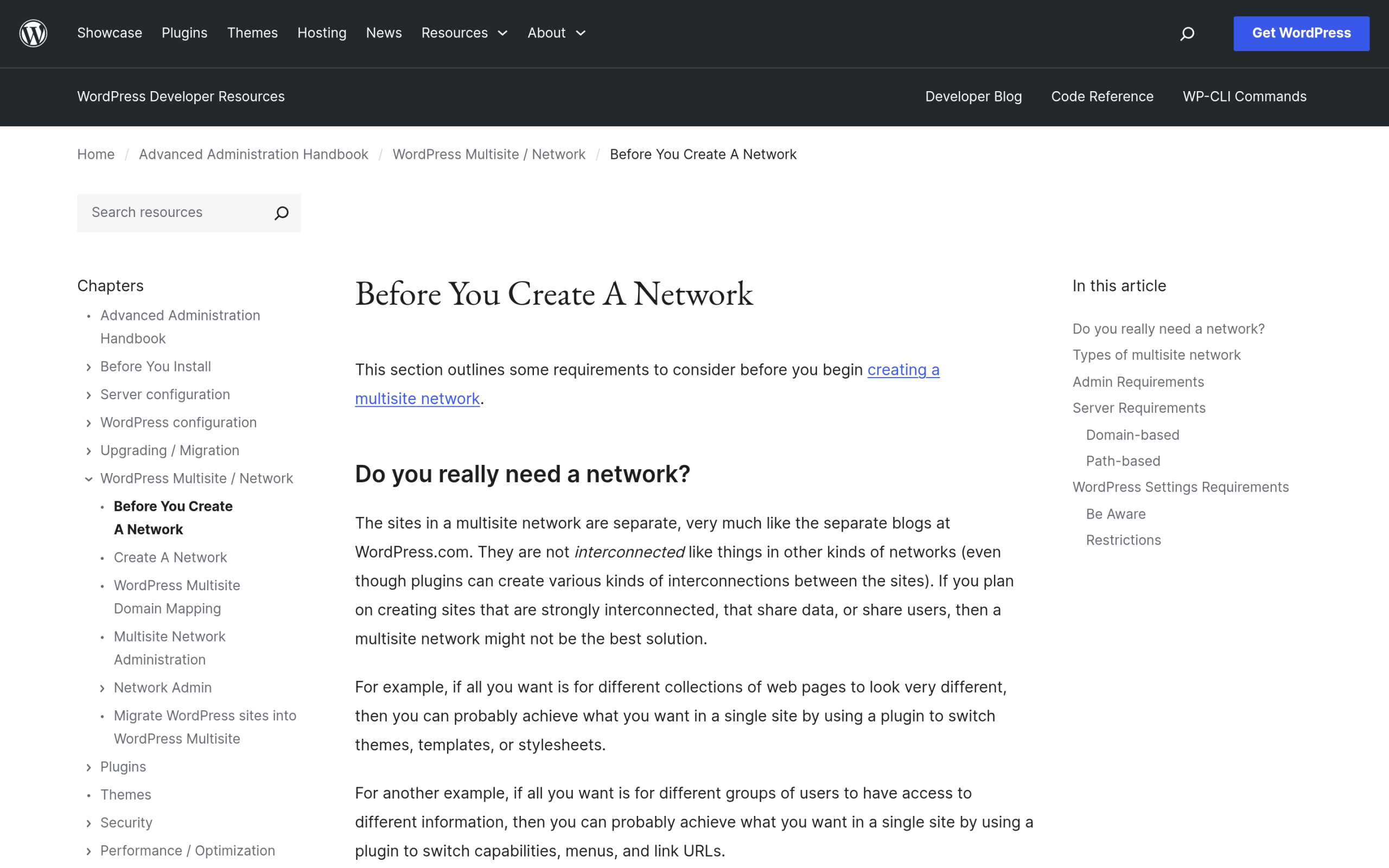
Here is the line that should be quoted more often than it is. From the WordPress documentation on preparing a network: “If you plan on creating sites that are strongly interconnected, that share data, or share users, then a multisite network might not be the best solution.”
That deserves a moment, because it inverts the common pitch. Multisite is frequently sold as the answer for sites that want to share things. WordPress’s own guidance points the other way, and suggests single site alternatives when sites need different appearances or different user access controls.
Beyond the documentation, four practical reasons keep sites separate.
- Blast radius. One network means one core version, one file tree, one point of compromise. A vulnerable plugin activated network wide is a problem on every site at once, which is worth weighing when you choose WordPress security plugins.
- Backup and restore granularity. Restoring one site from a network backup means extracting that site’s tables and uploads from a shared structure. With separate installs you restore one site and touch nothing else. Any comparison of WordPress backup plugins gets simpler when each site stands alone.
- Exit cost. If a site might be sold, spun out, or handed to another agency, separate installs make that a migration. In a network it is surgery. This is where WordPress migration plugins do their most awkward work.
- Plugin freedom. Not every plugin behaves well network wide, and some are licensed per site. Separate sites sidestep the whole question.
Also Read: Learn how to vet a WordPress plugin before you install it, since network activation raises the stakes on every plugin choice you make.
The Decision Table
| Consideration | WordPress Multisite | Separate Sites |
|---|---|---|
| Core updates | One update for every site at once | Per site, on your schedule |
| Plugin and theme installs | Network admin only | Each site admin decides |
| Users | Shared across the network | Separate per site |
| Restoring a single site | Extract from shared structure | Restore that site alone |
| Security blast radius | Shared core and files | Contained per site |
| Moving a site out | Difficult, needs data extraction | A standard migration |
| URL structure | Subdomain or subdirectory, mapped domains possible | Any domain, no constraints |
| Hosting | One plan, one stack | One plan per site |
| Best suited to | Centrally governed, similar sites | Independent sites with different risk |
What Breaks When You Get It Wrong
Two failure patterns are worth naming, because both are recoverable and both are tedious.
The first is building a network for sites that should have stayed apart. Symptoms arrive slowly. One site needs a plugin the others cannot tolerate. Another needs to stay on an older core version through a busy season. A third gets sold. Each request that would be routine on a standalone install becomes a negotiation with the network.
The second is running separate installs when a network was correct. That shows up as drift. Twelve sites, twelve slightly different plugin versions, twelve maintenance windows. If you are repeating the same fix twelve times, from clearing the WordPress cache to needing to increase the WordPress memory limit, the architecture is fighting you.
A reasonable default: if you cannot name a specific thing the sites must share, keep them separate. Sharing is easy to add later. Untangling is not.
Building Either Way Without Rebuilding Twice
Whichever side you land on, the repeated work is the same. Every site needs a layout system, and rebuilding that from scratch per site is where the hours vanish. This is the one place where the multisite question and the build question overlap, because a block library that works in both models saves you from choosing your architecture for design reasons.
Nexter Blocks is a Gutenberg block plugin from POSIMYTH, currently version 5.0.2 on WordPress.org with 10,000 active installs, last updated 27 July 2026, tested up to WordPress 7.0.2, and rated 96 out of 100 from 89 ratings. It requires WordPress 5.6 and PHP 7.4 or later. Its documentation lists 120+ blocks and 1600+ templates, and states that “WPML, RTL, and Multisite supported.”
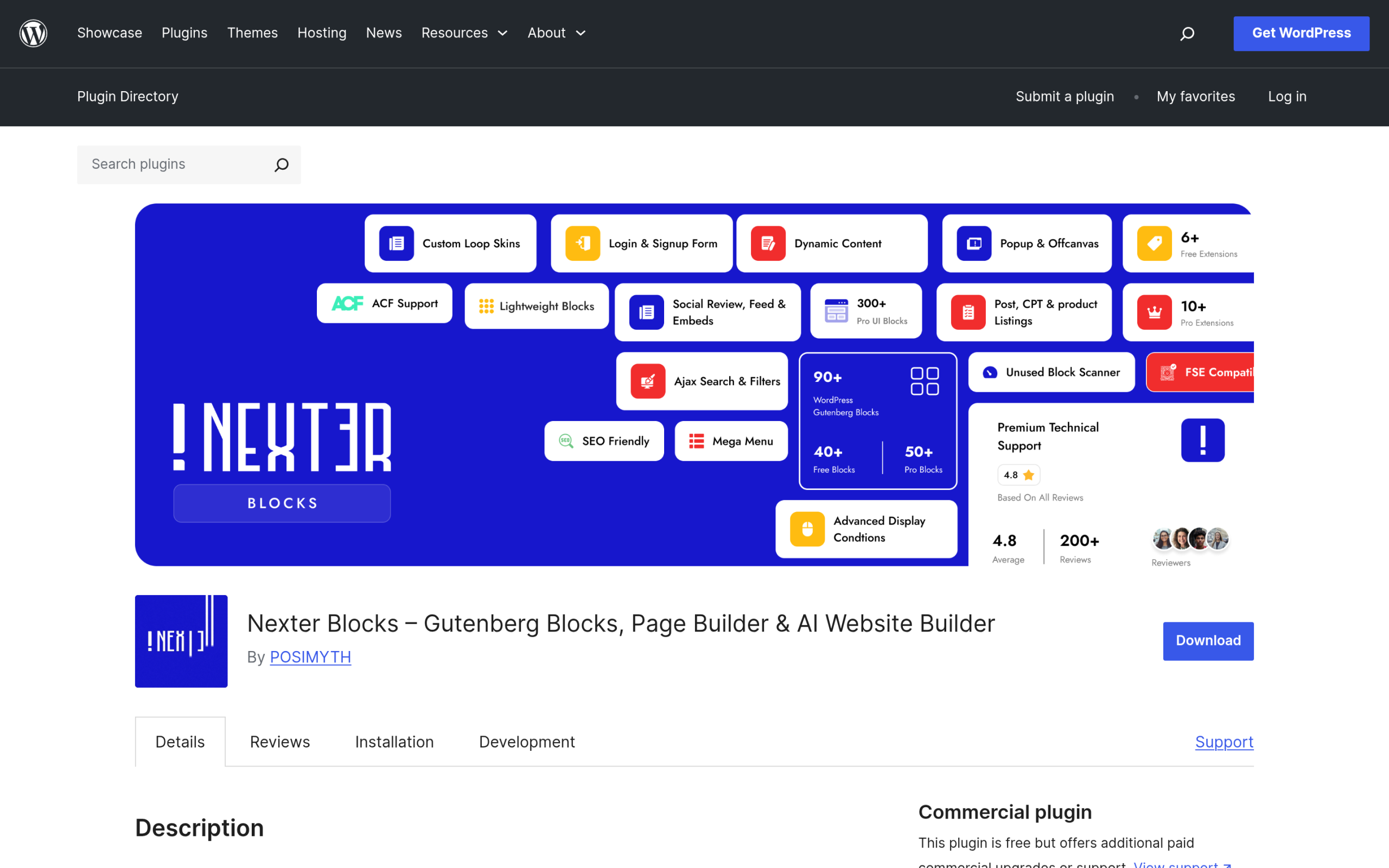
Being explicitly multisite supported matters for a block library, because network activation means one plugin serving every site in the network. A template library is worth more in that setup, not less, since the same patterns become the starting point for every new site you create.
One honest note. Nexter Extension, the companion site toolkit from the same team, makes no multisite claim in its WordPress.org documentation. It is currently version 4.7.4 with 10,000 active installs and was last updated on 5 August 2026. Treat its network behaviour as untested rather than supported, and try it on a staging network before relying on it across a live one.
Frequently Asked Questions
Can I Convert an Existing WordPress Site Into a Multisite Network?
Yes. You back up your database and files, confirm pretty permalinks work, deactivate all active plugins, then add WP_ALLOW_MULTISITE to wp-config.php to reveal the Network Setup screen. One catch: if the install is more than a month old, a subdirectory network is not available to you, so the network will need to use subdomains.
Can Each Site in a Network Have Its Own Domain?
Yes. Domain mapping is native to WordPress 4.5 and later, so no dedicated plugin is required. The domains need to point at your DNS already, you set the Site Address in network admin, and you install SSL for the primary domain and use Server Name Indication for the rest.
Is Multisite Better for SEO Than Separate Sites?
Neither choice is inherently better. Multisite is an administrative structure, not a ranking factor. What does matter is the URL structure it forces you into, since subdomains and subdirectories are treated differently, and that choice is constrained by the one month rule and by your hosting.
Can I Split One Site Out of a Multisite Network Later?
It is possible but it is real work. That site’s tables and uploads live inside a shared structure, so separating it means extracting its data into a fresh standalone install. If there is any chance a site will need to leave, that is a strong argument for keeping it separate from the start.
Suggested Reading
- WordPress Staging Sites: How to Test Changes Safely
- 5 Best WordPress Migration Plugins
- 5 Best WordPress Backup Plugins
- Best WordPress Security Plugins Compared
- WordPress Automatic Updates: How to Control Them
