












Say you are choosing a block plugin for your next Gutenberg build and it comes down to Greenshift or Essential Blocks for Gutenberg. Here is the short answer: reach for Greenshift when motion is part of the design brief, and reach for Essential Blocks when you want a broad, dependable set of content blocks that work cleanly on any site. Both extend the same editor, but they are built for different jobs.
Greenshift, by wpsoul, is an animation-first toolkit whose engine runs on the GSAP library, with 70,000+ active installs on WordPress.org. Essential Blocks, by WPDeveloper, is a broad content-block library with 200,000+ active installs that now ships built-in AI content and image tools. This guide compares them on block scope, performance, pricing, WooCommerce support, and the projects each one fits, with every number checked against WordPress.org and the vendor sites in 2026.
By the end you will know which one fits your project, and where Nexter Blocks is the better call when you would rather run one plugin than stitch two together.
What is Greenshift?
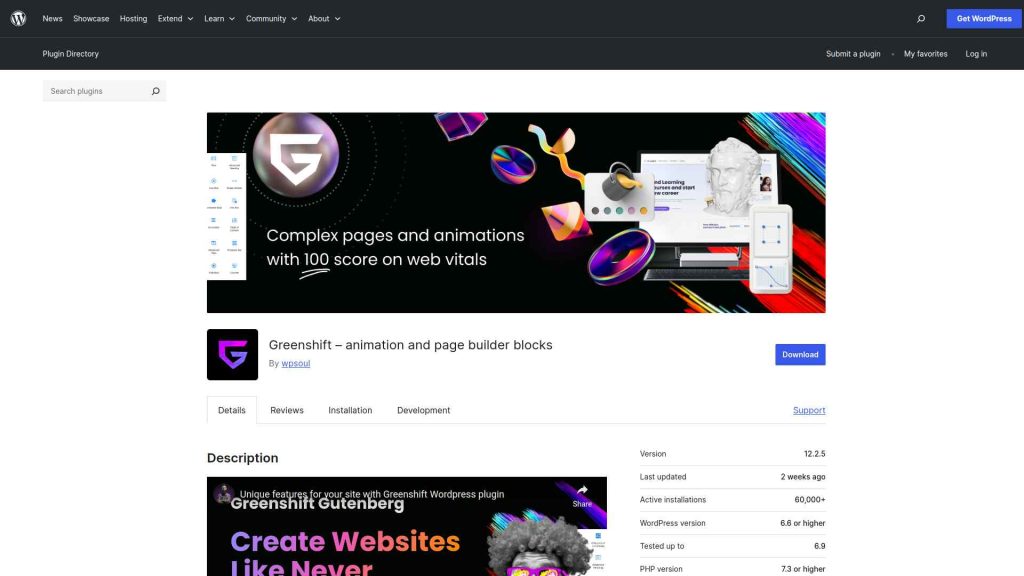
Greenshift is a Gutenberg-focused WordPress plugin that extends the block editor with a block set built around visual creativity and motion. Its defining feature is the animation engine, which runs on the GSAP library and drives scroll-based animations, parallax, entrance effects, custom interactions, and even a dynamic 3D block. That is the kind of thing most general-purpose block plugins do not do natively, which makes Greenshift a natural fit for agency sites, portfolios, and landing pages where movement is part of the design.
The free version on WordPress.org covers core layout and content blocks. The paid packs unlock the full animation library, advanced query loops, and WooCommerce blocks. As of 2026 the plugin sits at version 13.1.1, is tested up to WordPress 7.0, and holds a 4.8-star rating across 109 reviews. For projects where motion and interactive scroll effects are actual requirements, Greenshift gives you tools that few competing block plugins match.
Also Read: read our full Greenshift review for a closer look at the animation blocks and where they hold up.
What is Essential Blocks for Gutenberg?
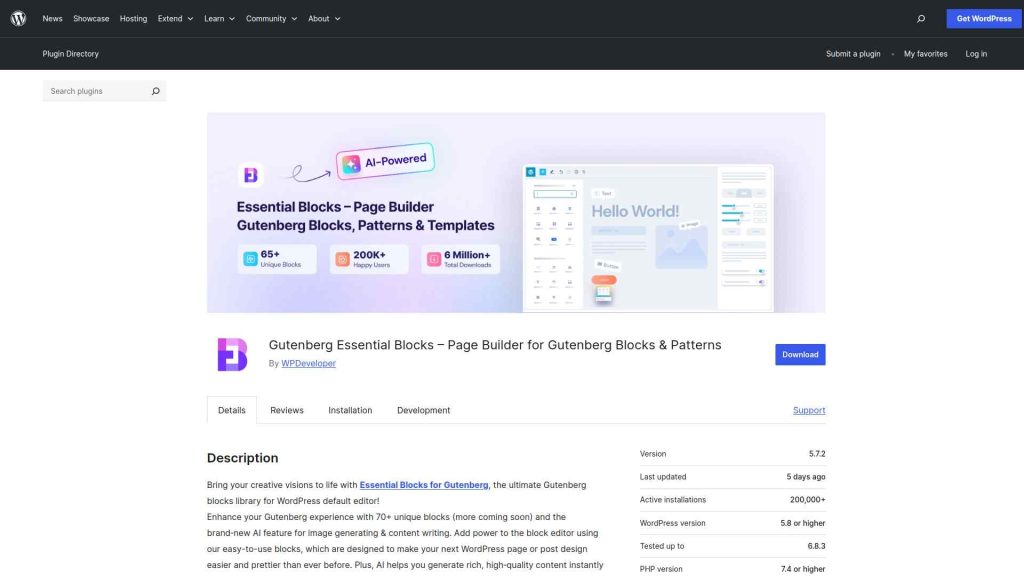
Essential Blocks for Gutenberg is a block plugin by WPDeveloper that adds 66 content and layout blocks to the editor (its marketing rounds this to 70+). The focus is everyday site-building: post grids, pricing tables, accordions, testimonials, countdown timers, social feeds, and form blocks. Each one is built to be responsive by default and to sit cleanly inside major WordPress themes without CSS overrides.
The free tier on WordPress.org is generous and covers most standard content needs. The Pro version adds premium blocks, advanced styling, extra WooCommerce blocks, and design presets. Two things the plugin has added that are easy to miss: built-in AI (a Write With AI option for text and an image generator, both inside the editor) and access to Templately with 3,000+ ready templates. As of 2026 it is on version 6.3.0, tested up to WordPress 7.0, with a 4.9-star rating across 211 reviews. For blogs, business sites, and content-heavy projects that want reliable blocks without animation overhead, it is a practical default.
Also Read: read our full Essential Blocks review to see how the free and Pro block sets compare.
Greenshift vs Essential Blocks for Gutenberg Compared
.tpgb-table tbody tr td:nth-child(3), .tpgb-table tbody tr td:nth-child(4), .tpgb-table tbody tr td:nth-child(5), .tpgb-table tbody tr td:nth-child(8), .tpgb-table tbody tr td:nth-child(9), .tpgb-table thead th:nth-child(3), .tpgb-table thead th:nth-child(4), .tpgb-table thead th:nth-child(5), .tpgb-table thead th:nth-child(8), .tpgb-table thead th:nth-child(9) { display: none; }| FEATURES | Nexter Blocks | Spectra | Kadence Blocks | Stackable | Greenshift | Essential Blocks | Crocoblock |
|---|---|---|---|---|---|---|---|
| Total Blocks | 90+ | 25+ | 15+ | 40+ | 100+ | 70+ | 60+ |
| Total Extensions | 15+ | 3 | - | - | - | - | - |
| Blog Builder | Yes | - | - | - | Limited | Limited | - |
| Advanced Data Table | Yes | - | Limited | - | (Limited, Only Comparison Table Block) | Yes | Yes |
| Popup Builder/Off Canvas | Yes | Limited | Limited | (Limited, Only Video Popup Block) | (Limited, Simple Popup Builder with Button Trigger) | Yes | (Limited, Requires separate JetPopup plugin) |
| Dynamic Listing | Yes | - | Limited | Yes | Yes | Limited | Yes |
| Custom Loop Skin | Yes | - | - | Yes | - | - | - |
| Vertical & Horizontal Mega Menu | Yes | - | - | - | Limited | Limited | (Limited, Requires separate JetMenu plugin) |
| Dark Mode | Yes | - | - | - | Yes | - | - |
| Cross Domain Copy and Paste | Yes | - | - | (Limited, Only includes Copy-Paste Styles) | Limited | Limited | - |
| Live Ajax Search | Yes | - | - | - | Yes | - | (Limited, Requires separate JetSearch plugin) |
| Header & Footer Builder | Yes | Limited | - | Yes | - | - | (Limited, Requires separate JetThemeCore plugin) |
| Carousel Anything & Remote | Yes | Limited | Limited | Yes | Yes | Limited | Yes |
| Login/Signup Form | Yes (Contains Password Reset too) | Yes | - | - | (Limited, Only Login Form Block) | - | (Limited, Requires separate JetFormBuilder and JetWooBuilder plugin) |
| Advanced Row Background | Yes | - | Yes | Limited | - | Limited | - |
| Code Snippets & Hooks | Yes | - | - | - | Limited | - | - |
| Advance Theme Builder | Yes | Limited | - | - | - | - | (Limited, Requires separate JetThemeCore plugin) |
| Social Reviews | Yes (Includes Facebook & Google Reviews) | - | - | - | - | - | - |
| Social Feeds | Yes (Includes Facebook, Instagram, YouTube, Vimeo & Multi Social) | - | - | - | - | (Limited, Only Instagram feed) | - |
| Scroll Sequence | Yes | - | Limited | (Limited, Only included Motion Effects) | (Limited, Only Background Parallax Block) | - | - |
| Form Styler | Yes | Yes | Yes | - | - | Yes | (Limited, Requires separate JetFormBuilder plugin) |
| Advanced Display Conditions | Yes | Limited | Limited | Yes | Limited | - | Limited |
| White-label Plugin | Yes | - | - | - | Yes | - | - |
The Core Difference in One Line
Greenshift is a motion engine that happens to include content blocks. Essential Blocks is a content-block library that happens to include a few flashy ones. That single distinction drives almost every other decision below:
- Greenshift leads on animation, parallax, scroll effects, custom interactions, and a 3D block powered by GSAP. Best when the design depends on movement.
- Essential Blocks leads on breadth of practical content blocks (grids, tables, accordions, forms) plus built-in AI and 3,000+ Templately templates. Best when you are shipping pages, fast.
- Installs tell the story: Essential Blocks (200,000+) is the safer generalist; Greenshift (70,000+) is the specialist you pick on purpose.
Greenshift vs Essential Blocks: 5 Key Differences
1. Block scope and specialization
Greenshift weights its block set toward animation containers, scroll-effect wrappers, video backgrounds, the 3D block, and dynamic query blocks. Essential Blocks ships 66 blocks aimed at static content layouts: pricing tables, team grids, accordions, timelines, and post carousels. If motion is a core design element, Greenshift has more purpose-built tools. If you need a wider set of functional content blocks for standard pages, Essential Blocks covers more ground without the animation weight.
2. Performance footprint
Greenshift’s animation engine loads extra JavaScript for scroll tracking, entrance triggers, and parallax math. On pages with several animated blocks that adds measurable page weight, so you lean on caching and asset minification to keep Core Web Vitals healthy. Essential Blocks runs lighter on most page types because it does not ship an animation engine by default. Neither plugin is the lightest option on the market, but on content-focused layouts Essential Blocks usually produces the leaner page.
3. Pricing
Both are freemium, and both free tiers are usable. Greenshift Free covers layout blocks but gates the animation library, advanced query loops, and some WooCommerce blocks behind paid packs (Design, Woo, GreenLight, and All in One). Essential Blocks Free covers a wider range of content blocks before the paywall. Greenshift’s entry Design Pack starts at $39.99 per year (or $79.99 lifetime); Essential Blocks Starter is $39 per year, with a $249 lifetime option. Both offer a 14-day refund. Real numbers are in the pricing table below.
4. WooCommerce support
Both include WooCommerce blocks. Greenshift’s Woo Pack focuses on product showcases with animation plus utility blocks such as buy-now buttons, free-shipping notices, and sold-out counters. Essential Blocks covers product grids and carousels for standard store layouts. Neither ships a full WooCommerce theme builder with custom checkout, cart, and product-page templates, so for template-level store control you pair either plugin with a dedicated theme builder such as the one in Nexter Extension.
5. Best fit by project type
Greenshift is the stronger pick for creative agencies, portfolios, and landing pages where scroll animation and parallax are part of the design language. Essential Blocks is the stronger pick for blogs, business sites, documentation portals, and content-driven projects that want reliable, well-supported blocks (now with AI drafting built in) and a lighter footprint. Both work with most themes and both keep pace with current WordPress and Gutenberg releases.
Greenshift vs Essential Blocks Pricing (2026)
Here is the entry pricing for each plugin, verified against the vendor sites in 2026. Nexter Blocks is included as the single-plugin alternative discussed below.
| Plugin | Free version | Entry paid plan (1 site) | Lifetime option | Refund window |
|---|---|---|---|---|
| Greenshift | Yes (WordPress.org) | Design Pack $39.99/yr | From $79.99 | 14 days |
| Essential Blocks | Yes (WordPress.org) | Starter $39/yr | $249 (Visionary Lifetime) | 14 days |
| Nexter Blocks | Yes (WordPress.org) | Starter $39/yr | Annual plans | 30 days |
Also Read: weighing other libraries too? Our Kadence Blocks vs Essential Blocks breakdown covers a second popular matchup.
Why Consider Nexter Blocks?
Greenshift and Essential Blocks each own one side of the trade-off: motion versus breadth. Nexter Blocks by POSIMYTH Innovations is worth a look when you would rather not choose. It brings 120+ Gutenberg blocks with built-in AI content and image generation, plus mega menus, popup and form builders, and social feeds in a single plugin, and it integrates directly with Nexter Extension and Nexter Theme for header, footer, and full theme building. A dedicated WooCommerce Store Builder is on the roadmap (listed as coming soon), with WooCommerce template work handled today through the Nexter Extension theme builder. Plans start at $39 per year for a single site, every plan carries a 30-day money-back guarantee, and a free version is on WordPress.org if you want to test before you buy.
Depending on your business, website, and the features you’re looking for, you might be looking for different Gutenberg blocks. Besides, your budget and affordability are also important factors in this decision.
However, when choosing the right Gutenberg blocks, you must consider certain factors to ensure a smooth experience. These include ease of use, premium customer support that extends beyond phone and chat support, flexibility, security, and so on.
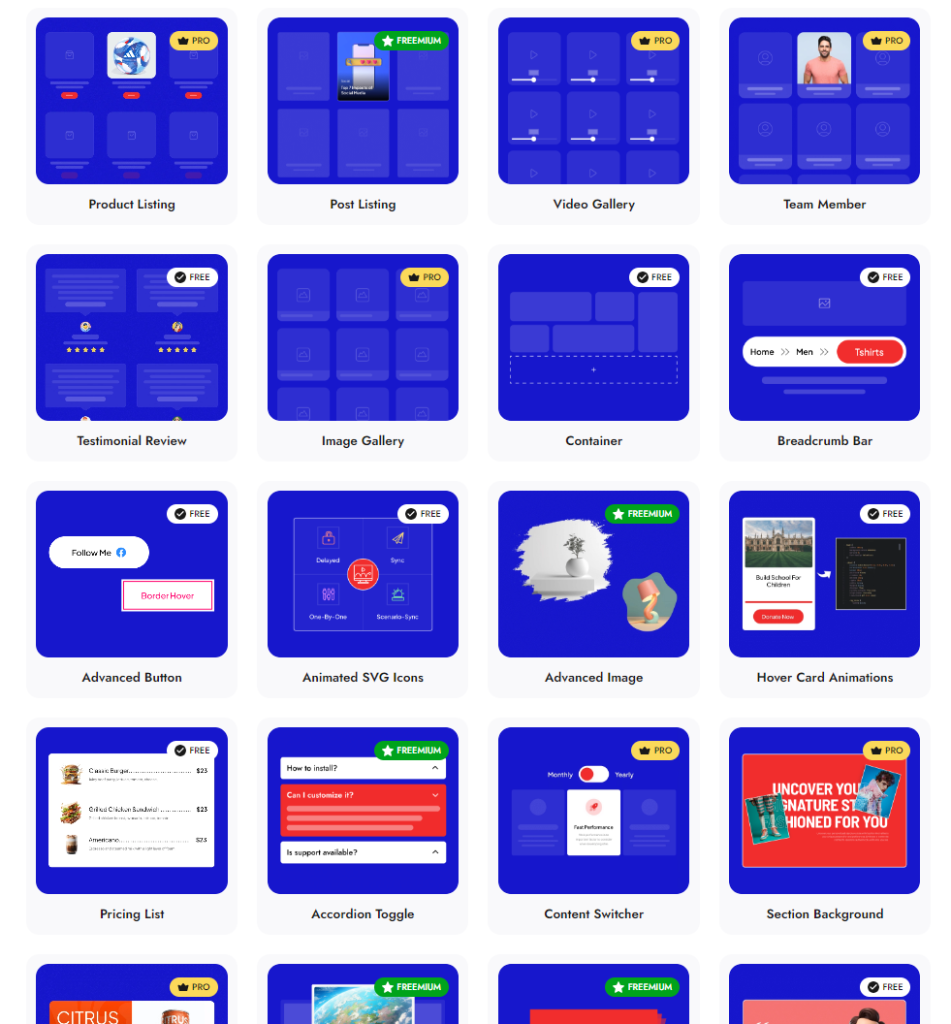
Check 120+ Gutenberg Blocks Library from Nexter Blocks
Nexter Blocks brings you all these features and more in a single plugin. It is easy to install and use, you can enjoy hands-on support, and the plugin offers you possibly every unique function you need to create a stunning website.
And the best part? The blocks are highly customizable, and you don’t need to know coding to use them for your website.
Wrapping Up: Greenshift vs Essential Blocks for Gutenberg
Greenshift and Essential Blocks solve different problems, and the good news is that both have free tiers worth installing on a staging site before you spend anything.
Choose Greenshift if you build creative agency sites, portfolios, or landing pages where scroll animation, parallax, and motion are core to the design.
Choose Essential Blocks if you build blogs, business sites, or content-driven projects that need a broad, reliable set of content blocks (with AI drafting now built in) and a lighter performance footprint.
If your work also spans Elementor, The Plus Addons for Elementor adds 120+ widgets on multi-builder setups, and if you manage templates across builders, WDesignKit gives you a cloud workspace of 1600+ templates for Gutenberg, Elementor, and Bricks from one place. Or download Nexter free and compare all three on your own project.
Suggested Reading
- Kadence Blocks vs Essential Blocks – how Essential Blocks stacks up against another design-first library.
- Stackable vs Essential Blocks – a third block-library matchup for content sites.
- Greenshift Review – a full look at Greenshift’s animation blocks and pricing.
- What Is Gutenberg? – the editor both plugins are built on, explained.
FAQs on Greenshift vs Essential Blocks for Gutenberg
Is Greenshift better than Essential Blocks for Gutenberg?
It depends on what you are building. Greenshift is better for creative, animation-driven sites where scroll effects, parallax, and motion are core design requirements. Essential Blocks is better for content-heavy sites, blogs, and business pages that need a broad set of reliable content blocks without animation overhead. Install the free version of each on a staging project to confirm the fit before you pay.
Does Greenshift slow down your WordPress site?
Greenshift’s GSAP-based animation engine loads JavaScript for scroll tracking and entrance triggers, which adds page weight on animation-heavy pages. On simple content pages that use only layout blocks the impact is smaller. To keep Core Web Vitals healthy you typically want a caching plugin, asset minification, and a lightweight base theme. Pages with several animated sections need active optimization to reach top PageSpeed scores.
Is Essential Blocks for Gutenberg free?
Yes. Essential Blocks has a free version on WordPress.org that includes the majority of its 66 blocks. Paid plans (Starter from $39 per year, up to a $249 lifetime tier) add premium blocks, advanced styling, extra WooCommerce blocks, and Templately access. For most standard sites, the free version covers the bulk of daily content-building needs, and the built-in AI drafting works in the free editor.
Which plugin is better for WooCommerce stores?
Both include WooCommerce blocks, but neither ships a full WooCommerce theme builder with custom checkout, cart, and product-page templates. Greenshift’s Woo Pack emphasizes animated product showcases plus utility blocks like buy-now and sold-out counters. Essential Blocks covers product grids and carousels for standard layouts. For template-level store control, pair either plugin with a dedicated theme builder such as the one in Nexter Extension.
What is a good alternative to both Greenshift and Essential Blocks?
Nexter Blocks is the strongest option when you want one plugin that covers both creative and functional needs. It includes 120+ Gutenberg blocks with built-in AI content and image generation, mega menus, popup and form builders, and social feeds, and it integrates with Nexter Extension and Nexter Theme for full theme building. The free version is on WordPress.org for a direct comparison.
Extra Resources
Nexter Official Website
Check 120+ Gutenberg Blocks Library
Get Premium Plan – Yearly & Lifetime (Both available)
Join our Facebook Community – Ask all your WordPress questions
Subscribe for Product Updates, Elementor News, Tips & More
Stay updated with Helpful WordPress Tips, Insider Insights, and Exclusive Updates – Subscribe now to keep up with Everything Happening on WordPress!
Get Exclusive WordPress Tips, Tricks and Resources Delivered Straight to Your Inbox!
Subscribe to stay updated with everything happening on WordPress.
