












On September 28, 2026, Brainstorm Force shipped a security update to Spectra Legacy, and the changelog now opens with a line that sums up where the block plugin market is heading: the legacy plugin gets maintenance updates only, and new features ship in a separate plugin. Block plugins are being rebuilt, split, and repositioned, and GenerateBlocks is part of that story too. It rewrote every one of its blocks for version 2.0.
I like GenerateBlocks. It is one of the cleanest block plugins on WordPress.org. But it is built for a specific kind of builder, and if that is not you, it can feel like assembling a site from raw parts. This guide covers what GenerateBlocks does well, the honest reasons people look elsewhere, and six alternatives compared with numbers pulled from WordPress.org and vendor pricing pages on September 28, 2026.
What GenerateBlocks Does Well
GenerateBlocks is made by Tom Usborne, the developer behind GeneratePress. On WordPress.org it is at version 2.4.1, last updated on August 18, 2026, with 200,000+ active installations and a 4.9 out of 5 rating from 122 reviews. It requires WordPress 6.7 or higher and is tested up to 7.1.2.
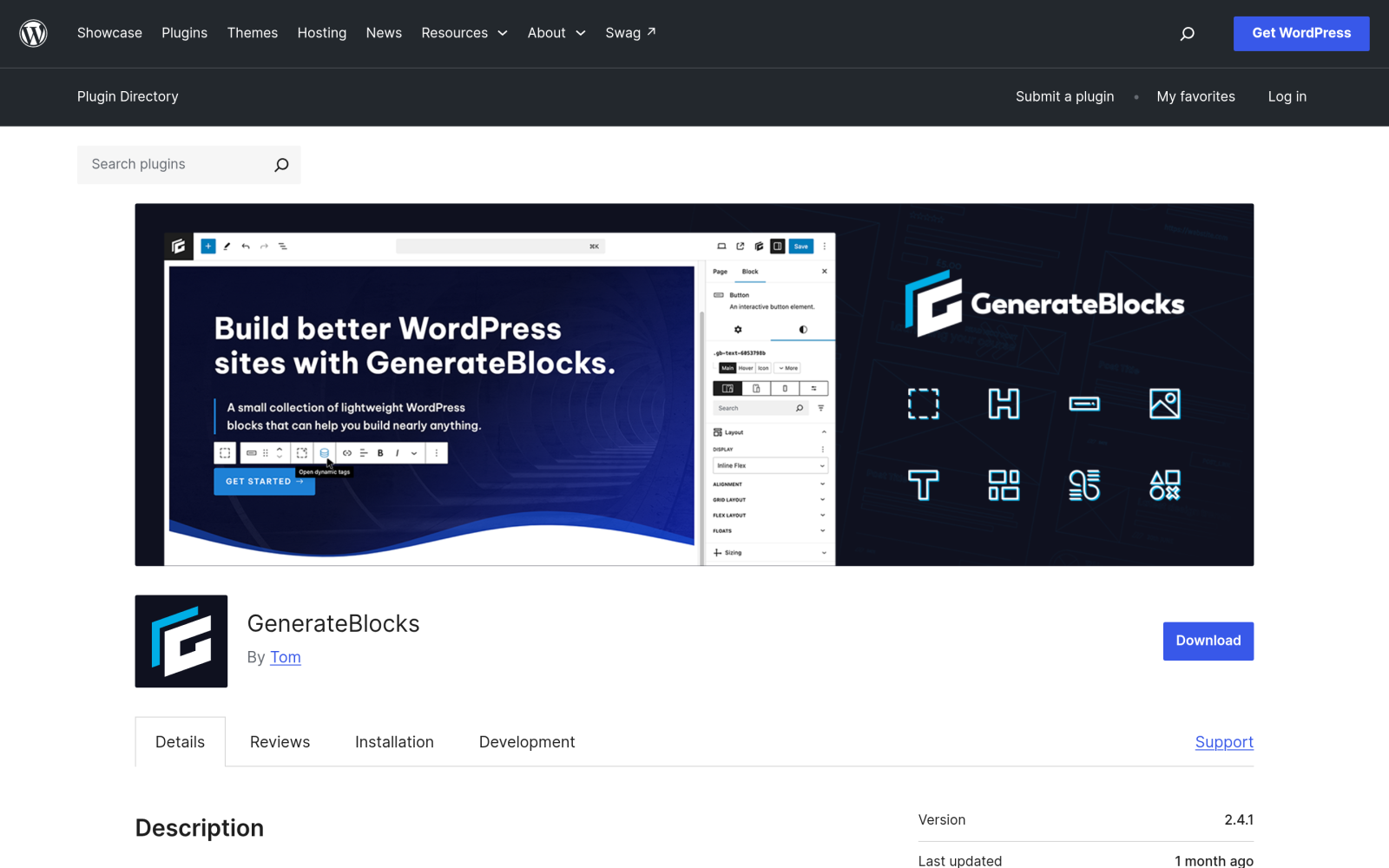
Its core idea is a small set of flexible blocks you learn deeply instead of a long list of single-purpose ones. The WordPress.org listing registers nine blocks, built around a handful of building blocks:
- Element (with Container and Grid variations) for layout.
- Text (with Headline, Text, and Button variations) for content.
- Media and Shape for images and SVG shapes.
- Query, Looper, Loop Item, No Results, and Page Numbers for dynamic post lists.
Two strengths matter most. First, performance: GenerateBlocks generates CSS only for the blocks a page uses and outputs static HTML and CSS on the front end. Second, dynamic data: the Query block plus dynamic tags (post title, featured image, post meta, author meta, term lists, and more) let you build custom archives and listings without a PHP template. The recent changelog also shows steady security work, with dynamic tag escaping and tighter dynamic data permissions in 2.4.0.
GenerateBlocks Pro costs $99 per year on the GeneratePress pricing page, or it comes bundled in GeneratePress One at $149 per year with GP Premium and GenerateCloud. If you already run GeneratePress, that bundle is good value, and our GeneratePress theme review covers the theme side.

Why People Look For A GenerateBlocks Alternative
None of these are flaws. They are trade-offs that come from the same design choices that make GenerateBlocks fast:
- It expects you to think in CSS. One long-time user put it plainly in a WordPress.org review: “good knowledge of CSS is necessary”. If you think in flexbox and grid, that is freedom. If you want a pricing table or a tabbed section in two clicks, it is work.
- There are no ready-made widgets in the free plugin. Tabs, accordions, sliders, forms, popups, and mega menus are not part of the nine blocks, so you either build them from primitives or add more plugins.
- Pre-built patterns and the full design library sit behind Pro, and the best value comes from the GeneratePress bundle.
- Support on the free forum is slower right now. The WordPress.org listing shows 1 of 6 support threads resolved in the last two months.
If any of those describe you, one of the plugins below will likely fit better.
The GenerateBlocks Alternatives Compared
Every number in this table comes from the plugin’s WordPress.org page on September 28, 2026. Install counts are the directory’s rounded brackets, not exact figures.
| Plugin | Active Installs | Rating | Latest Version | Last Updated |
|---|---|---|---|---|
| Nexter Blocks | 10,000+ | 4.8 | 5.0.7 | 5 days ago |
| Kadence Blocks | 600,000+ | 4.8 | 3.7.11.1 | 6 days ago |
| Stackable | 100,000+ | 4.9 | 3.20.2 | 3 weeks ago |
| Otter Blocks | 300,000+ | 4.7 | 3.2.6 | 6 days ago |
| Greenshift | 70,000+ | 4.8 | 13.2.1 | 1 day ago |
| Spectra Blocks | 50,000+ | New listing | 1.0.9 | 6 days ago |
| GenerateBlocks (for reference) | 200,000+ | 4.9 | 2.4.1 | August 18, 2026 |
All six are actively maintained. I have left block counts out of the table on purpose: the WordPress.org block list only shows blocks registered through block.json, which undercounts some plugins, so it is not a fair comparison.
1. Nexter Blocks: For A Full Site Builder Inside Gutenberg
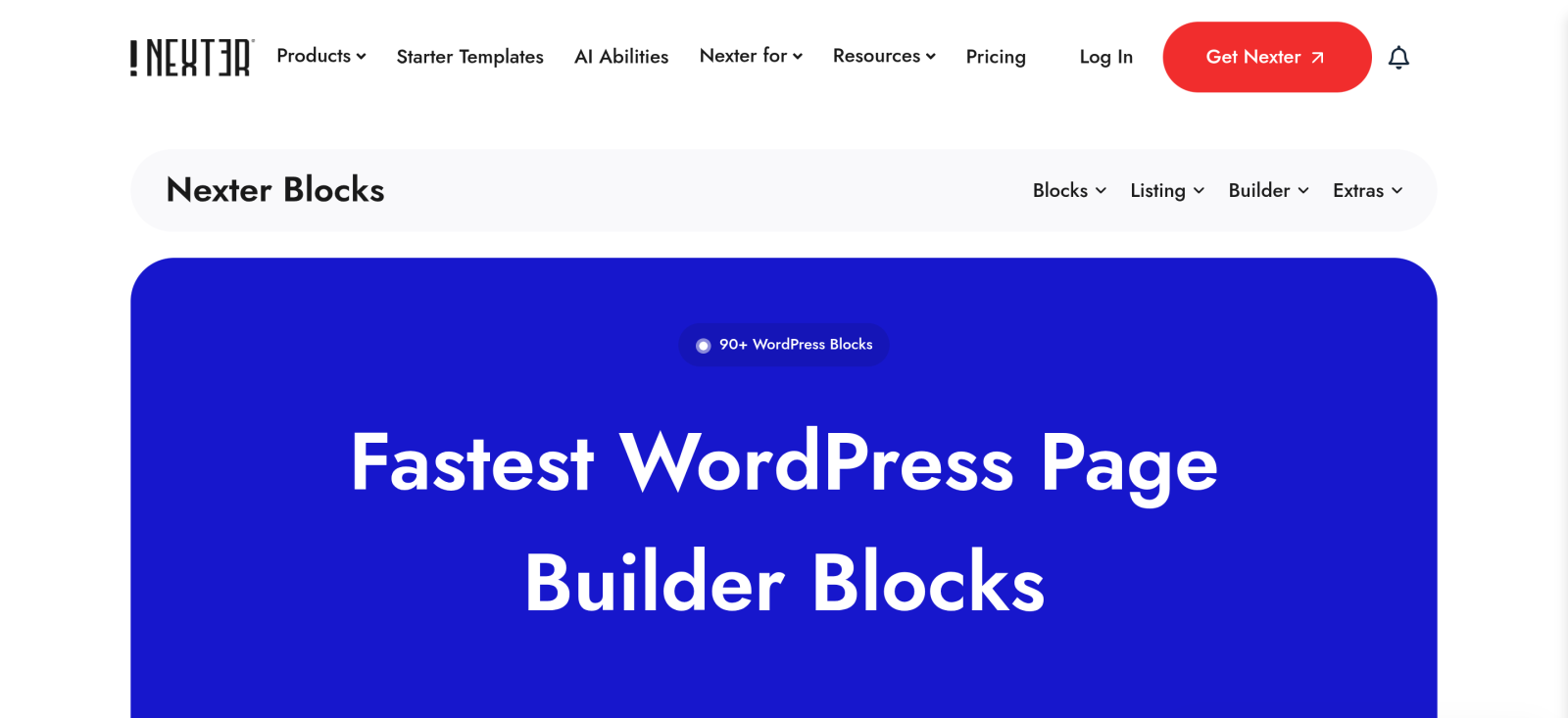
I will be upfront: Nexter Blocks is our plugin. It is also the opposite philosophy to GenerateBlocks. Instead of a few primitives, it ships 90+ blocks, plus a popup builder, mega menu, form builder, header builder, and theme building, all in one plugin with no jQuery. Its WordPress.org listing is at version 5.0.7, updated five days ago, with 10,000+ active installs and a 4.8 rating.
- Best for: agencies and site builders who want ready-made components (tabs, accordions, sliders, pricing tables, forms, popups) without writing CSS or stacking plugins.
- What it has that GenerateBlocks does not: a much larger block library, a built-in form builder and popup builder, and AI generation inside the editor, which connects to ChatGPT or Gemini with credits included in Pro.
- The honest caveat: it has the smallest install base in this list, and a big library is more to learn than nine blocks. If you only ever need containers and grids, it is more than you need.
- Pricing: there is a free version on WordPress.org, and the free vs Pro comparison and pricing page show what each tier includes.
You can browse the full list on the Nexter Blocks block library before installing anything.
2. Kadence Blocks: For The Largest Ecosystem
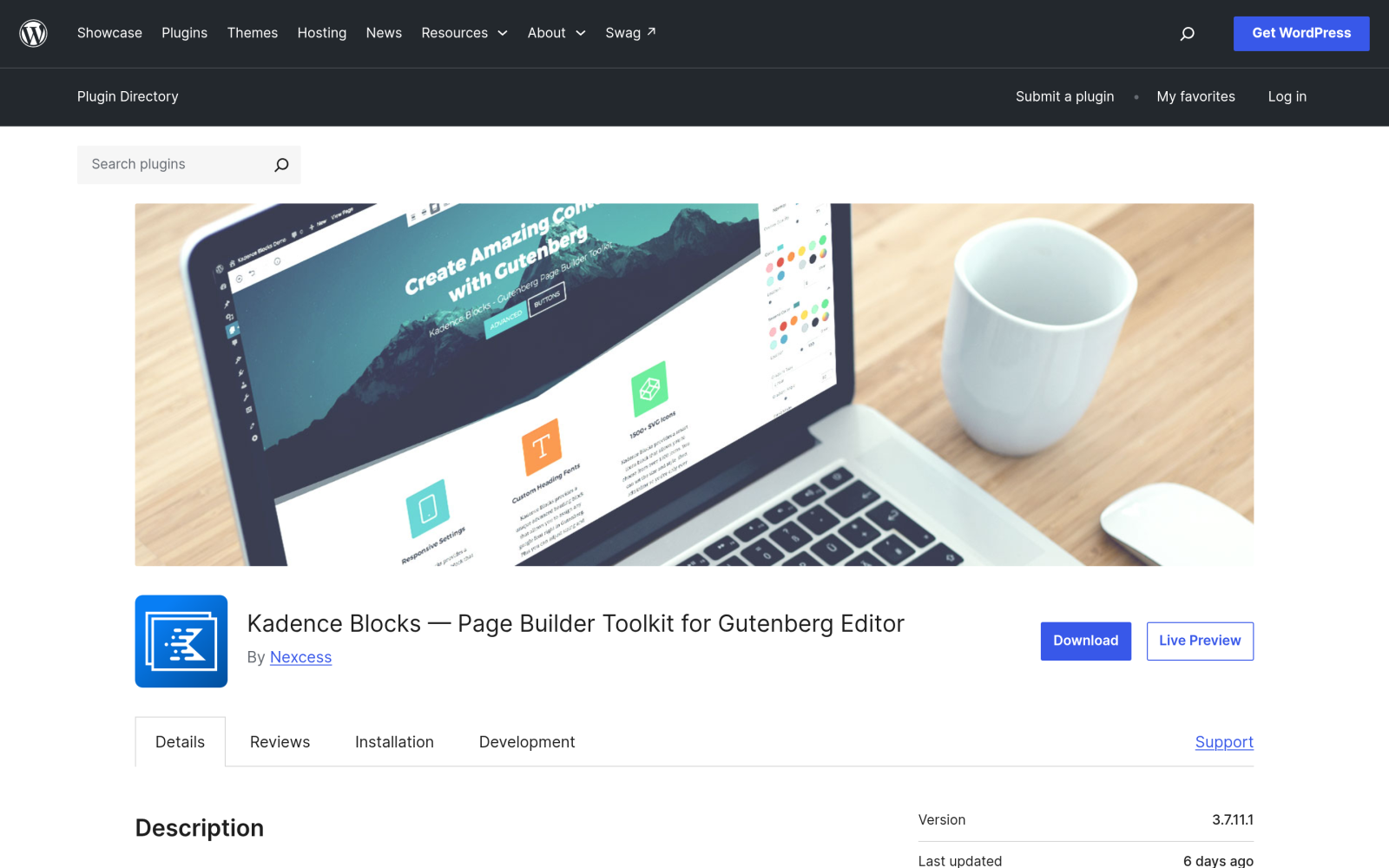
Kadence Blocks, now published by Nexcess, has the biggest install base here at 600,000+, with a 4.8 rating and an update six days ago. It sits between GenerateBlocks and Nexter Blocks: more ready-made blocks than GenerateBlocks, including an advanced form block and an off-canvas block, with a companion Kadence theme if you want one vendor for everything.
- Best for: people who want a large community, lots of tutorials, and a matching theme.
- What it has that GenerateBlocks does not: forms and off-canvas content in the free plugin, and a larger pattern library.
- Pricing: Kadence’s pricing page blocked automated access when I checked, so confirm current pricing on kadencewp.com. Our Kadence Blocks review and Kadence Blocks alternatives go deeper.
3. Stackable: For Design Libraries And Patterns
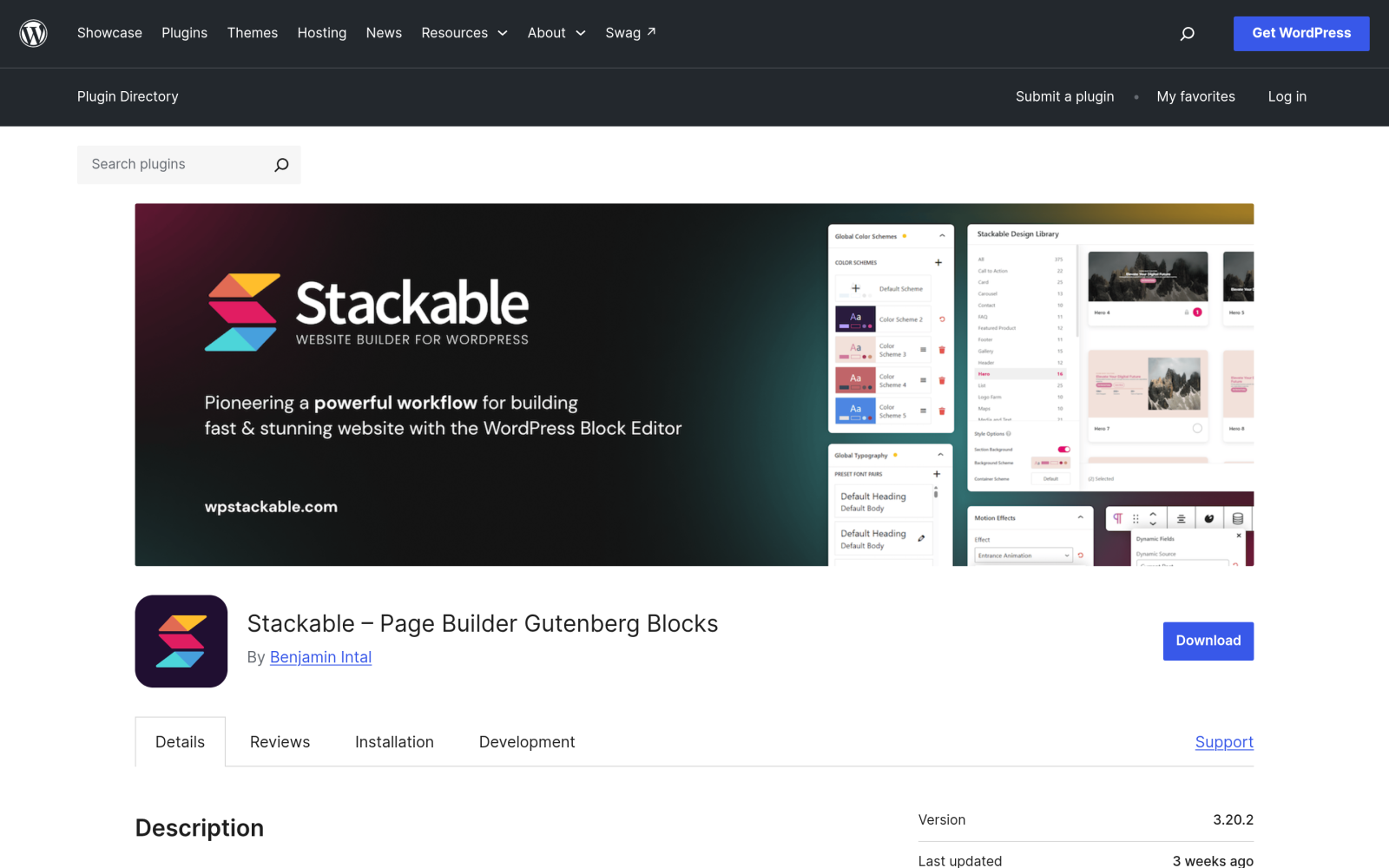
Stackable, by Benjamin Intal, has 100,000+ installs and the joint-highest rating here at 4.9. Its strength is design: a global design system, block styles you can reuse, and a large design library.
- Best for: designers who want polished starting points rather than a blank canvas.
- What it has that GenerateBlocks does not: Stackable Premium includes 375 design library patterns and 40 full-page templates, plus dynamic content, conditional display, and motion effects.
- Pricing: Stackable Premium is $49 per year for one site on its pricing page. See our Stackable review for a closer look.
4. Otter Blocks: For Interactive Widgets On A Budget
Otter Blocks by Themeisle has 300,000+ installs, a 4.7 rating, and an update six days ago. Its free plugin covers the interactive pieces GenerateBlocks leaves out, including an image slider, countdown, modal, content slider, Lottie animations, progress bar, circle counter, and Google Maps.
- Best for: sites that need a handful of interactive widgets without a large framework.
- What it has that GenerateBlocks does not: modals, sliders, countdowns, and maps in the free version.
- Pricing: Otter has a Pro tier on the Themeisle site. The prices did not load in the page capture I took, so check themeisle.com before you buy.
5. Greenshift: For Animation And Performance Together
Greenshift, by wpsoul, is the closest match to GenerateBlocks on performance. Its listing says it uses no predefined styles, frameworks, or icon fonts, and generates assets only when a block is used. It then adds something GenerateBlocks does not focus on: animation and interactions. It has 70,000+ installs, a 4.8 rating, an update one day ago, and it is the only plugin here already tested up to WordPress 7.2.
- Best for: builders who like the lean approach of GenerateBlocks but want GSAP animations, scroll effects, and interaction triggers.
- What it has that GenerateBlocks does not: interaction layers with triggers, conditions, and actions, plus advanced animation.
- Pricing: the Design Pack starts at $39.99 per year, with 5 sites at $49.99 and unlimited sites at $79.99, and an all-in-one bundle from $109.99 as a one-time payment. Our Greenshift review covers it in detail.
6. Spectra: Choose Spectra Blocks, Not Spectra Legacy
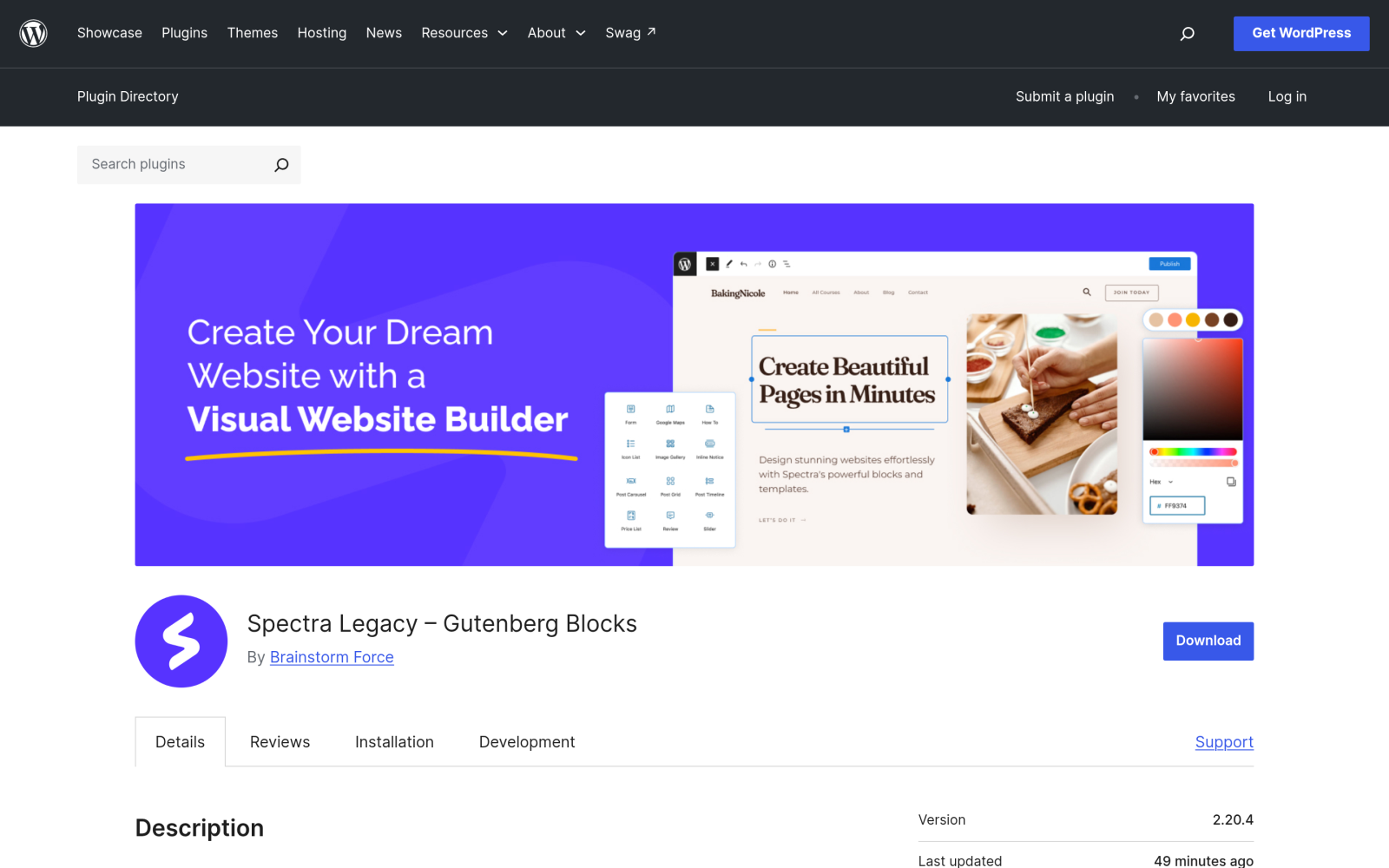
Spectra needs a note of its own. The plugin most people know, with 1+ million installs, is now listed on WordPress.org as Spectra Legacy. Its changelog says it receives maintenance updates only: security fixes, WordPress and PHP compatibility, and critical bug fixes. New features ship in a separate plugin, Spectra Blocks, which is at version 1.0.9 with 50,000+ installs.
- Best for: people already inside the Astra and Brainstorm Force ecosystem.
- The catch: if you are choosing today, evaluate Spectra Blocks, because that is where development happens. Installing Spectra Legacy on a new site means starting on a plugin that no longer gets features.
- Existing Spectra Legacy users have a migration decision to make either way, which our Spectra alternatives guide covers.
How To Choose The Right GenerateBlocks Alternative
Work through these in order and stop at the first one that is true for you:
- If you are comfortable with CSS and mostly build layouts and post listings, stay with GenerateBlocks. None of the alternatives beat it on lean output.
- If you want lean output plus animation, try Greenshift.
- If you want ready-made patterns and templates to start from, try Stackable.
- If you only need a few interactive widgets such as sliders, modals, and maps, try Otter Blocks.
- If you want the biggest community and a matching theme, try Kadence Blocks.
- If you want one plugin to replace your block library, form plugin, popup plugin, and mega menu plugin, try Nexter Blocks.
Whichever you pick, test it on a staging copy with your real content first, and check how it handles the blocks you use most. Our list of the best Gutenberg plugins is a good next step if you need more than a block library.
Switching From GenerateBlocks: What Happens To Your Existing Pages
This is the part most comparison posts skip, and it is the part that costs real time. Block plugins do not share a format. A GenerateBlocks Element block is stored in your post content as a generateblocks block with its own attributes, and no other plugin knows how to read those attributes. There is no one-click converter between block plugins.
If you simply deactivate GenerateBlocks on a live site, three things usually happen:
- The editor shows its “block not supported” notice for every GenerateBlocks block, because the block type is no longer registered.
- The saved HTML stays in the post, but the CSS the plugin generates for each block stops loading, so layouts that depend on its grid and spacing styles lose their structure.
- Dynamic blocks such as Query and Looper render nothing on the front end, because their output is generated on the server by the plugin that is now switched off.
Nothing is deleted, and reactivating the plugin brings everything back. That makes the safe path straightforward:
- Keep GenerateBlocks active while you evaluate the alternative. Block plugins can run side by side, so you can build new pages with the new plugin while old pages keep working.
- List the pages built with GenerateBlocks. Searching your posts for generateblocks in the block editor code view, or with a search and replace tool in dry-run mode, shows you the scope.
- Rebuild templates and reusable patterns first, such as headers, footers, and archive layouts, because one rebuild fixes many pages.
- Rebuild high-traffic pages next, then the long tail, checking each one on mobile.
- Deactivate GenerateBlocks only when a search for its blocks comes back empty, and keep a backup from before the switch.
Running two block plugins during the transition does add some CSS and JavaScript to pages that use both. That cost is temporary, and it is far cheaper than a broken homepage.
What This Doesn’t Cover
This comparison is based on each plugin’s WordPress.org listing and public pricing pages as of September 28, 2026. I did not run speed benchmarks for this post, so I have not ranked the plugins on performance beyond what their own documentation says. Kadence and Otter pricing could not be confirmed from their pages during research, so check them directly. Install counts are rounded by WordPress.org, ratings change over time, and all of these plugins ship updates every few weeks, so recheck the details before you commit a client site to any of them.
Suggested Reading
- 6 Best Kadence Blocks Alternatives Compared
- Best Spectra Alternatives [With Comparison Table]
- WordPress 7.1 Adds Tabs, but Not a Table of Contents. Do You Still Need a Blocks Plugin?
- Stackable Review: Is It Worth It? [Honest Assessment]
