












Say you have a dozen product demos or client testimonials sitting in your media library, and dropping them onto a page one by one turns it into an endless scroll. A video gallery plugin fixes that. It groups your videos into a clean, filterable layout that loads fast and looks intentional instead of dumped.
The catch is that “video gallery plugin” covers two very different jobs. Some plugins host and play your own video files. Others pull videos in from YouTube or Vimeo so you never touch a raw file. Pick the wrong type and you either bloat your server or lose the control you needed.
This guide compares five of the best video gallery plugins for WordPress: what each one is genuinely good at, where each falls short, and which one fits your situation. Every install count and version below was checked live on WordPress.org while writing this.
What a WordPress Video Gallery Plugin Actually Does
A video gallery plugin takes a set of videos and arranges them in a grid, carousel, or playlist that visitors can browse and open without leaving the page. Most add a lightbox popup, category filters, and responsive sizing so the same gallery works on a phone and a desktop.
The first decision is where your videos live, because it rules out half the plugins before you compare a single feature:
- Embedded galleries pull videos from YouTube, Vimeo, or similar platforms. The platform handles storage, bandwidth, and playback, so your site stays light. This is the right choice for most blogs and business sites.
- Self-hosted galleries play video files you upload to your own server. You get full control and no third-party branding, but you carry the storage and bandwidth cost, which is why many people pair self-hosting with a delivery service like Bunny Stream.
If you are still deciding where to store the files themselves, our guide to WordPress video hosting solutions covers that separately. And if you only need a single video to play nicely rather than a whole gallery, a video player plugin is the simpler tool.
How to Choose a Video Gallery Plugin
Once you know whether you are embedding or self-hosting, weigh these four things:
- Video source: YouTube only, Vimeo only, or multi-source including self-hosted MP4. Match this to where your videos already are.
- Performance: galleries can load a lot of scripts. Look for lazy loading and lightweight embeds so your Core Web Vitals do not suffer.
- Layouts and control: grid, carousel, masonry, and playlist, plus filtering and a lightbox. More layout options means more design flexibility.
- Free vs paid: every plugin below has a free tier. Decide which limits (video count, layouts, auto-import) you can live with before you pay for Pro.
Best Video Gallery Plugins for WordPress Compared
| Plugin | Video sources | Best for | Pricing | Active installs |
|---|---|---|---|---|
| Video Gallery by Nexter | YouTube, Vimeo, Facebook | Gutenberg users who embed | Free plugin, gallery block is Pro | Part of Nexter Blocks |
| All-in-One Video Gallery | Self-hosted MP4 + YouTube, Vimeo, Dailymotion, Rumble, Facebook, Bunny Stream | Self-hosting with full player control | Free + Pro | 20,000+ |
| Vimeography | Vimeo only | Vimeo-first creators | Free + Pro | 5,000+ |
| Video Gallery (TotalSoft) | YouTube, Vimeo, Wistia, MP4 | Mixed sources, many layouts | Free + Pro | 10,000+ |
| YouTube Showcase | YouTube only | YouTube channels and playlists | Free + Pro | 2,000+ |
1. Video Gallery by Nexter

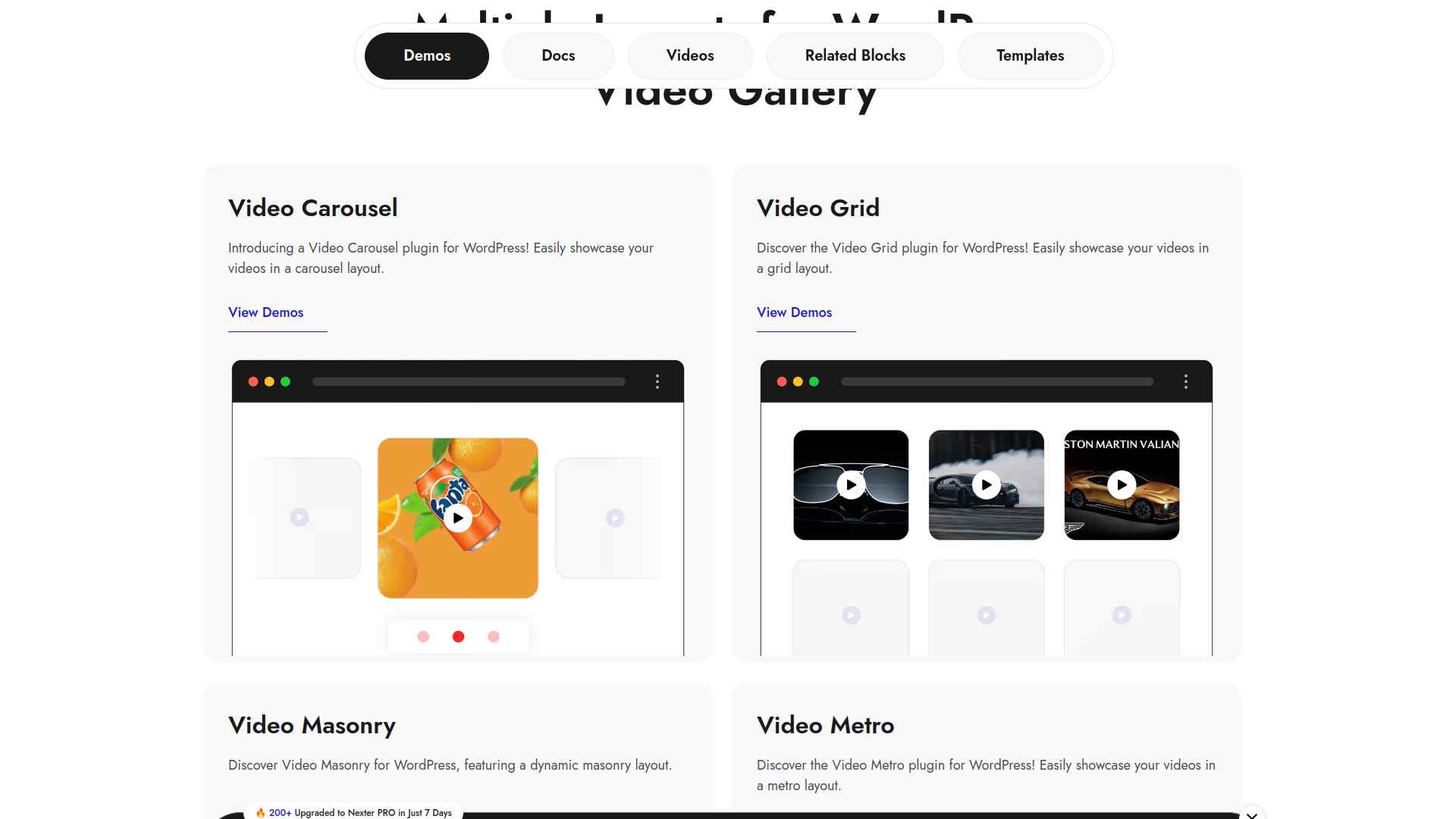
Video Gallery by Nexter is a block inside the free Nexter Blocks plugin, not a separate download. If you already build with Gutenberg, you add a gallery the same way you add any other block, with no shortcodes to manage.
It ships four layouts (grid, carousel, metro, and masonry) and pulls videos from YouTube, Vimeo, and Facebook, so it fits sites that embed rather than self-host.
Key Features of Video Gallery by Nexter
- Four gallery layouts (grid, carousel, metro, and masonry) you switch between visually inside the editor.
- Embeds from YouTube, Vimeo, and Facebook, so the platform carries the storage and bandwidth.
- Native Gutenberg block, so it inherits the same spacing, responsive, and styling controls as the rest of your page.
- Part of a wider blocks library, so you are not installing a single-purpose plugin just for one gallery.
Best for: Gutenberg users who embed from YouTube or Vimeo and want galleries that live in the block editor they already use.
Worth knowing: the Nexter Blocks plugin is free, but the Video Gallery layouts are a Pro feature, so budget for a license if you need them. It is built for embedded video, not for hosting your own MP4 files.
2. All-in-One Video Gallery
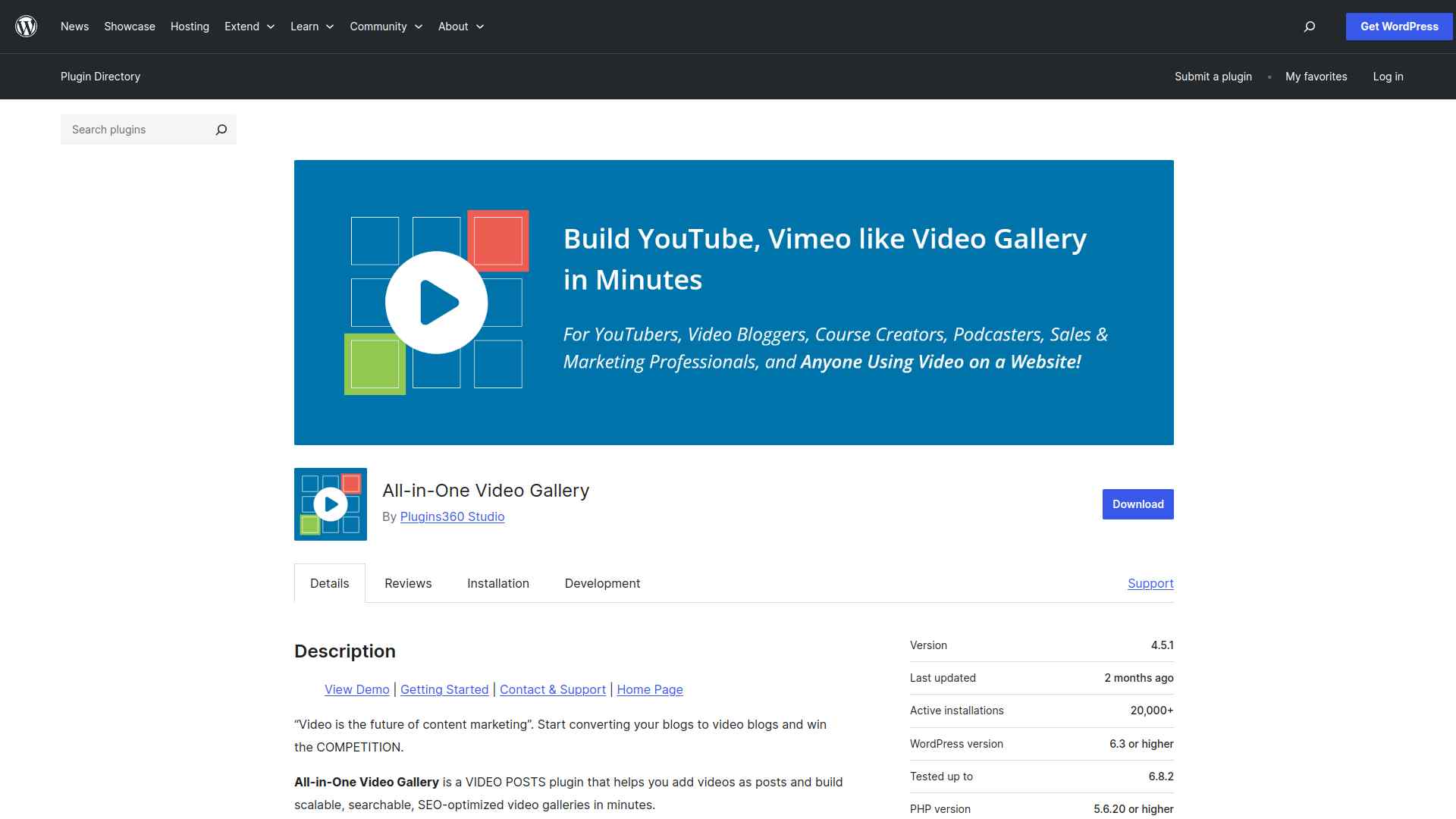
All-in-One Video Gallery, by Plugins360, is the most complete free option here if you want to self-host. It includes a custom HTML5 player that handles MP4, WebM, OGV, HLS, and MPEG-DASH, and it can also embed from YouTube, Vimeo, Dailymotion, Rumble, Facebook, and Bunny Stream.
On top of playback it adds categories and tags, AJAX search and filtering, subtitles, chapter markers, and access restrictions by user role, which is rare in a free plugin.
Key Features of All-in-One Video Gallery
- Custom HTML5 player with speed control, quality switching, fullscreen, and picture-in-picture.
- Self-hosted formats (MP4, WebM, OGV, HLS, MPEG-DASH) plus embeds from six major platforms.
- Unlimited categories and tags with AJAX-powered search and filtering.
- Subtitles, chapter markers, and video access control by user role.
Best for: sites self-hosting their own video files that want real player control without paying up front.
Worth knowing: the free player is genuinely capable, but layout templates like popup, slider, and playlist, plus automatic YouTube and Vimeo import, are reserved for Pro. It has 20,000+ active installs, a 4.8-star rating from 134 reviews, sits at version 4.9.0, was updated about two weeks ago, and is tested up to WordPress 7.0.
Also Read: 11 Best WordPress Video Hosting Solutions if you plan to self-host large files and want to keep your server fast.
3. Vimeography
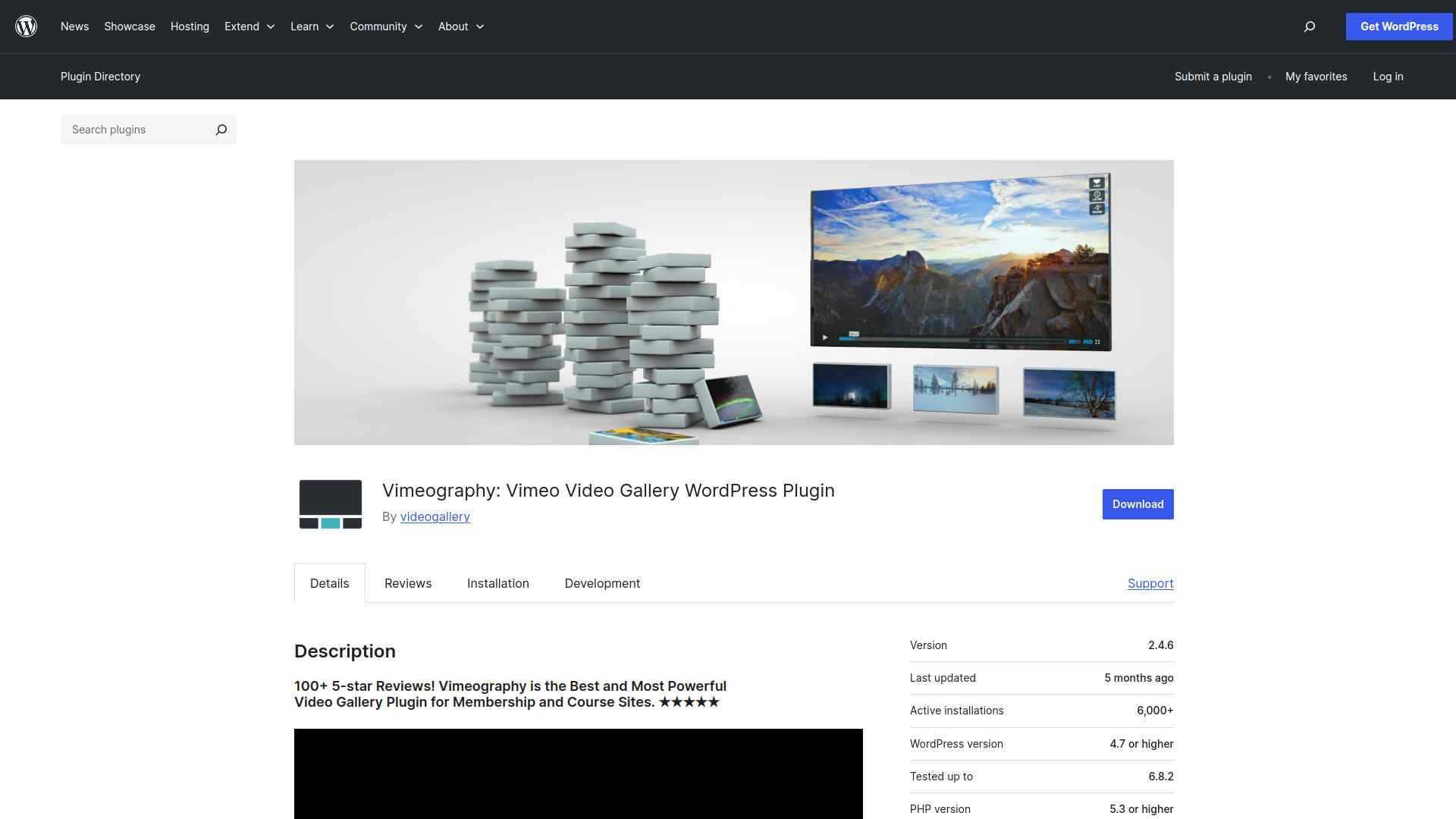
Vimeography does one thing and does it fast: it turns a Vimeo account, channel, or showcase into a gallery in about a minute. You point it at your Vimeo source and it pulls the videos in automatically, then lets you apply a theme and tweak the appearance from a built-in editor.
Key Features of Vimeography
- Automatic import from a Vimeo account, channel, or showcase.
- Insert galleries with a shortcode or a block.
- Custom themes and an appearance editor to match your site design.
- Built-in caching for faster page loads.
Best for: creators whose library already lives on Vimeo and who want the quickest possible setup.
Worth knowing: it is Vimeo only, so it is no help for YouTube or self-hosted files. Searchable galleries, unlimited videos, and downloads are Pro. It has 5,000+ active installs, a 4.5-star rating from 122 reviews, sits at version 2.4.8, was updated about three weeks ago, and is tested up to WordPress 7.0.
Also Read: 5 Best Vimeo Video Player Plugins for WordPress if you need single-video playback rather than a full gallery.
4. Video Gallery (by TotalSoft)
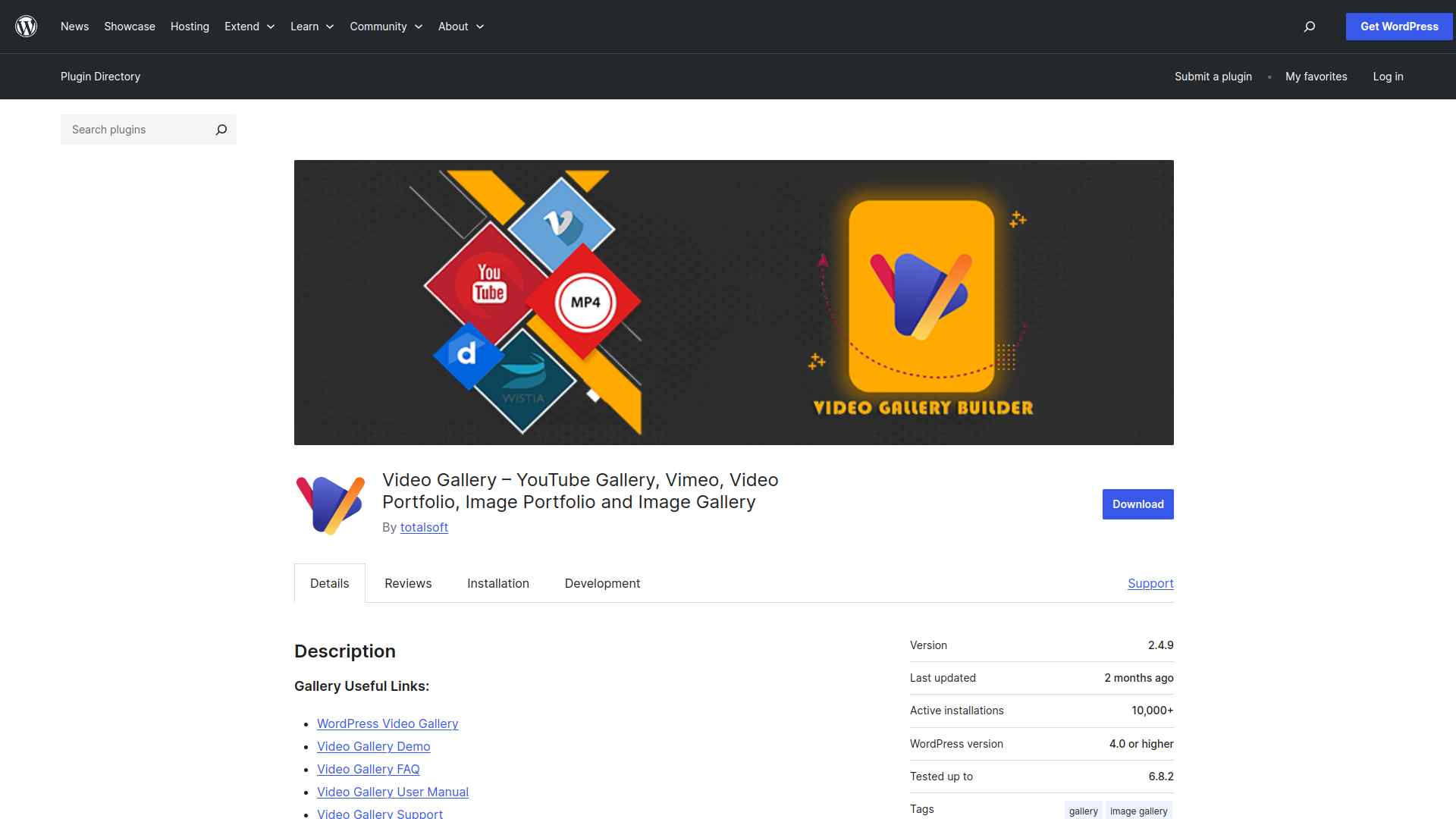
This plugin (its full name on WordPress.org is Video Gallery, by TotalSoft) is the flexible multi-source pick. It supports YouTube, Vimeo, Wistia, and self-hosted MP4 in the same gallery, with nine layouts, a lightbox, and a range of hover effects.
Key Features of Video Gallery
- Supports YouTube, Vimeo, Wistia, and self-hosted MP4 in one place.
- Nine gallery layouts with a built-in lightbox.
- Unlimited galleries and videos, inserted by shortcode.
- Responsive design with customizable hover effects.
Best for: galleries that mix sources (a YouTube clip next to a self-hosted MP4) and need plenty of layout choices.
Worth knowing: it was last updated about four months ago and is tested up to WordPress 6.9.4 rather than 7.0, so test it on a staging site before you rely on it. Portfolio themes and the extra opening and hover effects are Pro. It has 10,000+ active installs, a 4.8-star rating from 182 reviews, and sits at version 2.5.1.
5. YouTube Showcase

YouTube Showcase, by emarket-design, is built around one source done well. It creates responsive YouTube galleries, playlists, and channel grids using a visual block builder with a real-time preview, and it can generate SEO-friendly individual video pages.
Key Features of YouTube Showcase
- Visual block builder with a live preview as you configure the gallery.
- Responsive video grids and cinematic playlists with thumbnail navigation.
- SEO-optimized individual video pages with comment support.
- Video categorization, filtering, and customizable thumbnail quality.
Best for: displaying a YouTube channel or specific playlists with tidy, SEO-friendly pages.
Worth knowing: it is YouTube only, and auto-sync of entire channels or playlists plus lightbox popups are Pro features. It has 2,000+ active installs, a 4.9-star rating from 128 reviews, sits at version 4.0.4, was updated about a week ago, and is tested up to WordPress 7.0.
Which WordPress Video Gallery Plugin Should You Use?
Pick by where your videos live and how much control you want:
- Build in Gutenberg and embed from YouTube or Vimeo: Video Gallery by Nexter keeps everything native to the block editor.
- Self-host your own MP4 files: All-in-One Video Gallery gives you the strongest free player.
- Everything is on Vimeo: Vimeography is the fastest setup.
- Mixed sources in one gallery: Video Gallery by TotalSoft handles the most formats.
- A pure YouTube channel or playlists: YouTube Showcase is purpose-built for it.
For most WordPress sites that build in Gutenberg and embed their videos, Video Gallery by Nexter is the one we would start with, since it keeps galleries inside the block editor you already use rather than adding another standalone plugin to maintain.
Suggested Reading
- 5 Best Video Player Plugins for WordPress Compared
- 11 Best WordPress Video Hosting Solutions
- 5 Best Vimeo Video Player Plugins for WordPress
- How to Create a WordPress Image Gallery Using Gutenberg
- 6 Best Photo Image Gallery WordPress Plugins
FAQs on Best Video Gallery Plugins for WordPress
How do video gallery plugins improve my WordPress site?
They make your videos easier to organize, display, and navigate. A gallery keeps your content structured, improves user engagement, and helps your site look more professional without requiring coding skills.
Do video gallery plugins slow down my website?
Not if you choose a lightweight plugin and optimize your videos. Use lazy loading, embed from platforms like YouTube or Vimeo, and compress files to keep your site fast.
Can I use videos from YouTube or Vimeo in a gallery?
Yes, most plugins let you embed videos directly from platforms like YouTube, Vimeo, or self-hosted sources. This saves storage space on your server and ensures smooth playback.
Are video gallery plugins mobile-friendly?
Most modern plugins are responsive, so your galleries adjust automatically to different screen sizes. Always preview your gallery on phones and tablets to confirm it looks and works properly.
Do I need coding skills to set up a video gallery?
No, you can create and customize galleries with simple drag-and-drop or visual settings. Plugins are designed for beginners, so you can build attractive galleries without touching code.
