












Ask five WordPress site owners what a counter plugin does and you will get two very different answers.
Some mean an animated number that shows off a milestone, like “10,000 happy customers,” on a landing page. Others mean a tool that quietly tracks how many people actually visited that page. Both get called counters, and mixing them up is how people end up installing the wrong plugin.
This guide splits the two apart first, then walks through five solid counter plugins for WordPress: what each one is genuinely best at, and where each one falls short.
Also Read: 5 Best WordPress Counter Plugins for Elementor for the Elementor-specific picks.
What a Counter Plugin Actually Means in WordPress
In WordPress, the word counter covers two completely different jobs. Knowing which one you need decides which plugin on this list is right for you.
Also Read: best chart plugins for WordPress when your numbers need a full graph rather than a single animated counter.
- Display (number) counters: an animated number you set yourself to highlight a stat, milestone, or achievement, such as projects delivered, cups of coffee, or years in business. It is a design element, not a measurement tool. Counter by Nexter is this type.
- Analytics (tracking) counters: a tool that measures and records real activity, like page visits, unique visitors, or file downloads, and reports the numbers back to you. WP Visitor Statistics, Page Visits Counter, StatCounter, and Simple Download Counter are this type.
If you want a polished number on the front end, you need a display counter. If you want to know what is actually happening on your site, you need an analytics counter. The five plugins below cover both.
5 Best Counter Plugins for WordPress Compared
| Plugin | Type | Best for | Price | Last updated |
|---|---|---|---|---|
| Counter by Nexter | Display / number counter | Showing milestones and stats on a page | Free (in Nexter Blocks) | Actively maintained |
| WP Visitor Statistics | Visitor analytics (self-hosted) | Keeping all traffic data on your own server | Free + Pro | Jun 2026 (v8.6) |
| Page Visits Counter – Lite | Page-view analytics | Simple per-page visit counts | Free + Pro | Apr 2026 (v1.2.3) |
| StatCounter | Hosted visitor analytics | An external real-time stats dashboard | Free + paid upgrade | May 2026 (v2.1.2) |
| Simple Download Counter | Download analytics | Counting file downloads | Free | Apr 2026 (v2.3.2) |
1. Counter by Nexter
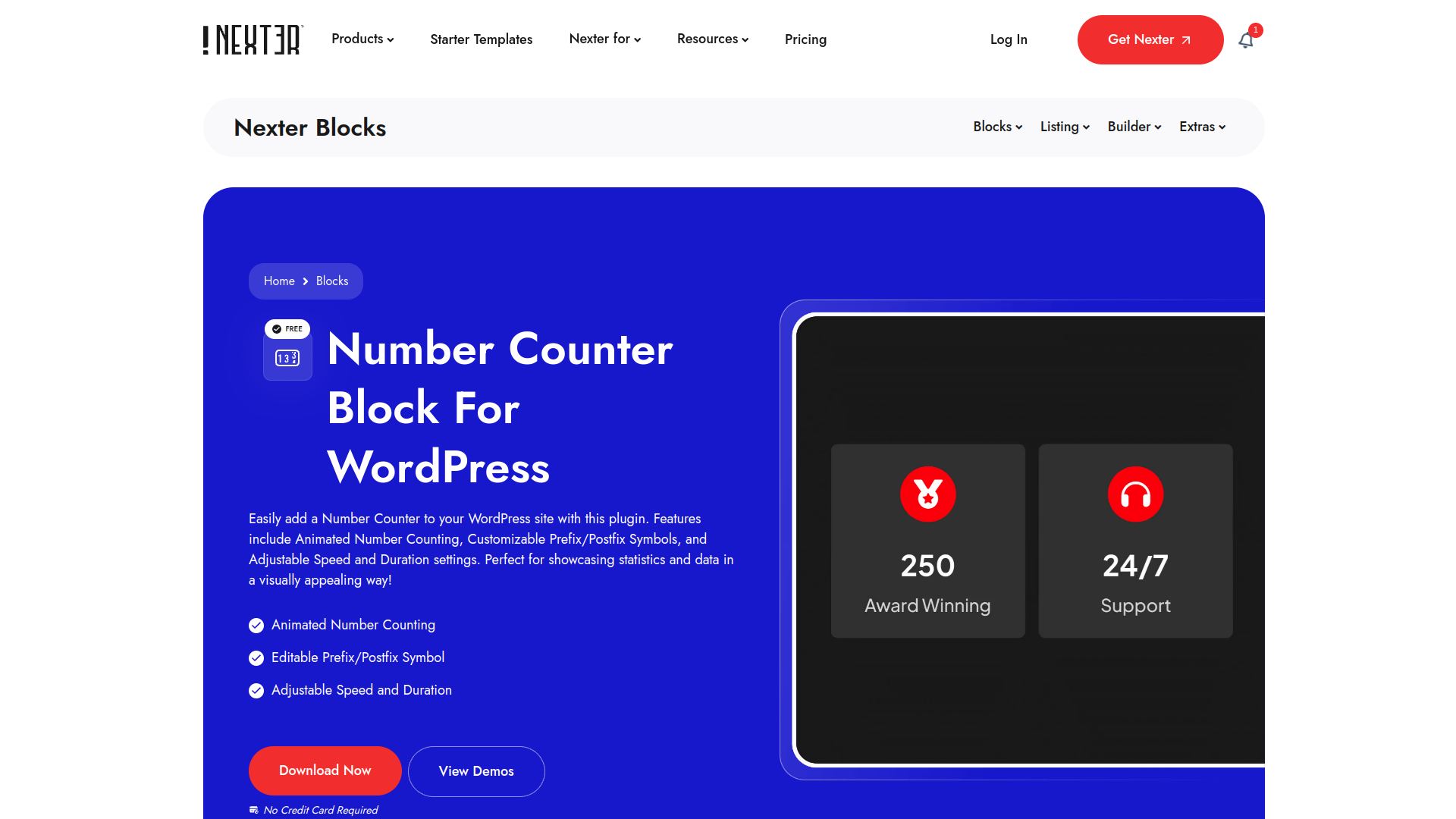
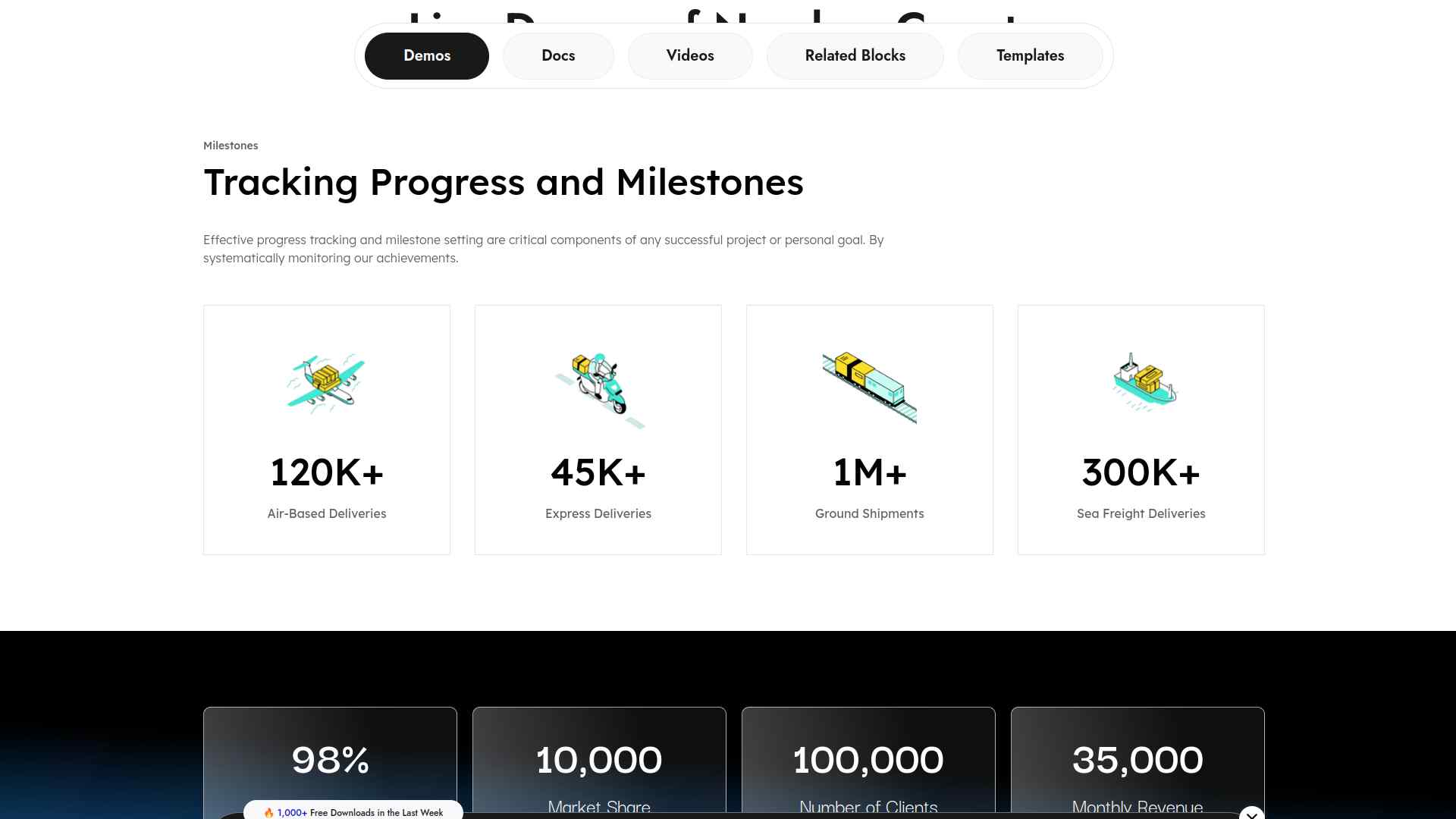
Counter by Nexter is the display counter on this list. It is part of Nexter Blocks, the free Gutenberg block library, and it adds an animated number counter you can drop onto any page to highlight a stat or milestone.
You set the start and end numbers, add a prefix or postfix (a plus sign, a percent symbol, a currency mark), and adjust the animation speed and duration. It is built with pure Vanilla JS and no jQuery, so it stays light on page load.
Key features of Counter by Nexter
- Animated number counting with adjustable speed and duration, so the number rolls up as visitors scroll to it.
- Custom prefix and postfix symbols, so you can show values like 500+, 99%, or $1M without editing code.
- Built with Vanilla JS and no jQuery, keeping the block fast and light on the front end.
- Free inside Nexter Blocks, with styling controls that match the rest of your block design.
Best for: anyone who wants a good-looking, animated stat on a landing or about page. Worth knowing: it displays a number you choose, it does not measure traffic. If you want real visitor data, pick one of the analytics counters below.
Also Read: Gutenberg vs Elementor in 2026 if you are deciding which builder to design your counter and the rest of your page in.
2. WP Visitor Statistics
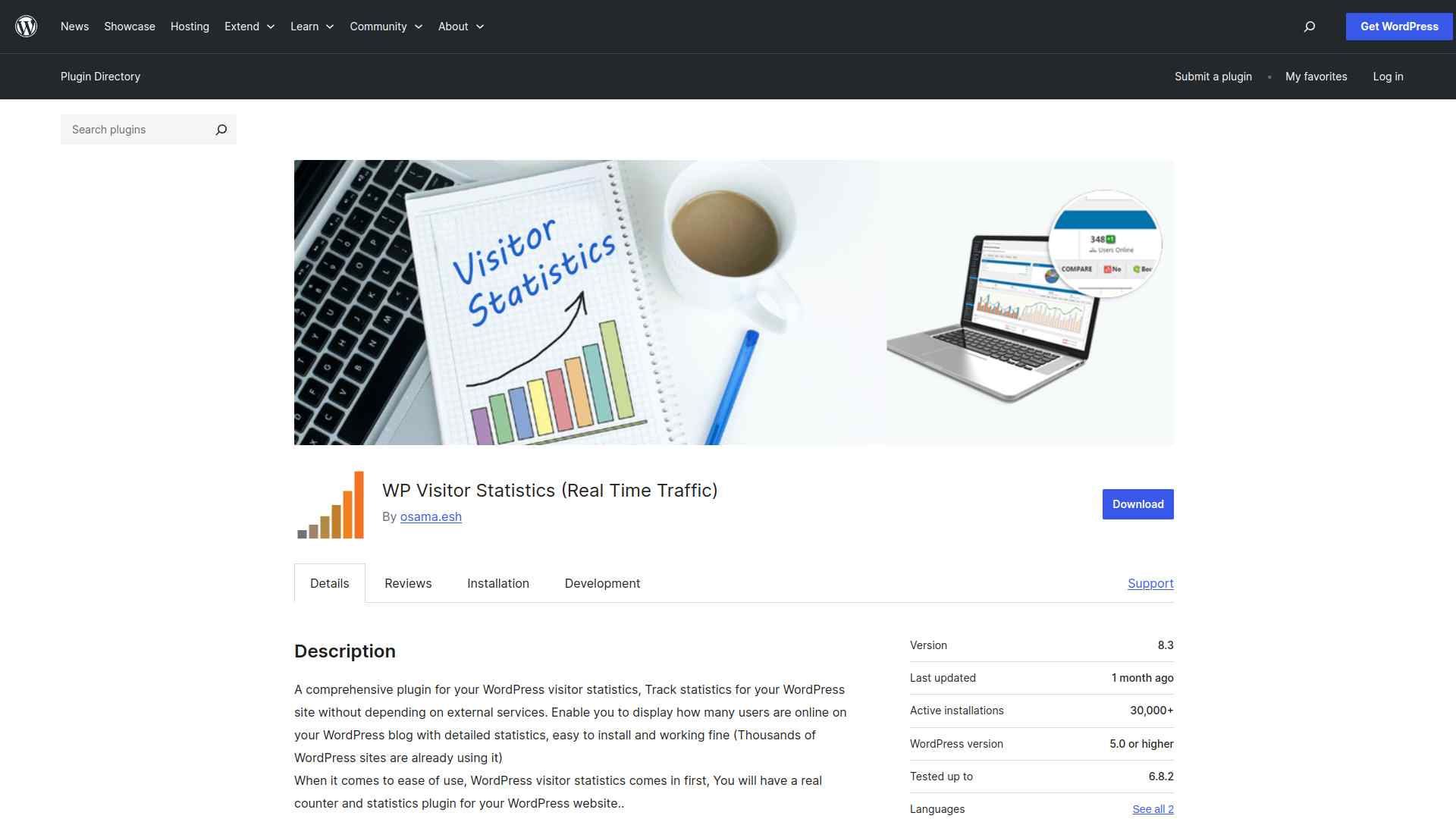
WP Visitor Statistics (Real Time Traffic) is the self-hosted analytics counter. It tracks visitors directly in your WordPress dashboard without sending data to an outside service, which matters if you want to keep traffic stats on your own server.
It shows real-time visits, geo-location, browsers, and search engine queries, and it includes GDPR features like IP hashing and data pruning. The plugin has around 20,000 active installs, a 90 out of 100 rating from 156 reviews, and was last updated in June 2026 (v8.6).
Key features of WP Visitor Statistics
- Real-time visitor tracking with no reliance on an external service, so your data stays on your own site.
- Detailed stats by location, browser, and search query in a single dashboard.
- GDPR features including IP hashing and automatic data pruning.
- Widgets, shortcodes, and email reports for sharing stats with your team.
Best for: site owners who want self-hosted, privacy-aware analytics inside wp-admin. Worth knowing: storing all stats in your database can get heavy on high-traffic sites, and some advanced reports sit behind the Pro version.
3. Page Visits Counter
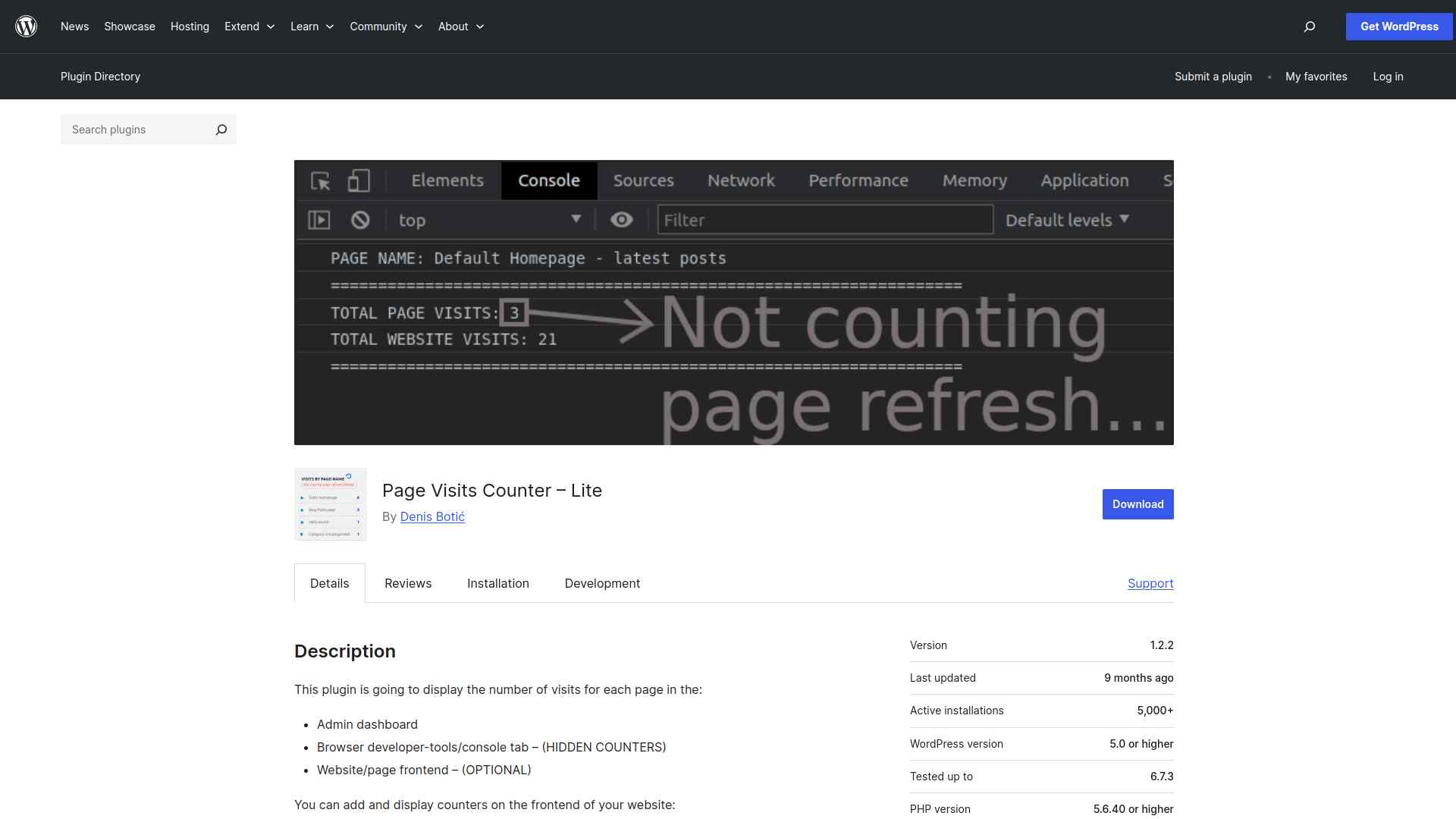
Page Visits Counter – Lite is the simplest analytics counter here. It tracks how many visits each page gets and shows the totals in your dashboard, with an option to display them on the front end too.
It counts real visits rather than every refresh, stays GDPR compliant by not collecting personal data, and is built to be lightweight. The Lite version has roughly 5,000 active installs and was last updated in April 2026 (v1.2.3).
Key features of Page Visits Counter
- Per-page visit tracking so you can see which content is most popular.
- Optional front-end display of visit counts for transparency or social proof.
- Lightweight and privacy-friendly, with no personal data collected.
- Works with WooCommerce and different user roles.
Best for: people who just want a clean per-page view count without a full analytics suite. Worth knowing: the Lite build is basic and has a small review base (7 ratings), so deeper reporting means upgrading to the paid version.
4. StatCounter
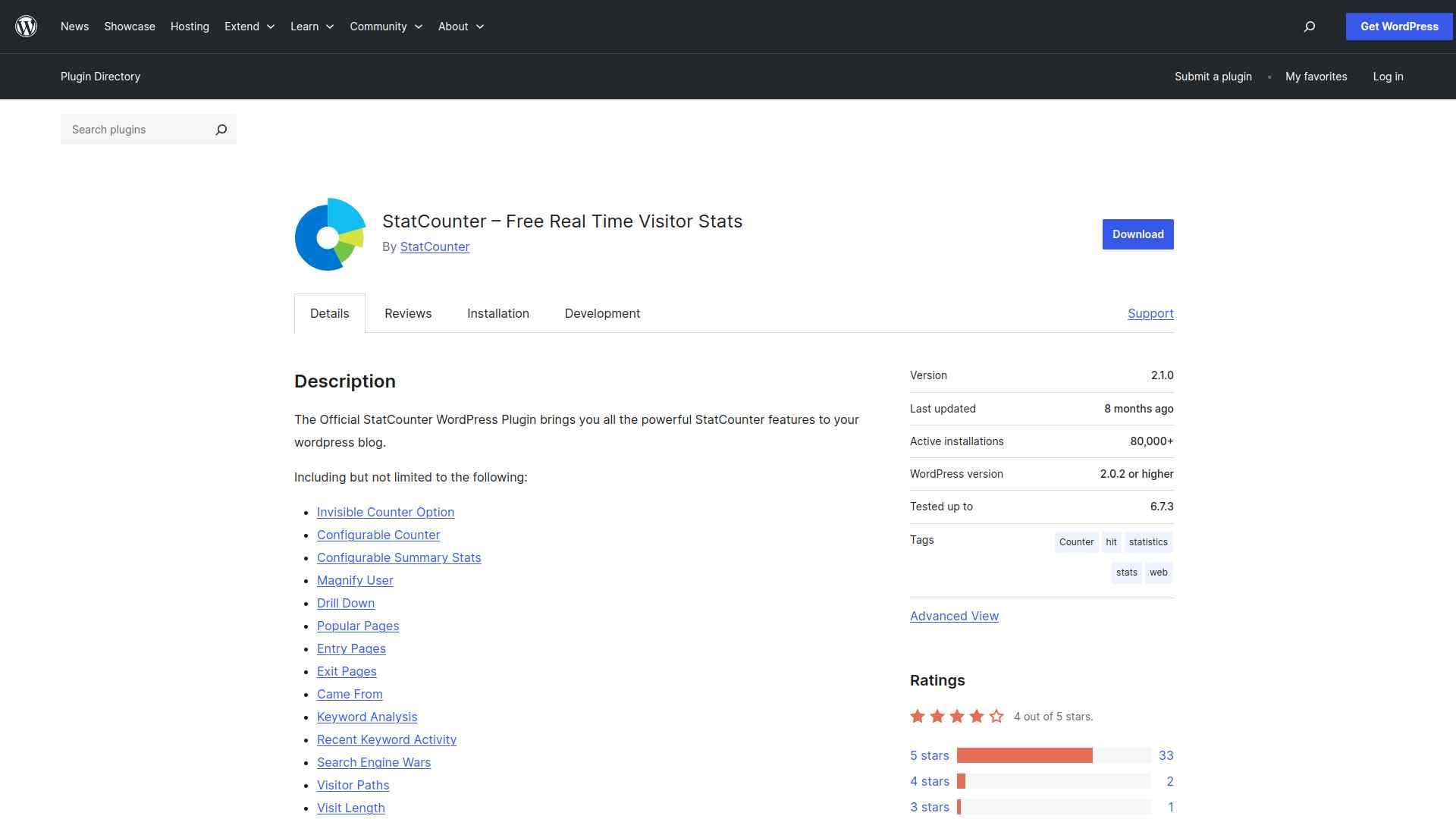
StatCounter – Free Real Time Visitor Stats connects your site to StatCounter, a hosted analytics service. Instead of storing data in your database, it sends it to StatCounter and brings the reports back into your dashboard.
StatCounter is a free service that analyzes your last 500 page views in detail, with a paid upgrade to raise that limit. The plugin has around 70,000 active installs and was last updated in May 2026 (v2.1.2), with support up to WordPress 7.0.
Key features of StatCounter
- Real-time visitor stats viewable from inside the WordPress dashboard.
- An invisible counter option so the tracker does not show on your design.
- Detailed analysis tools like popular pages, entry and exit pages, and visitor paths.
- A free tier covering your most recent 500 page views, expandable on a paid plan.
Best for: anyone who wants a hosted, real-time dashboard without loading their own database. Worth knowing: your data lives on StatCounter rather than your server, and the free tier only keeps the last 500 page views in detail.
Also Read: How to Increase WordPress Memory Limit if a tracking plugin starts to weigh on your site.
5. Simple Download Counter
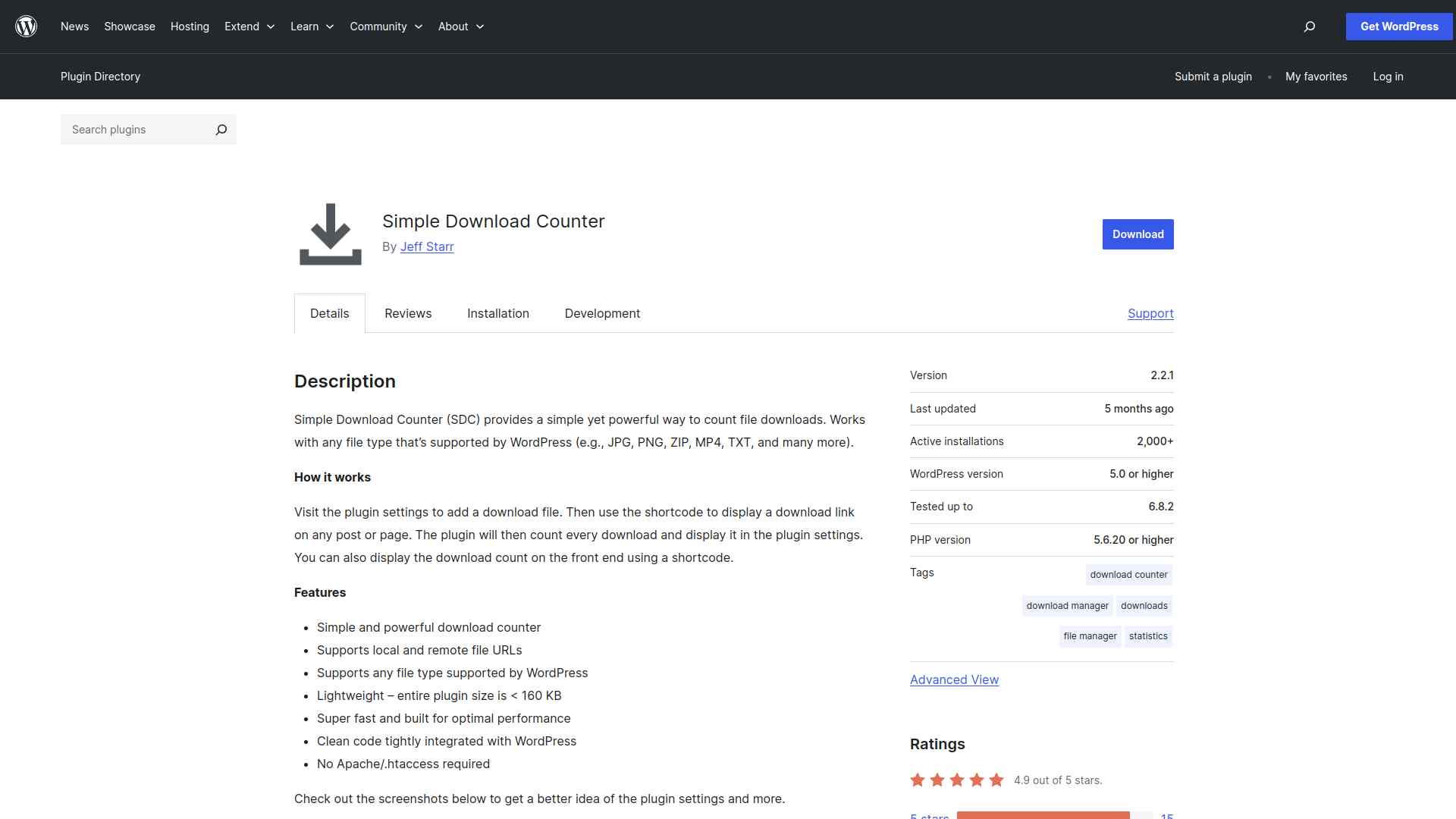
Simple Download Counter does one job well: it counts how many times your files are downloaded. You wrap a download link in a shortcode, and the plugin tracks and displays the count, for any file type WordPress supports.
It is privacy-friendly, lightweight, and made by veteran WordPress developer Jeff Starr. The plugin has about 2,000 active installs, a 98% rating from 19 reviews, and was last updated in April 2026 (v2.3.2) with support up to WordPress 7.0.
Key features of Simple Download Counter
- Tracks download counts for any WordPress-supported file type.
- Shortcode-based, so you can place a counted download link anywhere without code.
- Privacy-friendly and lightweight, with no visitor data collected.
- Maintained by an established developer with a long WordPress track record.
Best for: sites that hand out PDFs, media, or other files and want to know what gets downloaded. Worth knowing: it only counts downloads, so pair it with one of the visitor counters if you also want page traffic.
Which WordPress Counter Plugin Should You Use?
Start with what you actually want to do, and the choice gets easy:
- Show an animated stat on a page (customers served, projects done): use Counter by Nexter.
- Track traffic on your own server: use WP Visitor Statistics.
- See simple per-page view counts: use Page Visits Counter – Lite.
- Use a hosted real-time dashboard: use StatCounter.
- Count file downloads: use Simple Download Counter.
For most sites that want a clean, animated counter without slowing things down, Counter by Nexter is the easiest place to start, since it is free inside Nexter Blocks and built for speed. If your real goal is measuring visitors, match the analytics counter to where you want the data to live.
Suggested Reading
- 5 Best Mailchimp Plugins for WordPress Compared
- Gutenberg vs Elementor in 2026: An Honest Block-Builder Comparison
- How to Increase WordPress Memory Limit (5+ Easy Methods)
- Answer Engine Optimization (AEO): The Complete WordPress Guide
Stay updated with Helpful WordPress Tips, Insider Insights, and Exclusive Updates – Subscribe now to keep up with Everything Happening on WordPress!
FAQs on Best Counter Plugins for WordPress
Why should you use a counter plugin on your WordPress site?
You should use a counter plugin to display stats, achievements, or milestones in an engaging way. Counters grab attention, build trust, and make your website look more professional.
Do counter plugins slow down your website?
Most lightweight counter plugins won’t slow down your site. However, using too many animations or poorly coded plugins can affect performance. Always test before going live.
Can you customize the style of counters?
Yes, most counter plugins let you change colors, fonts, icons, and animations. You can match the design to your brand without needing coding skills.
Are counter plugins beginner-friendly?
Absolutely! Counter plugins usually come with drag-and-drop builders or simple settings, so you can set them up quickly without technical knowledge.
Do counter plugins work on mobile devices?
Yes, most modern counter plugins are responsive. They automatically adjust to look good on phones, tablets, and desktops, ensuring a smooth user experience everywhere.
