












A WordPress post gives you a title and a body. Custom fields add the rest — a price, a date, a photo, a rating — as separate, named pieces of data rather than text buried in the content.
What It Does
A custom field is a named value attached to a post, a user, a term, a comment, or the site itself. Because each value has its own name and type, you can display it where you want, sort by it, and keep it consistent across every post — none of which is possible when the same information is typed into the body.
Before You Start
- A WordPress site you can administer.
- Nexter Extension installed and active.
How the Pieces Fit Together
- A field is one named value — Price, Available from, Hero photo.
- A field group collects related fields and decides where they appear.
- Location rules on the group decide which screens show it — a post type, a template, a user profile.
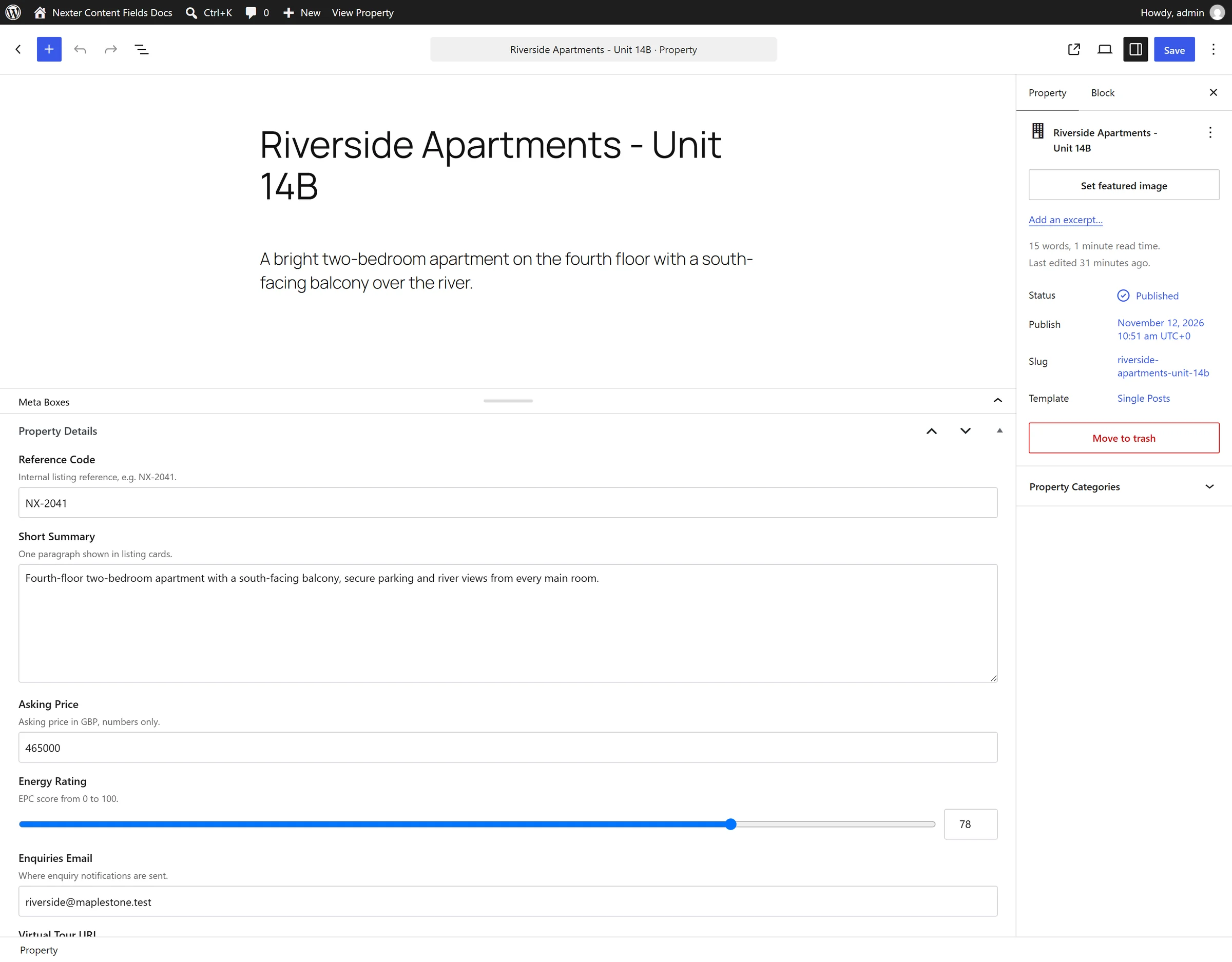
- The values editors enter are stored against the post, and your theme or page builder decides how to display them.
When to Use It
- A property site storing price, bedrooms, and an availability date.
- A recipe site storing prep time, servings and an ingredients list.
- A directory storing opening hours, a location and a contact address.
- Any site where the same kind of information repeats across many posts.
Limitations
- Custom fields hold data, not layout. Something — a theme template, a page builder, or a block — still has to display them.
- Values live in post meta, so a field added today is empty on posts written yesterday until someone fills it in.
Troubleshooting
Why not just type this into the post content?
Because then it is prose, not data. You cannot reliably sort by it, filter on it, restyle it everywhere at once, or guarantee every post has it.
Do I need to write code?
To create and fill fields, no. To display them in a classic theme template you will write a little PHP — or use a page builder that reads fields for you.
