












Some values belong to the site, not to any post — a support phone number, a global notice, default social links. An options page is where those live.
What It Does
An options-page field group is not attached to content. Its values are stored in wp_options and read anywhere, from any template.
Before You Start
- A field group with the fields you want site-wide.
- Administrator access.
Read an Options Value
- Create the field group with the fields you need.
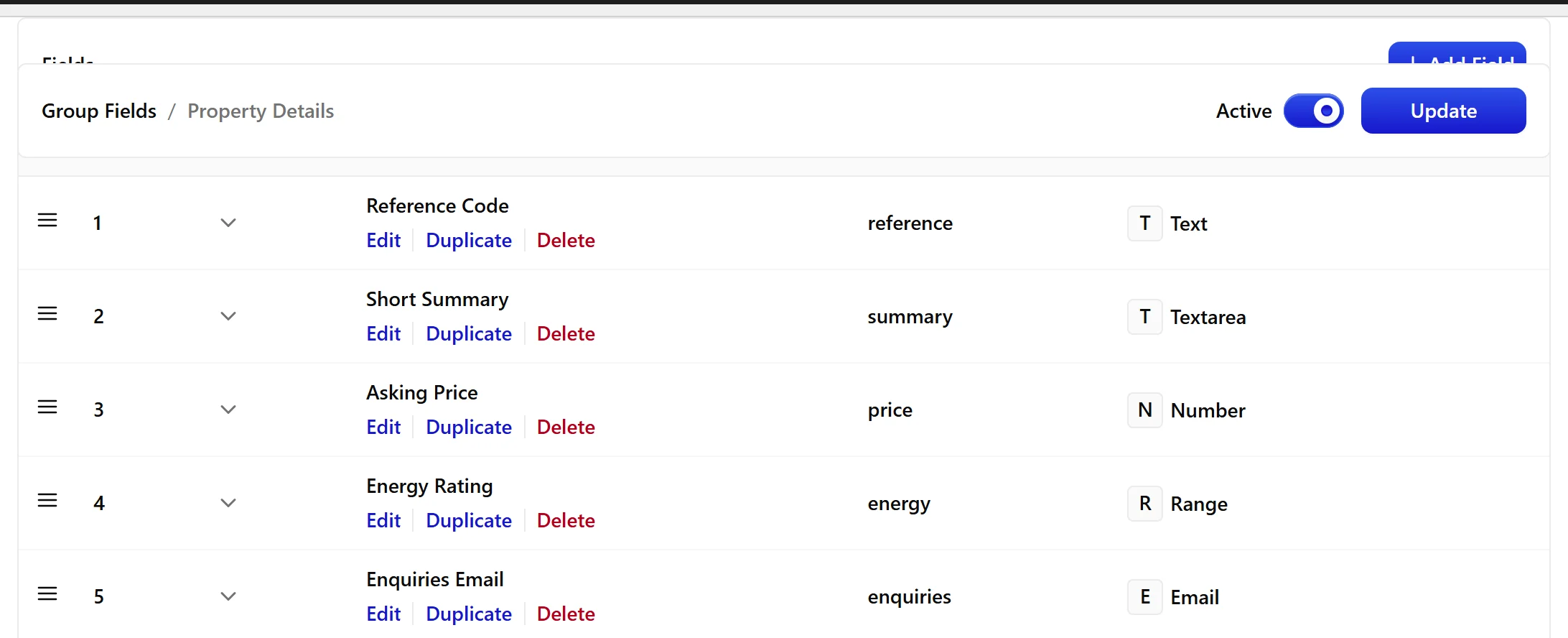
- Set it up as an options-page group rather than giving it post-type location rules.
- Enter the values once.
- Read them anywhere by passing
optionas the object.
When to Use It
- Contact details used in a header or footer.
- A site-wide announcement bar.
- Default values a template falls back to when a post leaves a field empty.
Display the Value
Reading a site-wide value:
<?php
$phone = nxt_field_value( 'support_phone', 'option' );
if ( $phone ) {
    printf( '<a href="%s">%s</a>',
        esc_url( 'tel:' . preg_replace( '/[^0-9+]/', '', $phone ) ),
        esc_html( $phone ) );
}
Limitations
- Options pages do not use location rules. The group is placed directly, so the rules panel does not apply to it.
- Values are stored as
wp_optionsrows prefixednxt_option_. They are global — there is one value per site, not one per post. - On a multisite network each site has its own options, because
wp_optionsis per-site. - Option values are not removed when the plugin is uninstalled with “delete data” enabled. Remove the
nxt_option_rows by hand if you need a clean uninstall.
Troubleshooting
The value reads empty in my template
Pass 'option' as the second argument. Without it the function looks at the current post, which has no such field.
I set a value on one site of my network and another site does not see it
Correct. Options are per-site on multisite. Set it on each site, or store it as a network option in your own code.
