












You built a field group and the editing screen looks exactly as it did before. Almost always one of three things.
What It Does
A group appears only when its location rules match the screen, and in the block editor it can be present but hidden inside a collapsed drawer.
Before You Start
- You know which post type or screen the group should appear on.
- You can edit that content.
Work Through It in Order
- Open the Meta Boxes drawer. WordPress ships the meta box area collapsed at the bottom of the block editor, and nothing on screen tells you a field group is inside it. This is the commonest cause by a wide margin.
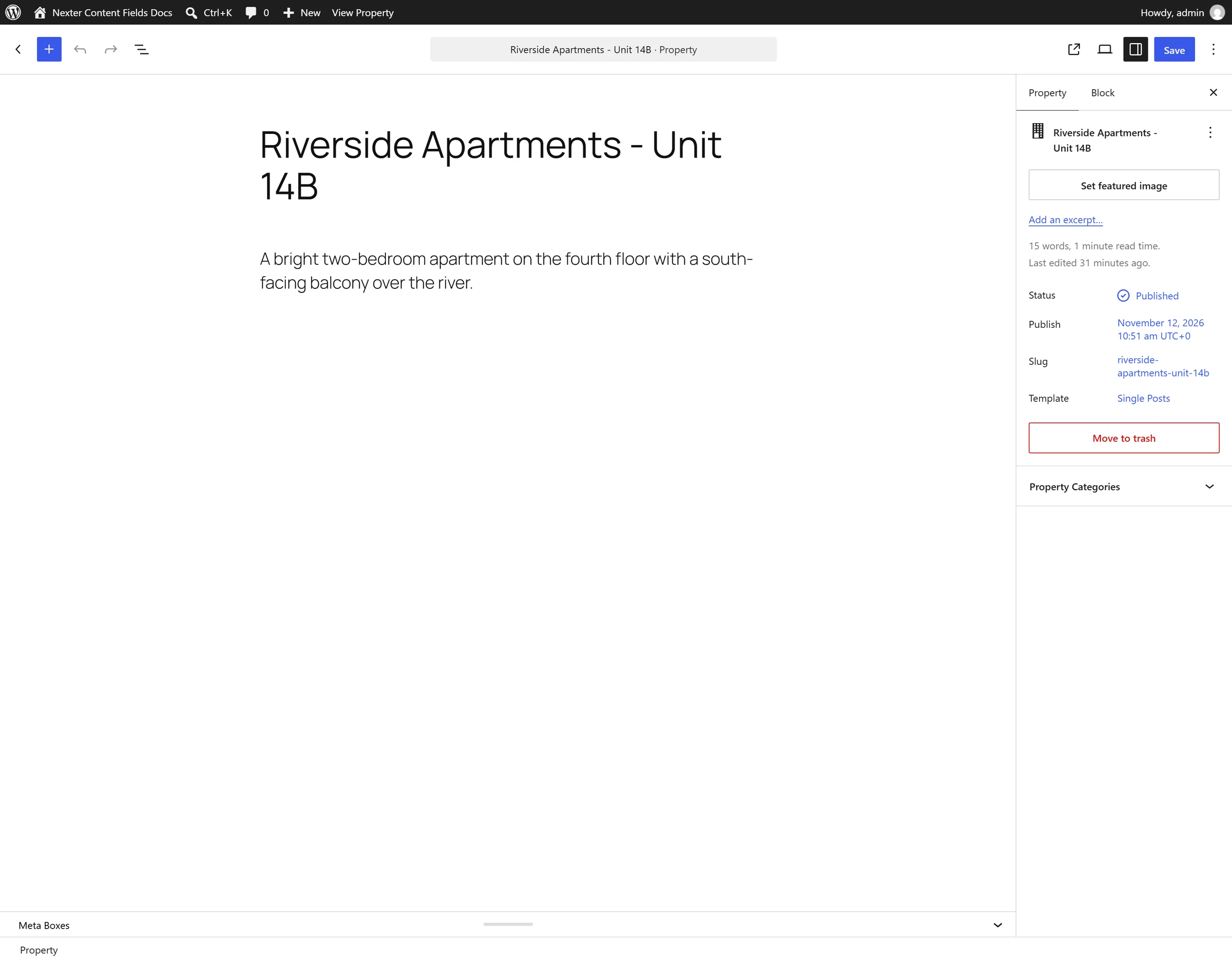
- Check the location rules. Open the group and read them against the post you are editing. A rule pointing at the wrong post type hides the group everywhere you are looking.

- Check the rules can ever match. Rules in one group are ANDed. “Post Type equals Post” AND “Post Type equals Page” is impossible — use two rule groups instead.
- Check the group has rules at all. A group with none appears nowhere.
- Check you are an administrator if the group is missing from the Content Fields screen itself, rather than from a post.
Limitations
- An options-page group does not use location rules and will not appear on a post screen at all.
- Three location parameters —
widget,nav_menuandnav_menu_item— exist in the list but do nothing in 4.9.0. A rule using one of them will never match.
Troubleshooting
It appears on posts but not on my custom post type
The post type was probably registered after the rule was set, or the rule names a different key. Open the rule and re-select the post type.
It shows in the classic editor but not the block editor
Check the group’s Position. “High (after title)” is not supported in the block editor, as its own help text notes.
