








Skip to content

Escape Custom Field Output Safely in WordPress

Key Takeaways

  • Nexter Extension is active before custom field output is displayed, and the post uses a field group with values saved on a post plus the field’s Field Name.
  • WordPress chooses escaping by context: esc_html() for plain text, esc_url() for href or src, esc_attr() for other HTML attributes, wp_kses_post() for WYSIWYG HTML, and nl2br( esc_html( ... ) ) for textarea line breaks.
  • nxt_print_field() escapes for HTML text only, so it is wrong for an attribute, a URL, or a WYSIWYG value, and escaping does not replace the field’s own sanitisation on save.
Table of Contents

Field values are content someone typed. Printing them unescaped is how a site ends up serving markup it did not intend. The right escaping function depends on where the value lands.

What It Does

WordPress has a different escaper for each context. Choosing by context, not by habit, is the whole discipline.

Before You Start

  • Nexter Extension is active.
  • A field group with values saved on a post.
  • You know the field’s Field Name.

Pick the Right Escaper

  1. Plain text in the page body → esc_html().
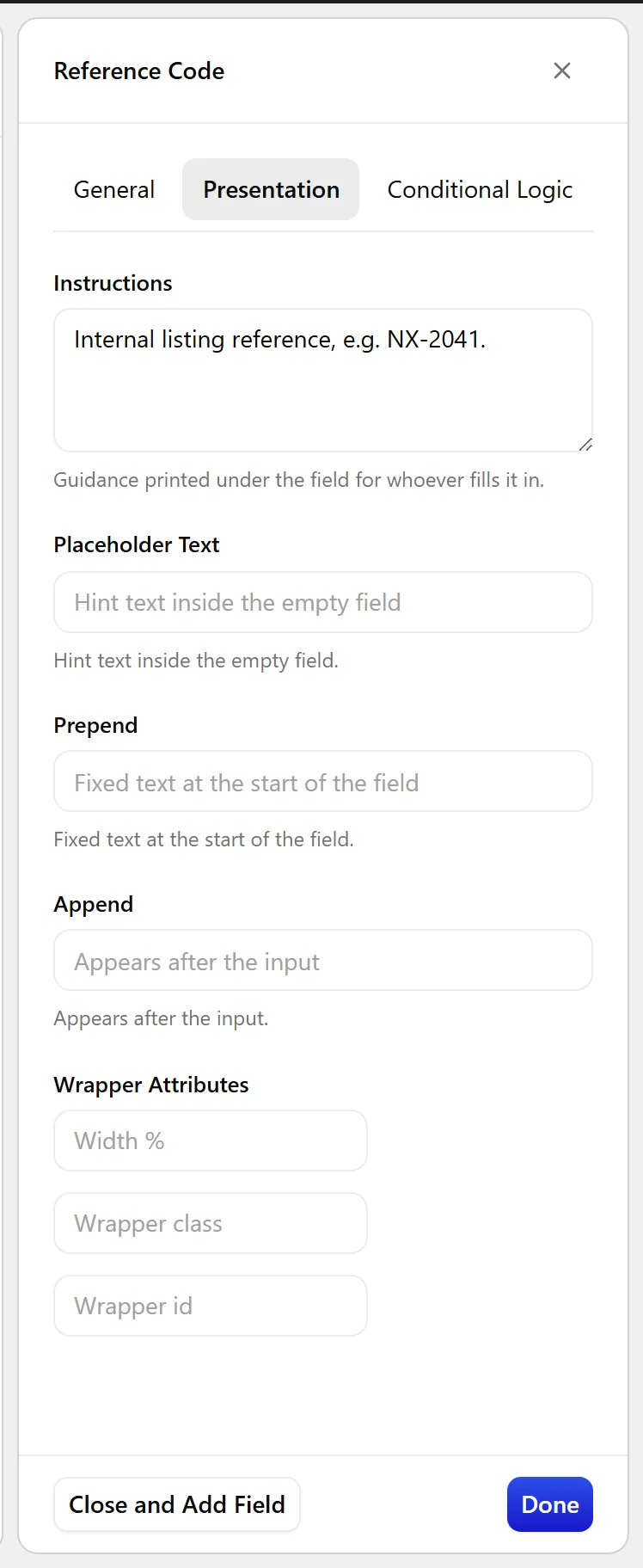
The Presentation tab on a field
  1. A URL, in href or src → esc_url().
  1. Any other HTML attribute → esc_attr().
  1. A WYSIWYG value, which is genuinely HTML → wp_kses_post(). Never esc_html(), which would print the tags.
  1. A textarea value that needs its line breaks → nl2br( esc_html( ... ) ).

Display the Value

Each context, side by side:

<?php
// text
echo esc_html( nxt_field_value( 'reference' ) );

// url
printf( '<a href="%s">Visit</a>', esc_url( nxt_field_value( 'tour' ) ) );

// attribute
printf( '<div style="--accent:%s">', esc_attr( nxt_field_value( 'accent' ) ) );

// rich text
echo wp_kses_post( nxt_field_value( 'description' ) );

// multi-line plain text
echo nl2br( esc_html( nxt_field_value( 'summary' ) ) );

Limitations

  • nxt_print_field() escapes for HTML text only. It is the wrong function for an attribute, a URL or a WYSIWYG value.
  • Escaping is for output. It does not make a value safe to store, and it is not a substitute for the field’s own sanitisation on save.

Troubleshooting

My rich text shows &lt;p&gt; tags on the page

It is being escaped with esc_html(). Use wp_kses_post() for a WYSIWYG value.

A URL with an ampersand breaks the link

Use esc_url(), which encodes the URL properly. esc_html() does not.

Related Docs

Share your Thoughts

Still in Doubt? Let’s Assist You

Have Feedback or Questions?

Join our WordPress Community on Facebook!

Related Frequently Asked Questions

Why does my custom field output show HTML tags instead of formatted text?

That usually means the value is being escaped as plain text instead of treated as real HTML. For a WYSIWYG field, the page says to use wp_kses_post(), not esc_html(), because esc_html() prints the tags literally. In Nexter Extension, this matters when the field content is meant to render markup rather than display raw characters. If the output is rich text, escaping it like normal text will break the formatting.

What is the safest way to output a custom field URL in WordPress?

esc_url() is the right choice for URLs because it encodes them correctly for href or src attributes. The page calls out a common failure case: esc_html() can break a link when the URL contains an ampersand. In practice, that means URL fields should be treated differently from plain text fields, even if they look similar in the database.

Which escaping function should I use for plain text custom fields?

Plain text in the page body should use esc_html(). That keeps user-entered content from being interpreted as markup while still displaying it normally. The key detail from the page is that WordPress has different escapers for different contexts, so plain text belongs in HTML text output, not in an attribute or a URL slot.

How do I preserve line breaks from a textarea custom field?

A textarea value that needs its line breaks should use nl2br( esc_html( ... ) ). That combination keeps the content safe as plain text and then converts line breaks into visible breaks on the page. The important gotcha is that nl2br alone is not enough, because the value still needs escaping before it is printed.

What do most people get wrong when escaping custom field output?

The biggest mistake is choosing an escaper by habit instead of by context. The page separates four cases: esc_html() for plain text, esc_url() for href or src, esc_attr() for other HTML attributes, and wp_kses_post() for genuine WYSIWYG HTML. Nexter Extension follows that same rule set, and using the wrong one can either break formatting or print unsafe markup.

Does nxt_print_field() work for every kind of custom field output?

nxt_print_field() only escapes for HTML text output, so it is not the right function for an attribute, a URL, or a WYSIWYG value. That limitation matters because different output contexts need different escaping rules. If you are building templates with Nexter WP or POSIMYTH Nexter, use Display a custom field value and Template functions reference when you need to match the function to the output context.

Last reviewed: November 12, 2026

Related Docs