












Say you run a WooCommerce store on decent hosting. Traffic is fine, but the product pages feel heavy, the cart takes a beat too long, and a Core Web Vitals report keeps flashing amber. So you install a caching plugin, compress a few images, and the needle barely moves. Here is the part most speed guides skip. On a lot of stores the single biggest weight is not the images or the host. It is the page builder rendering every page.
I have come to think of it as a tax. Elementor, Divi, and the rest are capable design tools, but they load their own CSS and JavaScript on top of WooCommerce, which is already one of the heaviest things you can run on WordPress. Stack the two and no amount of caching fully hides it. The good news is that you can build a fast store, product pages and all, in native Gutenberg blocks and skip that tax entirely. This guide walks through where the time actually goes and how to get it back.
What “Slow” Actually Means for a Store
Speed is not a vanity metric for a shop. A slow product page costs you the visitor before they see the price, and a slow cart or checkout costs you the sale after they have already decided to buy. So it helps to define slow with numbers rather than feel.
Google measures real-world experience with three Core Web Vitals. According to web.dev, the good thresholds are: Largest Contentful Paint (LCP) within 2.5 seconds, Interaction to Next Paint (INP) of 200 milliseconds or less, and Cumulative Layout Shift (CLS) of 0.1 or less. These are judged at the 75th percentile of visits across mobile and desktop, which means your slowest quarter of real shoppers is what gets scored, not a single clean lab run on your own laptop.
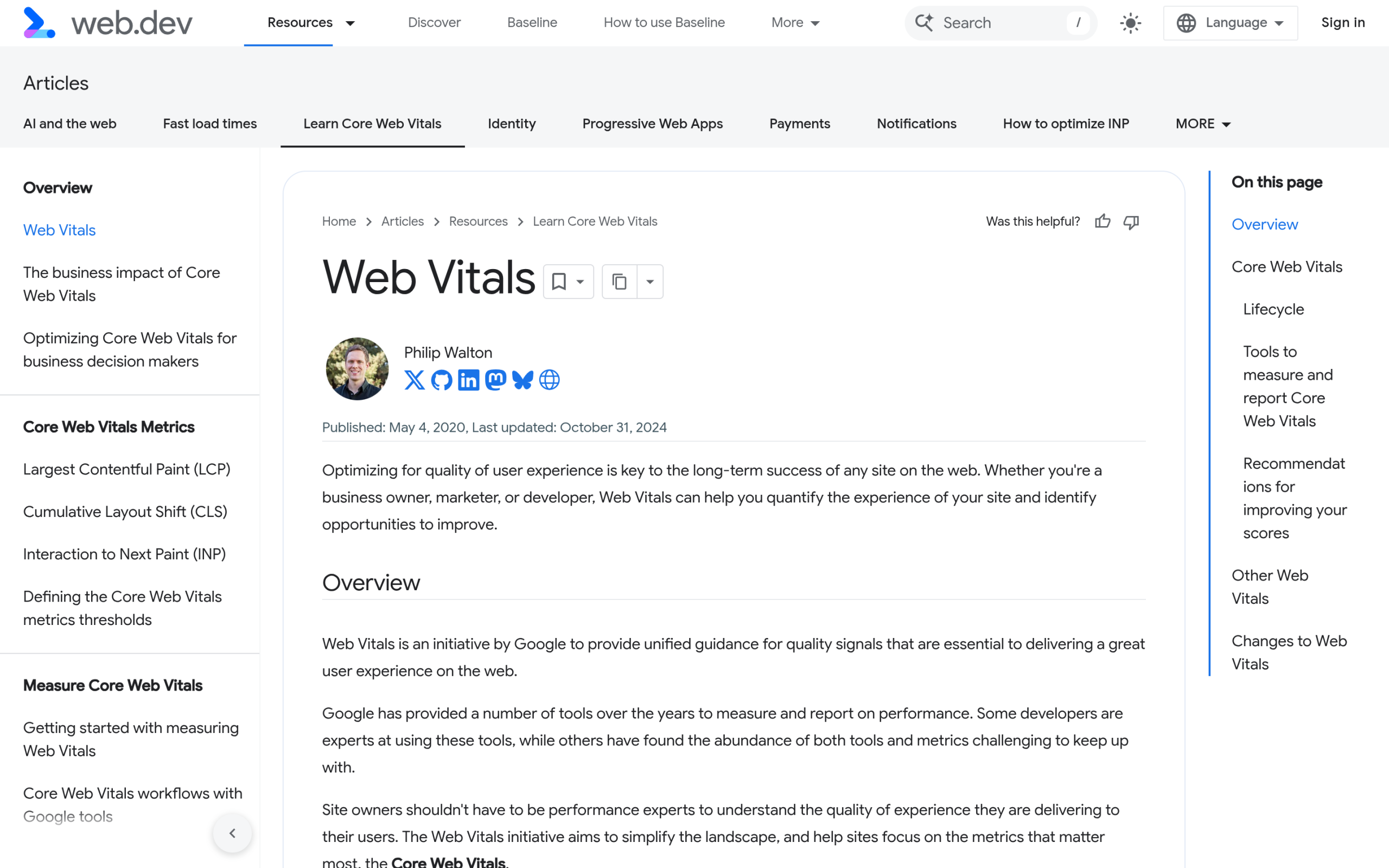
LCP is usually your product image or hero. INP is how quickly the store responds when someone taps “add to cart” or opens a variation dropdown. CLS is the layout jumping as fonts, images, and upsell widgets load in. Every one of those is influenced by how much code the page has to download and run before it becomes usable. Which brings us to why stores get heavy.
Why WooCommerce Is Slow by Default
WooCommerce is database-driven in a way a brochure site is not. A single product page pulls product data, stock status, variations, related products, and pricing, and each of those is a query. Add a cart and things get harder, because the cart, the checkout, and the My Account page are personal to each visitor. They cannot be served from a static cache the way a blog post can, so they hit PHP and the database on almost every request.
That is the baseline cost of running a real store, and it is unavoidable. The mistake is piling avoidable weight on top of it: a heavy theme, a page builder, a dozen plugins that each enqueue their own scripts, and unoptimized images. Each layer is small on its own. Together they push a store from a two-second load into the six-to-eight-second range where shoppers leave.
Also Read: Our speed benchmark on identical WooCommerce sites shows how much the theme layer alone moves the numbers.
The Page-Builder Tax (the Part Most Guides Skip)
Open almost any WooCommerce speed guide and you will get the same checklist: better hosting, a caching plugin, smaller images, a CDN. All correct, all worth doing. What most of them barely mention is the theme and page-builder layer, and that is often where the biggest single win is hiding.
A page builder like Elementor or Divi is a rendering engine that sits between WordPress and the browser. To give you drag-and-drop control it loads its own framework of CSS and JavaScript on every page, whether that page uses ten widgets or one. On a WooCommerce store that framework loads alongside WooCommerce’s own scripts and your theme’s scripts. The browser has to download, parse, and run all of it before the page is interactive, which is exactly what hurts LCP and INP.
This is why “no page builder” is a genuine performance lever and not just a preference. If you remove the builder from the critical path, you remove a large block of render-blocking code from every product page at once. The question then becomes: how do you get flexible, good-looking store pages without it? The answer is the block editor.
How to Speed Up a WooCommerce Store Without a Page Builder
Here is the block-native approach, in the order that gives you the most speed for the least effort. Do them top to bottom and re-measure as you go.
1. Start With a Lightweight Block Theme
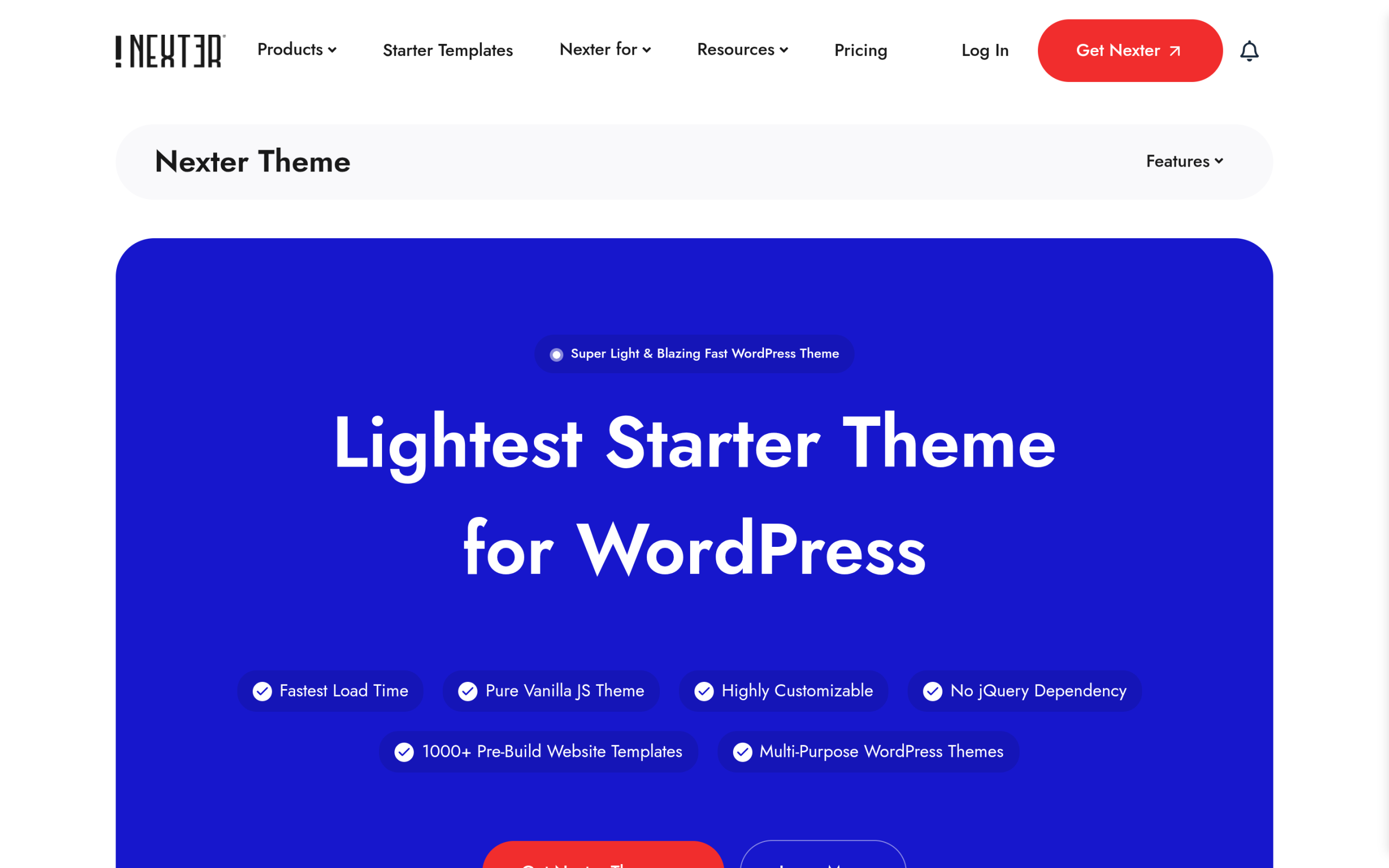
Your theme sets the performance ceiling for everything else, so this is the first lever, not the last. A block theme built for the site editor avoids the extra rendering layer a page builder adds. The Nexter Theme is a useful example of what to look for: it describes itself as “Less than 20Kb,” a “Pure Vanilla JS Theme” with “no jQuery dependency to avoid render blocking,” and it is WooCommerce ready. A blank-canvas theme that does not impose its own heavy styling means the browser downloads less before your product image appears.
Also Read: What makes a WordPress theme SEO-friendly covers the same lightweight-code principles from the search side.
2. Build Store Pages With Blocks, Not a Builder
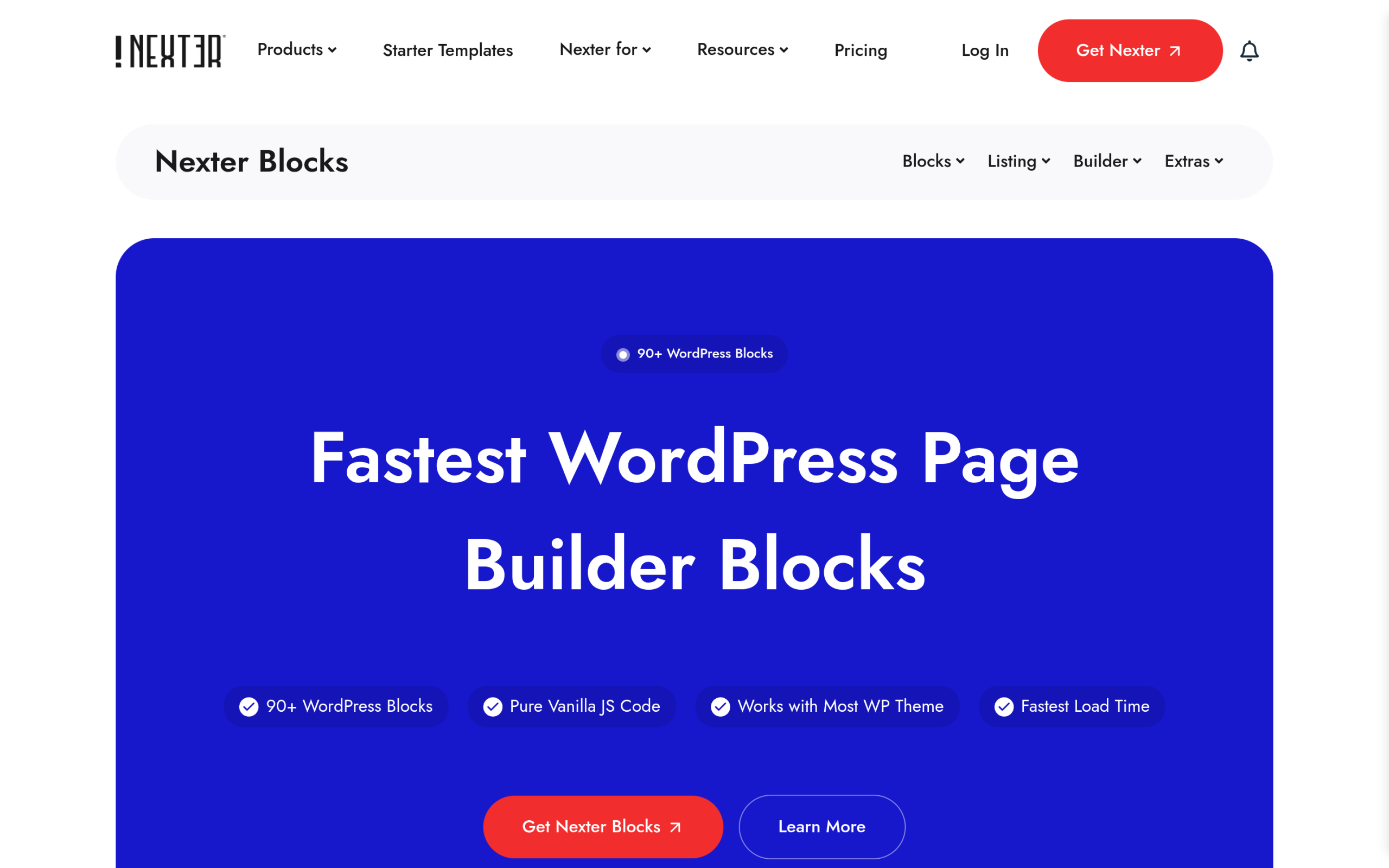
The reason people reach for a page builder on a store is layout: product grids, carousels, filtered listings, and custom shop pages. You can now do all of that with Gutenberg blocks. A block library such as Nexter Blocks ships “120+” blocks and recently added “27 New WooCommerce Blocks,” which let you build a whole store in Gutenberg. Because these are native blocks, they render through the block editor instead of a separate builder engine, so you get the layout control without the extra framework loading on every page.
Also Read: WooCommerce Blocks for Gutenberg walks through building your whole store without a page builder, block by block.
3. Turn On Caching the Right Way
Caching is the highest-impact plugin change you can make, but on a store you have to do it carefully. Page caching serves your shop and product pages as static HTML to logged-out visitors, which is a big win. The catch is that the cart, checkout, and My Account pages must be excluded from the page cache, since they are personal and dynamic. Most reputable caching plugins exclude these automatically, but confirm it. Pair page caching with object caching (Redis or Memcached, usually available on managed hosts) to speed up the repeated database queries WooCommerce fires on every request.
4. Optimize Images for the Web
Product photos are usually the largest thing on the page and the most common LCP culprit. Serve them in a modern format like WebP or AVIF, size them to the largest dimension they actually display at rather than uploading a 4000-pixel original, and lazy-load anything below the fold. Do not lazy-load the main product image itself, though, because delaying your LCP element makes the score worse, not better.
5. Audit Plugins and Clean the Database
Every active plugin adds queries, HTTP requests, and PHP work. The goal is not the smallest possible number of plugins but making sure each one earns its place. Deactivate and delete anything you are not using, and be wary of plugins that load their assets site-wide when you only need them on one page. On the database side, WooCommerce accumulates expired transients, old sessions, and order metadata over time. A periodic cleanup and, on larger stores, moving to WooCommerce’s High-Performance Order Storage keeps queries fast.
6. Add a CDN
A content delivery network serves your static files, which includes images, CSS, and JavaScript, from a server close to each shopper instead of your single origin. For a store with customers in more than one region this cuts latency noticeably, and most CDNs add another layer of caching and image optimization on top. It is the last step because it multiplies the gains from everything above rather than replacing them.
Also Read: Crawl budget in WordPress explains why a fast, lean store also helps search and AI crawlers reach more of your pages.
A Practical Order of Operations
Speed work goes wrong when people change six things at once and cannot tell what helped. Follow this order and measure between steps.
- Measure first. Record your current LCP, INP, and CLS on a real product page and on the cart.
- Fix the foundation. Confirm your hosting is adequate, then move to a lightweight block theme and drop the page builder from the critical path.
- Rebuild key pages in blocks. Recreate your shop and product templates with native blocks so no builder loads.
- Turn on caching (page plus object), with cart and checkout excluded.
- Optimize images to WebP or AVIF, correctly sized, with sensible lazy-loading.
- Trim plugins and clean the database.
- Add a CDN and re-measure the same pages you started with.
How to Measure and Keep It Fast
Use Google PageSpeed Insights for a page-by-page read, since it shows both lab data and, where available, real-world field data from the Chrome User Experience Report. Field data is the version that reflects your actual Core Web Vitals scores, so weight it more heavily than a one-off lab number. Test a product page and the cart, not just the homepage, because those are the pages that carry your revenue and the pages WooCommerce makes heaviest.

Speed is not a one-time project either. Every new plugin, theme update, and seasonal landing page can quietly add weight. Re-test after any significant change, keep an eye on your field data month to month, and treat a slow cart the same way you would treat a broken one, because to a shopper on the edge of buying, it is.
Frequently Asked Questions
Does removing my page builder mean rebuilding my whole store?
Not all at once. Most stores start by rebuilding the highest-traffic templates, usually the shop page and the single product template, in native blocks, then convert the rest over time. The performance gain shows up as soon as the builder no longer loads on those pages.
Can I really get product-grid and carousel layouts without a page builder?
Yes. Native WooCommerce blocks plus a Gutenberg block library cover product grids, carousels, filtered listings, and custom shop layouts. Because they render through the block editor, you avoid loading a separate builder framework on every page.
Why can’t caching just fix a slow WooCommerce store?
Caching helps a lot on shop and product pages, but the cart, checkout, and account pages are unique to each visitor and cannot be served from a static page cache. Those pages still run live PHP and database queries, which is why the underlying theme, plugin, and database weight still matter.
What Core Web Vitals scores should a store aim for?
Aim for the good thresholds: LCP within 2.5 seconds, INP of 200 milliseconds or less, and CLS of 0.1 or less, measured on real visits at the 75th percentile.
Suggested Reading
- WooCommerce Blocks for Gutenberg: Build Your Whole Store Without a Page Builder
- NexterWP vs Kadence: Speed Benchmark on Identical WooCommerce Sites
- What Makes a WordPress Theme SEO-Friendly?
- How to Get Your WooCommerce Store Ready for Agentic Commerce
- 27 New WooCommerce Blocks and Nexter SEO Are Live
