












Choosing between Astra and Avada means choosing between two very different philosophies. Astra, a lightweight free WordPress theme by Brainstorm Force with over 2 million active installs, is a minimal base that you extend with your chosen page builder. Avada, a premium theme by ThemeFusion and the best-selling theme on ThemeForest, is a self-contained package with its own visual page builder built in. Neither is universally better, and picking the wrong one means a painful migration later.
The difference matters more than it seems. Avada’s layouts are tied to Fusion Builder. Switch themes and those pages break. Astra relies on third-party builders, so your content travels with you. This guide is for WordPress users, developers, and agencies comparing both themes before committing.
Below we compare pricing, performance, page builder compatibility, starter templates, and lock-in risk so you can make a confident decision.
What is Astra?
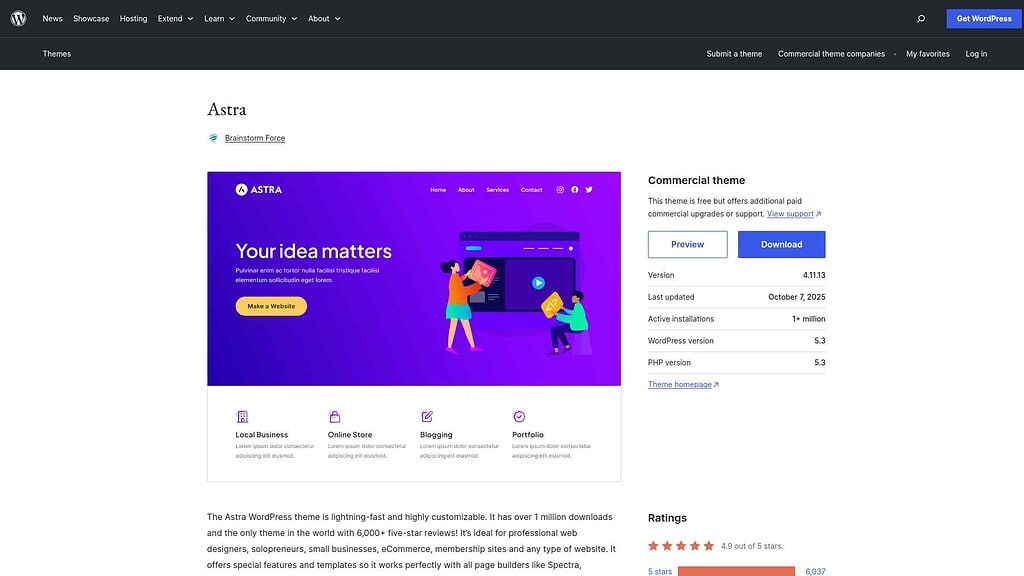
Astra is a free WordPress theme available from WordPress.org with over 2 million active installs. It is deliberately minimal: a fast, clean base designed to work alongside page builders rather than replace them. Elementor, Gutenberg, Beaver Builder, and Brizy all pair cleanly with Astra because the theme imposes no layout opinions of its own.
The free version handles basic blogs and simple sites. Astra Pro (starting at $47/year for one site, prices as of April 2026) adds a header and footer builder, WooCommerce layout control, custom page layouts, and expanded typography. Most professional builds eventually need it.
Pros and Cons of Astra
Pros:
- Genuinely useful free version: Blogs and small sites work without paying for Pro.
- Fast by default: Under 50KB base theme, renders in approximately 0.5 seconds on a clean install.
- Builder-agnostic: Works equally well with Elementor, Gutenberg, Beaver Builder, and Brizy.
- 300+ starter templates: Wide coverage across niches and multiple builders.
Cons:
- Pro required for professional sites: Header builder, WooCommerce integration, and custom layouts all sit behind the paywall.
- Annual subscription model: Recurring fees add up for agencies managing multiple client sites.
Want a deeper look at Astra’s features and real-world performance? Read our Astra Theme Detailed Review.
What is Avada?
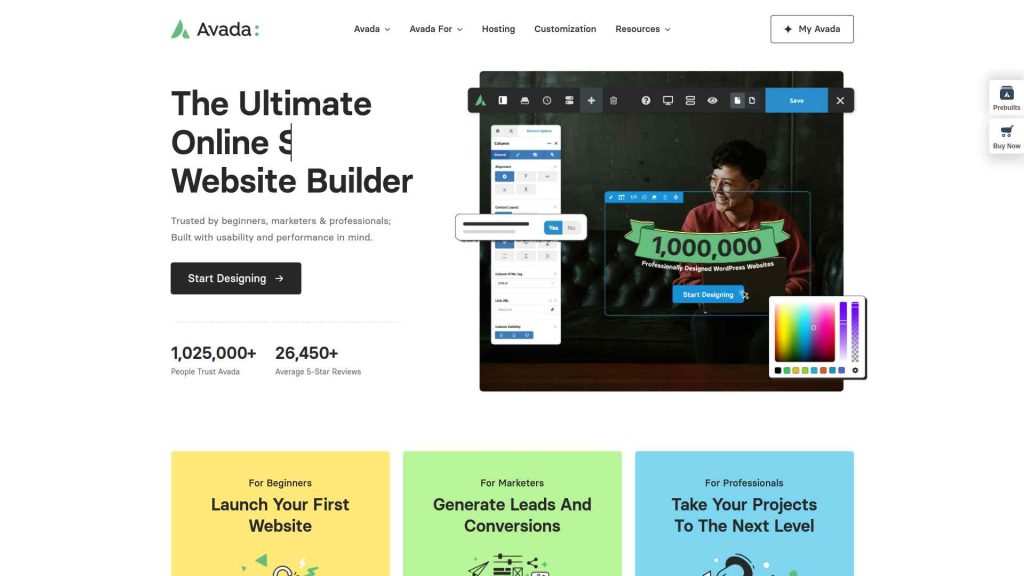
Avada is a premium WordPress theme by ThemeFusion, sold exclusively on ThemeForest as the platform’s best-selling theme. A single-site license is a one-time purchase. Avada’s central feature is Fusion Builder: a proprietary visual page builder bundled with the theme that handles all layout customization through 70+ design elements and a full theme options panel.
There is no free version or trial. The trade-off for the one-time price is builder lock-in. Layouts built in Fusion Builder only render correctly with Avada active. If you switch themes, those pages need to be rebuilt from scratch.
Pros and Cons of Avada
Pros:
- One-time purchase, no recurring fees: Pay once and use indefinitely. By year two, cheaper than most annual Astra Pro plans.
- Fusion Builder included: A full visual page builder with 70+ design elements. No separate purchase needed.
- 60+ polished starter demos: Niche-specific demos covering photography, food, crypto, e-sports, and more.
- Granular theme options: Huge settings panel for fine-tuning nearly every visual element without code.
Cons:
- No free version: You commit $69 before ever testing on your live environment.
- Fusion Builder lock-in: Content built in Fusion Builder breaks if you switch themes. Migrating away means rebuilding every page layout.
- Heavier default load: More performance optimization work required compared to lightweight themes.
Curious about Avada’s full feature set? Read our Avada Theme Detailed Review.
Astra vs Avada Comparison Table
| FEATURES | Nexter Theme | Kadence Theme | Astra Theme | Blocksy | OceanWP | GeneratePress | Avada Theme |
|---|---|---|---|---|---|---|---|
| Global Fonts & Colors | Yes | Yes | Yes | Yes | Yes | Yes | Yes |
| Advanced Theme Builder | Yes | Yes | Limited | Limited | Limited | Yes | Limited |
| Conditional Rules | Yes | - | Yes | Yes | Yes | Yes | Limited |
| Header & Footer Builder | Yes | Yes | Limited | Limited | Limited | Yes | Yes |
| Code Snippets | Yes | - | - | Limited | - | - | - |
| Prebuilt Websites Templates | Yes 1000+ | Yes 90+ | Yes 300+ | Yes 40+ | Yes 240+ | Yes 90+ | Yes 110+ |
| Action & Filter Hooks | Yes | - | Yes | - | - | - | - |
| Whitelabel Theme | Yes | Limited | Yes | Yes | Yes | - | Yes |
| Maintenance/Coming Soon Mode | Yes | - | - | Yes | - | - | Yes |
| Replace Text & URL | Yes | - | - | - | - | - | - |
| Performance Booster | Yes | Limited | Limited | Limited | Limited | Limited | Yes |
| Security Hardening | Yes | - | - | - | Requires Ocean Core Extensions Bundle | - | Yes |
| Local Google Fonts | Yes | Yes | Yes | Yes | Yes | Yes | Yes |
| Adobe Fonts | Yes | - | - | Yes | Yes | - | Yes |
| Custom Upload Fonts | Yes | Requires Kadence Custom Fonts plugin | - | Yes | Yes | Yes | Yes |
| 404 Page | Yes | - | Yes | Yes | Yes | Yes | Yes |
| Disable Admin Settings | Yes | - | - | - | - | - | - |
| Post & Page Duplicator | Yes | - | - | - | - | - | - |
| WooCommerce Builder | Yes (With The Plus Addons) | Yes (Requires Shop Kit extension) | Yes | Yes | Yes | Yes | Yes |
| Blog Builder | Yes | - | Limited | Yes | Yes | Yes (Requires Blog add on) | Yes |
| Vertical & Horizontal Mega Menu | Yes | Limited | Yes | Limited | Yes | - | Yes |
How Astra and Avada Differ: 5 Key Areas
1. Pricing
Astra starts free. Astra Pro starts at $47/year for one site, $169/year for unlimited sites. One-time lifetime options start at $249. The free tier is functional for simple sites but most professional projects need Pro.
Avada is a one-time purchase at $69 per site on ThemeForest. No subscription, no renewal. Extended support beyond six months costs an additional $23. At year two and beyond, Avada is cheaper than any annual Astra Pro plan.
2. Performance and Page Speed
Astra is built for performance from the start. The base theme weighs under 50KB and renders in approximately 0.5 seconds on a clean install, with no render-blocking scripts and minimal CSS. Performance is the default state, not something you configure.
Avada is heavier out of the box because of Fusion Builder assets. Good performance is achievable but requires deliberate work: disabling unused features, configuring caching, and cleaning up scripts. Astra starts lean; Avada starts loaded and needs trimming.
Comparing other lightweight themes? See how they stack up in our Blocksy vs OceanWP comparison.
For context: Nexter Theme also sits under 50KB with zero jQuery dependency. Its smart asset system loads exactly one CSS file and one JS file per page regardless of how many blocks are active, tested on WordPress 6.9 with Nexter Blocks v4.7.2.
3. Page Builder Compatibility
Astra is builder-agnostic. Elementor, Gutenberg, Beaver Builder, and Brizy all work cleanly alongside it. Your layouts belong to the builder, not the theme. Switch from Astra to another theme and your Elementor or Gutenberg content stays intact.
Avada works best with Fusion Builder. It technically supports other builders, but running Elementor or Beaver Builder on top of Avada creates redundancy: two visual systems competing for the same job. If you bought Avada specifically to use Elementor with it, a neutral lightweight theme paired with a proper Elementor addon gives you a cleaner setup.
Speaking of Elementor: The Plus Addons for Elementor extends it with 120+ widgets, plus a full header, footer, popup, and WooCommerce builder, without requiring any theme change.
4. Templates and Starter Designs
Astra ships with 300+ starter templates built across Elementor, Gutenberg, and Beaver Builder. Some premium templates are gated behind higher-tier plans. The catalog covers most standard niches: business, portfolio, blog, and WooCommerce.
Avada includes 60+ polished starter demos, all built in Fusion Builder. The catalog is smaller but goes deeper into specialized niches: craft beer, e-sports, podcast, influencer, and crypto. All demos are available with the base $69 license.
For teams needing cross-builder template access, WDesignKit provides 1,000+ templates for Elementor, Gutenberg, and Bricks from a single cloud workspace, with a one-click converter to switch between builders.
5. Builder Lock-in Risk
This is the most overlooked factor in the Astra vs Avada decision. Astra is a passive theme: it styles your site while your chosen builder handles layout. If you outgrow Astra, you install a new theme and your content follows.
Avada is active: Fusion Builder encodes layouts directly into page content using its own shortcodes. Switch away from Avada and those pages break. For individual sites with no migration plans, this is manageable. For agencies building client sites that may change direction or ownership over time, this lock-in is a real liability worth pricing into the decision.
One reason Nexter Blocks works well in agency setups is that it uses standard WordPress block markup. A site built with Nexter Blocks can switch from Nexter Theme to any other WordPress theme and the block content keeps rendering correctly.
Why We Recommend Using Nexter Theme?
If you are evaluating Astra vs Avada and performance or flexibility matters, Nexter Theme is worth adding to the comparison. It matches Astra’s speed with under 50KB core files and zero jQuery, while the Pro plan bundles 90+ Gutenberg blocks and 50+ site extensions covering security, performance, and fonts in one subscription starting at $49/year. A free version is available directly from WordPress.org.
Nexter is a lightweight, high-performance theme from POSIMYTH, the team behind The Plus Addons for Elementor and Nexter Blocks. It offers all the essential elements of a premium WordPress theme, such as a flexible header and footer builder, customizable post types, an archive builder, multilingual capabilities, and numerous additional features.
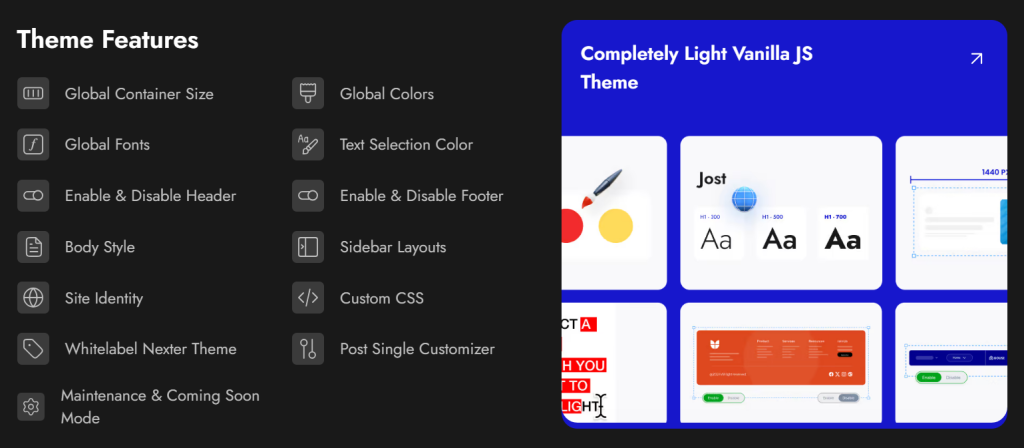
With Nexter, you can select from a wide range of pre-designed templates for effortless website construction and deployment. In terms of speed, Nexter excels with its exceptional performance. The theme's core files are optimized to be under 20 KB, resulting in lightning-fast load times of less than 0.5 seconds.
Nexter seamlessly integrates with popular page builders like Gutenberg, Elementor, Beaver Builder, and Brizy, ensuring compatibility across all major platforms.
Moreover, Nexter also provides many security features, such as content protection, Google reCAPTCHA integration, and the ability to disable XML-RPC or conceal your WordPress version.
Related Theme Comparisons
Stay updated with Helpful WordPress Tips, Insider Insights, and Exclusive Updates – Subscribe now to keep up with Everything Happening on WordPress!
Which Should You Choose: Astra or Avada?
Choose Astra if you want a free, fast starting point that works with Elementor, Gutenberg, or Beaver Builder. It is the better pick for beginners, bloggers, and developers who prioritize page speed and want builder flexibility. The free version is genuinely functional, and Astra Pro is affordable at $47/year for single sites.
Choose Avada if you want a self-contained premium theme with no recurring subscription and your own visual builder included. It suits agencies and developers who commit to Fusion Builder from the start and are not planning to migrate to another theme.
If you want performance, builder independence, and a complete WordPress toolkit without plugin overload, Nexter is built for beginners and scales well for agency workflows too. See Nexter pricing or download the free theme from WordPress.org to get started.
FAQs on Astra vs Avada
Is Astra better than Avada for beginners?
Astra is the better choice for beginners. The free version is functional, setup is straightforward, and it works with the page builders most tutorials use. Avada has a steeper learning curve because Fusion Builder adds complexity beyond standard WordPress. Beginners following Elementor or Gutenberg tutorials will find Astra fits their workflow without friction.
Which theme is faster: Astra or Avada?
Astra loads faster out of the box. Its base theme weighs under 50KB with minimal JavaScript and renders in approximately 0.5 seconds on a clean install. Avada loads heavier because of Fusion Builder assets and requires deliberate optimization to reach comparable performance. For speed-critical sites, Astra is the stronger default.
Does Avada work with Elementor?
Avada technically supports Elementor, but the combination is not recommended. Avada is designed around Fusion Builder, so running Elementor on top creates redundancy and unnecessary overhead. If you use Elementor, pairing it with a lightweight neutral theme like Astra or Nexter Theme gives you a cleaner, faster setup.
Can I switch from Astra to Avada without losing my content?
Switching will not delete your posts or pages, but layouts will need reconfiguring. Content created in Elementor or Gutenberg under Astra still renders after the switch because those builders are theme-independent. Headers, footers, colors, and typography all need to be rebuilt under Avada. Always back up your site before switching any theme.
What is the best free alternative to both Astra and Avada?
Nexter Theme is a strong free alternative. It loads in under 0.5 seconds, uses zero jQuery, and works with Gutenberg, Elementor, and Bricks Builder. Unlike Astra’s free version, which limits many features behind Astra Pro, Nexter’s free tier gives you the full theme without artificial caps. Download the free Nexter theme from WordPress.org.
Extra Resources
Nexter Official Website
Check 90+ Gutenberg Blocks Library
Get Premium Plan – Yearly & Lifetime (Both available)
Join our Facebook Community – Ask all your WordPress questions
Subscribe for Product Updates, Elementor News, Tips & More
