












A client handed me a three-year-old Avada site last year and asked one question: why does it take almost four seconds to load? The site looked great. Someone had clearly spent real time in Fusion Builder. But every page was carrying a stack of CSS and JavaScript, and the previous developer had built everything with Avada’s own shortcodes, so moving off the theme was not a quick job. That site is the reason I wanted to write an honest Avada theme review instead of another list of features copied from the sales page.
Avada is not a bad theme. It is one of the most capable products you can buy, and the numbers back that up. The question is not whether Avada is good. It is whether Avada is the right fit for your project, your skill level, and the kind of site you want to maintain two years from now. This review walks through what Avada does well, where it costs you, what it actually charges, and who should pick something lighter instead.
What is the Avada Theme?
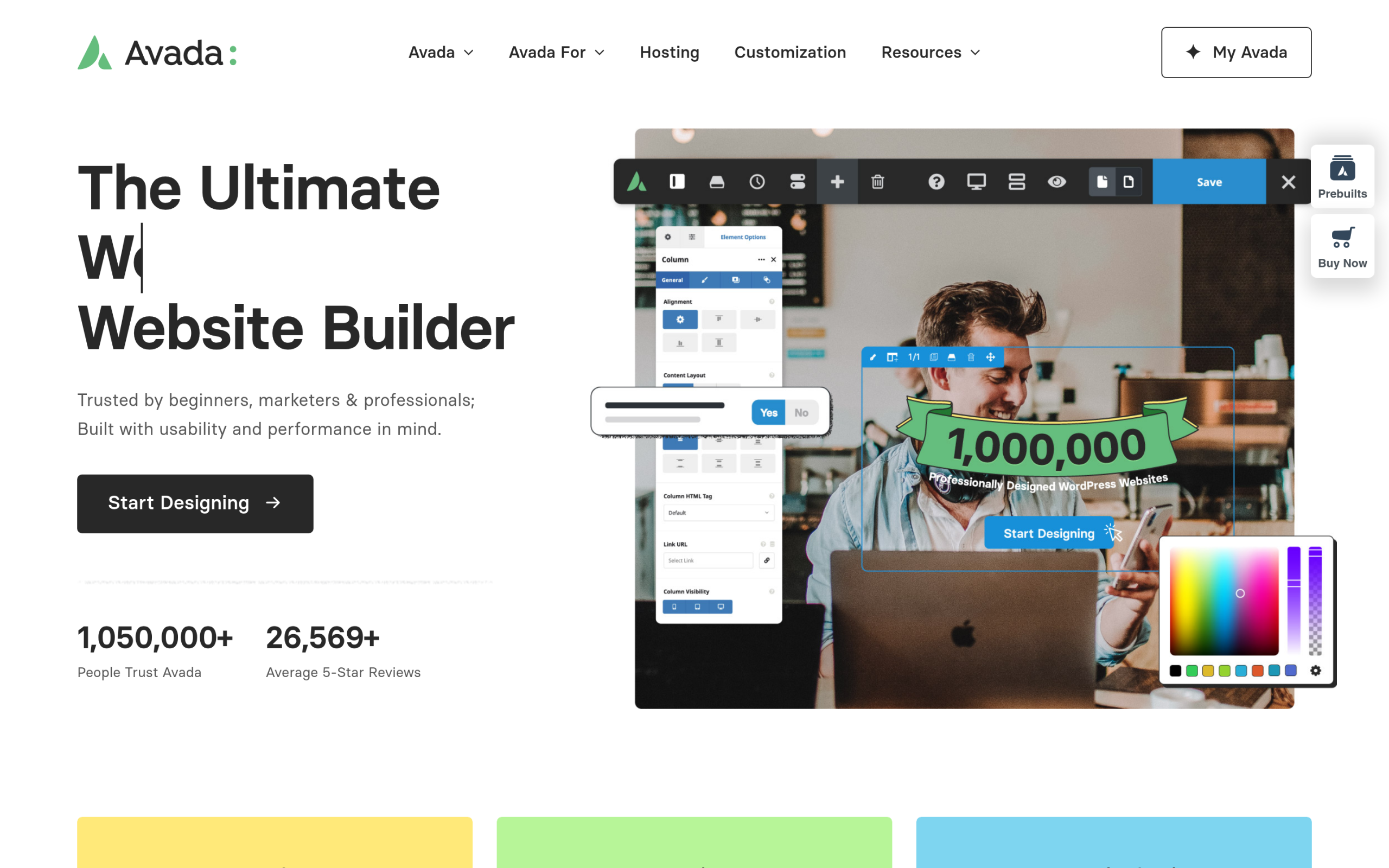
Avada is a multipurpose WordPress theme built by ThemeFusion and sold on Envato’s ThemeForest marketplace. ThemeFusion describes it as the number one selling website builder on ThemeForest for more than 13 years, and the homepage reports over 1,063,740 users and more than 26,569 average five-star reviews. Whatever you think of the theme, that is a track record almost no other product can match.
Instead of relying on Gutenberg or a third-party page builder, Avada runs on its own Fusion Builder, a front-end drag-and-drop editor that ThemeFusion calls the Live Visual Builder. Around it sits a full set of site-building tools: a layout builder, header and footer builders, a form builder, a mega menu builder, and an off-canvas builder, plus Setup and Performance wizards to guide configuration. The package also includes 120+ design elements, 113 prebuilt websites you can import as starting points, the Avada Studio library of 639+ prebuilt content sections, and six premium plugins bundled in at no extra cost.
In short, Avada tries to be everything in one purchase: the theme, the builder, the templates, and the extras. That ambition is its biggest strength and the root of its trade-offs. If you are still deciding on a direction, our guide on how to choose a WordPress theme is a useful companion to this review.
Avada Pricing: Is $69 the Whole Story?
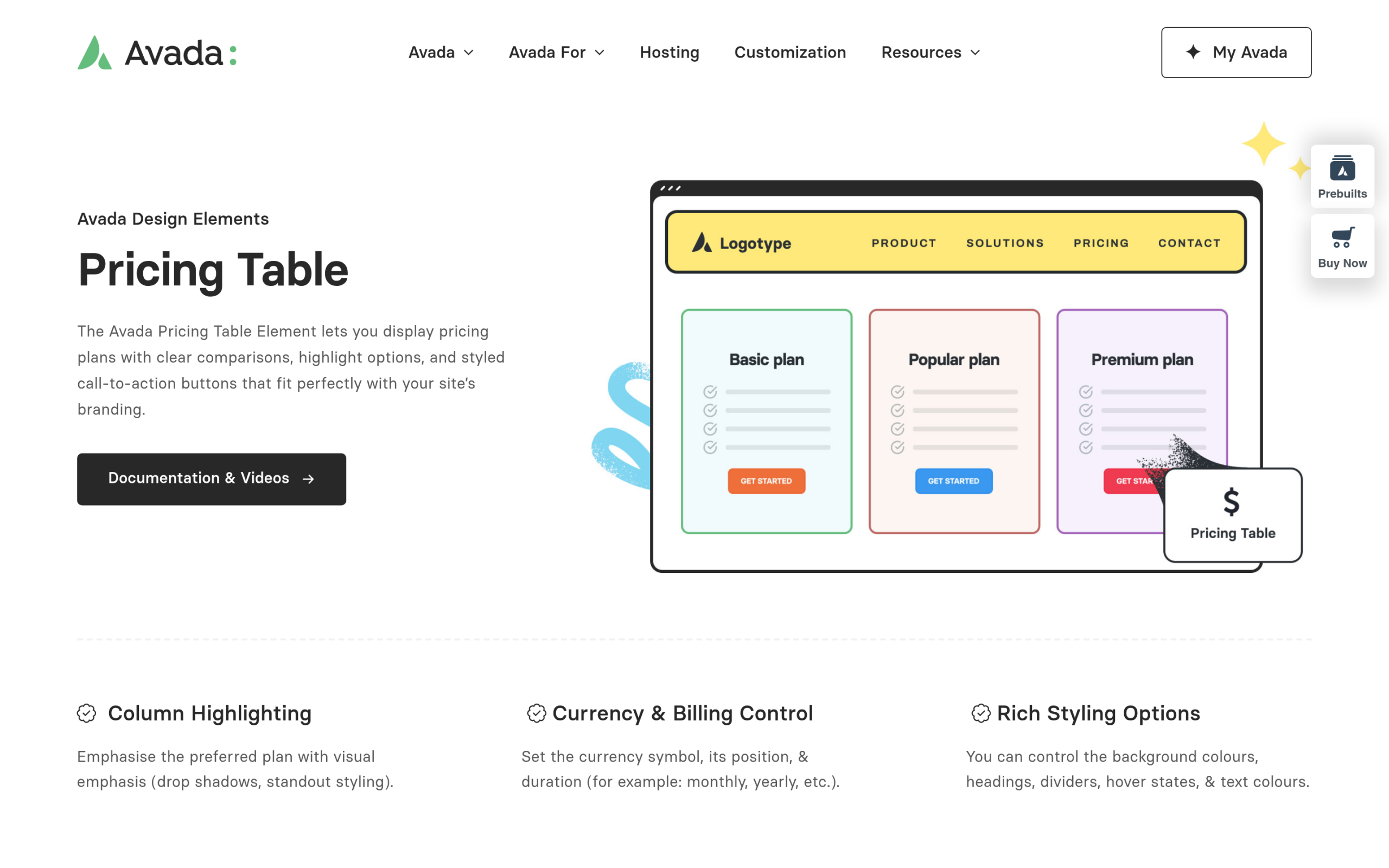
Avada costs a one-time $69 through Envato Market. For a theme that bundles a builder, 113 prebuilt websites, and six premium plugins, that is honestly hard to beat on paper, and the one-time model means no yearly renewal hanging over you. Most subscription themes ask for a similar amount every single year.
The part that surprises some buyers comes after checkout. You register your purchase with a token to unlock automatic updates and the bundled premium plugins, and Envato’s standard license covers a set support window rather than open-ended help. None of this is hidden, but it is worth knowing before you treat $69 as a buy-once-forget-forever cost. If you are weighing a one-time marketplace theme against an annually updated product, our breakdown of free vs premium WordPress themes covers the longer-term math.
What Avada Does Well
- A genuine all-in-one package. The theme, Fusion Builder, prebuilt sites, and six bundled plugins mean you can build a complete site without assembling a stack of separate purchases.
- Front-end visual building. Fusion Builder lets you edit layouts live on the page, with header, footer, mega menu, and off-canvas builders for full control over the site frame.
- Fast starts from 113 prebuilt websites. Import a full demo close to your niche, then swap the content. The Avada Studio library of 639+ sections speeds up the rest.
- One-time price, no subscription. The $69 fee is paid once, which is appealing if you dislike recurring theme renewals.
- A huge ecosystem. With more than a million users, there is documentation, community help, and third-party tutorials for almost any question you will hit.
- WooCommerce and dynamic content. Avada handles online stores and dynamic data, so it scales from a brochure site to a shop without changing tools.
The Real Trade-Offs
This is the part most review pages skip. Avada earns its reputation, but the same features that make it powerful also make it heavy and sticky.
- A steep learning curve. Avada is not beginner-friendly. The sheer number of options in Fusion Builder and the Theme Options panel takes real time to learn before you feel productive.
- Page weight you have to manage. A feature-rich theme ships more CSS and JavaScript by default. Avada includes a Performance wizard to trim it, but you will typically still pair it with a caching plugin to score well on Core Web Vitals.
- Shortcode lock-in. Content built with Fusion Builder leaves shortcodes behind if you deactivate the theme. Migrating to a different theme later means cleaning that up, which is exactly the problem I hit on that client site.
- Higher hosting requirements. Avada runs best on hosting with generous PHP memory. Budget shared hosting can struggle with a fully loaded Avada build.
- Multi-part updates. Keeping things current can mean updating the theme alongside its Fusion components, which is more moving parts than a single lightweight theme.
- Token-based licensing. The registration token step to unlock updates and bundled plugins is something some users find inconvenient.
Also Read: Best Avada Theme Alternatives in 2026 if the trade-offs above have you weighing lighter options.
Avada Performance: The Weight Question
Performance is where opinions on Avada split most sharply. The theme can be tuned to load quickly. ThemeFusion ships a Performance wizard precisely because the default, fully-featured setup carries more than a minimal theme does. With good hosting, a caching plugin, and the wizard dialed in, an Avada site can post solid scores.
The honest framing is this: with Avada, speed is something you configure, not something you get for free. A lightweight, Gutenberg-first theme starts fast and stays fast with far less tuning. If Core Web Vitals are a priority for you, read our guide on Gutenberg Core Web Vitals to see how a block-theme approach changes the speed equation.
Also Read: What Is a WordPress Block Theme? for the modern, lighter alternative to page-builder themes like Avada.
Who Should Use Avada, and Who Shouldn’t
Avada is a strong choice if you want one mature, feature-complete theme and builder in a single purchase, value the 113 prebuilt websites for fast starts, prefer a one-time price over a subscription, and are comfortable spending time to learn the system and tune performance.
Look elsewhere if you are a beginner who wants something simple, care most about raw speed and clean Core Web Vitals, prefer building in native Gutenberg and full site editing, or want to keep the option of switching themes later without untangling proprietary shortcodes. In those cases a lightweight theme is a better long-term bet, and that is exactly where Nexter WP Theme fits.
Nexter WP Theme vs Avada Theme: Feature Comparison
The table below compares Nexter WP Theme against Avada and other popular themes across the features that matter for building and maintaining a real site. For a wider look, see how Nexter WordPress Theme compares against other themes.
| FEATURES | Nexter Theme | Kadence Theme | Astra Theme | Blocksy | OceanWP | GeneratePress | Avada Theme |
|---|---|---|---|---|---|---|---|
| Global Fonts & Colors | Yes | Yes | Yes | Yes | Yes | Yes | Yes |
| Advanced Theme Builder | Yes | Yes | Limited | Limited | Limited | Yes | Limited |
| Conditional Rules | Yes | - | Yes | Yes | Yes | Yes | Limited |
| Header & Footer Builder | Yes | Yes | Limited | Limited | Limited | Yes | Yes |
| Code Snippets | Yes | - | - | Limited | - | - | - |
| Prebuilt Websites Templates | Yes 1000+ | Yes 90+ | Yes 300+ | Yes 40+ | Yes 240+ | Yes 90+ | Yes 110+ |
| Action & Filter Hooks | Yes | - | Yes | - | - | - | - |
| Whitelabel Theme | Yes | Limited | Yes | Yes | Yes | - | Yes |
| Maintenance/Coming Soon Mode | Yes | - | - | Yes | - | - | Yes |
| Replace Text & URL | Yes | - | - | - | - | - | - |
| Performance Booster | Yes | Limited | Limited | Limited | Limited | Limited | Yes |
| Security Hardening | Yes | - | - | - | Requires Ocean Core Extensions Bundle | - | Yes |
| Local Google Fonts | Yes | Yes | Yes | Yes | Yes | Yes | Yes |
| Adobe Fonts | Yes | - | - | Yes | Yes | - | Yes |
| Custom Upload Fonts | Yes | Requires Kadence Custom Fonts plugin | - | Yes | Yes | Yes | Yes |
| 404 Page | Yes | - | Yes | Yes | Yes | Yes | Yes |
| Disable Admin Settings | Yes | - | - | - | - | - | - |
| Post & Page Duplicator | Yes | - | - | - | - | - | - |
| WooCommerce Builder | Yes (With The Plus Addons) | Yes (Requires Shop Kit extension) | Yes | Yes | Yes | Yes | Yes |
| Blog Builder | Yes | - | Limited | Yes | Yes | Yes (Requires Blog add on) | Yes |
| Vertical & Horizontal Mega Menu | Yes | Limited | Yes | Limited | Yes | - | Yes |
Why We Recommend the Nexter WP Theme
Nexter is a lightweight, high-performance theme from POSIMYTH, the team behind The Plus Addons for Elementor and Nexter Blocks. It offers all the essential elements of a premium WordPress theme, such as a flexible header and footer builder, customizable post types, an archive builder, multilingual capabilities, and numerous additional features.
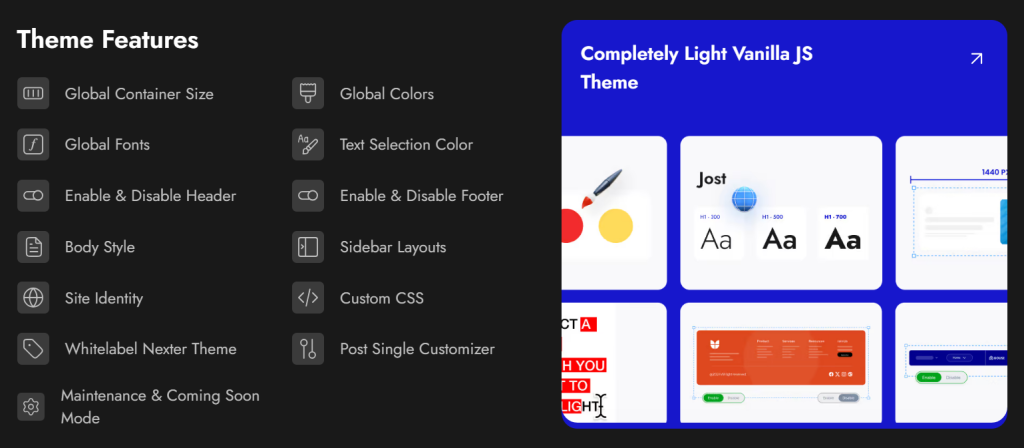
With Nexter, you can select from a wide range of pre-designed templates for effortless website construction and deployment. In terms of speed, Nexter excels with its exceptional performance. The theme's core files are optimized to be under 20 KB, resulting in lightning-fast load times of less than 0.5 seconds.
Nexter seamlessly integrates with popular page builders like Gutenberg, Elementor, Beaver Builder, and Brizy, ensuring compatibility across all major platforms.
Moreover, Nexter also provides many security features, such as content protection, Google reCAPTCHA integration, and the ability to disable XML-RPC or conceal your WordPress version.
Wrapping Up: Is Avada Worth It in 2026?
Avada is a powerful, mature theme with a feature set few products can match, and at a one-time $69 it is fair value for what you get. But the strengths come with real trade-offs: a steep learning curve, page weight you have to actively manage, and proprietary shortcodes that make leaving harder than arriving.
Use Avada if you want a feature-complete page-builder theme with a huge ecosystem and you do not mind the performance overhead and the time to learn it.
Consider Nexter WP Theme instead if you want a lightweight, Gutenberg-first theme that loads fast out of the box, costs less to renew, and never locks your content behind proprietary shortcodes. Nexter has a free version on WordPress.org, and paid plans start at $39 per year.
If you build with Elementor, The Plus Addons for Elementor adds 120+ widgets to any WordPress theme. And if you want ready-made page templates, WDesignKit offers thousands of templates compatible with Nexter, Avada, and most popular themes.
Suggested Reading
- Best Avada Theme Alternatives in 2026 compares the lighter themes worth switching to.
- How to Choose a WordPress Theme walks through the 10 factors that actually matter.
- Kadence Theme Review and GeneratePress Theme Review cover two popular lightweight rivals.
- Best WordPress SEO-Friendly Themes if organic traffic is your priority.
