












This April, we’ve rolled out fresh updates across Nexter Blocks and Nexter Extension, all designed to streamline your workflow and give you even more control over your website.
Let’s take a look at what’s new:
🎉 — What’s New?
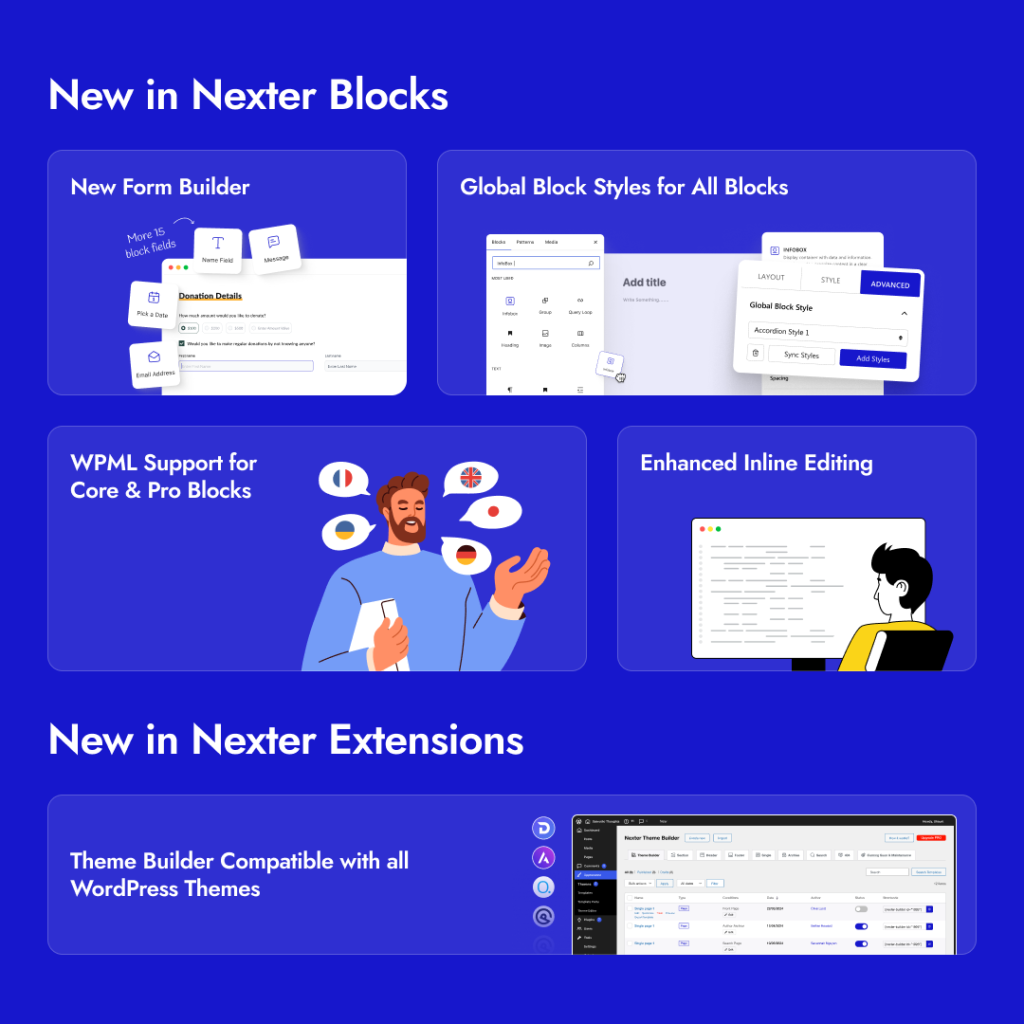
Nexter Blocks (Free & Pro)
- Global Block Styles for All Blocks (Free): Now you can apply a consistent design across all blocks, helping you maintain a uniform look without repetitive styling work.
- New Form Builder (Free & Pro): Build and manage forms directly in the block editor—no need for extra plugins or tools.
- Enhanced Inline Editing: Editing content in blocks like Tab Tours, Switcher, and Team Listing just got smoother. Make quick changes right inside the editor without extra steps.
- Site Logo Upload from Editor: You no longer need to switch to the Customizer, just upload your logo directly in the editor for a faster setup
- WPML Support for Core & Pro Blocks: Easily translate buttons, headings, flipboxes, images, and paragraph blocks. It’s now simpler to build multilingual websites with Nexter.
- Updated POT File: We’ve refreshed the language file to improve internationalization and make it easier to generate translations.
Curious to learn more about two new blocks – Global Block Style & Form Builder? Check out our detailed product announcement blog for the full scoop – Say Hello to Global Block Styles & Form Block – Two Power-Packed Features in Nexter Blocks!
Nexter Extension (Compatibility & Updates)
- Theme Builder Now Supports All WP Themes Compatibility: Great news for all Nexter Extension Users. The Theme Builder in Nexter Extension has been updated to be fully compatible with all WordPress themes.
- Settings Panel UI Update: “Nexter Settings” is now called “Nexter Extension” to make things clearer and more intuitive when managing your site features.
For all the changes, check out the complete changelog here.
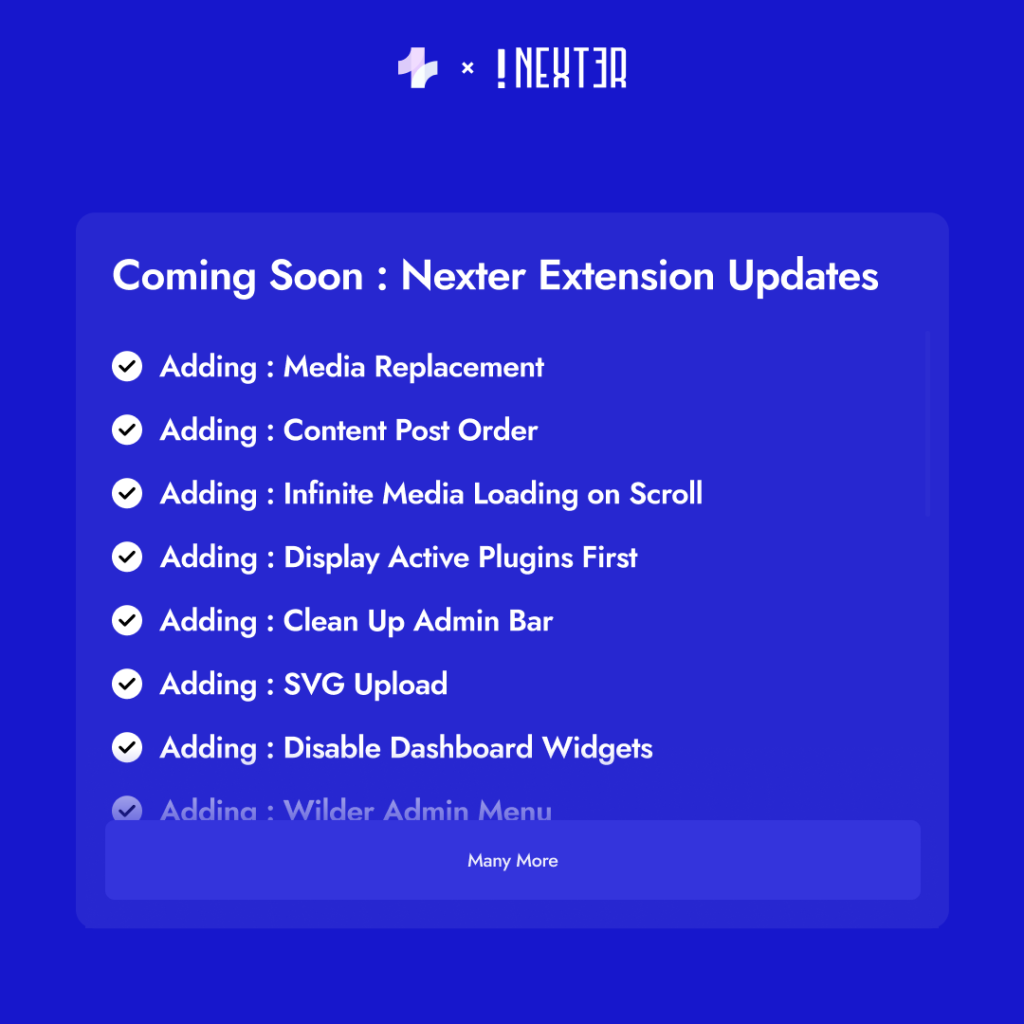
We’re coming up with more new features that will change how you build your websites. So stay tuned!
📖 — Latest Reads
- How to Change Menu in WordPress
- How to Start a WordPress Blog
- How to Add Custom Fields in Gutenberg
- Website vs Blog: Key Differences Explained for Beginners
- How to Create an Off-Canvas Menu in WordPress
- How to Create a Reusable Block in WordPress
- How to Log Into Your WordPress Website Securely
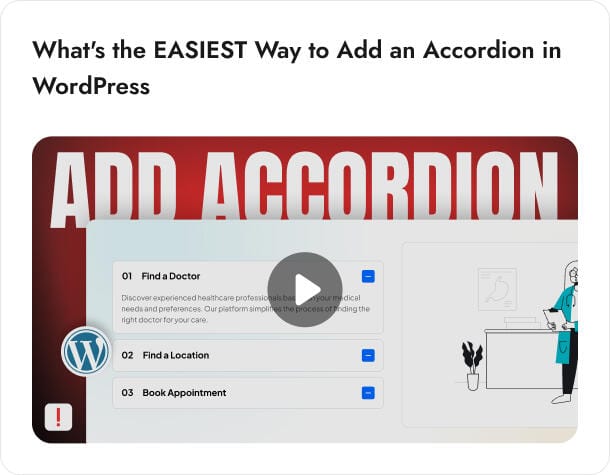
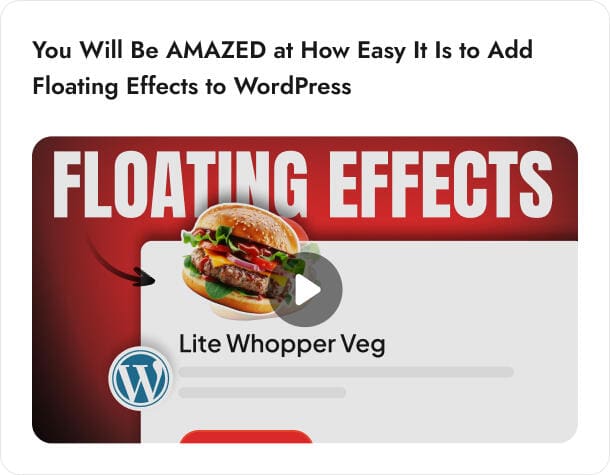
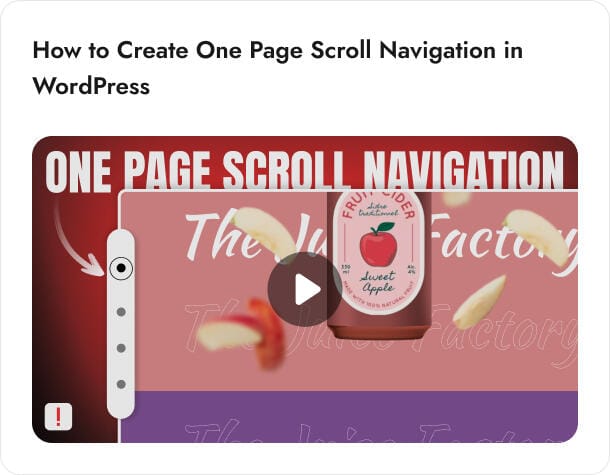
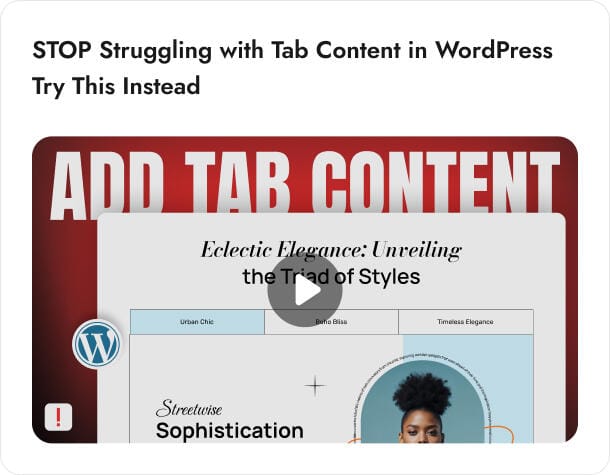
📹— Video Tutorials
🗞️ — WordPress & Tech Bytes
- WordPress released version 6.8, “Cecil,” on April 15, 2025, honoring jazz pianist Cecil Taylor. This update brings notable improvements in performance, stronger password security, and a more streamlined, accessible editing experience.
- WordPress.com launched a free AI-powered website builder that creates complete websites based on a simple text prompt. It generates layouts, images, and content instantly, helping users quickly build personal or business sites, though it’s not yet suited for e-commerce or advanced features.
- WooCommerce released version 9.8.3, addressing two key issues: it prevents duplicate scheduled actions for product transients and fixes a validation bug with hidden postcode fields in the Checkout block.
- Google enhanced its AI Mode in Search by introducing image-based queries, allowing users to upload photos and ask questions about them. This multimodal feature combines Google Lens with Gemini AI and is now available to more users in the U.S.
- Google’s Danny Sullivan stated that adding new topics to a website won’t hurt rankings but may initially confuse its systems. Over time, Google will assess whether the new content aligns with the site’s quality and focus.
- Google’s Danny Sullivan warned that mass content generation, whether through AI or automation, can lead to penalties for low-quality, spammy content. Google now focuses on demoting such content to maintain high-quality search results.
- Google’s John Mueller explained that a minimal landing page can rank for e-commerce queries if it inherits authority and backlinks from a previous domain, even after a redirect.
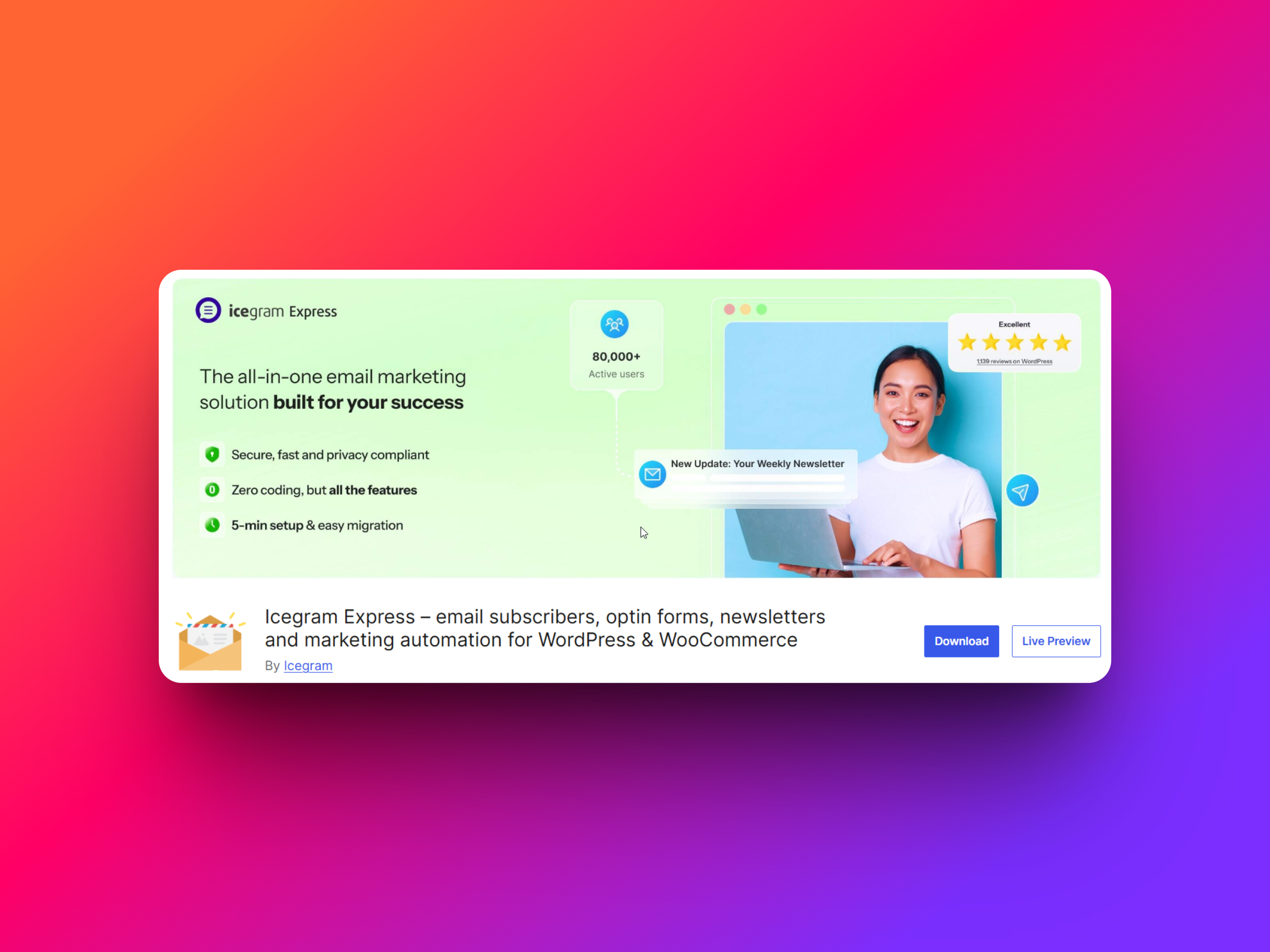
🔥 — Tool of the Month
Icegram Express is a powerful, all-in-one email marketing and newsletter plugin for WordPress. It’s designed to build and manage email lists, send engaging newsletters, and automate email campaigns, all without needing third-party email marketing services.
This tool is perfect for bloggers, small business owners, and creators who want to grow and engage their audience with a self-hosted email solution, with no need for third-party platforms.
🗣️— Word of the Month
Excellent Tool – Easy to Use and Highly Flexible
I really like using Nexter Blocks. It’s easy to use, stable, and offers a high degree of flexibility, which makes building pages much more efficient. The wide range of starters via WDesignKit is an added bonus that saves a lot of time. On top of that, the support team is quick to respond and extremely helpful. I would highly recommend them to anyone working with Gutenberg!
Subscribe our Newsletter, get Monthly & Weekly Product updates, News and more….✉️
