












You have picked a layout, written your copy, and then you hit the one decision that quietly shapes how the whole site feels: the font. The right typeface makes a page easy to read and on-brand. The wrong one sends visitors away before they read a word.
The good news is you do not need a budget to find a great font. Below are seven of the best websites for downloading fonts, from free open-source libraries to premium marketplaces, with a clear note on what each one is good for and how its fonts are licensed.
Short answer: For most WordPress sites, Google Fonts is the best place to get fonts because it is free, open source, and safe for commercial use. Reach for DaFont, 1001 Free Fonts, or Abstract Fonts for free display and novelty typefaces (check each font’s license), FontStruct to build your own, Adobe Fonts if you already pay for Creative Cloud, and MyFonts when you need to buy a premium, fully licensed typeface.
How We Picked These Font Websites
We visited every site in July 2026 and checked what it actually offers, how its fonts are licensed for personal and commercial use, and what it costs. Five of the seven are genuinely free to download. Adobe Fonts is subscription based with a free tier, and MyFonts is a paid marketplace we include for premium, fully licensed needs. One rule holds for all of them: always confirm a font’s license on its own page before you use it in a commercial project.
The 7 Best Websites for Downloading Fonts
| Website | Type | Best for | License | Cost |
|---|---|---|---|---|
| Google Fonts | Open-source library | Web & app fonts for any project | Open source (personal & commercial) | Free |
| DaFont | Community archive | Display & novelty fonts | Varies per font (many personal-use) | Free |
| Adobe Fonts | Foundry subscription | Pro fonts inside Adobe apps | Personal & commercial (with plan) | Free tier; full library with Creative Cloud |
| MyFonts | Paid marketplace | Premium, licensed typefaces | Per-font commercial license | Paid (per font) |
| 1001 Free Fonts | Free directory | Large free selection | Per font (personal/commercial labeled) | Free |
| Abstract Fonts | Free directory | Category browsing | Varies per font | Free |
| FontStruct | Font-building tool | Making your own font | Your own creation (TTF export) | Free (account needed) |
Now let’s look at each font resource in detail.
1. Google Fonts
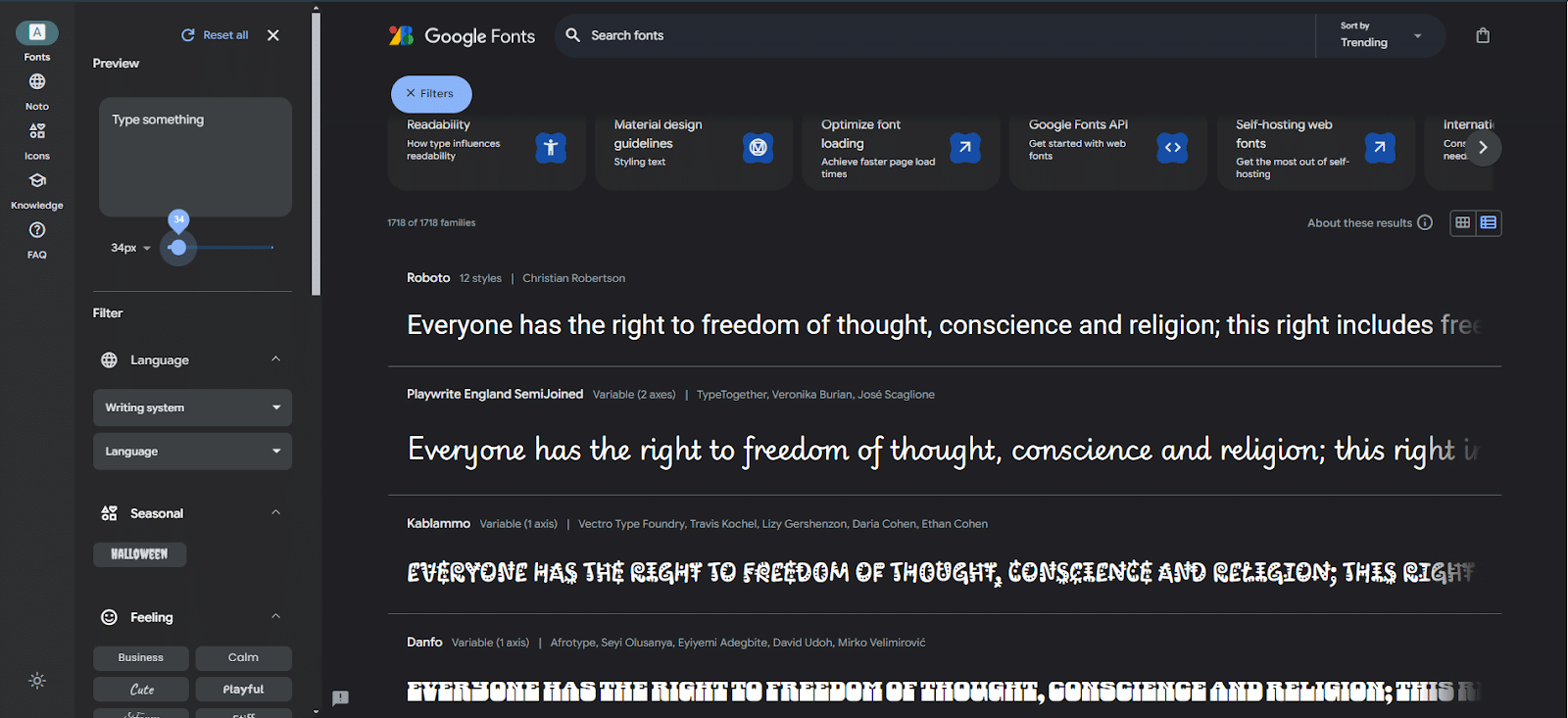
First on our list is Google Fonts, the go-to library for free, open-source typefaces. Every font is free for both personal and commercial projects, which is why it is the safest starting point for a WordPress site.
The left-hand menu splits into Fonts, Noto, Icons, Knowledge, and FAQ. Under Fonts you can preview any typeface with your own sample text and search by language, style, or property. Noto is Google’s family built to cover every language, and the Icons section adds adjustable open-source icons to match.
The Knowledge section is a genuinely useful read on type, readability, and accessibility if you want to make a considered choice rather than a quick one.
Best for: websites and apps that need fast, open-source fonts you can use anywhere without licensing worries.
Here’s a video on how to upload custom fonts to a WordPress and Elementor website:

2. DaFont
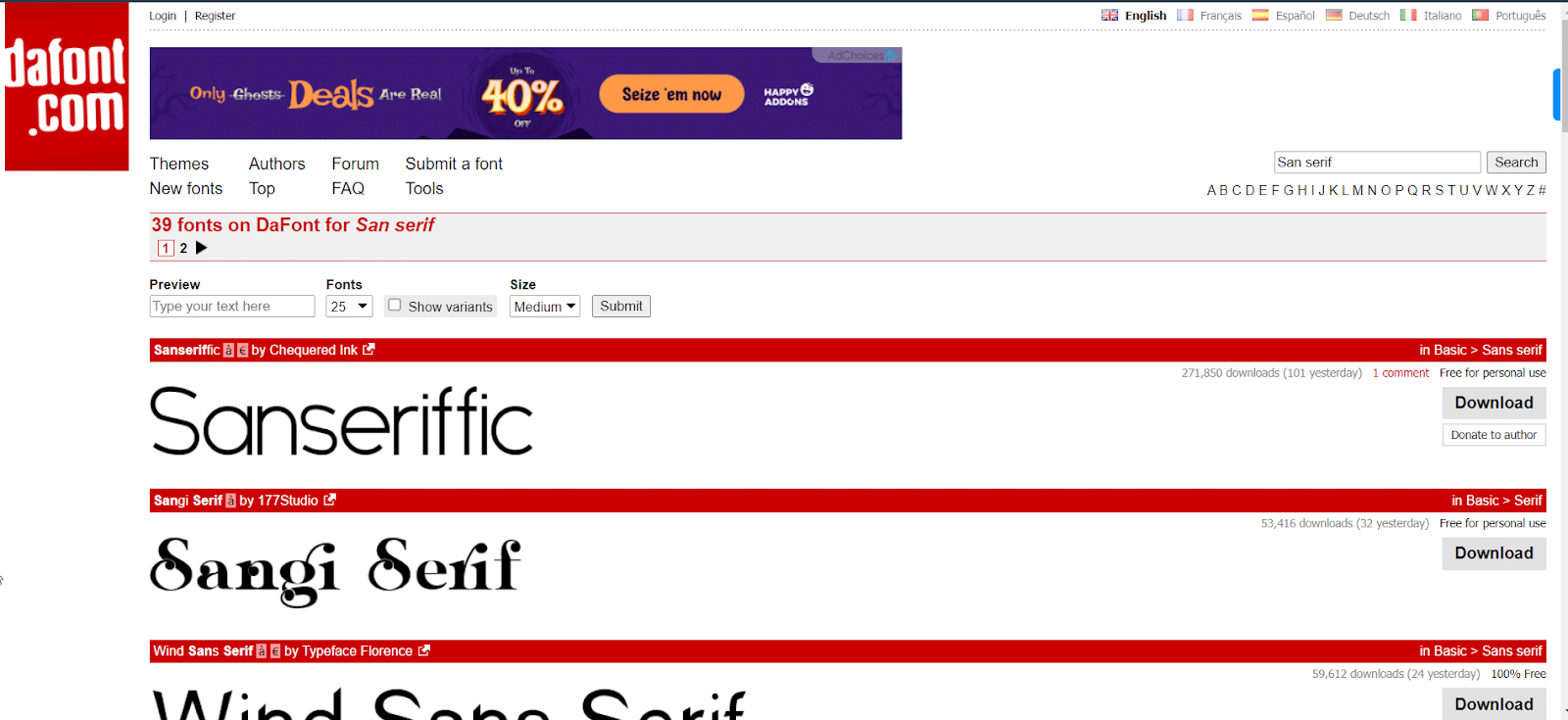
DaFont is one of the most popular places to download fonts, with roughly 100,000 community-submitted typefaces across just about every style you can imagine.
It is easy to use: search or browse by theme, preview your own text at any size, then download with one click. You can also submit your own fonts to share.
Licensing is the one thing to watch. The label above each download button (for example, Free for personal use or 100% Free) is only an indication. DaFont’s own note says to check the readme file in the download, or the author’s site, before using a font commercially.
Best for: display and novelty fonts for personal projects, as long as you verify each font’s license before any commercial use.
3. Adobe Fonts
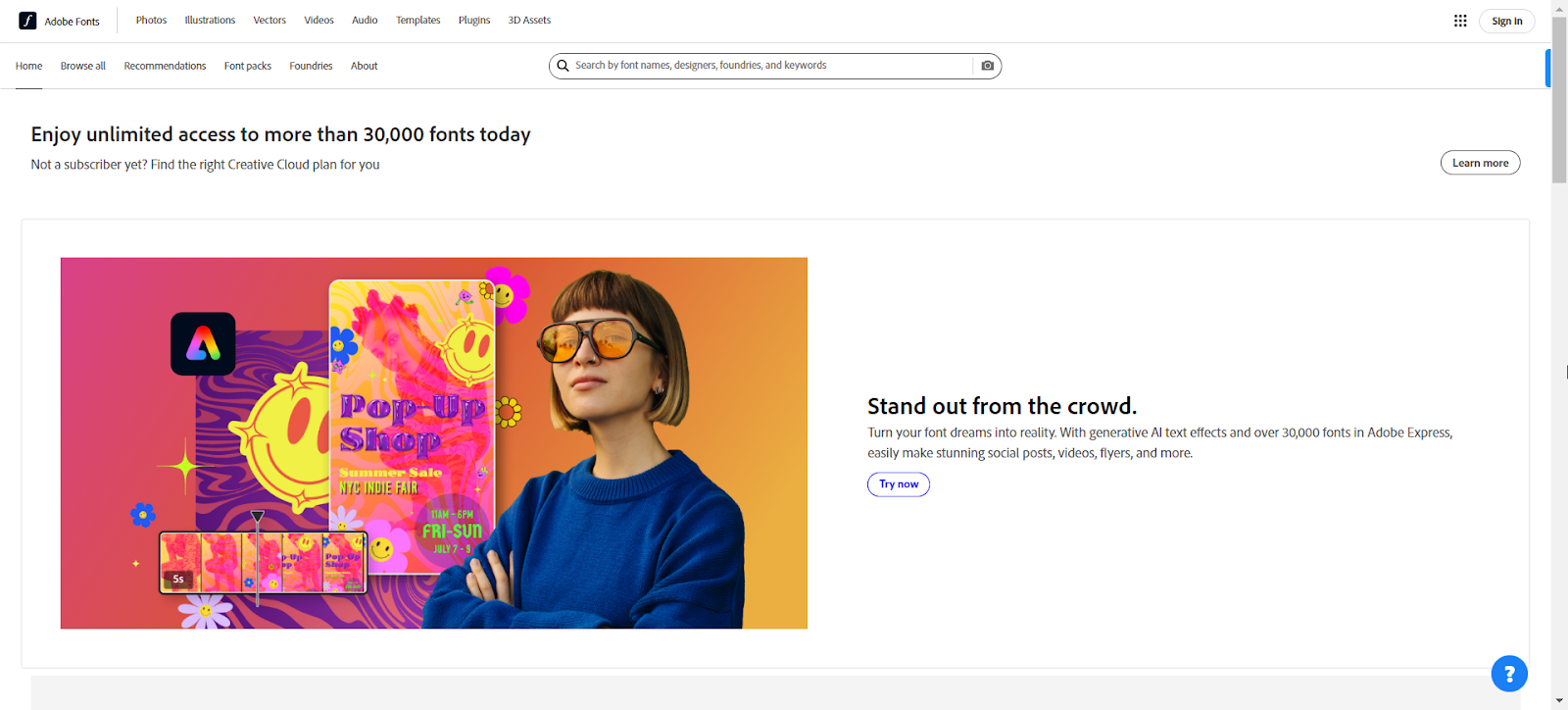
Adobe Fonts is Adobe’s own type library, built for designers who work in tools like Photoshop, Illustrator, and InDesign. You can get started with more than 5,000 fonts for free, and the full library of 30,000+ fonts unlocks with a Creative Cloud plan.
Rather than downloading font files, you activate fonts through your Adobe account and they sync to your apps and websites. Adobe keeps licensing simple: the full library can be used for both personal and commercial projects.
So it is not a free-download site in the usual sense, but if you already pay for Creative Cloud, it is one of the easiest ways to use professional foundry fonts without hunting down licenses.
Best for: designers already on Creative Cloud who want professional fonts with simple, worry-free licensing.
Read More: The 3 Best Ways To Host Google Fonts Locally
4. MyFonts
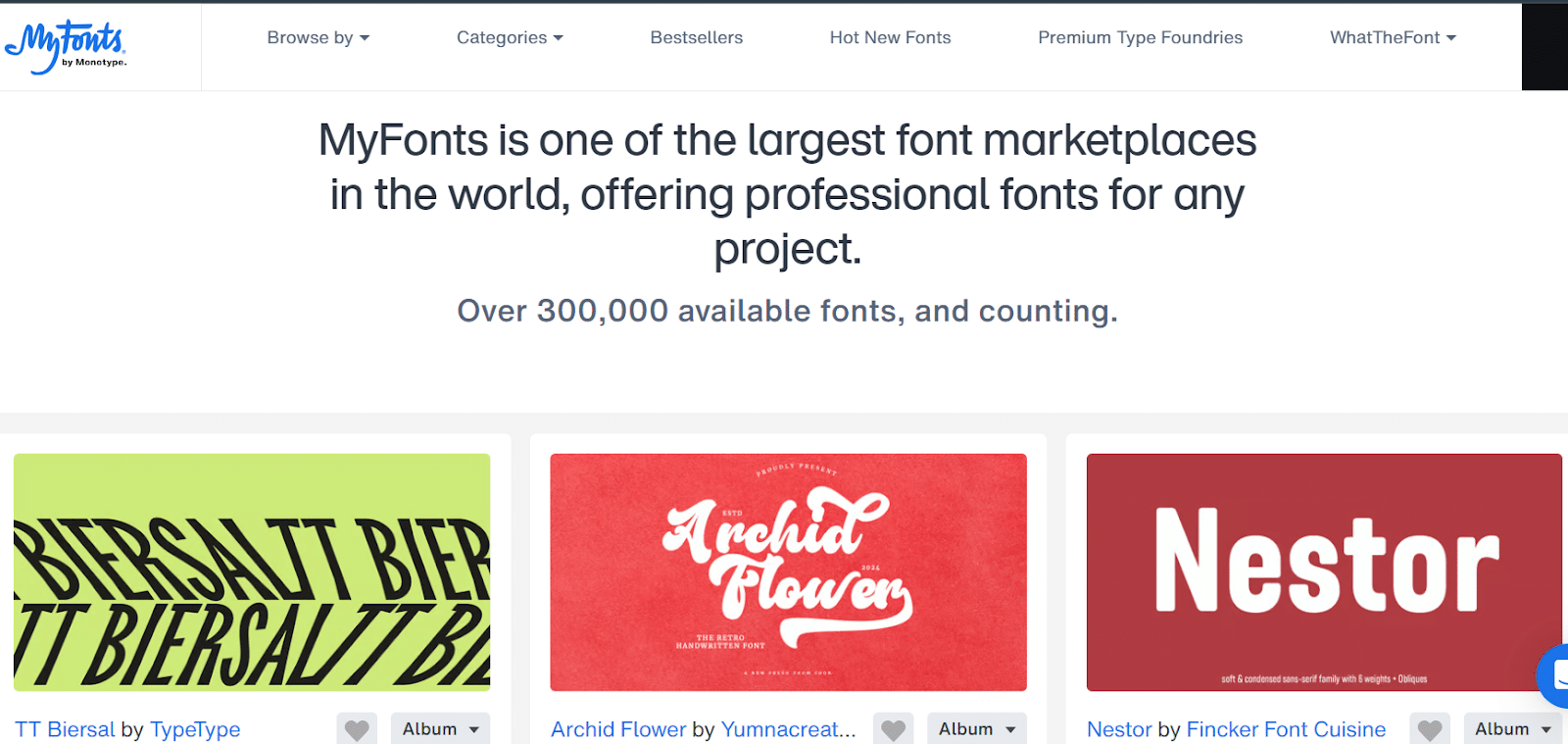
MyFonts is one of the largest font marketplaces, with over 300,000 available fonts from foundries around the world. Unlike the free sites above, this is a paid marketplace: individual fonts and families are sold with clear commercial licenses, many starting around $19 to $25.
Its standout feature is WhatTheFont: upload an image of some text and it tries to identify the typeface for you. Fonts are grouped by category such as handwritten, display, and script.
Best for: buying premium, commercially licensed fonts, and identifying a font from an image with WhatTheFont.
5. 1001 Free Fonts
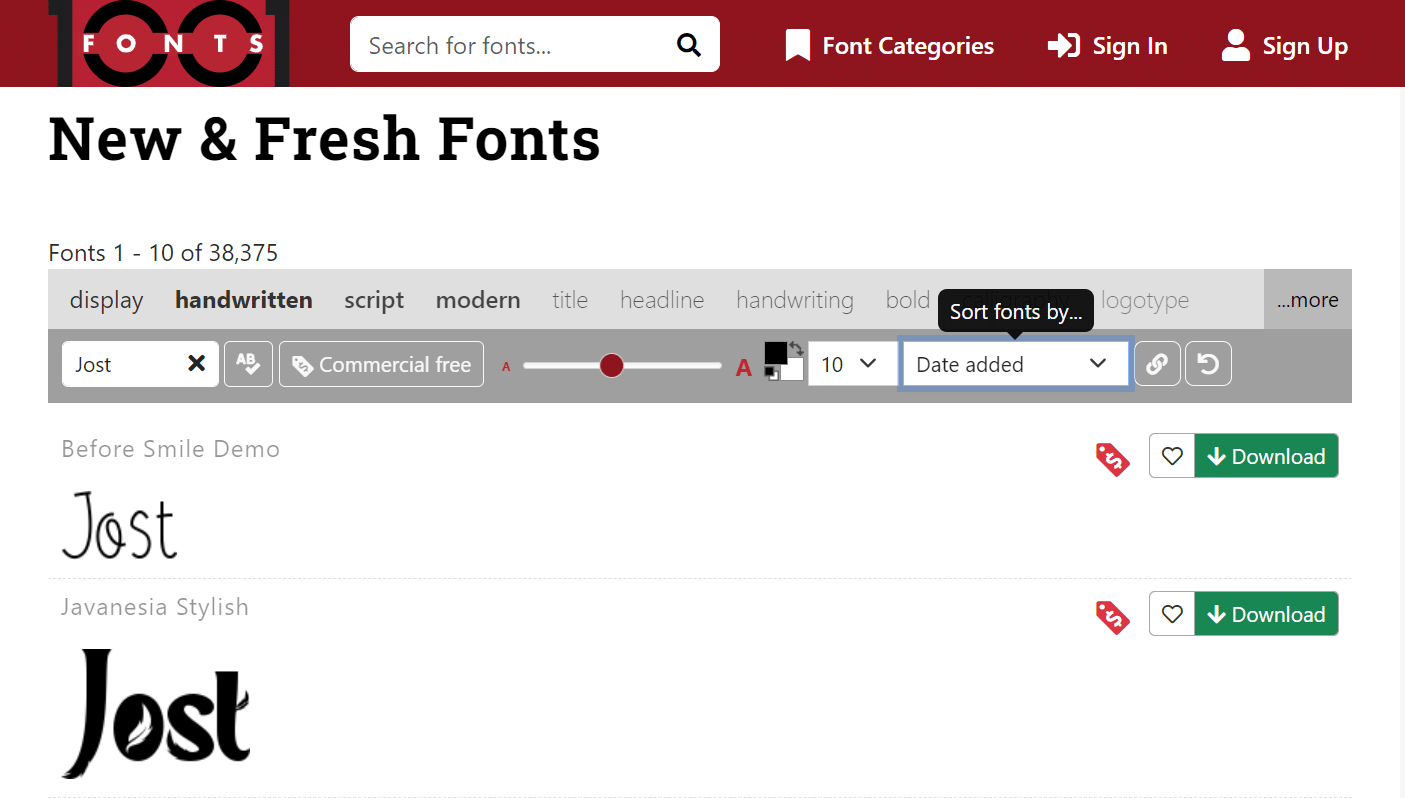
Do not let the name fool you: 1001 Free Fonts offers far more than a thousand styles, covering calligraphy, handwriting, serif, display, and more.
Use the search bar and filters to narrow things down. Each font is labeled for its allowed use, so you can quickly tell which are free for personal use only and which you can also use commercially. As always, open the license file to be sure before a commercial project.
Best for: browsing a large free catalog with clear personal-versus-commercial labels.
People Also Read: 8 Best Programming Fonts
6. Abstract Fonts
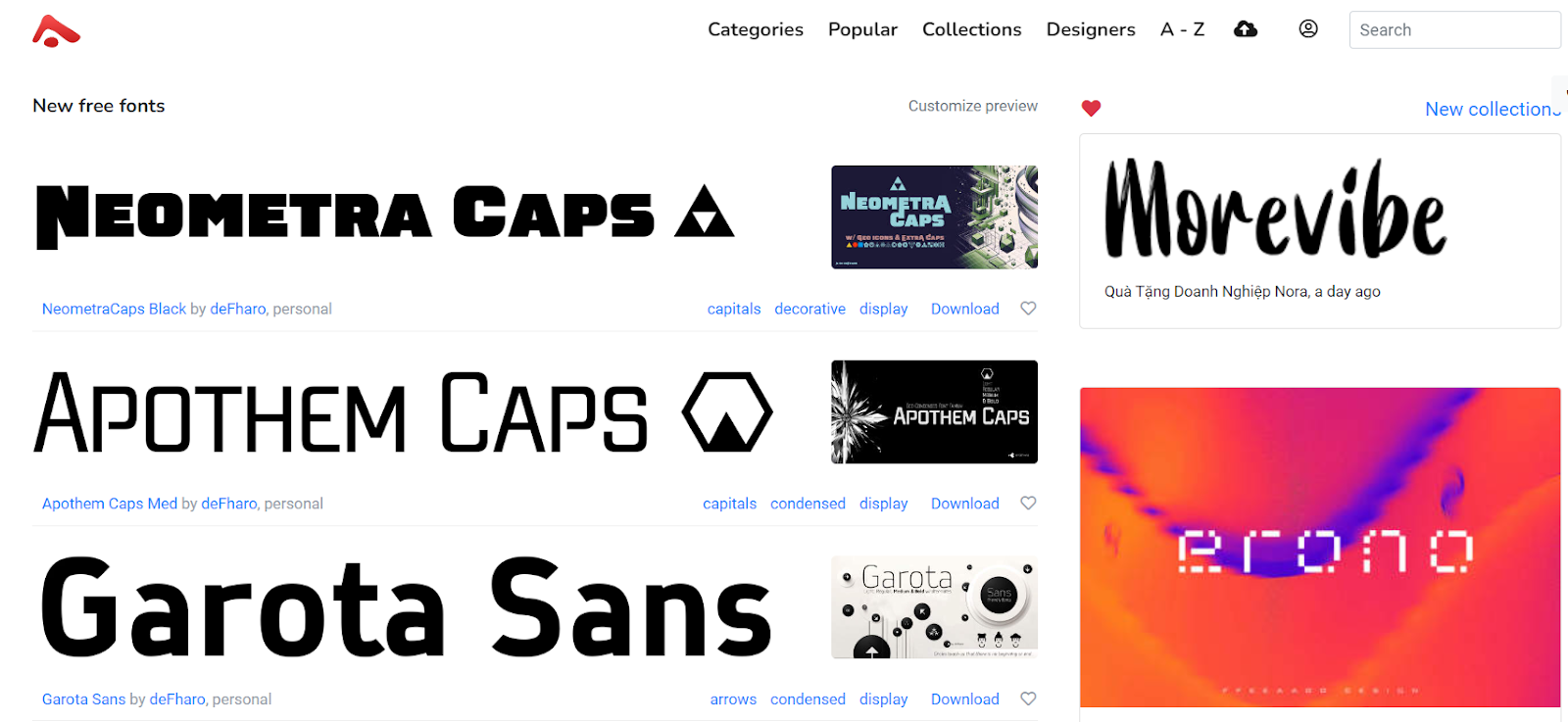
Abstract Fonts is another free font library, organized by category, designer, and collection so you can browse by mood or by maker. Its archive runs to hundreds of pages of typefaces.
Search for a specific style or scroll the categories. As with the other community sites, some fonts are free for personal use only, so check the note under each font’s name before downloading for commercial work.
Best for: category-based browsing of free typefaces when you want plenty of variety.
7. FontStruct
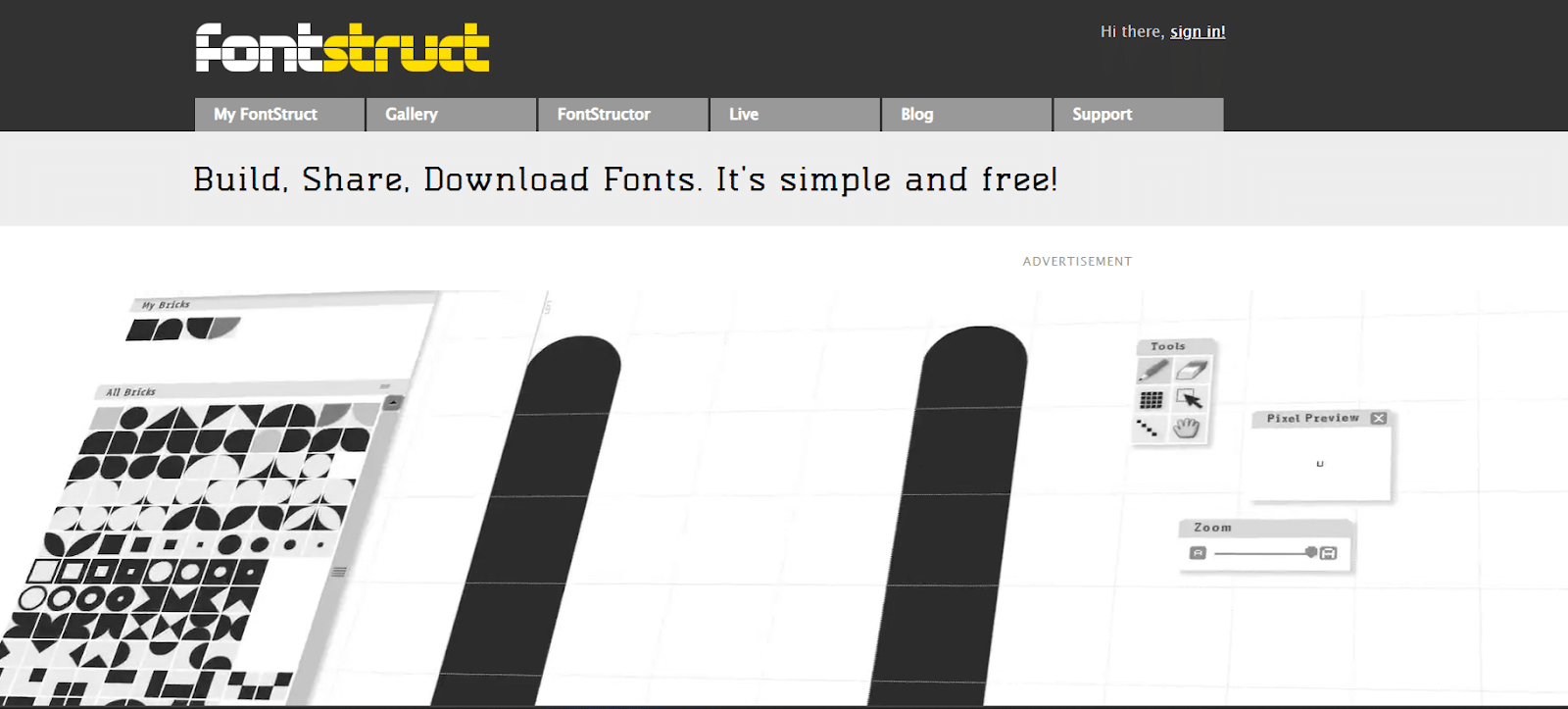
FontStruct is different from the rest: it is a free, browser-based tool for building your own fonts from geometric shapes. You will need a free account to start.
Once you have designed a typeface, FontStruct generates TrueType fonts that are ready to download and use in any application. You can also explore the community gallery and clone other creations as a starting point.
Best for: building your own custom font from scratch and exporting it as a TrueType file.
How do Fonts Play an Important Role in Websites?
Fonts are more than a style choice. They are a core part of how your website communicates, and they can have a real impact on how long people stay. Here is how they make a difference:
- Readability: if fonts are hard to read, visitors leave instead of engaging. Easy-to-read fonts help people move through the site smoothly, especially on mobile.
- Visual hierarchy: fonts guide the eye through the page. Headings, subheadings, and body text with distinct sizes and weights structure the information naturally.
- Brand impression: fonts shape how visitors perceive your brand. Casual, bold, or professional type aligns with your voice and builds trust.
- Emotional response: style influences mood. Serifs can feel formal and trustworthy, while sans-serifs feel modern and clean. Match this to your brand’s purpose.
- Accessibility: fonts that scale well for screen readers and low-vision users make your site inclusive and widen your audience.
Also Read: once you have your font, here is how to upload custom fonts on WordPress in five minutes, and how to change font and text color in WordPress.
Suggested Reading
- The 3 best ways to host Google Fonts locally
- How to upload custom fonts on WordPress in five minutes
- 8 best programming fonts for developers
- How to change font and text color in WordPress
Wrapping Up
Finding the right font does not have to be complicated. Between free open-source libraries, community archives, a build-your-own tool, and premium marketplaces, one of these seven sites will have what your project needs.
Start with Google Fonts for anything you plan to use commercially, dip into DaFont, 1001 Free Fonts, or Abstract Fonts for personality, and turn to Adobe Fonts or MyFonts when a project calls for premium type. Whichever you choose, remember that fonts set the tone, guide the eye, and shape how people experience your site.
Fonts are only one piece of the puzzle, though. Layout, design components, and responsive behavior matter just as much for a site that looks good and works smoothly.
For that, we recommend Nexter Blocks, your one-stop solution with 120+ WordPress Gutenberg blocks, extensions, and a theme. Fast, simple, fully customizable, and versatile.
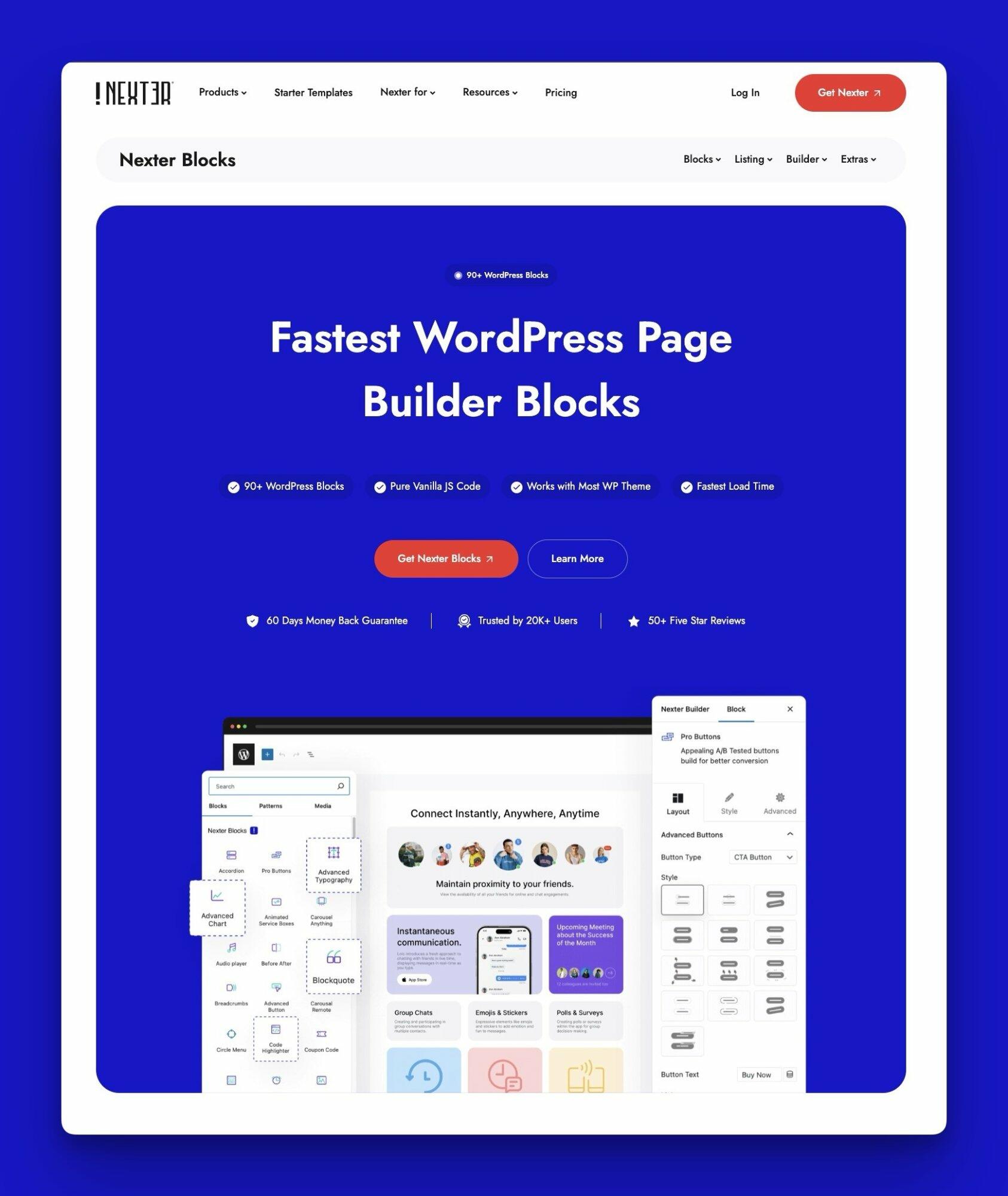
Check out the complete list of 120+ Gutenberg blocks and start crafting amazing sites today.
FAQs on Websites for Downloading Fonts
Is it legal to download free fonts?
Yes, downloading free fonts is generally legal, but check the license details first. Some fonts are free only for personal use, while others allow commercial use. Always read the license terms to make sure you are using the font legally, especially for business or public projects.
What happens if I use a free font for commercial use?
Using a free font without a commercial license can lead to legal issues, including fines or copyright claims. Many so-called free fonts are restricted to personal use only. To avoid problems, always verify the font usage rights and get a commercial license if required.
Where can I download licensed fonts for free?
You can download fonts that are free to license on sites like Google Fonts, Font Squirrel, and DaFont. These sites offer a wide selection of fonts that are free for personal and, in many cases, commercial use.
What is the best free font to download?
The best free font depends on your needs, but Google Fonts offers popular choices like Roboto, Open Sans, and Lato, known for readability and versatility across devices. For creative options, try DaFont or Font Squirrel, which provide high-quality fonts for personal and commercial use.
