












I dumped eleven old blog posts from a client’s content-decay pile into NotebookLM before a rewrite sprint last month, mostly out of curiosity. Fifteen minutes later I had a source-grounded summary of every overlapping claim across those eleven posts, plus a list of the three sub-topics none of them actually covered well. That’s the workflow this post is really about: not NotebookLM as a general AI tool, but the specific, useful thing it does with a pile of your own WordPress content before you touch it again.
What NotebookLM Actually Is
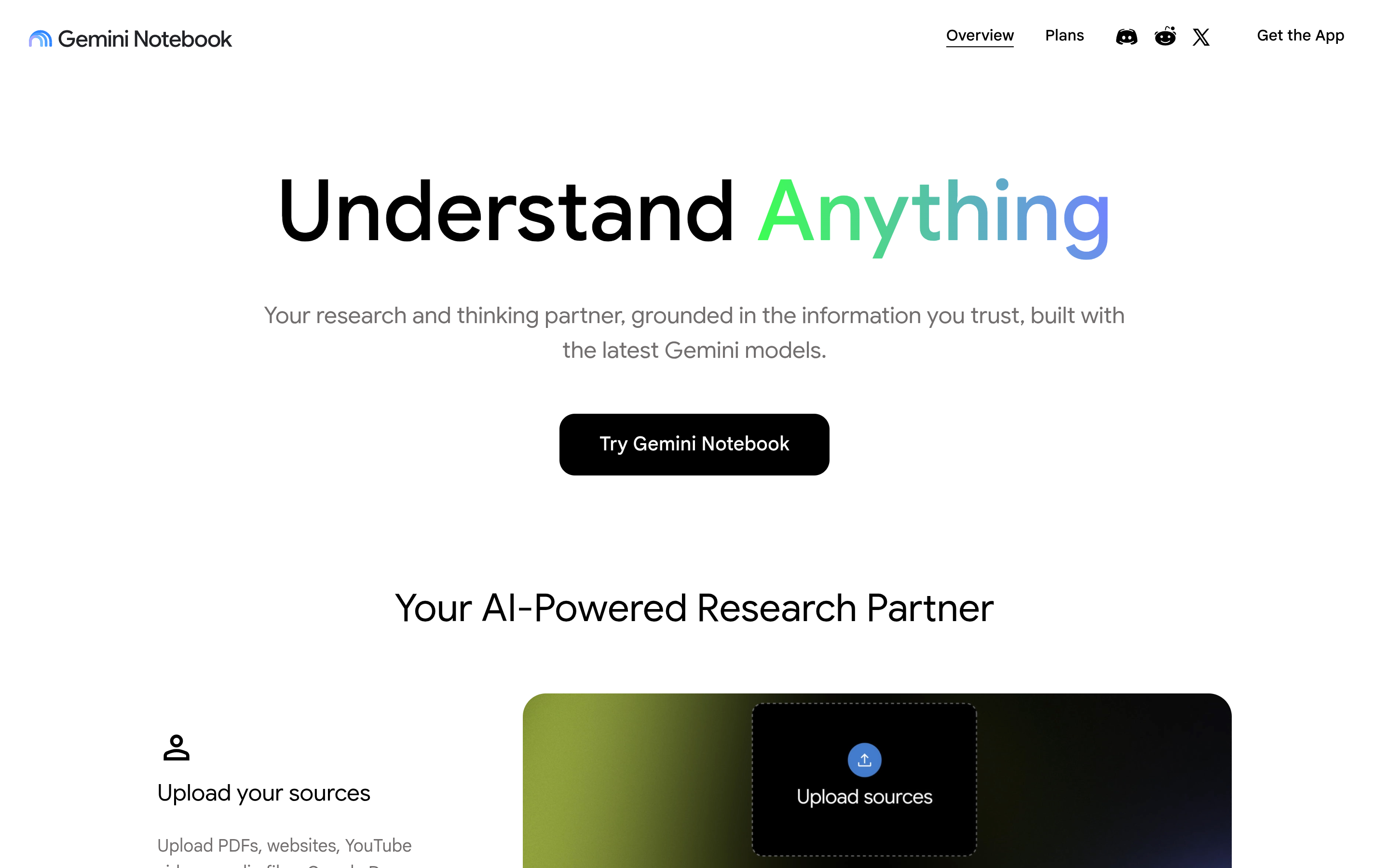
NotebookLM is Google’s AI research and notebook tool. You feed it source material (PDFs, Google Docs, pasted text, URLs, even audio) and it answers questions, summarizes, and generates study material grounded specifically in what you uploaded, rather than its general training data. That grounding is the point: ask it something your sources don’t cover, and it says so instead of guessing. Its best-known feature is Audio Overviews, which turns your source documents into a podcast-style spoken discussion between two AI hosts.
It’s a Google product, not a WordPress plugin, and there’s no official WordPress connector for it as of this writing. You export or paste your content in manually. That’s a real limitation, worth saying plainly rather than implying a workflow that doesn’t exist.
NotebookLM vs a General Chatbot
Ask ChatGPT or Gemini a question about your own content, and you’re relying on whatever it remembers from training data plus whatever you paste into that single conversation. It has no persistent notion of “your content” as a defined set of sources, and it will happily fill gaps with plausible-sounding general knowledge if you don’t catch it. NotebookLM works the other way around: you define a fixed set of sources up front, and every answer traces back to a citation within that set. If you ask about something outside the sources, it says the sources don’t cover it, rather than inventing an answer. For a task like auditing ten of your own blog posts for overlap, that constraint is the entire value: you want fewer hallucinated connections, not more creative ones.
Three Practical Workflows for a WordPress Site Owner
1. Turn a long post into an audio briefing. Paste a long pillar post into a notebook and generate an Audio Overview. It’s a fast way to catch clunky phrasing or a missing logical step that reads fine on the page but sounds wrong out loud. That makes it a useful last editing pass before you publish.
2. Build an internal FAQ or study aid from your own docs. If you run a documentation section, feeding a notebook your help articles lets you (or support staff) ask plain-language questions and get answers sourced only from those docs, with citations back to which article said what. It’s not a replacement for a real search tool on your site, but it’s a fast way to sanity-check whether your docs actually answer the questions people ask.
3. Brief yourself before a rewrite. This is the workflow from the intro. Before refreshing an old content cluster, load the existing posts into a notebook and ask it to summarize what’s already covered and where the gaps are. It won’t replace a real content audit, but it catches overlap and gaps faster than rereading eleven posts by hand.
Also Read: Content Decay: How to Find and Refresh WordPress Pages That Are Losing Traffic: the rewrite workflow above pairs directly with a content-decay audit.
Setting Up Your First WordPress Content Notebook
The actual setup is simple enough that it doesn’t need its own tutorial, but the sequencing matters if you want a genuinely useful notebook instead of a messy one:
- Pick one cluster, not your whole site. A notebook grounded in ten related posts about the same topic gives sharper, more useful answers than one grounded in fifty unrelated posts. Scope it the way you’d scope a content audit.
- Add sources as PDFs or pasted text, not screenshots. NotebookLM needs readable text to ground its answers. Export each post to PDF from the block editor’s print view, or copy the body text directly: either works, but a screenshot doesn’t give it anything to cite.
- Ask specific questions, not “summarize this.” “Which of these posts already covers X” or “what claims contradict each other across these sources” produces a far more usable answer than a generic summary request.
- Check the citations before you trust the answer. Every claim NotebookLM makes links back to the specific source passage it came from. Click through on anything you plan to act on. It’s grounded, but grounded isn’t the same as infallible.
How to Actually Get Your Content In
There’s no WordPress export button that feeds NotebookLM directly. In practice this means one of a few manual steps: copy a post’s text out of the block editor and paste it into a new source, export a page as a PDF and upload that, or point NotebookLM at a public URL if the source-type panel supports web pages when you use it. For a handful of posts this takes a few minutes. For a whole content cluster, it’s still faster to batch-copy ten posts into one notebook than to reread all ten yourself.
A Worked Example: Auditing a Five-Post Cluster
Here’s roughly what the eleven-post audit from the intro actually looked like, condensed to a five-post version anyone can replicate in under twenty minutes. Say your site has five posts about email marketing: a beginner’s guide, a plugin comparison, a deliverability troubleshooting post, an automation walkthrough, and a segmentation guide. Copy each post’s body text into one notebook as five separate sources, then ask three questions in sequence.
First: “Which of these five posts repeat the same advice, and where?” This surfaces overlap you’d otherwise only catch by rereading everything back to back: commonly a definition of a basic term (“what is an open rate”) explained near-identically in two or three posts, which is wasted words in each and a missed chance to interlink to one canonical explainer instead. Second: “What subtopics does none of these five posts cover?” For an email marketing cluster this often surfaces something like SMS/email coordination, or GDPR consent specifics, gaps that are easy to miss when you’re heads-down writing post six instead of stepping back at the cluster level. Third: “Which claims in these posts might be outdated?” NotebookLM can’t verify a claim against the live web, but it will flag internally inconsistent numbers across your own sources: for example, if post two says a plugin costs $49/year and post four (written eight months later) says $59/year, that’s worth a manual check before either page ships an update.
None of these three answers replace editorial judgment. They replace the twenty minutes of rereading that used to happen before you could even start making editorial judgments. A fifteen-minute notebook audit like this one is also a reasonable step to run before you commission a full rewrite from a writer, since it hands them a starting brief instead of eleven open tabs.
Where This Connects to AI Search, Not Just Note-Taking
NotebookLM summarizing your own content for you is a different problem from ChatGPT, Perplexity, or Google’s AI Overviews citing your content for someone else. The second one is what RankReady is actually built for on WordPress: it gives you per-crawler control over which of the 29 AI bots it tracks can read your site, publishes an llms.txt index so AI crawlers know what you have, and adds FAQ and Speakable schema so your structured content is easier for those systems to quote accurately. NotebookLM isn’t one of the platforms RankReady tracks citations from since it’s a private research tool, not a public answer engine, but the same underlying discipline (clean structure, clear sourcing, one canonical version of each claim) makes your content easier for both your own NotebookLM notebooks and public AI crawlers to use correctly.
Also Read: AI Agents and Your WordPress Site: What They Can Actually Do in 2026. NotebookLM is one specific AI tool; this post covers the broader landscape of AI agents interacting with WordPress sites.
Before You Paste in Client Content: A Privacy Note
If the content you’re auditing belongs to a client rather than your own site, check your contract before you paste anything into a third-party tool, even a private one. Most standard web work agreements don’t explicitly address AI research tools, which means the honest answer is often “probably fine, but ask.” A quick permission check costs you one email; explaining after the fact why client copy ended up in a Google product costs a lot more trust. The same caution applies to draft content that references unannounced features, pricing changes, or anything under an NDA. NotebookLM notebooks are private to your account, but “private to your account” and “cleared for a third-party tool” are two different bars, and only the client can tell you which one applies.
For your own site’s published content, none of this applies: it’s already public, and feeding a notebook your own live blog posts carries no additional exposure beyond what’s already on the page.
Limitations Worth Knowing Before You Build a Habit Around This
None of this scales to a whole site’s worth of content without real manual effort, and that’s the honest limit. NotebookLM currently caps the number of sources per notebook, so a site with hundreds of posts needs multiple notebooks organized by cluster, not one giant one. Audio Overviews are also generated fresh each time rather than editable, so if you want to update one after revising a post, you regenerate it rather than patch it. Treat this as a research and editing aid layered onto your existing content workflow, not a replacement for a real WordPress-native search or documentation tool. Set a recurring reminder, quarterly is reasonable for most sites, to re-run the cluster audit on any content group you’ve published five or more posts in since the last check.
Conclusion
NotebookLM isn’t a WordPress tool and nobody’s built a plugin bridge for it yet. But treating it as a research assistant that only knows what you feed it turns out to be genuinely useful for a narrow set of WordPress workflows: editing by ear, auditing your own docs, and briefing yourself before a rewrite. None of these require it to be a WordPress-specific product. They just require you to actually paste your content in.
Frequently Asked Questions
Is NotebookLM free to use?
NotebookLM has a free tier with usage limits on notebooks and Audio Overviews, plus a paid tier (bundled into some Google One / Gemini plans) with higher limits. Check Google’s current NotebookLM plans page for exact limits, since these change.
Is there an official WordPress plugin for NotebookLM?
No. As of this writing there’s no official Google-built or third-party WordPress plugin that connects your site directly to NotebookLM. You export or copy content in manually.
Does NotebookLM train on or store my content publicly?
NotebookLM notebooks are private to your account by default, and Google states uploaded sources aren’t used to train its models. Always check Google’s current privacy documentation for NotebookLM before uploading anything sensitive, since product policies can change.
Can NotebookLM read a live web page directly instead of a copy-paste?
NotebookLM supports adding a public URL as a source in most versions of the tool, which can pull in a live page without manual copy-pasting. Availability and behavior for URL sources has changed across NotebookLM updates, so confirm it works for your use case before relying on it for a whole content cluster.
Does using NotebookLM on my content help my SEO or AI-search visibility?
Not directly: NotebookLM is a private research tool for you, not a public-facing crawler or ranking system. It doesn’t cite your site to other people the way ChatGPT or Google AI Overviews can. Its SEO value is indirect: using it to catch weak or overlapping content before a rewrite can improve the actual quality of what public AI crawlers and search engines eventually read.
Suggested Reading
- AI Agents and Your WordPress Site: What They Can Actually Do in 2026
- Claude Skills and the Model Context Protocol: What WordPress Site Owners Need to Know
- Content Decay: How to Find and Refresh WordPress Pages That Are Losing Traffic
