












Lottie animations are JSON-based animation files that render as crisp, scalable vector graphics in the browser. They load in a fraction of the size of an equivalent GIF or video, making them a practical choice for adding motion to WordPress pages without slowing down Core Web Vitals scores or increasing server costs.
This guide covers the five best LottieFiles plugins for WordPress in 2026, from the tightest Gutenberg integration to the most flexible standalone options. Each plugin is evaluated on animation control, page builder compatibility, ease of setup, and overall performance impact on your WordPress installation.
What is LottieFiles in WordPress?
LottieFiles is both an animation format and a community library. The Lottie format, originally developed at Airbnb, converts After Effects animations into lightweight JSON files. LottieFiles.com hosts hundreds of thousands of these animations, most available for free use on personal and commercial projects.
Also Read: what Lottie animation is and how it works.
In WordPress, Lottie animations are embedded through plugins that render the JSON file using a lightweight animation library. The result is a resolution-independent animation that scales from mobile screens to 4K monitors without quality loss. A typical Lottie JSON file is 100-300KB compared to 1-5MB for an equivalent GIF, which is why they are increasingly preferred for loading screens, section backgrounds, hover effects, and hero illustrations. WordPress plugins handle the embedding, trigger controls, and editor integration so you can add them without writing custom JavaScript.
Best LottieFiles Plugins for WordPress Compared
| Sl No | LottieFiles Plugin | Rating |
|---|---|---|
| 1 | LottieFiles by Nexter | ★★★★★ |
| 2 | SiteOrigin Widgets Bundle | ★★★★ |
| 3 | Lottie Player | ★★★ |
| 4 | Lottie block for Gutenberg | ★★★ |
| 5 | AM LottiePlayer | ★★★ |
1. LottieFiles by Nexter
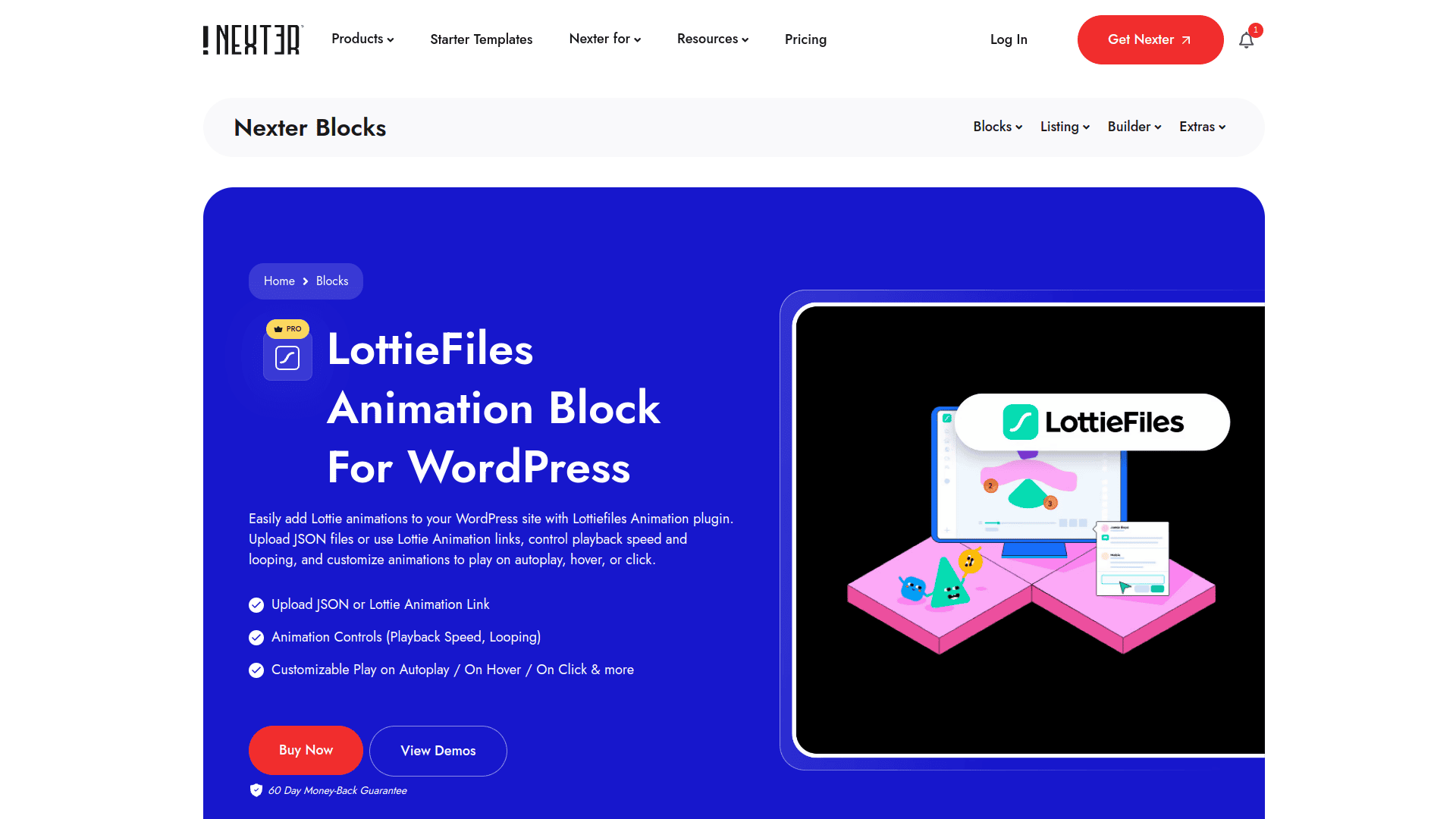
LottieFiles by Nexter is a dedicated Gutenberg block included inside the Nexter Blocks plugin (120+ blocks) by POSIMYTH Innovations. You add Lottie animations by uploading a JSON file directly or providing a LottieFiles.com animation URL. Playback controls include autoplay, loop, speed adjustment, hover trigger, scroll trigger, and click trigger, all configurable inside the block editor without writing any code.
Because the Lottie block is part of Nexter Blocks rather than a standalone plugin, you also get 89+ additional blocks: layouts, mega menus, carousels, popups, social feeds, and a full theme builder via Nexter Extension. This makes the Nexter approach more efficient for site builders who want animation capability without adding a single-purpose plugin to their WordPress install. The plugin uses zero jQuery and a pure vanilla JS architecture, so adding Lottie animations does not introduce new render-blocking dependencies.
Key Features of LottieFiles by Nexter
- Upload JSON files directly or embed animations via LottieFiles.com URL
- Full playback control: autoplay, loop, speed, hover, click, and scroll-based triggers
- Works with both Gutenberg block editor and Elementor from a single plugin install
- Zero jQuery dependency: part of Nexter Blocks’ pure vanilla JS architecture
- Bundled with 120+ blocks, theme builder, and 50+ site extensions at no extra cost
- Pro plans start at $39/year; free version available on WordPress.org
2. SiteOrigin Widgets Bundle
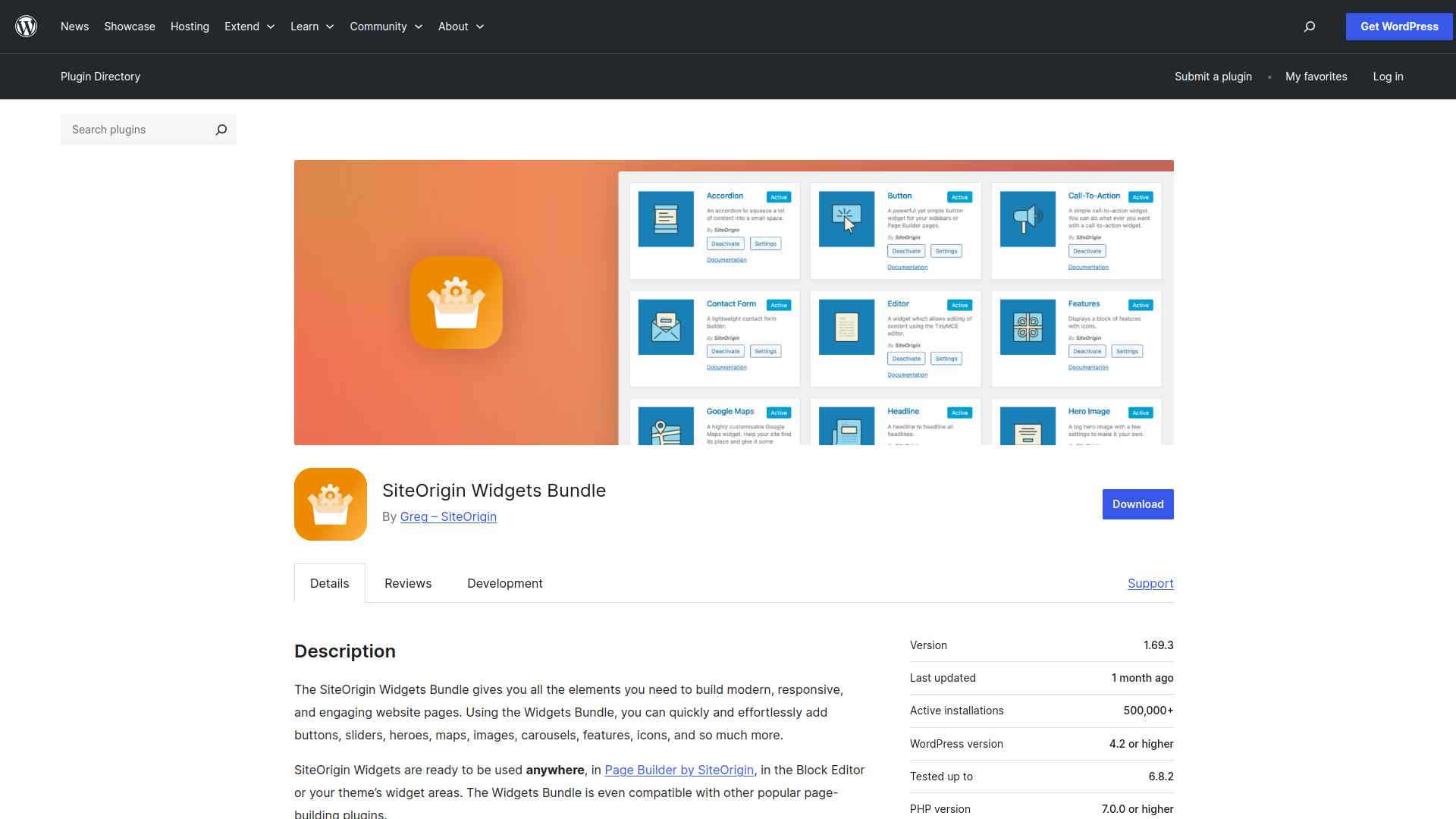
The SiteOrigin Widgets Bundle is a multi-widget library for WordPress with 700,000+ active installs that works with SiteOrigin Page Builder, the block editor, and widget-ready theme areas. Among its widgets are animated elements and a range of interactive content blocks, making it an option for SiteOrigin Page Builder users who want animation support alongside a broader widget toolkit.
For sites already using SiteOrigin’s ecosystem, the bundle adds responsive animation components without requiring a separate plugin. For sites not using SiteOrigin Page Builder, a dedicated Lottie plugin will provide more focused animation controls.
Key Features of SiteOrigin Widgets Bundle
- Wide variety of widgets including buttons, sliders, maps, image grids, and interactive elements
- Compatible with SiteOrigin Page Builder, the Gutenberg block editor, and widget areas
- SEO-friendly markup and optimized front-end loading to avoid unnecessary performance overhead
- Accessibility-focused markup for improved screen reader and keyboard navigation compatibility
3. Lottie Player
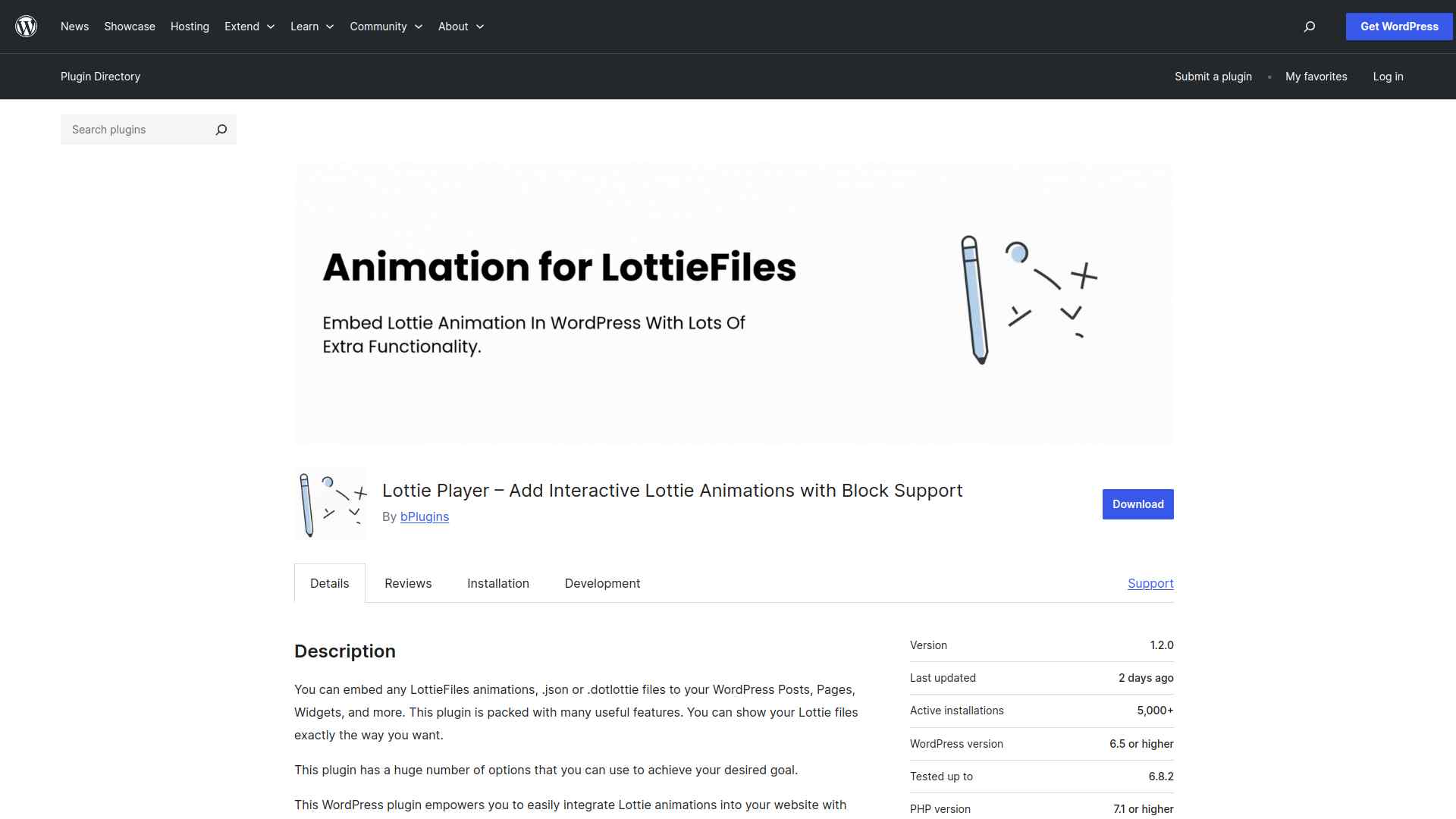
The Embed Lottie Player plugin is a focused, standalone Lottie embedding tool for WordPress. You add animations using shortcodes or blocks, then control playback behavior including autoplay, looping, speed, alignment, and link wrapping. Hover effects, click-triggered animations, and scroll synchronization add interactivity beyond basic autoplay.
For sites that need Lottie support without adding a full block library, Embed Lottie Player provides a lightweight, purpose-built option that installs and configures quickly.
Key Features of Lottie Player
- Embed Lottie animations via shortcode or block without coding requirements
- Full playback customization: autoplay, looping, speed, and alignment controls
- Interactive triggers: hover effects, click-activated animations, and scroll synchronization
- Caption support for accessibility and contextual annotation alongside animations
4. Lottie block for Gutenberg
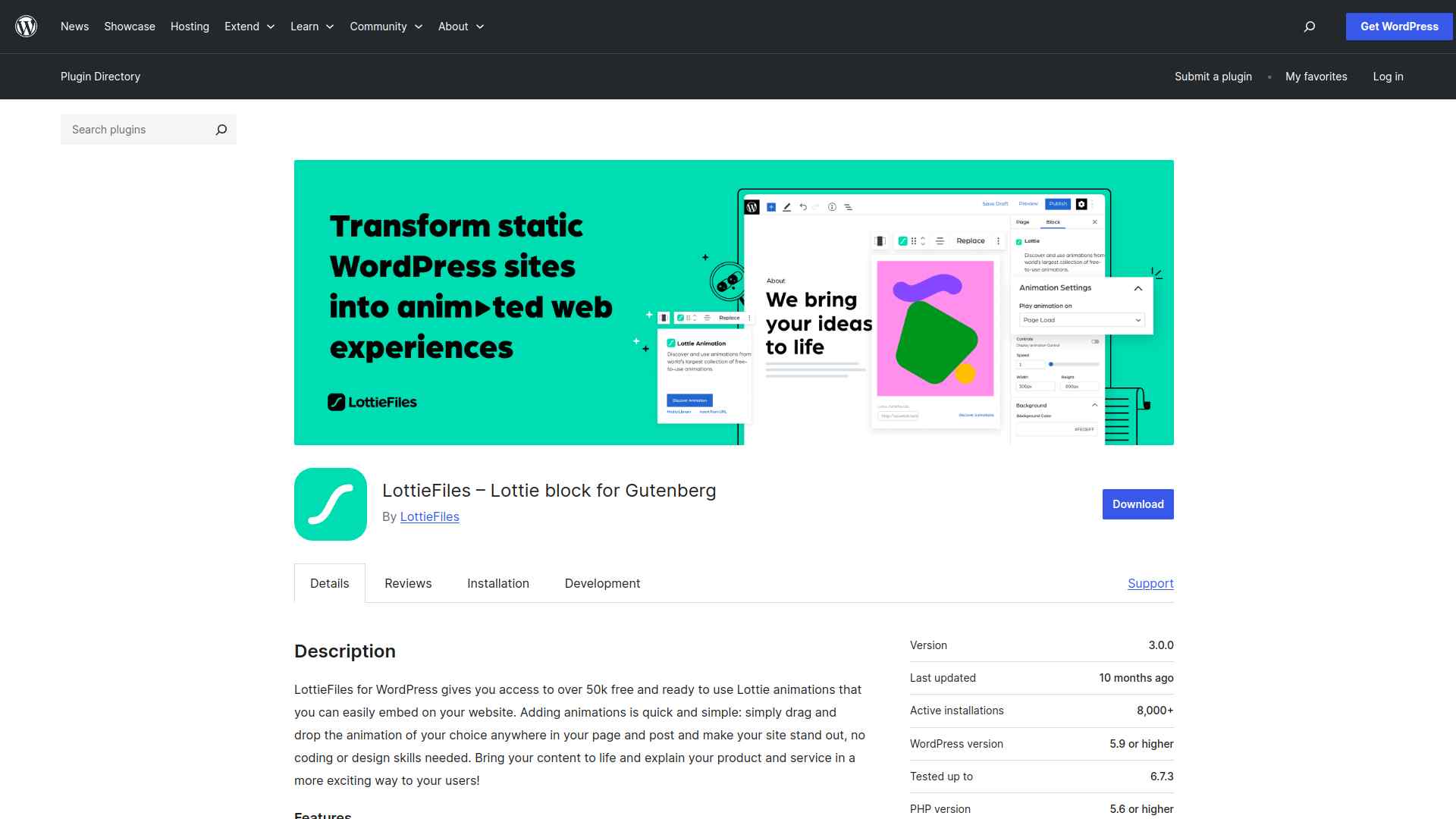
The LottieFiles block for Gutenberg is the official plugin from LottieFiles.com, giving you direct access to the LottieFiles library of 50,000+ free animations inside the block editor. You can search, preview, and embed animations from the LottieFiles platform without leaving WordPress, or upload your own JSON files directly.
Animation customization happens directly in the block settings panel: speed, size, trigger behavior, and background options are all available without touching code. For teams already using LottieFiles.com as their animation source, the direct library integration removes the friction of downloading and re-uploading files manually.
Key Features of Lottie block for Gutenberg
- Access 50,000+ free Lottie animations from LottieFiles.com directly inside the block editor
- Customize animation speed, size, trigger behavior, and background within the editor panel
- Drag-and-drop upload or URL embedding for custom JSON animation files
- Interactive triggers: click, scroll, and hover to control animation playback behavior
5. AM LottiePlayer
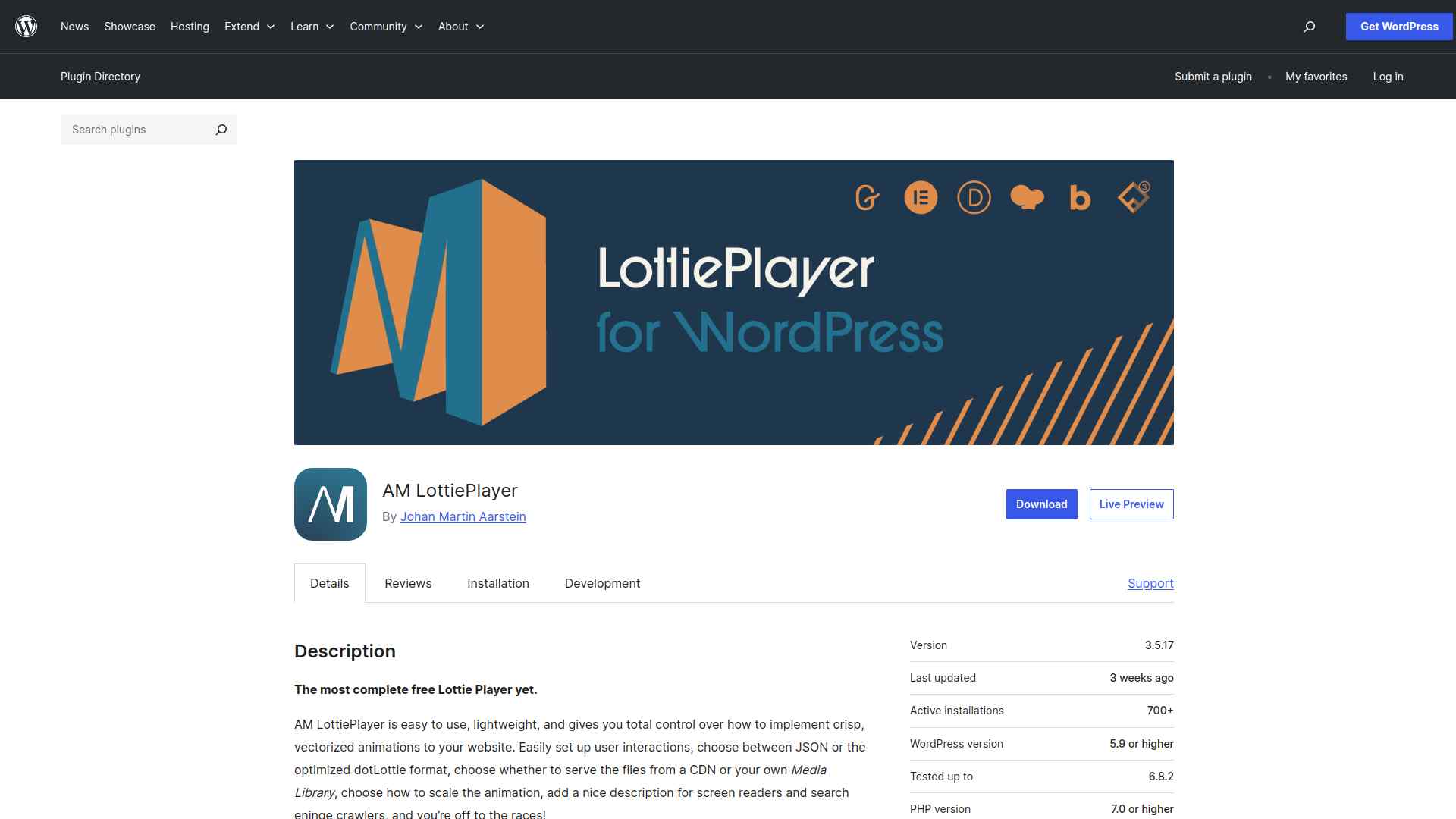
AM LottiePlayer is a cross-builder Lottie plugin that supports Gutenberg, Divi, Elementor, and additional page builders. You upload animation files through the WordPress media library, configure playback settings like autoplay and loop, then embed via native blocks or shortcode depending on your builder. Vector-based rendering keeps animations crisp at any resolution.
For multi-builder WordPress environments where the same Lottie animations need to appear across different editor contexts, AM LottiePlayer’s cross-builder support avoids maintaining separate plugin setups per builder.
Key Features of AM LottiePlayer
- Embed Lottie animations via native blocks or shortcode for flexible placement options
- Works across Gutenberg, Divi, Elementor, and other page builders from a single plugin
- Vector-based rendering for sharp, high-quality animation output at any screen size
- Configurable autoplay, looping, and interactive triggers to control animation behavior
Why We Recommend LottieFiles by Nexter?
For most WordPress sites, LottieFiles by Nexter offers the best combination of animation control and site performance. The block is part of Nexter Blocks’ zero-jQuery architecture, so adding Lottie animations does not introduce new render-blocking scripts. You also get 120+ additional blocks, a built-in theme builder, and 50+ performance and security extensions in the same plugin install. Dedicated single-purpose Lottie plugins make sense if you only need one animation capability; if you are also building layouts, menus, or custom post grids, Nexter Blocks covers all of those alongside Lottie in one install.
For Elementor users looking for a similar Lottie animation option, The Plus Addons for Elementor includes both a Lottiefiles Animation widget and a Lottiefiles On Scroll widget as part of its 120+ Elementor widget library. Download Nexter free from WordPress.org to test LottieFiles by Nexter on your site.
Wrapping Up: Best LottieFiles Plugins for WordPress
All five plugins in this guide add Lottie animation support to WordPress, but they serve different workflows. LottieFiles by Nexter is the strongest option if you are already using or planning to use a full Gutenberg block library. The official LottieFiles block for Gutenberg is the best choice if your animations come directly from LottieFiles.com and you need the fastest path from library to published page. Embed Lottie Player and AM LottiePlayer both work well for sites that need a focused, lightweight Lottie tool without committing to a larger plugin ecosystem.
For teams that design in Figma and export to WordPress, WDesignKit provides cloud template storage and a widget builder that works alongside block plugins including Nexter Blocks. See Nexter pricing or get Nexter free and test the LottieFiles block alongside the full 120+ block library on your site.
Stay updated with Helpful WordPress Tips, Insider Insights, and Exclusive Updates – Subscribe now to keep up with Everything Happening on WordPress!
FAQs on Best LottieFiles Plugins for WordPress
Do Lottie animations slow down my WordPress site?
No. Lottie animations are lightweight JSON files that typically load significantly faster than equivalent GIFs or video files. A standard Lottie animation is 100-300KB compared to 1-5MB for a GIF with the same motion. As long as you optimize file sizes before uploading and load animations conditionally (only when in the viewport), Lottie files have a minimal impact on page speed and Core Web Vitals scores.
Can I use Lottie animations without coding skills?
Yes. All five plugins in this guide are designed for non-developers. You upload or link a JSON animation file, configure playback options (autoplay, loop, triggers) in the plugin’s settings panel, and the animation appears on your page. No JavaScript or CSS knowledge is required. The LottieFiles block for Gutenberg and LottieFiles by Nexter are particularly accessible, with all settings available directly in the WordPress block editor panel.
Are Lottie animations mobile-friendly?
Yes. Lottie files are vector-based JSON, so they scale to any screen size without quality loss or additional file weight. A single Lottie animation file renders sharply on a 320px mobile screen and a 4K monitor from the same source file. This makes them inherently better than raster GIFs for responsive designs where you want animation to look consistent across devices without serving separate files per breakpoint.
Do Lottie plugins support autoplay and looping?
Yes. All five plugins in this guide support autoplay and looping controls. Most also provide additional trigger options: hover-activated playback, click-to-play, and scroll-based animation (where the animation progresses as the user scrolls down the page). These interactive triggers are particularly useful for hero illustrations, feature icons, and step-by-step visual flows where you want the animation to respond to user interaction rather than playing immediately on page load.
Can I customize the colors of Lottie animations in WordPress?
Color customization depends on the animation file itself, not just the plugin. Animations exported with color layers that support runtime editing can be modified in some plugins. If the animation was not designed with editable color layers, you will need to modify it in After Effects or a Lottie-compatible editor before uploading. The LottieFiles.com editor provides a browser-based way to recolor compatible animations before downloading the JSON file for use in WordPress.
