












A carousel slider solves a specific layout problem: you have more content than screen space. A portfolio site can showcase twelve projects without stacking them vertically, a WooCommerce store can rotate featured products above the fold, and a blog can surface recent posts without a full archive listing. The interaction is intuitive on every device, and the compact footprint keeps the page from growing unwieldy.
The right plugin needs to fit your page builder, stay fast, and handle the content types you actually use. A plugin built for images only will fall short when you need to rotate WooCommerce products or embed YouTube videos.
This guide covers the 5 best carousel slider plugins for WordPress, tested and compared on features, content types, builder compatibility, and ease of setup on WordPress 6.9.4.
What is a Carousel Slider in WordPress?
A carousel slider in WordPress displays multiple items, such as images, posts, or products, in a horizontal strip that rotates automatically or responds to user clicks and swipes.
Unlike a static grid, a carousel keeps your page compact while letting visitors browse through more content without scrolling down.
What to look for in a carousel slider plugin
Before choosing a plugin, check these five criteria:
- Content types: Does it support only images, or also posts, WooCommerce products, and videos? Match the plugin to the content you need to display.
- Builder compatibility: Is it a native Gutenberg block, an Elementor widget, or shortcode-only? Native integrations are cleaner and faster to edit.
- Performance: Does the plugin load scripts and styles only on pages where the carousel appears, or on every page?
- Navigation controls: Does it support arrows, dots, thumbnails, touch/swipe, and mousewheel navigation so visitors on any device can browse easily?
- Autoplay accessibility: If the carousel autoplays, does it pause on hover and respect the browser’s prefers-reduced-motion setting? WCAG 2.1 requires moving content to be pausable, so this matters both for accessibility compliance and for users who find motion distracting.
Best Carousel Slider Plugins for WordPress Compared
| Plugin | Content Types | Builder | Best For |
|---|---|---|---|
| Carousel Slider by Nexter | Images, custom content | Gutenberg | Gutenberg native block with selective script loading |
| WP Carousel | Images, posts, products, YouTube | Any (shortcode/widget) | Multi-content carousels on any theme |
| Ultimate Slider | Images only | Any (shortcode) | Lightweight image sliders with unlimited slides |
| Carousel Slider | Images, videos, posts, products | Gutenberg, Elementor | Multi-content carousels across two builders |
| Slick Slider | Images (gallery-based) | Any (gallery block) | Converting existing WordPress galleries into sliders |
1. Carousel Slider by Nexter

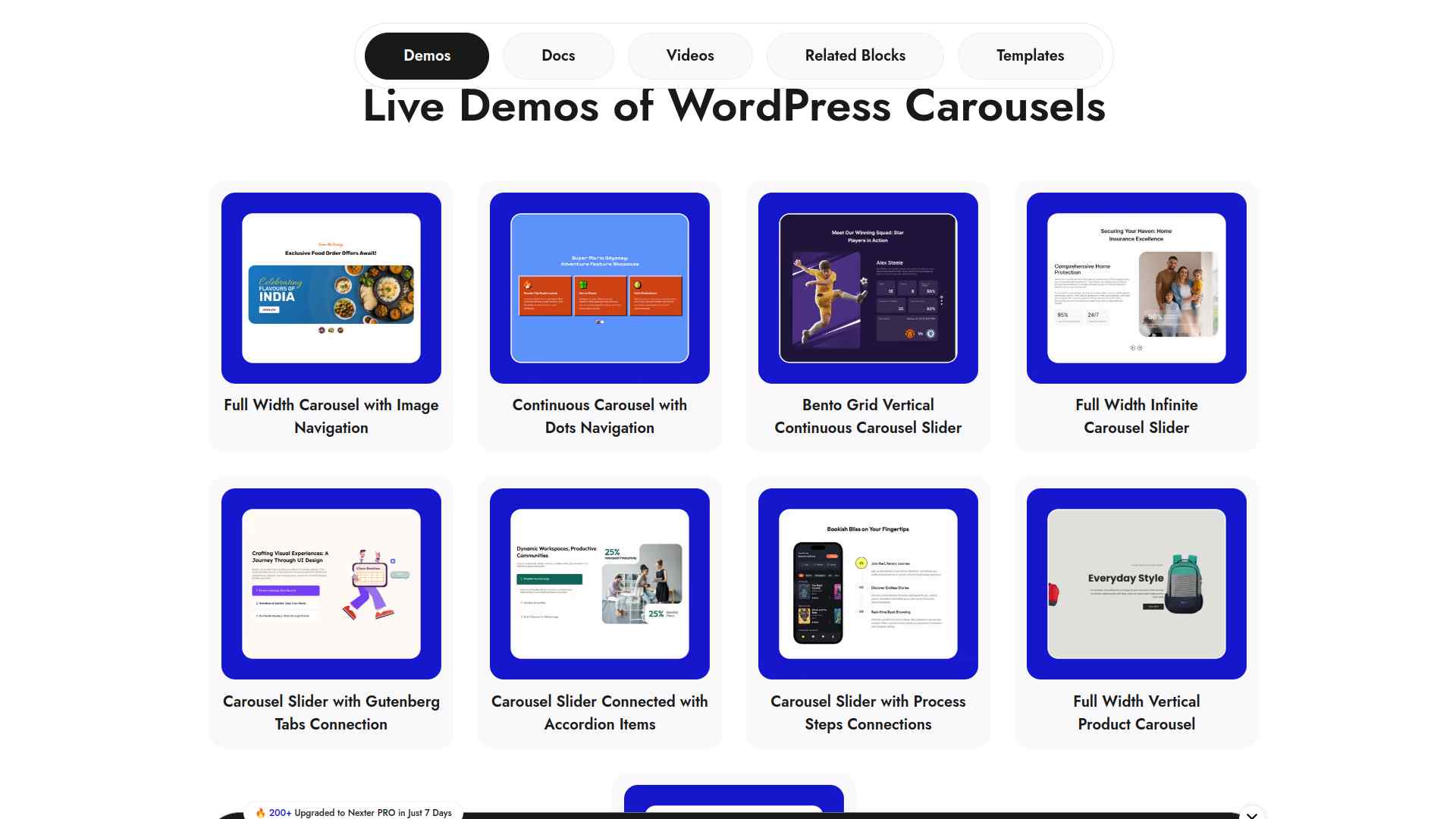
The Advanced Carousel Sliders block in Nexter Blocks 4.7.2 is a native Gutenberg block with multiple layout options, smooth mousewheel interaction, and navigation controls including arrows, dots, and thumbnails. It works inside the block editor without any shortcodes or separate plugin installs.
Scripts load only on pages where the block is placed, keeping the rest of your site lean.
Key Features of Carousel Slider by Nexter
- Multiple layout options and smooth mousewheel interaction give you flexible control over how the carousel looks and behaves.
- Selective script loading means only pages with the Carousel block carry its CSS and JS, keeping every other page fast.
- License covers local, staging, and live environments with automatic renewal reminders and lifetime plan options.
- Live chat and AI-assisted support plus detailed documentation resolve issues quickly without waiting for email tickets.
2. WP Carousel
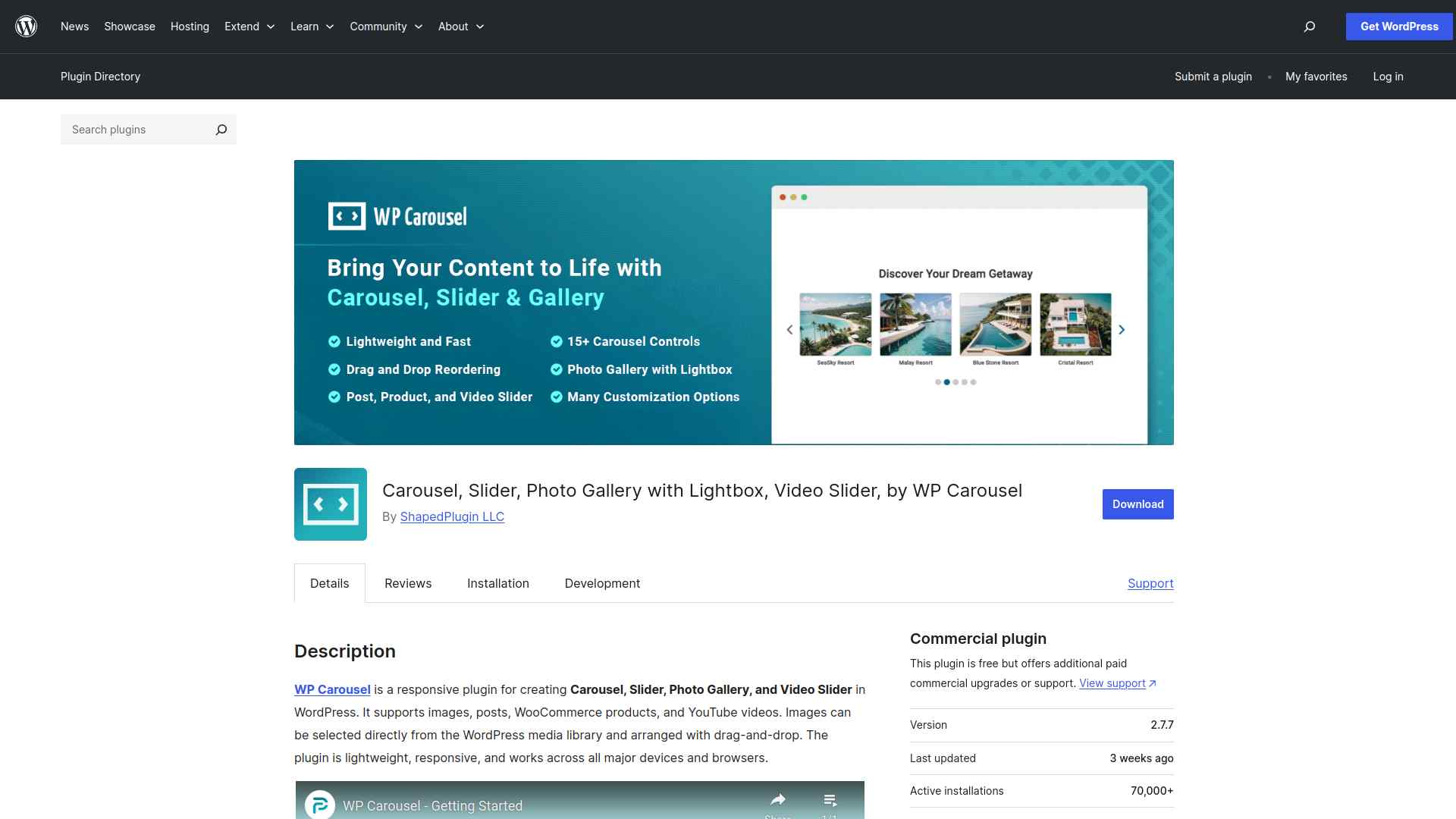
WP Carousel is a versatile free plugin that supports images, blog posts, WooCommerce products, and YouTube videos in one tool. You get a drag-and-drop item arranger and styling controls without any coding.
It supports unlimited carousels via shortcodes and works with any WordPress theme.
Key Features of WP Carousel
- Handles images, blog posts, WooCommerce products, and YouTube videos in a single plugin so you don’t need separate tools for each content type.
- Drag-and-drop item arrangement and styling controls let you build and customize carousels without writing code.
- Responsive design ensures carousels look and function correctly on phones, tablets, and desktops.
- Unlimited carousels via shortcodes or widgets let you embed them anywhere on your site without restrictions.
3. Ultimate Slider
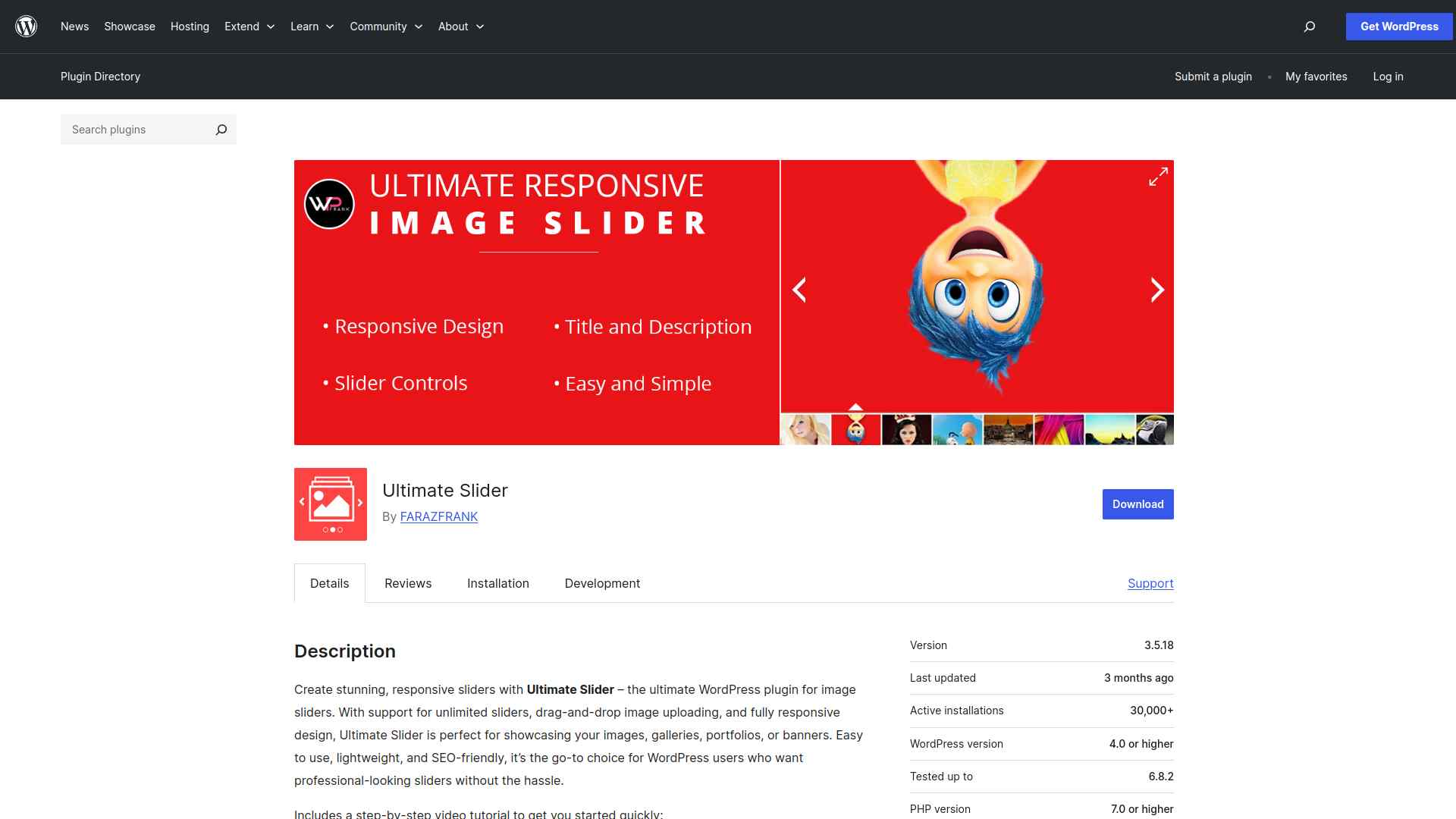
Ultimate Slider (Ultimate Responsive Image Slider) focuses on image-based sliders with an unlimited slide count and drag-and-drop image uploading. It is lightweight and SEO-friendly, compatible with all WordPress themes and page builders.
If your primary need is a fast, simple image slider that doesn’t add code bloat, this is a solid pick.
Key Features of Ultimate Slider
- Unlimited image sliders with no restrictions so you can create as many as your site needs.
- Fully responsive design ensures sliders display correctly on all screen sizes without extra configuration.
- Drag-and-drop slide management makes adding, reordering, and removing images fast and straightforward.
- Lightweight and optimized for speed, so adding sliders doesn’t noticeably affect your page load time.
4. Carousel Slider
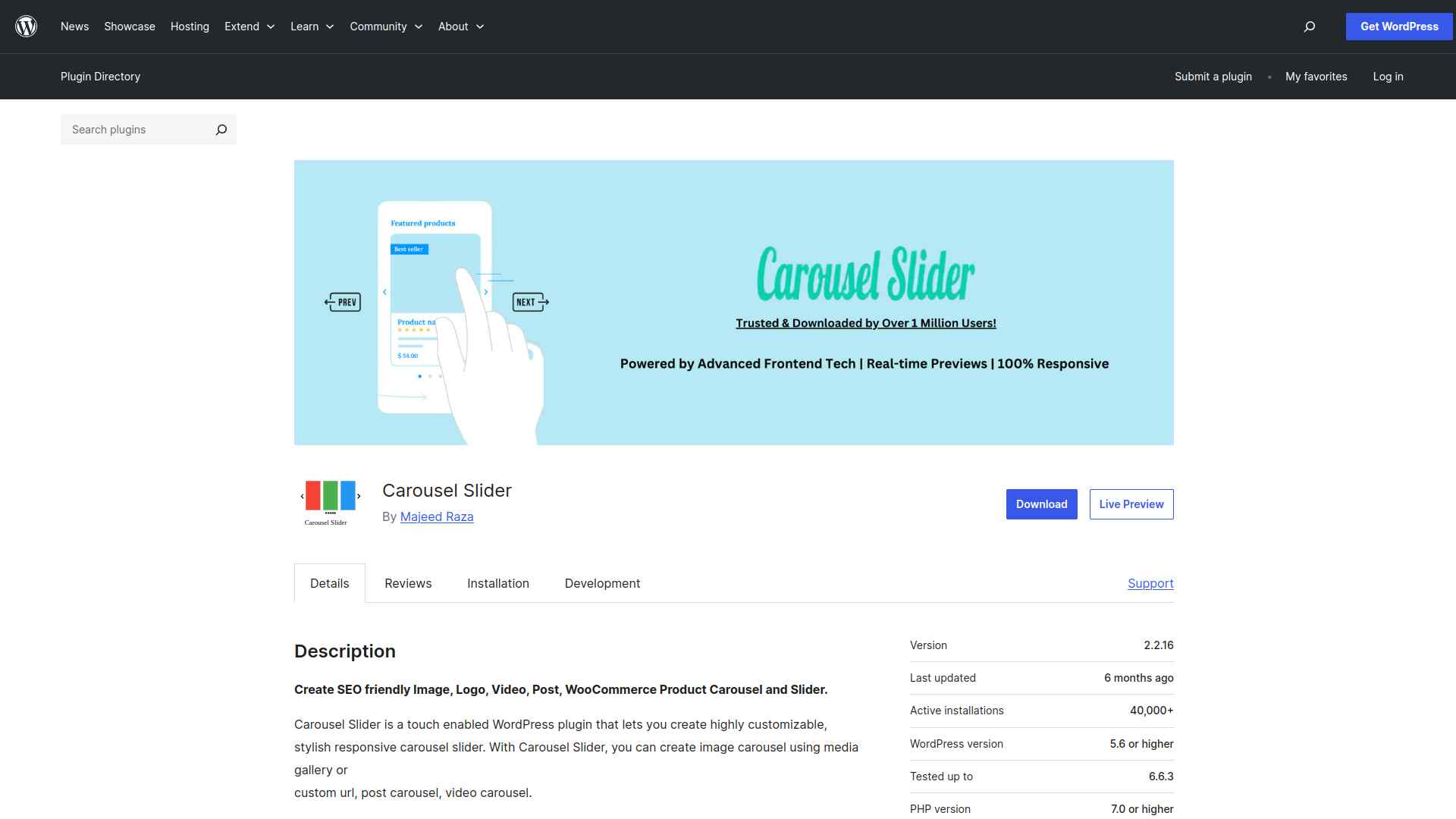
The Carousel Slider plugin supports images, videos, posts, and WooCommerce products with touch-enabled navigation and multiple carousel types. It integrates with Gutenberg and Elementor through block and widget support.
A strong choice when you need a multi-content carousel that works across more than one page builder.
Key Features of Carousel Slider
- Supports images, videos, posts, and WooCommerce products in one plugin, covering most carousel use cases without add-ons.
- Gutenberg block and Elementor widget integration means you work inside your usual editor without switching to shortcode view.
- Touch-enabled navigation works across all mobile devices, giving visitors smooth swipe controls on phones and tablets.
- Customizable navigation controls, autoplay settings, and loop behavior let you match the carousel experience to your content.
5. Slick Slider
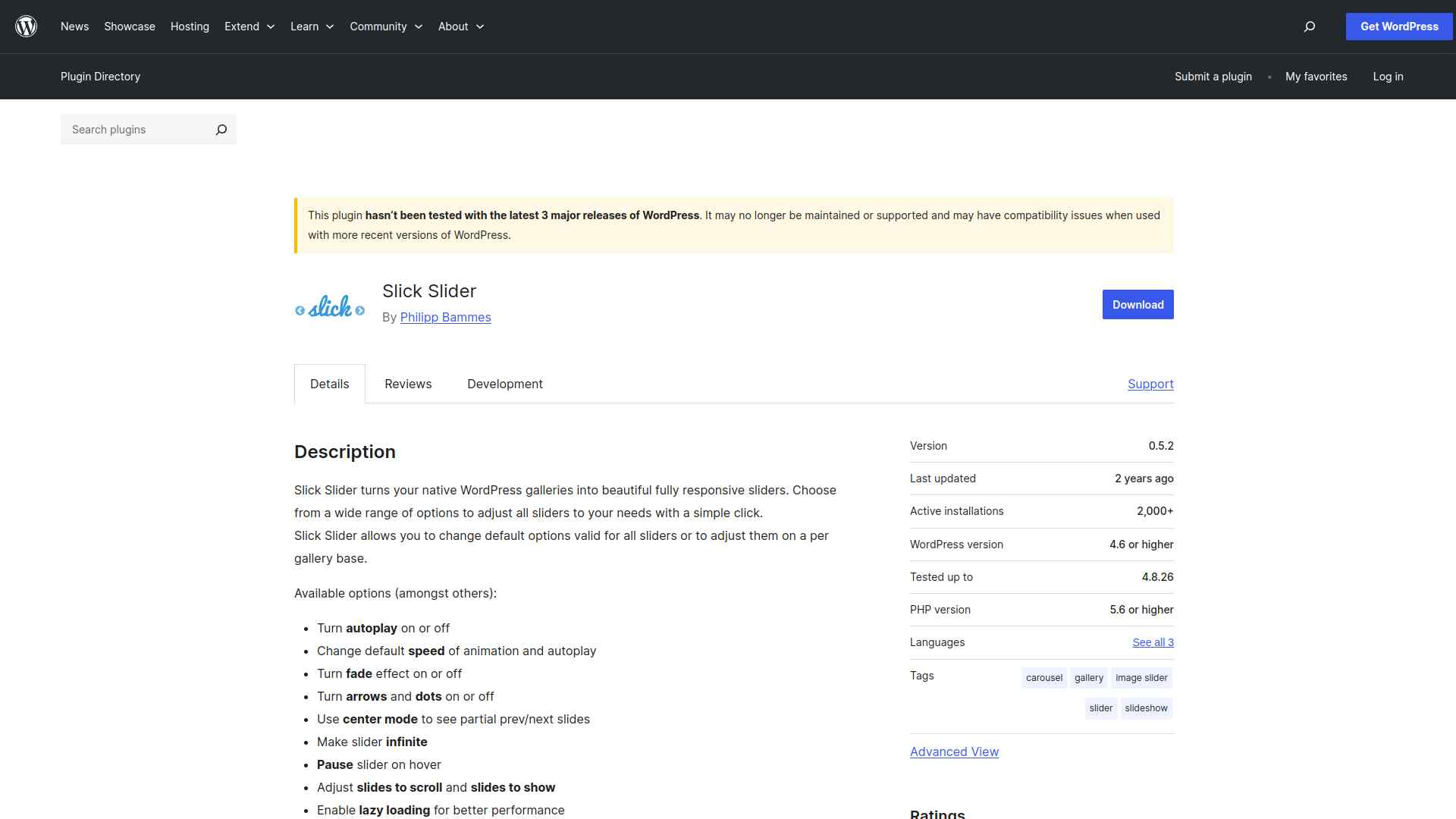
Slick Slider converts your existing native WordPress galleries into responsive sliders. If you already manage images with the standard gallery block, this plugin adds carousel behavior without rebuilding your content.
Settings for autoplay, speed, fade, lazy loading, arrows, and dots are all configurable directly from the gallery options panel.
Key Features of Slick Slider
- Converts native WordPress galleries into responsive sliders, so you keep using the standard media workflow you already know.
- Autoplay, speed, fade, arrows, and dots are all adjustable from the gallery settings panel without touching code.
- Lazy loading defers off-screen images until visitors scroll to them, helping your page load faster on slower connections.
- Caption and link support lets you add context and calls to action to individual slides directly from the media library.
Stay updated with Helpful WordPress Tips, Insider Insights, and Exclusive Updates – Subscribe now to keep up with Everything Happening on WordPress!
Which WordPress Carousel Slider Plugin Should You Use?
Choose Carousel Slider by Nexter if you build with Gutenberg and want a native block-based slider with selective script loading, multiple layouts, and dedicated support.
Choose WP Carousel if you need a free plugin that handles images, posts, WooCommerce products, and YouTube videos in a single tool.
Choose Ultimate Slider if you want a lightweight, image-focused slider with unlimited slides and drag-and-drop management.
Choose Carousel Slider if you need multi-content carousels with Gutenberg and Elementor compatibility and strong touch support.
Choose Slick Slider if you want to convert existing native WordPress galleries into responsive sliders with minimal setup.
The Carousel Slider block is one of 90+ Gutenberg blocks inside Nexter Blocks 4.7.2. If you build complete pages around your carousels, Nexter gives you the blocks for hero sections, testimonials, pricing tables, and more alongside the slider, all without jQuery dependencies. Download Nexter Blocks free on WordPress.org or see plans starting at $39/year.
Elementor users can extend their toolkit with The Plus Addons for Elementor, which offers carousel and slider widgets among 120+ elements. For ready-made page designs, WDesignKit has thousands of free WordPress templates to speed up your builds.
How to Choose the Right Carousel Slider Plugin for WordPress
Carousel sliders keep pages compact while letting visitors browse through more content. For Gutenberg users, the Carousel Slider block in Nexter Blocks 4.7.2 is the most performant option since it loads scripts only on pages where the block is used and requires no separate plugin install.
For multi-content needs across different builders, WP Carousel and Carousel Slider both handle images, products, and videos with shortcode or native editor integration.
Get Nexter Blocks free and add the Carousel Slider block to your next WordPress page, or see plans starting at $39/year if you need the complete 90+ block suite with premium support.
Get Exclusive WordPress Tips, Tricks and Resources Delivered Straight to Your Inbox!
Subscribe to stay updated with everything happening on WordPress.
