












Before-and-after sliders communicate change faster than any amount of text. A photographer can show retouching impact, a fitness site can illustrate client progress, and a home renovation page can replace three paragraphs of description with a single draggable divider. The format is interactive, works on any device, and immediately answers the reader’s most important question: what changed?
The challenge is finding a plugin that loads quickly, works with your page builder, and gives you enough customization without bloating every page with unused scripts.
This guide covers the 5 best before after plugins for WordPress, tested and compared on features, builder compatibility, and ease of setup on WordPress 6.9.4 so you can pick the right one for your site.
What is a Before After Slider in WordPress?
A before after slider in WordPress places two images side by side with a draggable divider. Visitors move the handle left or right to compare the “before” and “after” states of any subject, from design revisions to physical transformations.
The interactive format works on any device and requires no extra explanation from the site owner.
What to look for in a before after plugin
Before picking a plugin, check these five criteria:
- Performance: Does the plugin load its scripts only on pages where the slider appears, or does it add weight to every page on your site?
- Builder compatibility: Does it integrate natively with Gutenberg, Elementor, or Divi, or does it rely on shortcodes across all builders?
- Mobile responsiveness: Can visitors swipe the divider on touchscreens as smoothly as they drag it on desktop?
- Customization: Can you control divider style, labels, orientation, and starting position to match your design?
- Core Web Vitals impact: Before after sliders load two full-size images simultaneously. Check whether the plugin supports lazy loading for off-screen images so your Largest Contentful Paint score stays within Google’s recommended range.
Best Before After Plugins for WordPress Compared
| Plugin | Builder | Free / Paid | Best For |
|---|---|---|---|
| Before After by Nexter | Gutenberg | Free + Paid | Gutenberg native block with selective script loading |
| Before After Image Comparison | Gutenberg | Free | Free no-code Gutenberg slider for any theme |
| Before After Images for Divi | Divi | Free | Divi Visual Builder native module |
| Ultimate Before After Slider & Gallery | Elementor, WPBakery, Gutenberg | Free + Paid | Gallery grids across multiple builders |
| Twenty20 Image Before After | Any (shortcode) | Free | Minimal free plugin with offset controls and widget support |
1. Before After by Nexter
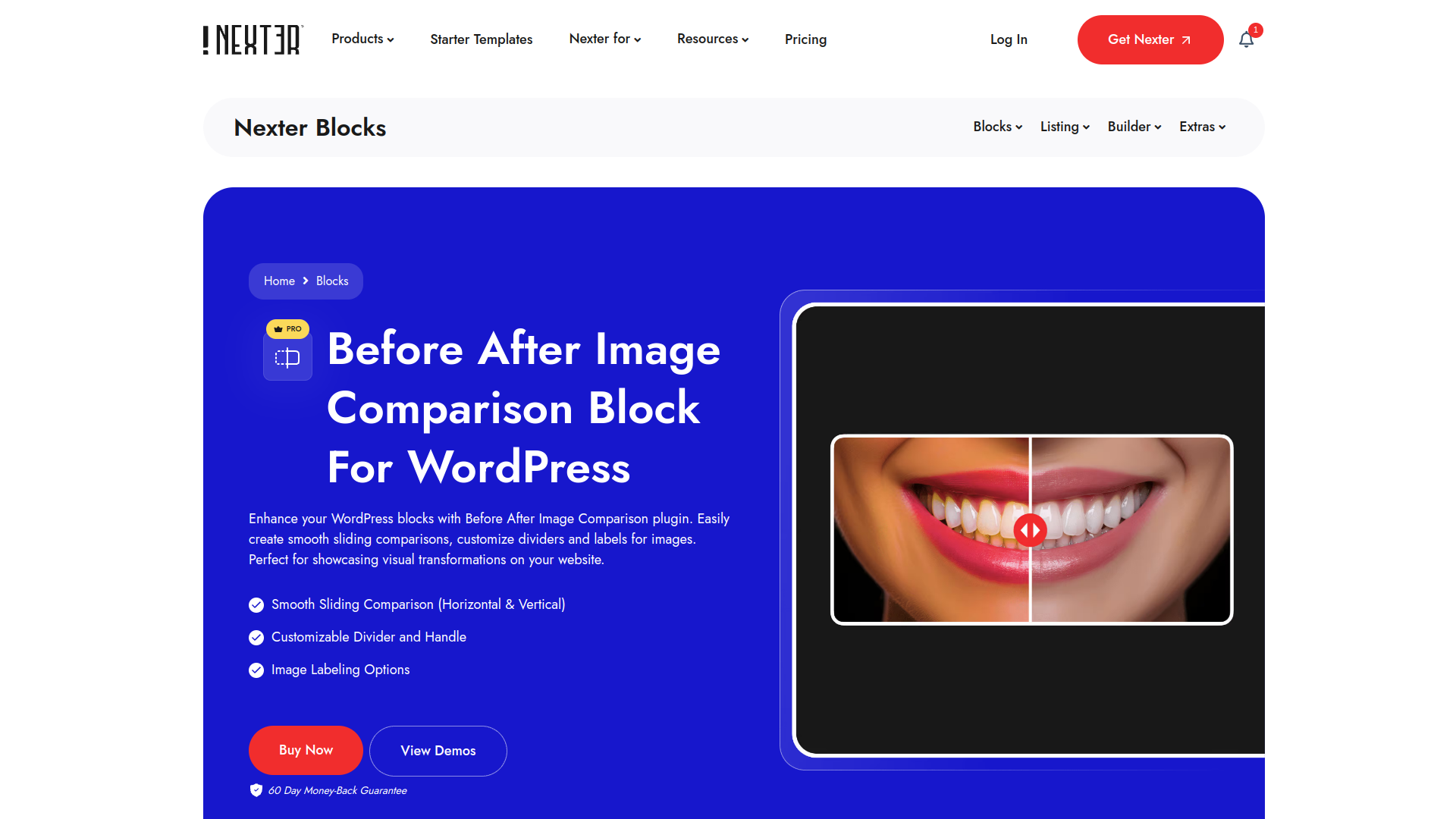
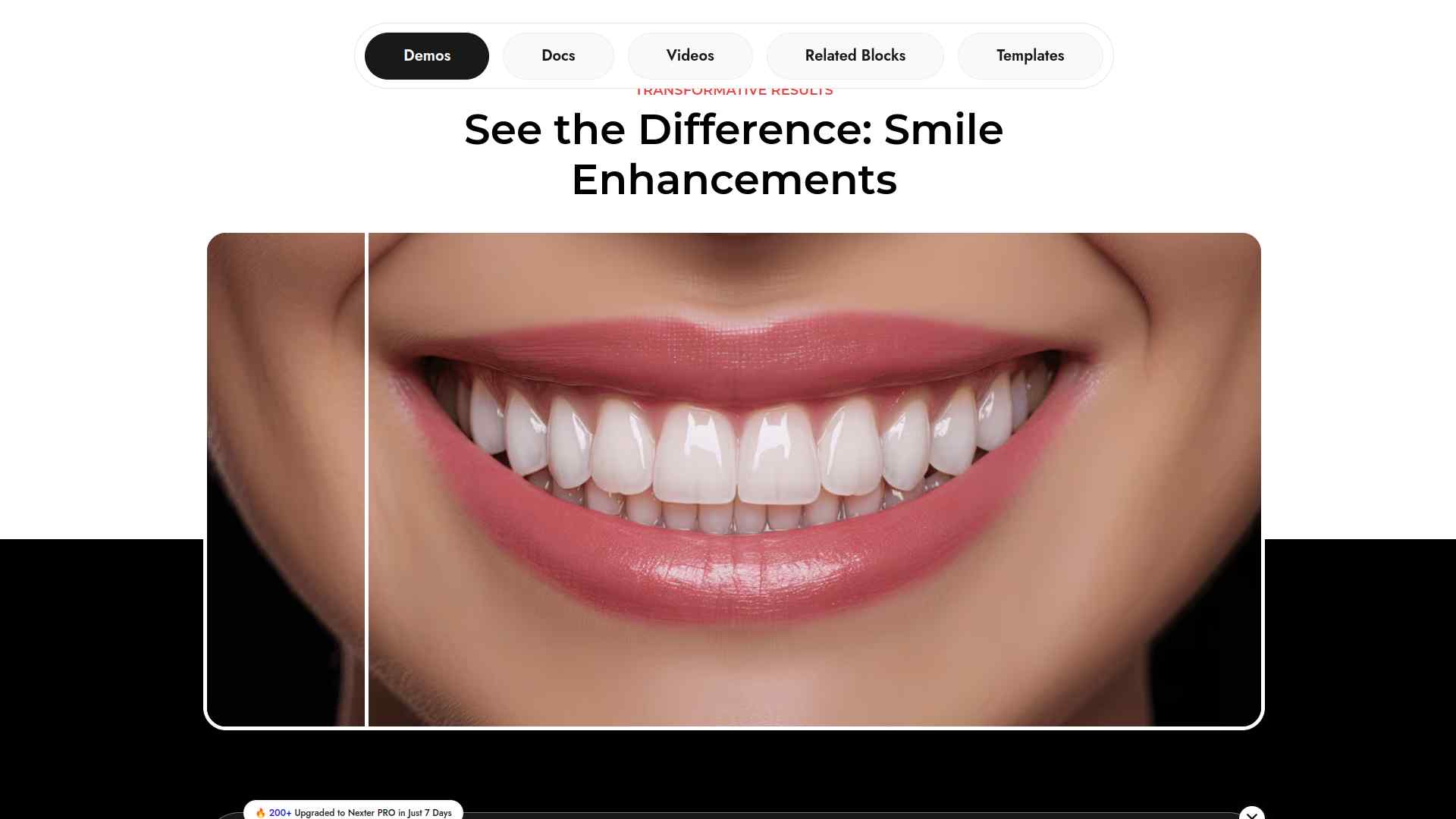
The Before After block in Nexter Blocks 4.7.2 is a native Gutenberg block that adds an interactive comparison slider without requiring a separate plugin. You get full control over divider style, labels, and image sizes directly inside the block editor.
Scripts load only on pages where the block is placed, so the rest of your site stays fast. See the Before After block demo to check the live output before adding it to your site.
Key Features of Before After by Nexter
- Selective script loading means only pages with the Before After block carry the extra CSS and JS, keeping every other page lean.
- One license covers local, staging, and live environments so you build and test without managing separate license keys.
- Lifetime plan options with automatic renewal reminders give you ongoing updates and support without annual surprises.
- Live chat and AI-assisted support plus detailed documentation mean issues get resolved quickly without waiting for email tickets.
2. Before After Image Comparison
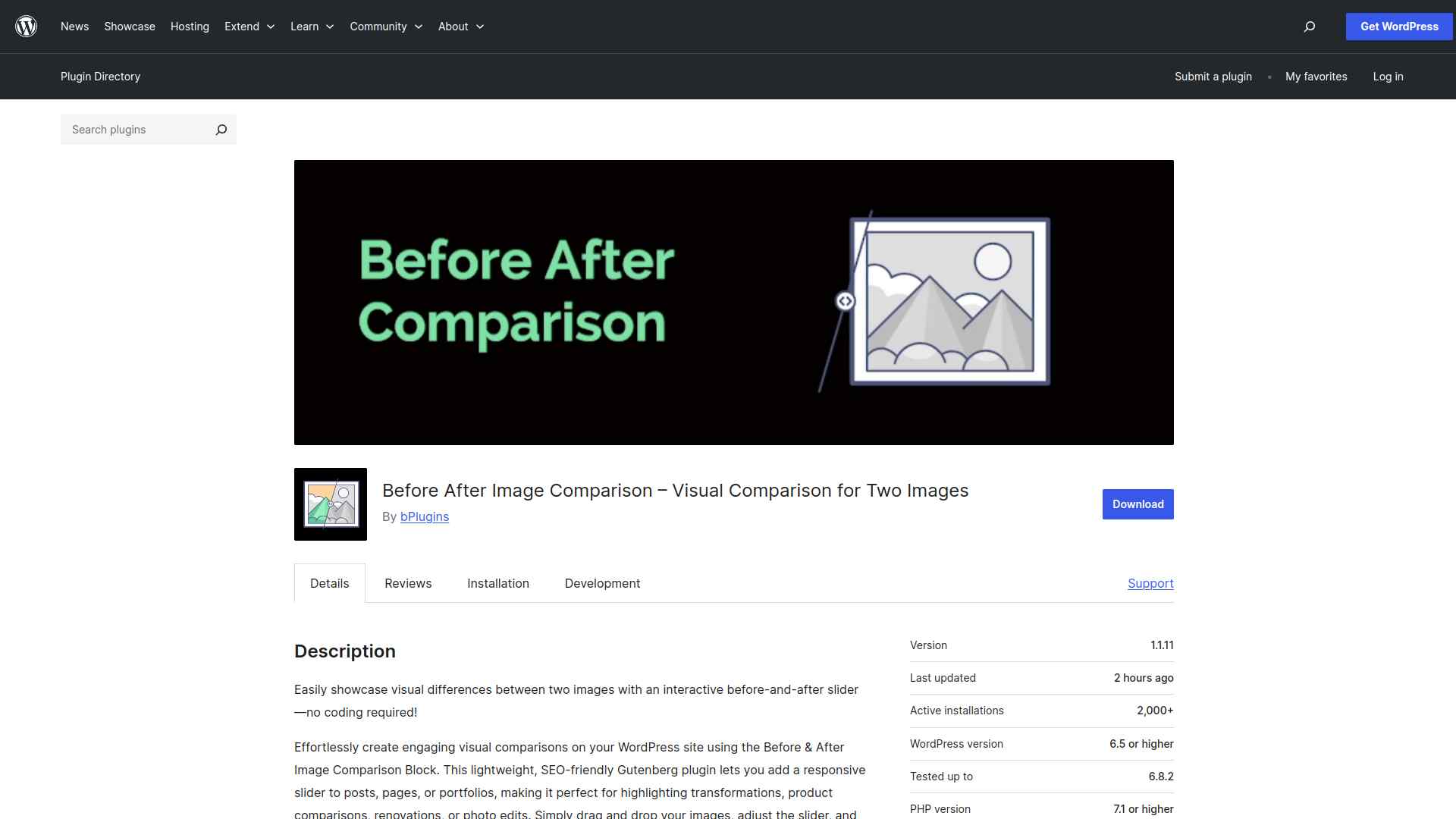
Before & After Image Comparison is a free standalone plugin that works with the Gutenberg block editor. Upload two images, configure your slider options, and embed comparisons anywhere on your site without writing code.
It supports labels, colors, and slider behavior controls and works with any WordPress theme out of the box.
Key Features of Before After Image Comparison
- Drag-and-drop setup in the Gutenberg block editor means no shortcodes or coding needed to add a comparison slider.
- Label, color, and slider behavior controls let you match the comparison display to your site’s visual style.
- Responsive on all screen sizes so touchscreen visitors can swipe through comparisons as smoothly as desktop users.
- Compatible with any WordPress theme and the block editor so it drops in cleanly without layout conflicts.
3. Before After Images for Divi
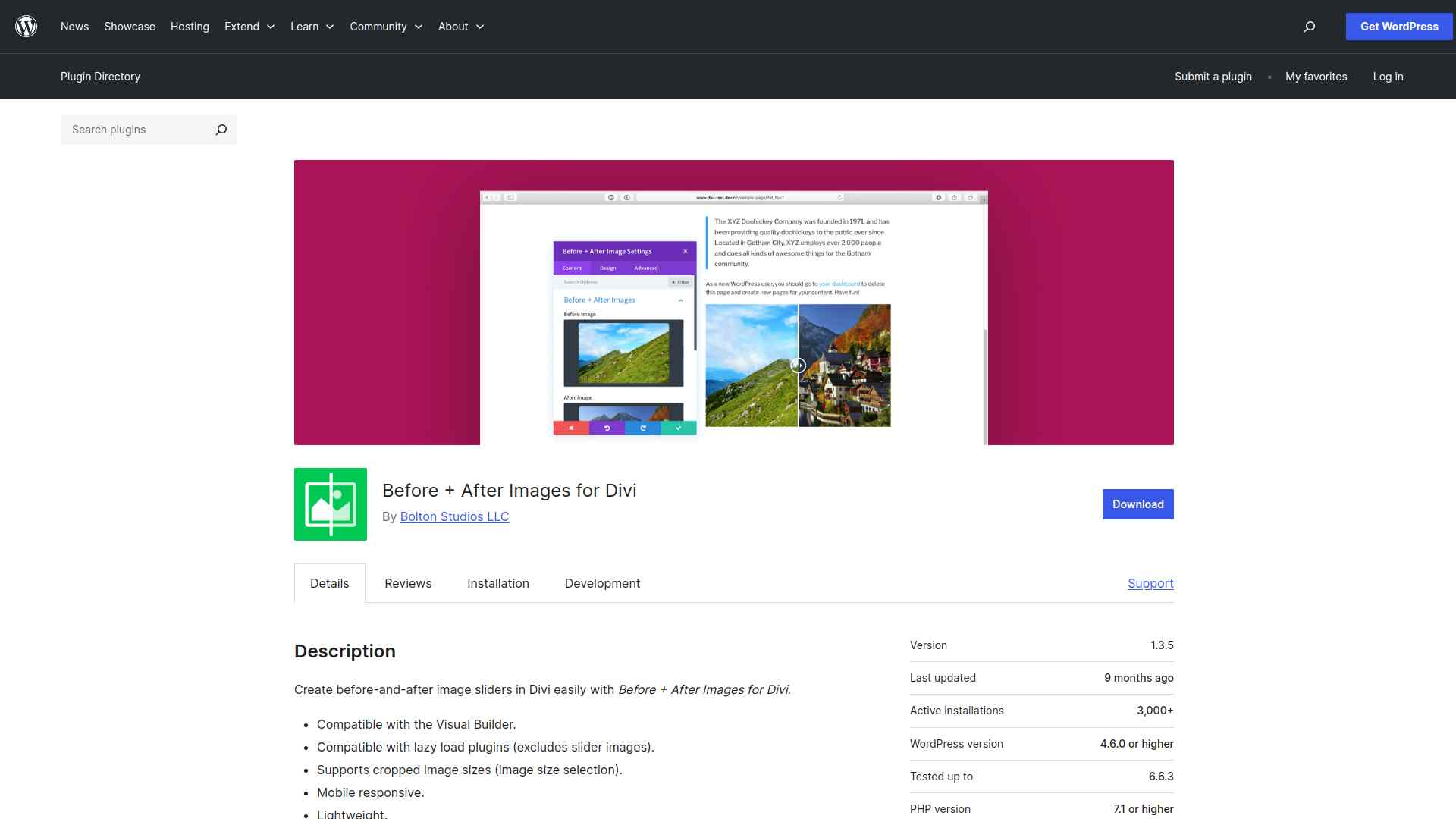
Before + After Images for Divi is built specifically for the Divi page builder and integrates as a native Divi module. If your site runs on Divi, this is the cleanest integration since you add sliders directly in the Visual Builder like any other section.
It’s lightweight, mobile responsive, and includes image size controls under the Advanced tab for precise display.
Key Features of Before After Images for Divi
- Native Divi module means you add comparison sliders directly in the Visual Builder without switching to shortcode or code view.
- Lightweight with no extra overhead outside Divi pages, so only Divi-rendered pages carry the module’s assets.
- Mobile-friendly divider works smoothly on touch devices without extra configuration.
- Image size selection under the Advanced tab gives you control over display dimensions for both before and after images.
4. Ultimate Before After Image Slider & Gallery
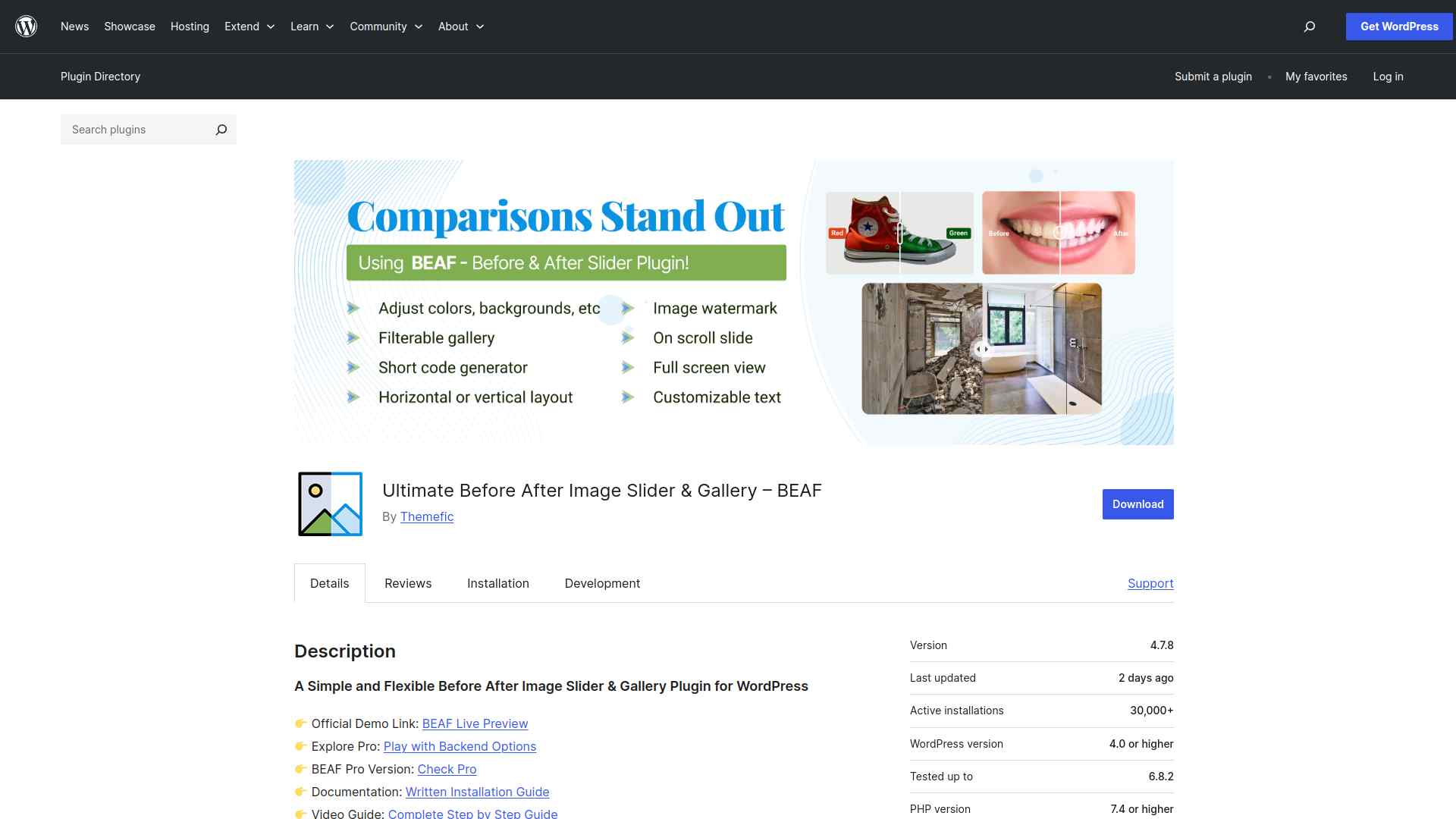
The Beaf Before and After Gallery plugin supports multiple slider layouts and gallery-style comparison grids. It works with Elementor, WPBakery, and Gutenberg through shortcode integration, making it one of the more versatile options for multi-builder environments.
You can display batches of comparisons in a grid rather than a single slider pair, which suits photography and design portfolio use cases well.
Key Features of Ultimate Before After Image Slider & Gallery
- Gallery-style layout lets you display multiple before-and-after pairs in a grid view, not just single sliders.
- Shortcode integration works across Elementor, Gutenberg, and WPBakery so you aren’t locked to one builder.
- Multiple slider and gallery style options let you choose the layout that fits your content and brand.
- Straightforward admin controls mean you can add and manage sliders without technical expertise.
5. Twenty20 Image Before After
Twenty20 is one of the oldest and most battle-tested free before after plugins on WordPress.org. It uses the [twenty20] shortcode and supports touch and drag, multiple sliders per page, and sidebar widgets.
An offset control lets you set where the divider starts, so it doesn’t default to the center split on every slider.
Key Features of Twenty20 Image Before After
- Touch-and-drag slider works on phones, tablets, and desktops without separate configuration for each device type.
- Supports multiple independent sliders on a single page, each with its own settings and offset position.
- Sidebar widget support lets you place comparison sliders in widget areas outside the main content column.
- Offset control sets the starting divider position so you can show more of the “before” or “after” image on first load.
Stay updated with Helpful WordPress Tips, Insider Insights, and Exclusive Updates – Subscribe now to keep up with Everything Happening on WordPress!
Which WordPress Before After Plugin Should You Use?
Choose Before After by Nexter if you use the Gutenberg editor and want a native block-based slider with selective script loading, lifetime plan options, and dedicated support.
Choose Before After Image Comparison if you want a free, no-code option that works with any WordPress theme and the block editor.
Choose Before After Images for Divi if your site runs on the Divi theme and you want a native Visual Builder integration.
Choose Ultimate Before After Image Slider & Gallery if you need gallery-style grids with Elementor, WPBakery, or Gutenberg compatibility.
Choose Twenty20 if you want a minimal, long-established free plugin with offset controls and sidebar widget support.
The Before After block is one of 90+ Gutenberg blocks inside Nexter Blocks 4.7.2. If you build complete pages around your comparisons, Nexter gives you the blocks for hero sections, testimonials, pricing tables, and more alongside the slider, all without jQuery dependencies. Download Nexter Blocks free on WordPress.org or see plans starting at $39/year.
Elementor users can extend their toolkit with The Plus Addons for Elementor, which includes before-after comparison widgets among 120+ elements. For ready-made page designs, WDesignKit has thousands of free WordPress templates to get you started.
How to Choose the Right Before After Plugin for WordPress
Before and after sliders add instant visual clarity to any page showcasing change or transformation. For most WordPress users building with Gutenberg, the Before After block in Nexter Blocks 4.7.2 is the most performant option since it requires no separate plugin and loads only on pages where it is used.
Divi users get the cleanest integration from the dedicated Divi module, and Elementor or multi-builder sites can use the Ultimate Before After gallery plugin for shortcode-based embedding across builders.
Get Nexter Blocks free and add the Before After block to your next WordPress page, or see plans starting at $39/year if you need the complete 90+ block suite with premium support.
Get Exclusive WordPress Tips, Tricks and Resources Delivered Straight to Your Inbox!
Subscribe to stay updated with everything happening on WordPress.
