












A six column table and a phone screen do not get along, and squashing the columns makes the table unreadable.
The Data Table block offers two ways out: let the table scroll sideways, or stack each row into its own block.
For every Data Table setting in one place, see the Data Table block guide.
Before You Start
- Edition: Free — works in Nexter Blocks (free) and with Nexter Blocks Pro.
- Block to enable: Data Table, switched on under Nexter > Blocks in your WordPress dashboard.
- A table wide enough to be a problem: the difference only shows once the columns no longer fit.
Steps
- Add the Data Table block to your page and click Design from Scratch.
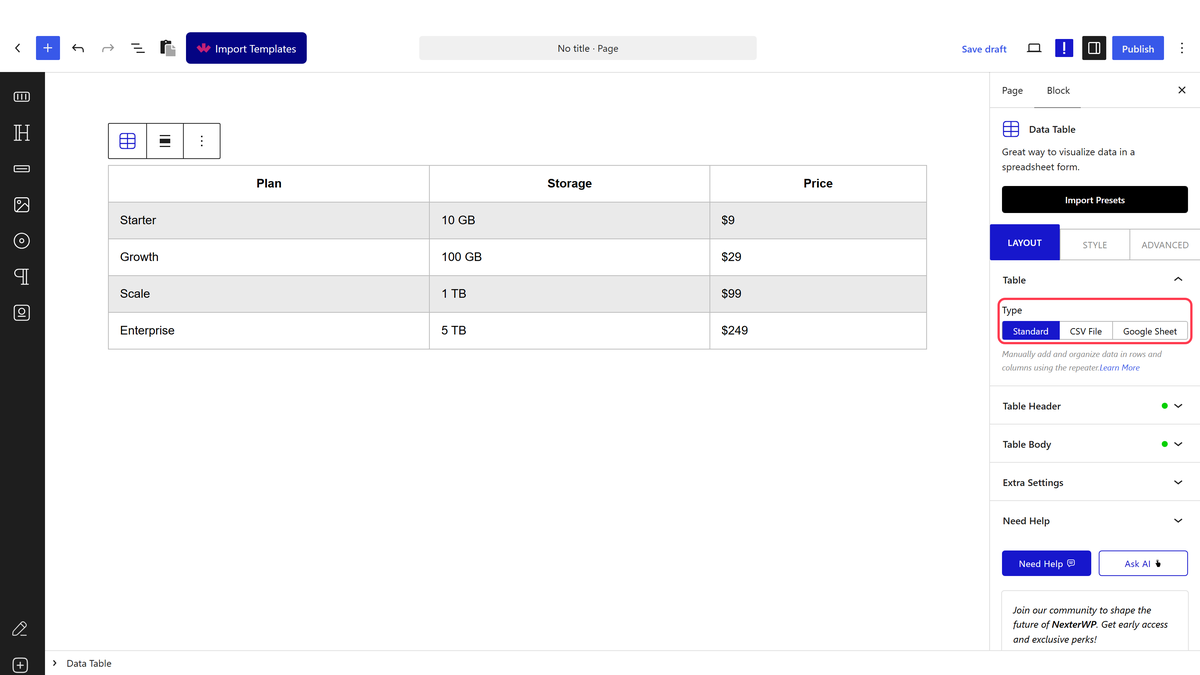
- In the Table panel, leave Type on Standard.
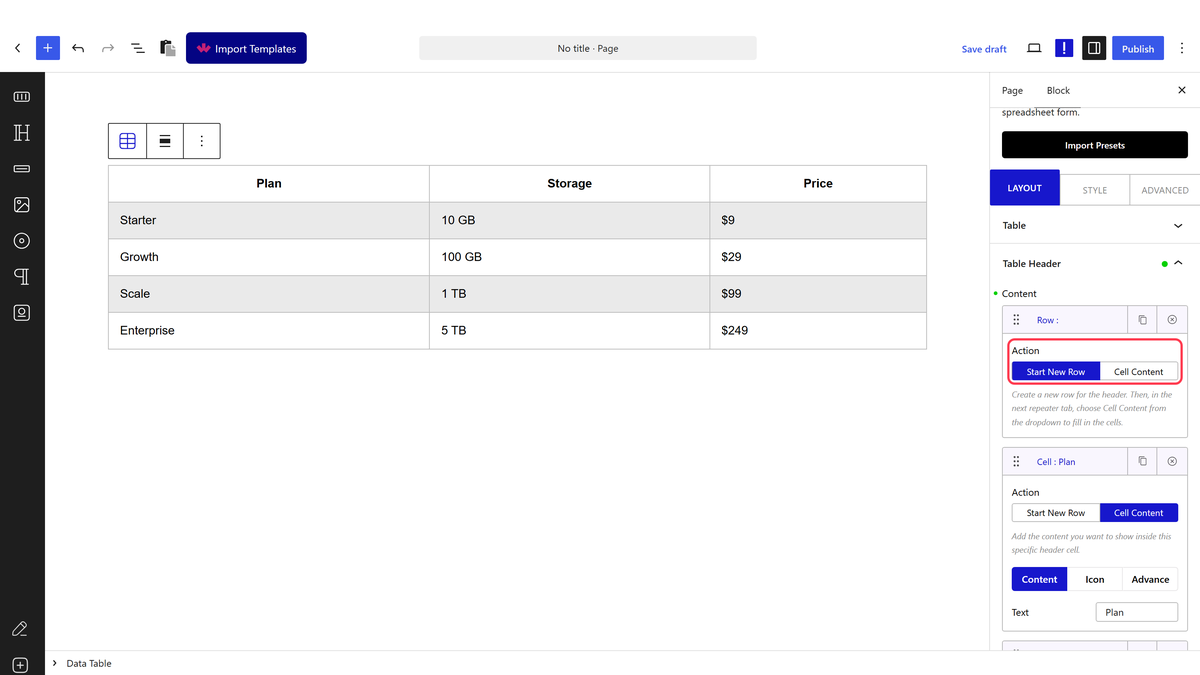
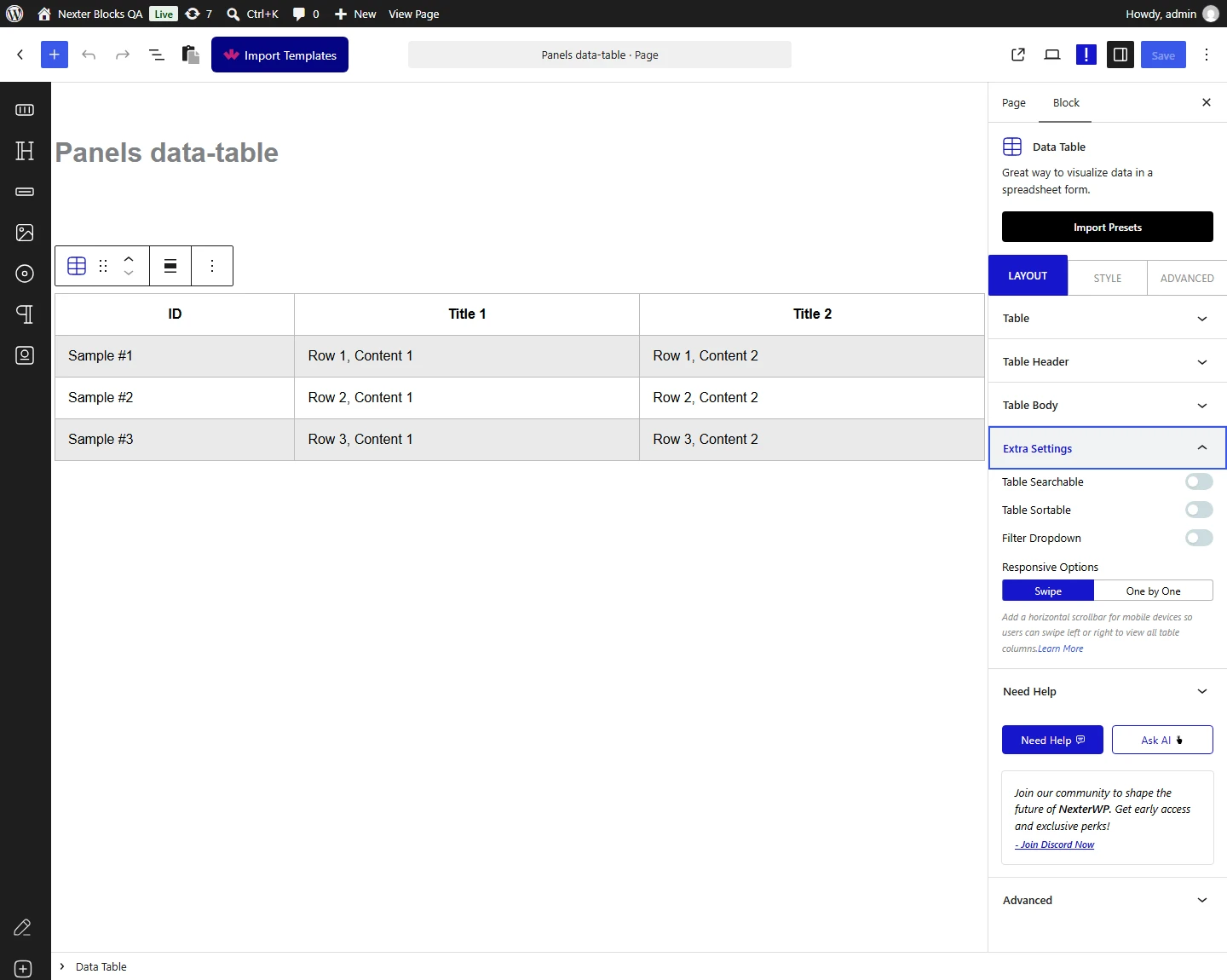
- Open Table Header. Each item’s Action is either Start New Row or Cell Content — start a row, then add one Cell Content item per column and type its heading.
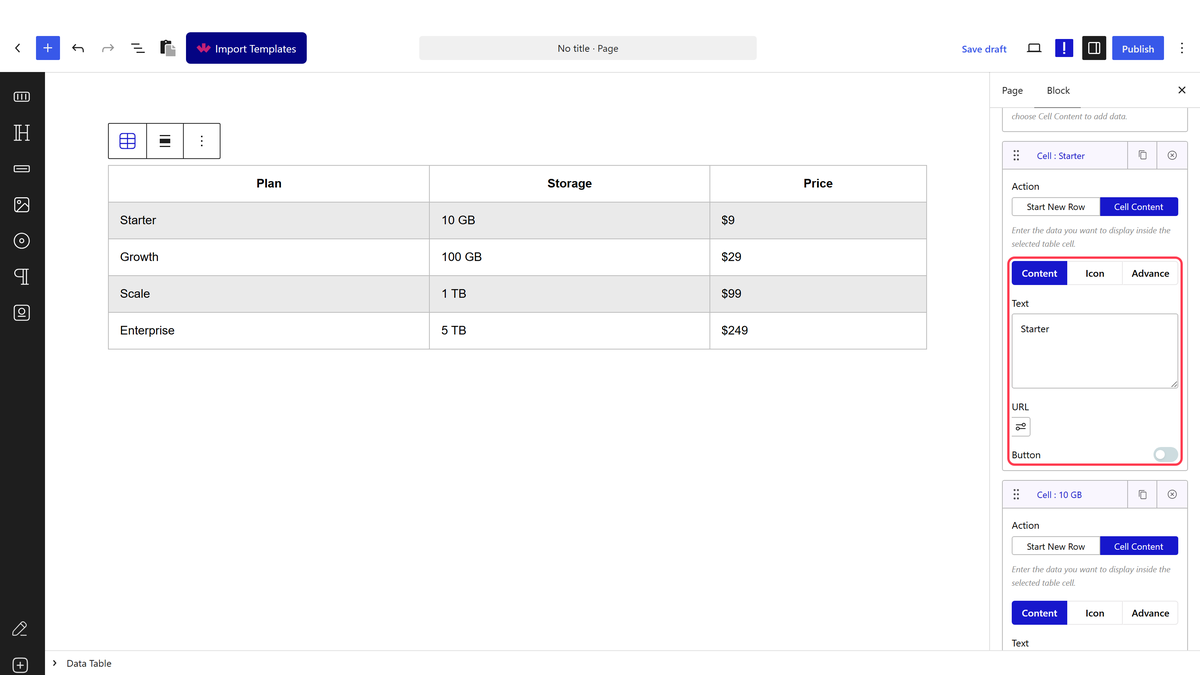
- Open Table Body and do the same: a Start New Row item, then one Cell Content item per column with its Text.
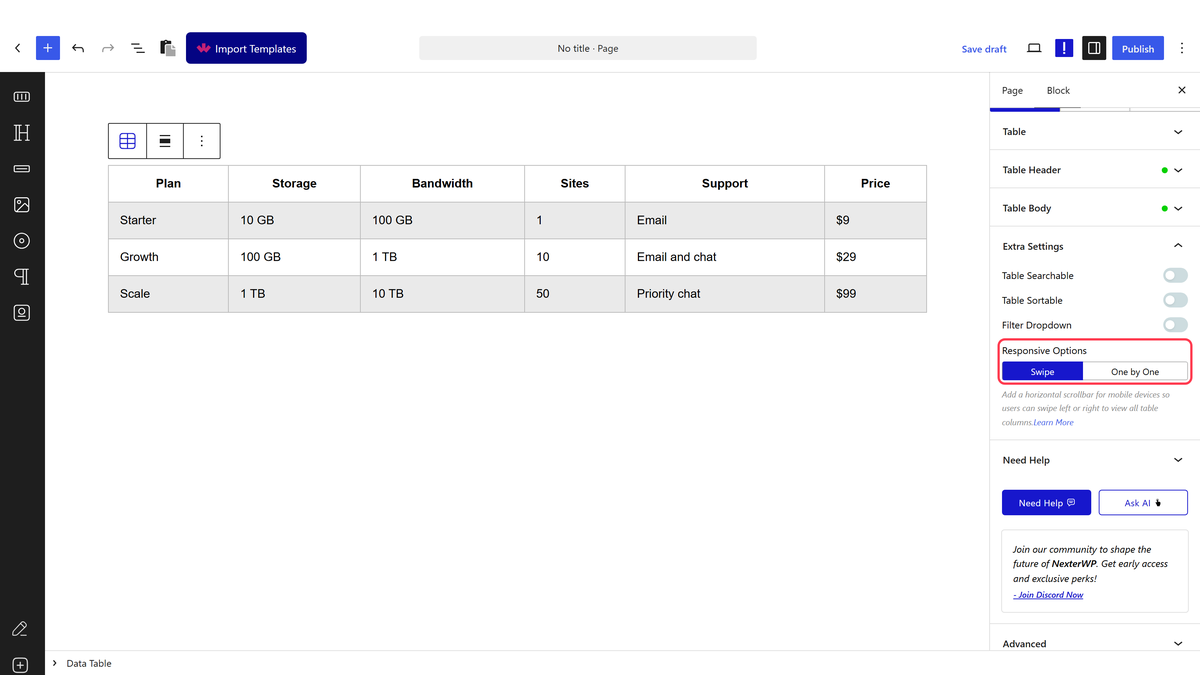
- Open Extra Settings and set Responsive Options to Swipe or One by One.
- Publish the page and open it on a phone, or narrow your browser window to check.
The Two Methods
| Method | What the visitor sees | Best for |
|---|---|---|
| Swipe | The table keeps its columns and scrolls sideways inside its own area. The rest of the page does not move. | Tables where comparing across columns matters |
| One by One | Each row is stacked as its own block, one value under another, so there is no sideways scrolling at all. | Tables read one row at a time |
How It Behaves
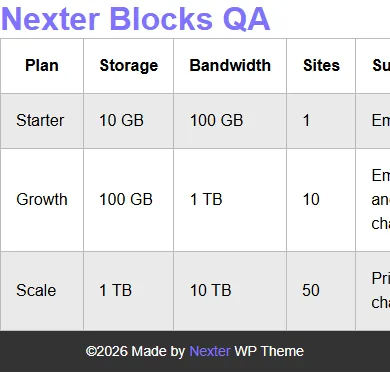
- Swipe is the default. The table sits in a wrapper that scrolls horizontally, so a 519 pixel table fits inside a 390 pixel phone screen without the page itself scrolling sideways.
- One by One makes the table fit the screen width and stacks each row’s cells vertically.
- On desktop both settings look identical — the difference only appears once the table is wider than the screen.
- Sideways scrolling works even in the free plugin, because it comes from the table’s own wrapper. One by One is the part that needs Pro.
Limitations
- One by One needs Nexter Blocks Pro. The setting appears in the free plugin but the table keeps scrolling sideways instead.
- One by One does not repeat the column headings, so each stacked value appears on its own with nothing naming its column. It suits tables whose values speak for themselves, and it is a poor fit for a table of bare numbers.
- Swipe hides part of the table until the visitor scrolls, so put the column that identifies the row first.
- Neither option reduces how much loads — the whole table is still on the page.
Troubleshooting
The whole page scrolls sideways on a phone
Something else on the page is too wide. The table’s own wrapper scrolls by itself, so check the blocks around it.
One by One looks the same as Swipe
Nexter Blocks Pro is not active. In the free plugin the table falls back to scrolling sideways.
Stacked values are hard to follow
That is the trade-off — the headings are not repeated. Either switch to Swipe, or make the first cell of each row a label that identifies it.
