












Looking to enhance user experience on your site?
The Best Tooltip Plugins for WordPress help you display extra details, definitions, or tips without cluttering your content.
In this guide, you’ll discover the top options to make your website more engaging and user-friendly.
Short answer: CM Tooltip Glossary is the strongest standalone pick for most sites, because it is the most installed and the most recently updated tooltip plugin here (7,000 active installs, updated 16 August 2026). If you build in the block editor and want a tooltip on any element, Global Tooltip in Nexter Blocks is the most flexible option, though the tooltip itself is a Pro block. Pick Tooltips for WordPress for video and PDF inside a tooltip on a one-time licence, Tooltipy for automatic keyword tooltips site-wide, and ACF Tooltip only for tidying help text inside the WordPress admin.
What is a Tooltip in WordPress?
A tooltip in WordPress is a small popup box that appears when you hover or click on a word, icon, or element.
It helps you give your readers extra details, like text, images, or links, without cluttering your page.
How We Picked These Tooltip Plugins
Every number in this guide was pulled on 17 August 2026, not copied from another roundup. For each plugin we queried the WordPress.org plugin API for active installs, current version, last update date, the WordPress version it is tested against, and its rating, then opened each vendor pricing page to confirm the cost.
Where a vendor was running a discount we print both figures, because a sale-only price is the main reason plugin roundups go stale. Two entries are older than the rest and we say so in the table rather than quietly dropping them: Tooltips for WordPress was last updated in January 2026, and ACF Tooltip in December 2024.
One disclosure. Global Tooltip is part of Nexter Blocks, which is our own plugin, and it belongs to the Pro block set rather than the free one. That is why it does not hold the first slot below, even though its base plugin has the largest install base on this list. If you are not building in the block editor, start at number one and ignore number two entirely.
One more thing worth knowing before you scan the table: ACF Tooltip is not a visitor-facing tooltip plugin at all. It tidies field instructions on the WordPress edit screen for people using Advanced Custom Fields, so it solves an editor problem, not a front-end one.
Best Tooltip Plugins for WordPress Compared
| Plugin | Type | Best for | Price | Active installs | Last updated |
|---|---|---|---|---|---|
| CM Tooltip Glossary | Glossary tooltips | Definitions and jargon at scale | Free; Pro from $39/year (1 site) | 7,000 | 16 Aug 2026 |
| Global Tooltip (Nexter Blocks) | Block editor extra (Pro) | Tooltips on any element, full design control | Plugin free; tooltip is a Pro block. Nexter $39/year sale, $43 list | 10,000 (base plugin) | 14 Aug 2026 |
| Tooltips for WordPress | Rich media tooltips | Video, audio or PDF inside a tooltip | Free; Pro $9.90 one-time, $25 list | 5,000 | 9 Jan 2026 |
| Tooltipy | Automatic keyword tooltips | Auto-linking technical terms site-wide | Free; Pro add-on, no price published | 1,000 | 24 Apr 2026 |
| ACF Tooltip | Admin-side helper | Tidying ACF field instructions in the editor | Free | 1,000 | 22 Dec 2024 |
1. CM Tooltip Glossary
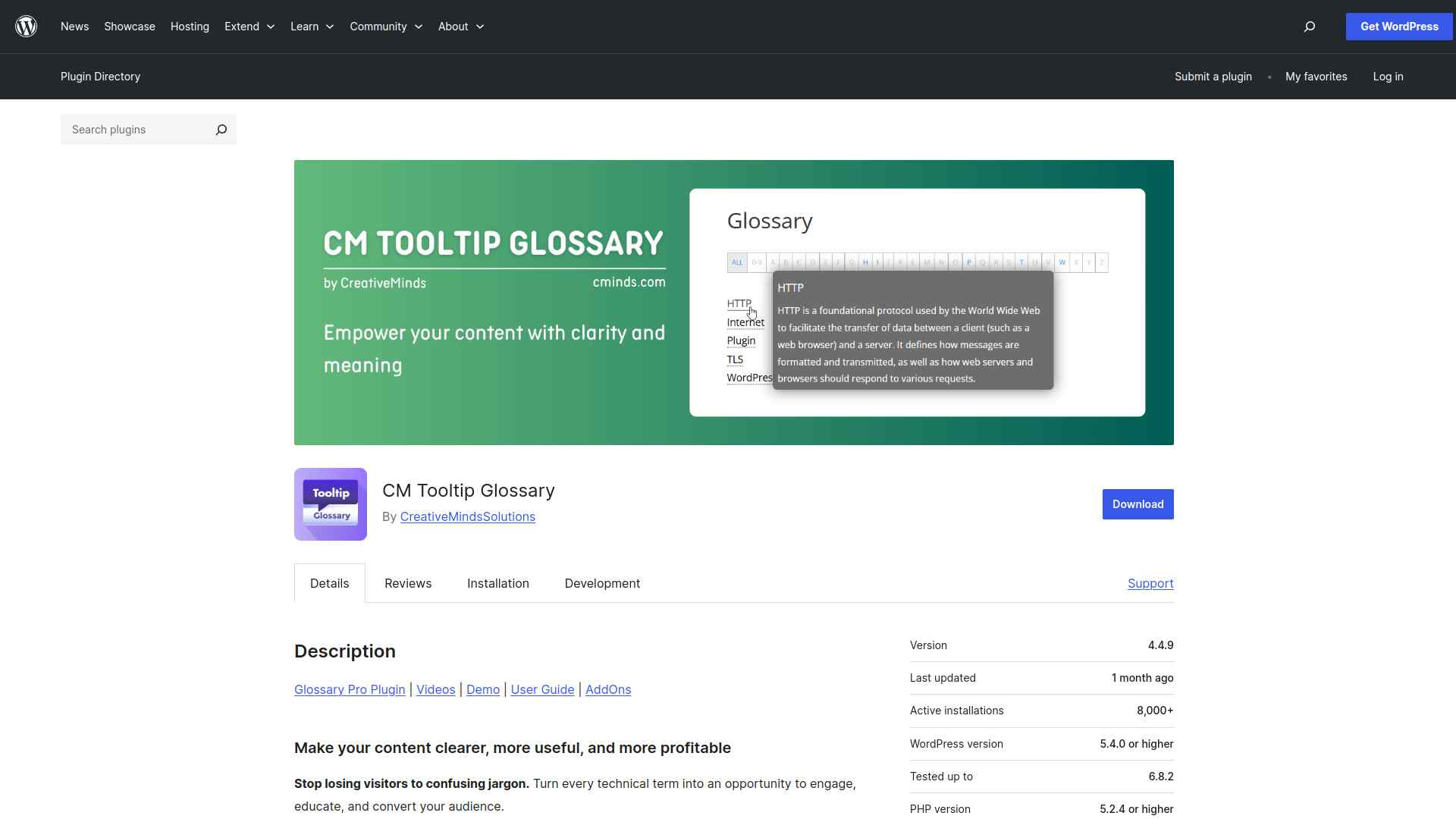
The CM Tooltip Glossary plugin helps you turn technical terms into interactive tooltips that boost SEO and user engagement.
You can easily create a comprehensive glossary with rich multimedia, AI-generated definitions, and automatic internal linking to enhance your website’s authority.
Best for definitions and jargon at scale: CM Tooltip Glossary. It is the most installed standalone tooltip plugin here and was updated on 16 August 2026, tested against WordPress 7.0.4. Worth knowing: it is glossary-driven, so it shines when terms repeat across many posts and is heavier than you need for a handful of one-off hints.
Key Features of CM Tooltip Glossary
- Helps your visitors easily understand complex terms by showing instant definitions when they hover over words, keeping them engaged on your site longer.
- Boosts your website’s SEO by creating lots of internal links and dedicated pages for glossary terms, making your site easier to find on search engines.
- Makes your site look professional and trustworthy by providing clear, well-organized explanations for industry-specific words and phrases.
- Saves you time by automatically linking glossary terms throughout your content and giving you flexible options to customize how the glossary appears and works.
2. Global Tooltip by Nexter Blocks
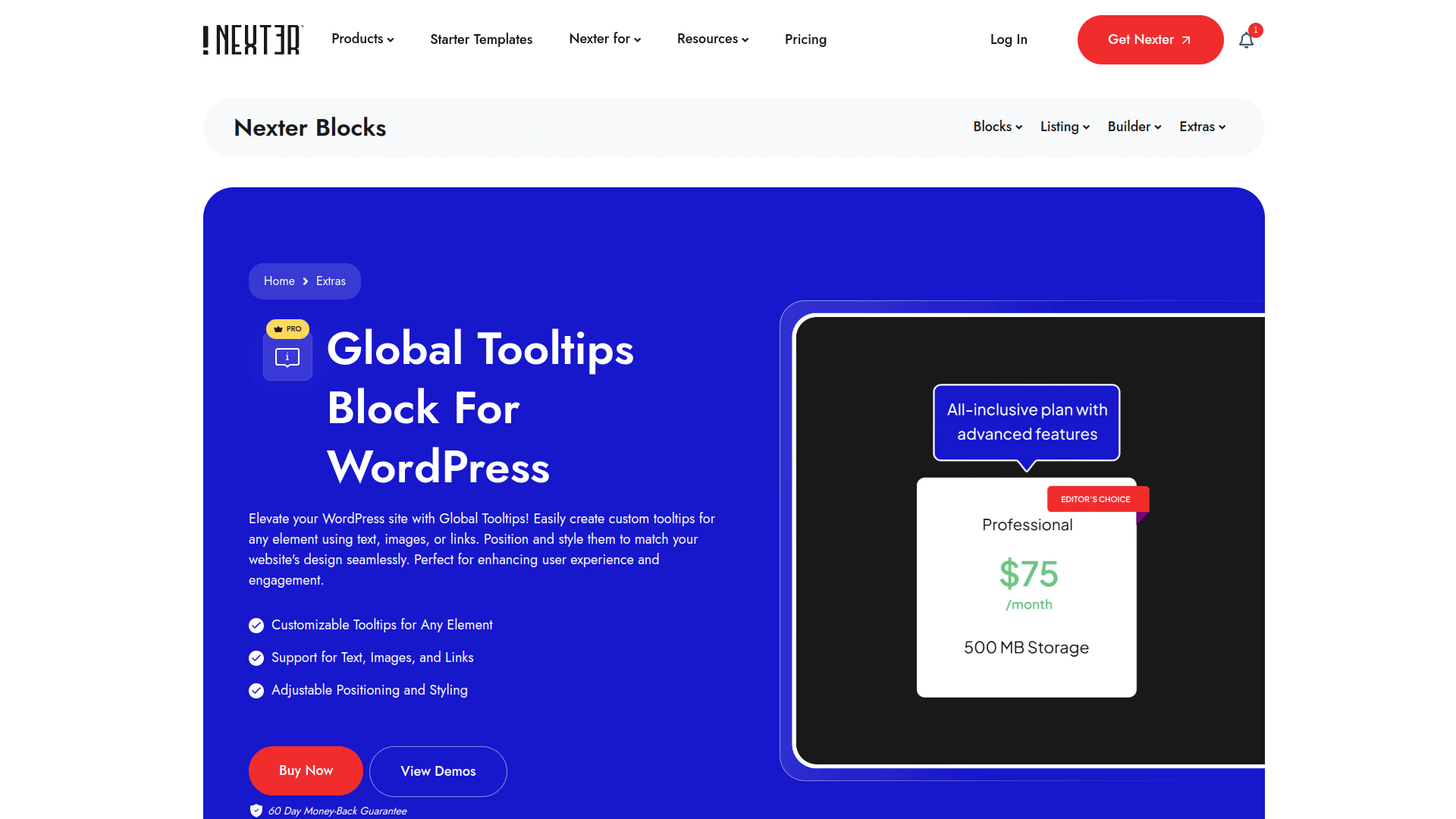
Global Tooltip is an extra inside Nexter Blocks, so it attaches a tooltip to any element you build in the WordPress block editor, carrying text, images, or links.
It inherits your theme styling instead of fighting it, so you do not need a separate tooltip plugin alongside it. Two things worth being straight about: Nexter Blocks is our own product, and Global Tooltip belongs to the Pro block set rather than the free one.
Best for tooltips on any element in the block editor: Global Tooltip in Nexter Blocks. The base plugin has the largest install base on this list (10,000) and the highest rating (96 out of 100), updated 14 August 2026. Worth knowing: it is our own plugin, and Global Tooltip is a Pro block, so the free download alone will not give you this feature.
Key Features of Global Tooltip by Nexter Blocks
- Easily create custom tooltips with text, images, or links to make your website more engaging and informative.
- Position and style tooltips to perfectly match your site’s design, enhancing the overall user experience.
- Improve visitor interaction by adding helpful hints or extra context without cluttering your content
- Keep your site fast and smooth since the plugin is built for performance and only loads what you use.
Also Read: 21+ Best WordPress Widget Plugins if you are adding small interface pieces beyond tooltips.
3. Tooltips for WordPress
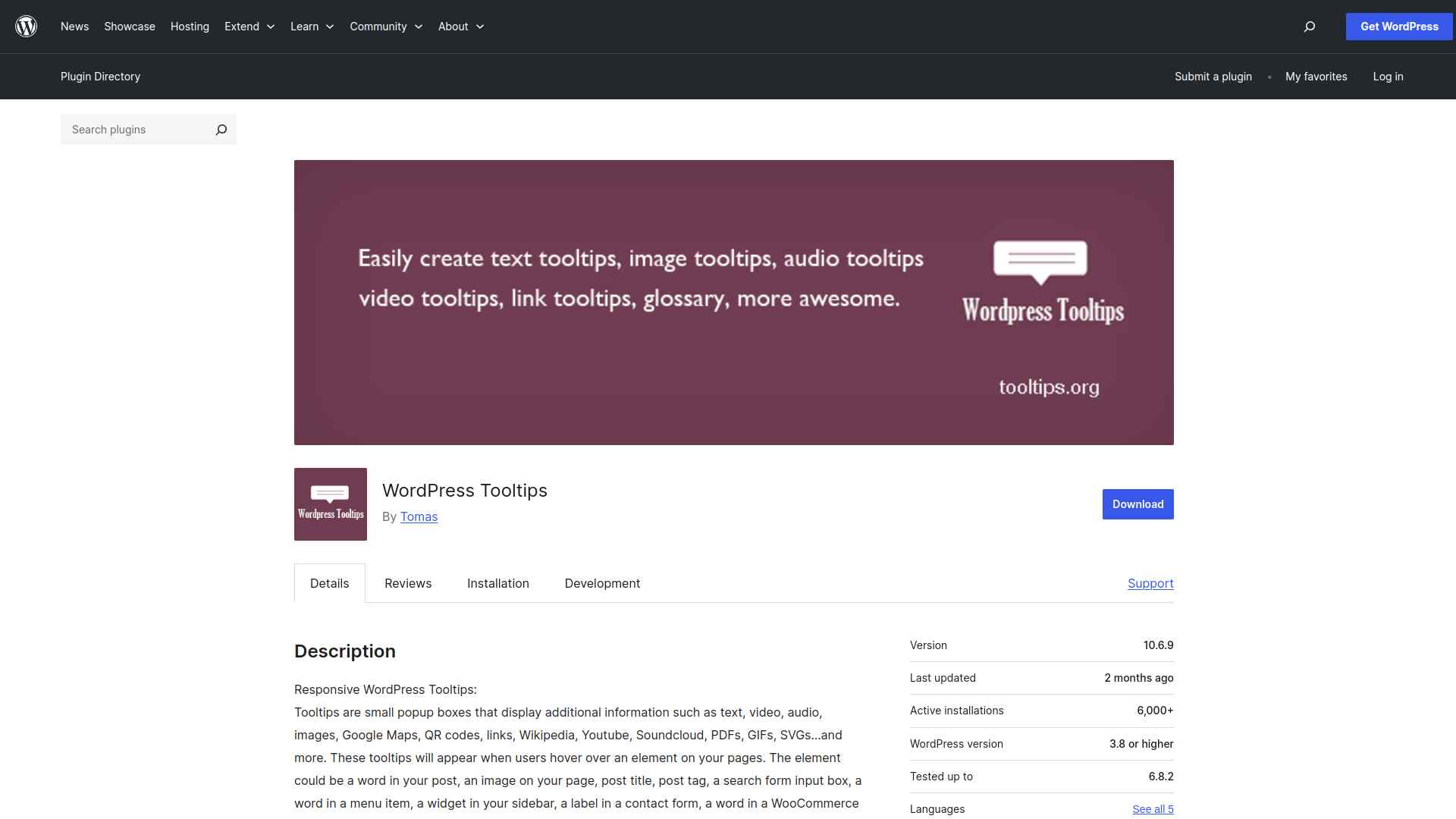
The WordPress Tooltips plugin lets you easily add rich, multimedia tooltips to your posts, pages, menus, and more.
You can customize each tooltip with text, images, videos, and other content toenhance user engagement and site navigation.
Best for video, audio or PDF inside a tooltip: Tooltips for WordPress. No other plugin here carries as many content types, and the Pro licence is a one-time $9.90 rather than a subscription. Worth knowing: it was last updated in January 2026 and is tested only to WordPress 6.9.7, and it holds the lowest rating on this list at 76 out of 100.
Key Features of Tooltips for WordPress
- Easily add helpful popup tooltips to words, images, menus, and more, making your content clearer and more engaging for visitors.
- Show rich media like videos, audio, images, and maps inside tooltips to provide extra information without cluttering your pages.
- Automatically highlight and display tooltips for keywords across your site, saving you time and effort in manual setup.
- Customize tooltip styles and behavior to match your site’s look and improve user experience on both desktop and mobile devices.
4. Tooltipy
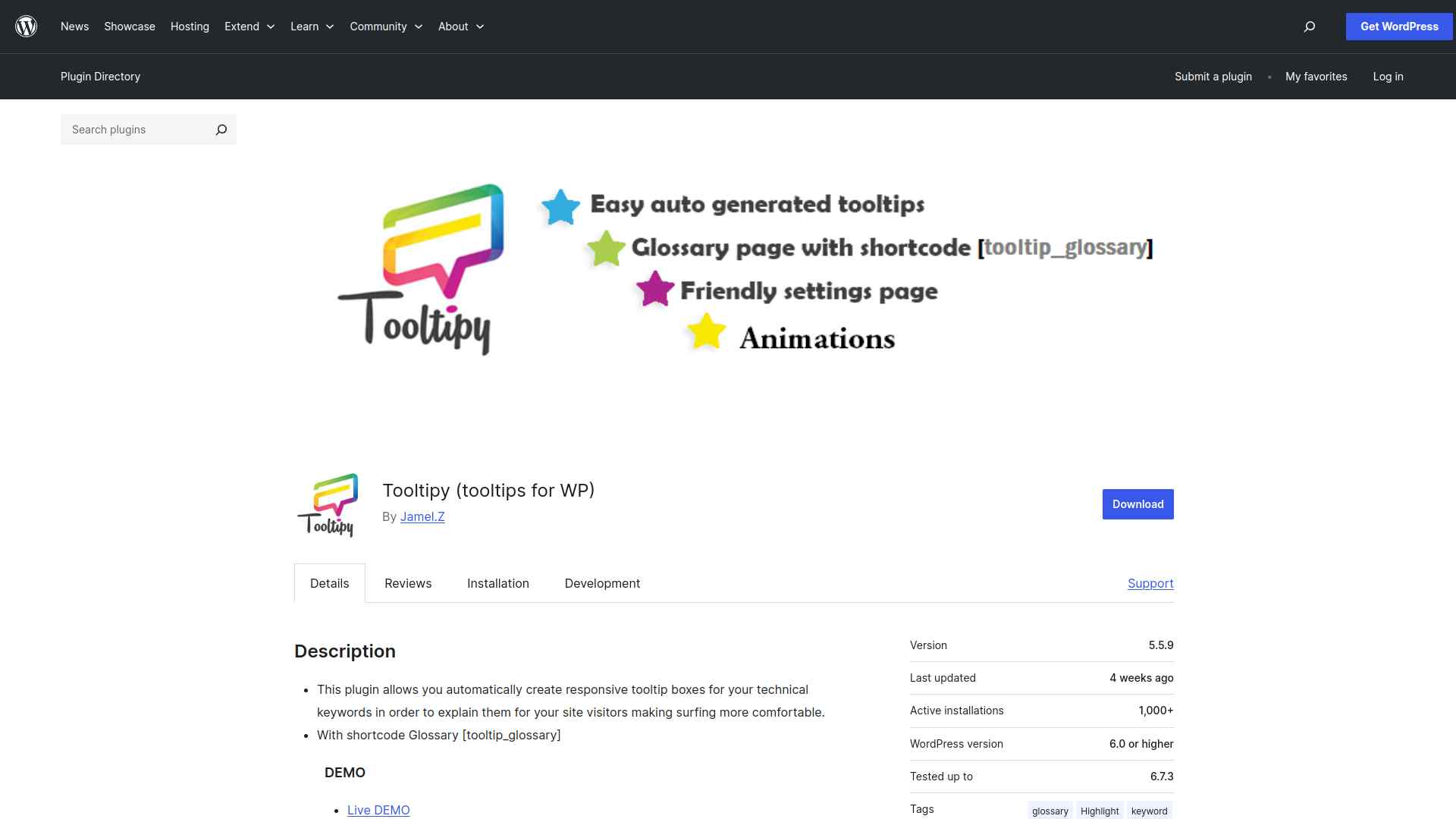
The Tooltipy plugin lets you automatically create responsive tooltip boxes for your technical keywords, enhancing your visitors’ browsing experience.
You can easily customize styles, add synonyms, and display tooltips anywhere on your site, including headers, footers, and widgets.
Best for auto-linking technical terms site-wide: Tooltipy. You define keywords once and it matches them across posts, pages, headers, footers and widgets. Worth knowing: at 1,000 active installs it is the smallest project here, and its Pro add-on has no price published on the vendor site.
Key Features of Tooltipy
- Automatically adds helpful tooltips to keywords on your site, making it easier for visitors to understand technical terms without leaving the page.
- Works everywhere on your site, including posts, pages, headers, footers, and widgets, ensuring consistent user experience.
- Fully customizable tooltips with style options, animations, and responsive design for a polished look on any device.
- Includes a glossary feature and keyword management tools to organize terms and improve site navigation for your visitors.
Also Read: Best Interactive Websites for examples of hover and reveal patterns used well.
5. ACF Tooltip
The ACF Tooltip plugin hides lengthy field instructions and adds a help icon to your ACF PRO field labels, showing tooltips based on the instructions.
You can customize its design, behavior, and positioning using filters to fit your editing needs.
Best for tidying ACF field instructions in the editor: ACF Tooltip. It is the right tool if long help text is making your edit screens unreadable. Worth knowing: this one never touches the public side of your site, and it was last updated in December 2024 and tested only to WordPress 6.7.7, so treat it as stable rather than actively developed.
Key Features of ACF Tooltip
- Keeps your ACF edit screens neat by hiding long instruction texts and showing them only as helpful tooltips.
- Makes it easy to add clickable links inside tooltips without them disappearing when hovered over.
- Lets you customize the look and position of tooltips to fit your website’s style perfectly.
- Allows you to control which fields show tooltips, giving you flexibility to highlight only important instructions.
Which WordPress Tooltip Plugin Should You Use?
When choosing a tooltip plugin, focus on ease of use, customization options, and performance.
Pick one that matches your site’s design and enhances user interaction without slowing things down.
If you build in the block editor and want tooltips that match everything else on the page, Global Tooltip in Nexter Blocks is the most flexible choice, remembering that it is a Pro block. If you would rather start free and your tooltips are mostly definitions, begin with CM Tooltip Glossary instead.
Also Read: Tooltips reveal details on hover, but if you want that information visible at all times, compare them with the best infobox plugins for WordPress to see which style fits your layout better.
FAQs on Best Tooltip Plugins for WordPress
Do tooltip plugins slow down my WordPress site?
If you choose a lightweight tooltip plugin, it won’t noticeably affect your site speed. Always test performance after installation and deactivate unused features to keep your site running smoothly.
Can I customize the design of tooltips?
Yes, most tooltip plugins let you change colors, fonts, and styles to match your website’s branding. You can usually do this through simple settings without needing to code.
Are tooltip plugins mobile‑friendly?
Modern tooltip plugins are responsive, so they adapt to different screen sizes. Always test tooltips on smartphones and tablets to ensure they display clearly and remain easy to tap.
Do tooltips improve SEO?
Tooltips don’t directly boost SEO, but they improve user experience by making content easier to understand. Better engagement and lower bounce rates can indirectly support your site’s search performance.
Can I add images or links inside tooltips?
Yes, many tooltip plugins let you insert images, links, or even multimedia. This helps you provide extra context or direct users to related resources without cluttering your main content.
Suggested Reading
- Best Infobox Plugins for WordPress
- Best WordPress Pricing Table Plugins
- Best Preloader Plugins for WordPress
- Website Layout Ideas
- Block Themes vs Classic Themes
