












Most WordPress video problems start the same way. Someone uploads a 300MB MP4 straight into the media library, the page that used to load in two seconds starts to crawl, and a few days later the host sends a bandwidth warning.
WordPress can technically store and play a video, but it was never built to stream one to a few hundred people at once. That is the job of a dedicated video host. The hard part is picking one, because the right choice depends entirely on what the video is for: reach, privacy, marketing, or raw delivery speed.
This guide walks through 11 video hosting solutions for WordPress, from free platforms to pay-as-you-go CDNs, and shows which one fits each use case so you can pick with confidence.
Should I Self-Host Videos on WordPress or Use a Third-Party Video Hosting Solution?
Self-hosting means the video file lives on your own web server and plays through WordPress. It gives you full control over the player and the surrounding content, and there are no separate hosting fees. The trade-off is that your server has to do the heavy lifting, and most shared hosting is not built for it.
A third-party video host stores and streams the file for you. You give up some control, but you gain scalability, reliability, adaptive streaming, and a global CDN. For most sites that trade is worth it. Here is the honest version of both sides.
Advantages of Self-Hosting Videos on WordPress
- No recurring hosting fees beyond what you already pay your web host.
- Full control over the player look and the content around it, instead of a fixed YouTube or Vimeo player skin.
- No third-party branding, related-video suggestions, or ads on top of your content.
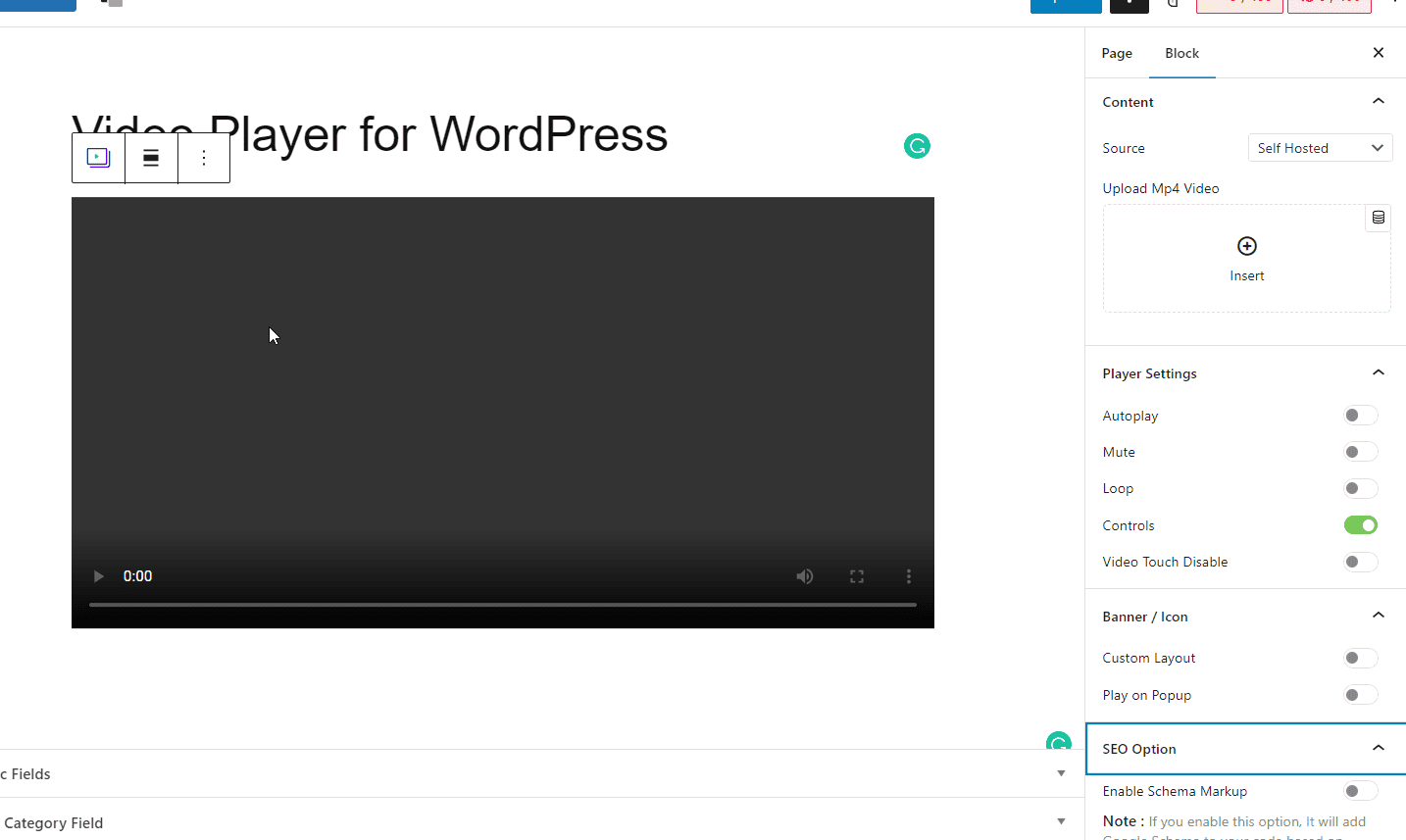
The Video Player block from Nexter Blocks is built for exactly this. If you stream from your own server it lets you adjust the player appearance, add a banner image, control which player controls show, and enable a video SEO schema, all from the WordPress editor.
Disadvantages of Self-Hosting Videos on WordPress
- Increased server load, which can slow page load times and strain shared hosting.
- Higher effort: setting up and maintaining a server that can stream video well is not trivial.
- Storage and bandwidth caps from your host that a few large files can blow through fast.
- No built-in adaptive streaming, transcoding, or video analytics that dedicated hosts include.
- No CDN, so a viewer far from your server gets slower playback.
For most people the verdict is simple: unless you have a specific reason to keep the file in-house, a dedicated video host that specializes in streaming, delivery, and analytics will serve your visitors better. The rest of this guide covers the best options.
List of the 11 Best WordPress Video Hosting Platforms
Free WordPress Video Hosting Solutions
- YouTube
- Vimeo (free tier)
- Dailymotion
Paid WordPress Video Hosting Solutions
- Wistia
- Gumlet
- Spotlightr
- Cloudflare Stream
- Jetpack VideoPress
- Bunny Stream
- SproutVideo
Free WordPress Video Hosting Solutions
These platforms cost nothing to host on and come with a built-in audience. The trade is less control and, in most cases, ads or platform branding.
| Platform | Private hosting | Unlimited bandwidth | Unlimited storage | Free to use |
|---|---|---|---|---|
| YouTube | Limited (unlisted/private) | Yes | Yes | Yes |
| Vimeo | Yes (password) | On paid tiers | No (free tier capped) | Free tier |
| No | Yes | Yes | Yes | |
| Dailymotion | Limited | Yes | Yes | Yes |
1. YouTube
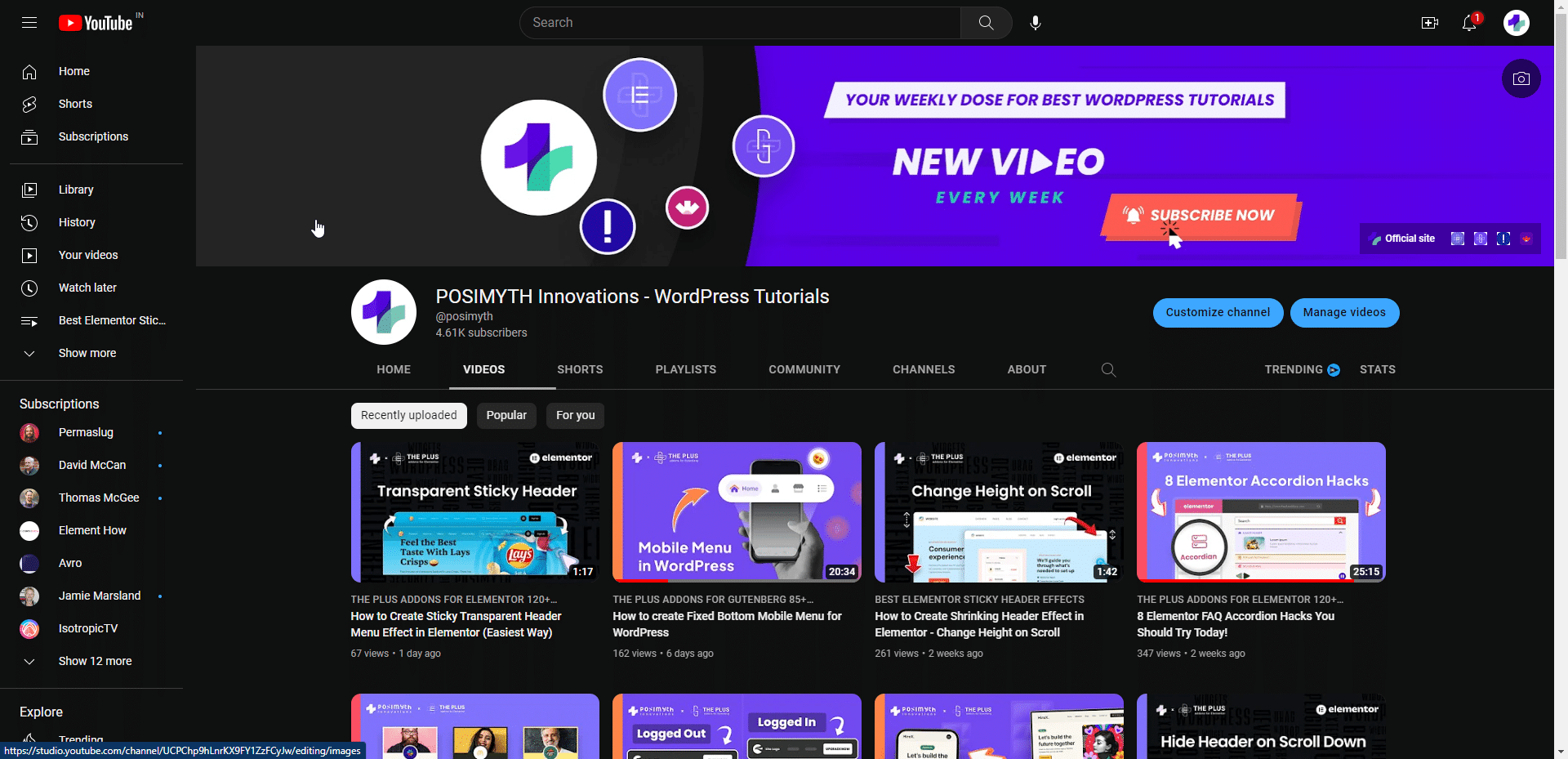
YouTube is the most widely used video-sharing platform in the world, with billions of monthly logged-in users. If your goal is reach, nothing else comes close: the recommendation engine can surface your videos to new viewers, which makes YouTube the obvious pick when video is a core part of your content marketing.
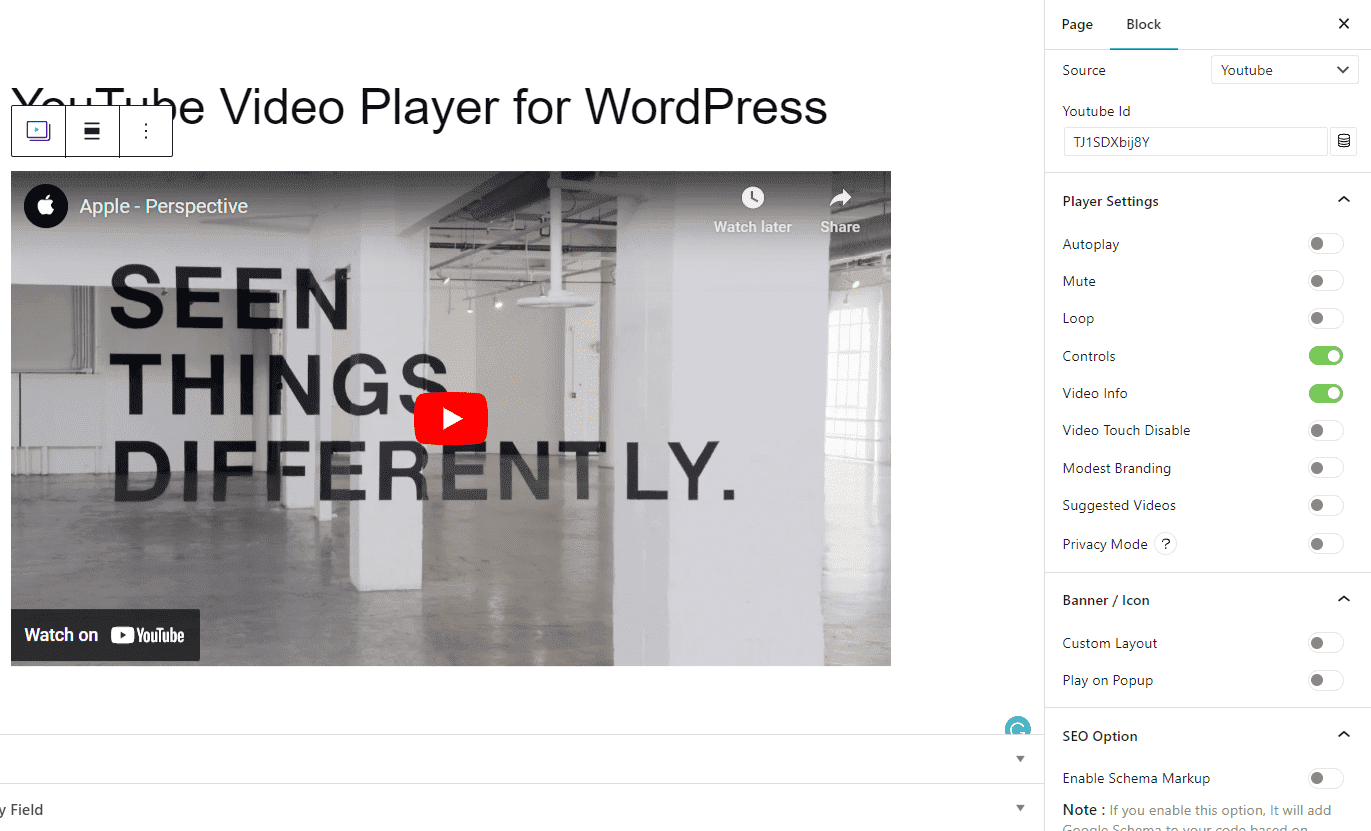
There is no storage or bandwidth limit and no hosting cost, so you can host every video for free and embed it on your site with the Nexter Blocks Video Player block and the video ID. YouTube accepts almost all major video file formats, and a single video can run up to 12 hours long.
YouTube is not the right fit for everything, though. It is a poor choice for paid courses or testimonials you need to protect, because embedded videos always carry YouTube branding and you cannot fully control whether ads appear. The built-in analytics are also fairly basic.
You can push the embedded experience further with the Nexter Blocks Video Player block, which adds autoplay, mute by default, a custom banner, popup play, and schema markup to your WordPress YouTube player.
Pros of YouTube
- Unlimited free storage and bandwidth
- A huge built-in audience and recommendation engine
- Embeds easily in WordPress with the Video Player block
- Accepts all major video file formats
- Can double as an extra revenue source
Cons of YouTube
- You cannot fully secure or gate your videos
- Ads can appear on your content
- Basic analytics
- YouTube branding on the embedded player
Also Read: 5 Best YouTube Feed Plugins for WordPress to pull your channel feed straight into your site.
2. Vimeo
Vimeo fixes several of YouTube’s weak spots. It is built for businesses and creative professionals who want a polished video hub, and because it is ad-free with strong privacy controls, it is popular for original films, animations, and any video where you decide exactly who can watch.
It suits companies that use video professionally and do not need to chase a mass audience, since Vimeo’s built-in audience is much smaller than YouTube’s. Vimeo is not entirely free: it keeps a limited free tier with storage caps and several paid plans above it, billed annually (check vimeo.com for current rates).
The Nexter Blocks Video Player block gives the Vimeo player the same customization options as YouTube, all from your WordPress dashboard.
Pros of Vimeo
- Streams up to 4K video quality
- Ad-free playback
- Password-protected private hosting
- Solid video-creation tools
- Optional download button in the player
Cons of Vimeo
- Limited storage on the free tier
- Gets expensive for large-scale use
- Smaller built-in audience
Also Read: 5 Best Vimeo Video Player Plugins for WordPress to embed and control Vimeo videos on your site.
3. Facebook Videos
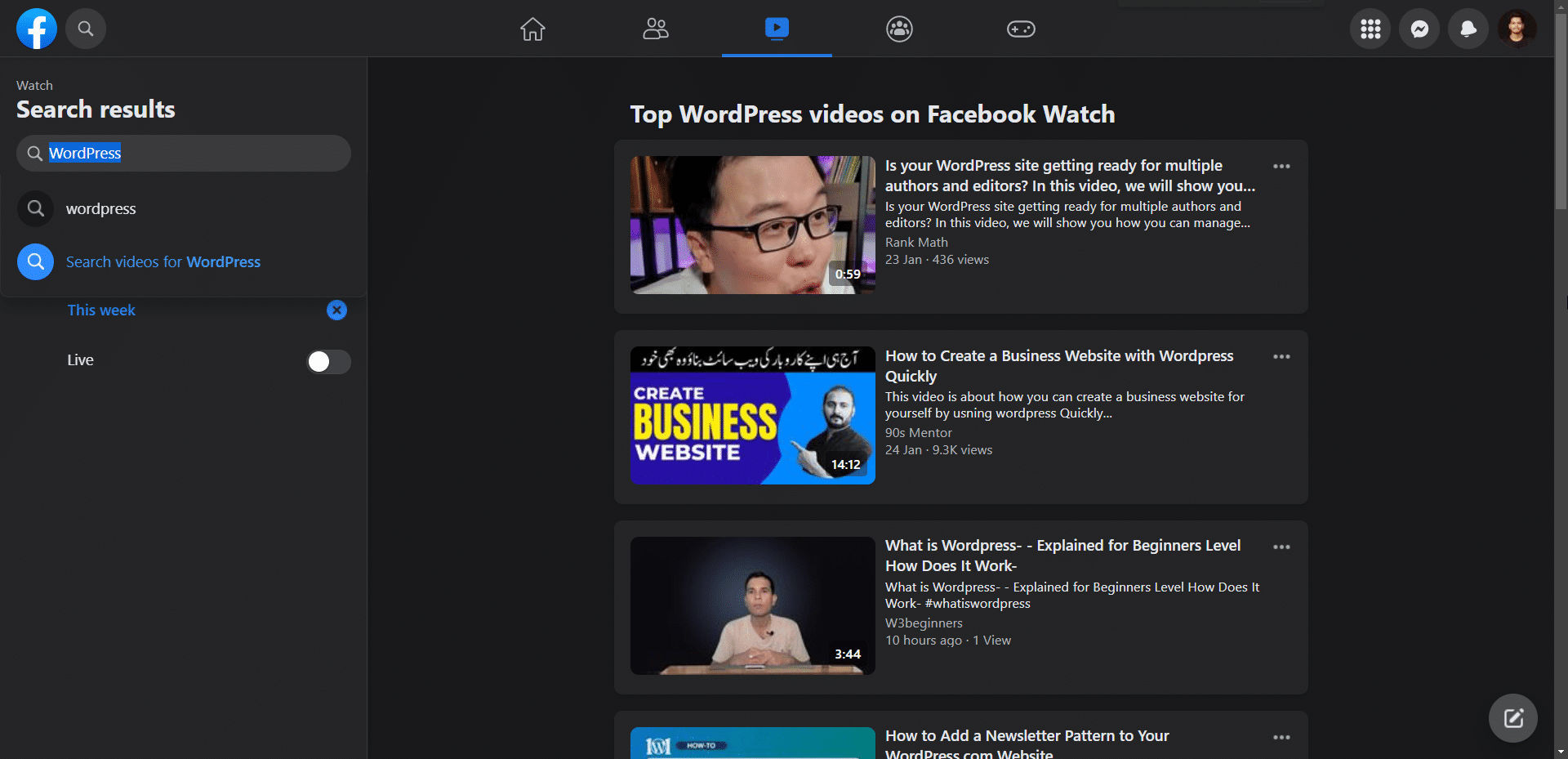
Facebook is a social network first, but you can use it as a video host for your WordPress site too. With billions of daily users it is a strong source of views outside your own site, which makes it useful for content-marketing clips. It does apply length and file-size limits per upload, and it was never primarily built to host video, so it shares many of YouTube’s downsides.
Nexter Blocks includes a free Social Embed feature that lets you pull Facebook content directly into WordPress, with controls to customize how the embedded Facebook player behaves.
Pros of Facebook Videos
- Free hosting with generous storage
- Access to an existing social audience
- Doubles as a traffic and marketing channel
Cons of Facebook Videos
- You cannot secure your videos
- Basic analytics
- Basic player not designed for video hosting
Also Read: 5 Best Facebook Feed Plugins for WordPress to display your Facebook content on WordPress.
4. Dailymotion

Dailymotion is a long-running video-sharing platform and a direct YouTube alternative with a sizeable global audience. It has no storage limit and supports all major video formats, but it applies length and file-size caps per upload, and it is ad-supported with no paid plan to remove them.
It is a fine free home for WordPress videos if you are comfortable with those trade-offs, but it is not the best fit for businesses or creative professionals who need control and a clean, ad-free player.
Pros of Dailymotion
- Free hosting with no hard storage limit
- Access to an existing audience
- Accepts a wide range of content
Cons of Dailymotion
- Ads on your videos
- Lower length and file-size caps than YouTube
- Limited control over the experience
Also Read: 5 Best WordPress Social Media Feed Plugins with live-sync to display social feeds on your site.
Paid WordPress Video Hosting Solutions
Paid hosts give you privacy controls, marketing tools, better analytics, and a CDN built for streaming. Pricing models vary widely, from flat monthly plans to pure pay-as-you-go, so the table below is a starting point and current rates are on each provider’s site.
| Platform | Starting cost | Private hosting | Marketing tools | Free trial |
|---|---|---|---|---|
| Wistia | Free, then $79/mo (Business) | Yes | Yes | Yes |
| Gumlet | Free, then tiered | Yes | Yes | Yes |
| Spotlightr | $13/mo | Yes | Yes | 14 days |
| Cloudflare Stream | $5 / 1,000 min stored | Yes | No | No |
| Jetpack VideoPress | 1TB, billed yearly | No | No | No |
| Bunny Stream | $0.01/GB stored | Yes | No | 14 days |
| SproutVideo | $10/mo | Yes | Yes | 30 days |
5. Wistia

Wistia is video marketing software that includes hosting as one of its features. It is built around detailed analytics, A/B testing, and engagement heatmaps so you can see exactly how people watch, which is why marketing teams like it.
Wistia is not fully free. The free plan now includes 25GB of storage for a single user, and the paid Business plan starts at $79 per month billed annually, with 250GB of storage and three users. You can embed Wistia videos with the embed code or the Wistia WordPress plugin, and add CTAs or lead forms on top of the player.
Pros of Wistia
- Strong for lead generation with video
- Customizable, ad-free player
- Deep engagement analytics and A/B testing
- Easy social and marketing integrations
Cons of Wistia
- Free plan is capped on storage and users
- The jump to a paid plan is a big step up in price
- Advanced analytics are behind paid tiers
Also Read: How to Create a WordPress Vimeo Video Gallery once your videos are hosted and ready to embed.
6. Gumlet

Gumlet is an enterprise video hosting and streaming platform for creators and businesses that want fast, secure, feature-rich delivery. It combines adaptive streaming, video optimization, a global CDN, DRM protection, and detailed analytics.
Key features include automatic optimization and adaptive bitrate streaming, low-latency global CDN delivery, DRM support (Widevine and FairPlay) with dynamic watermarking and domain restrictions, and a customizable player with chapters, thumbnails, and privacy or geo restrictions.
Pros of Gumlet
- Strong protection and control over premium content
- Transparent, tiered pricing
- A capable feature set even in mid tiers
Cons of Gumlet
- Some protection features like DRM sit in higher tiers
- More than you need if you only want basic hosting
Gumlet pricing is tiered, starting with a free plan and scaling with storage minutes, streaming and bandwidth usage, live-streaming minutes, and seats. Current rates are on the Gumlet pricing page.
7. Spotlightr
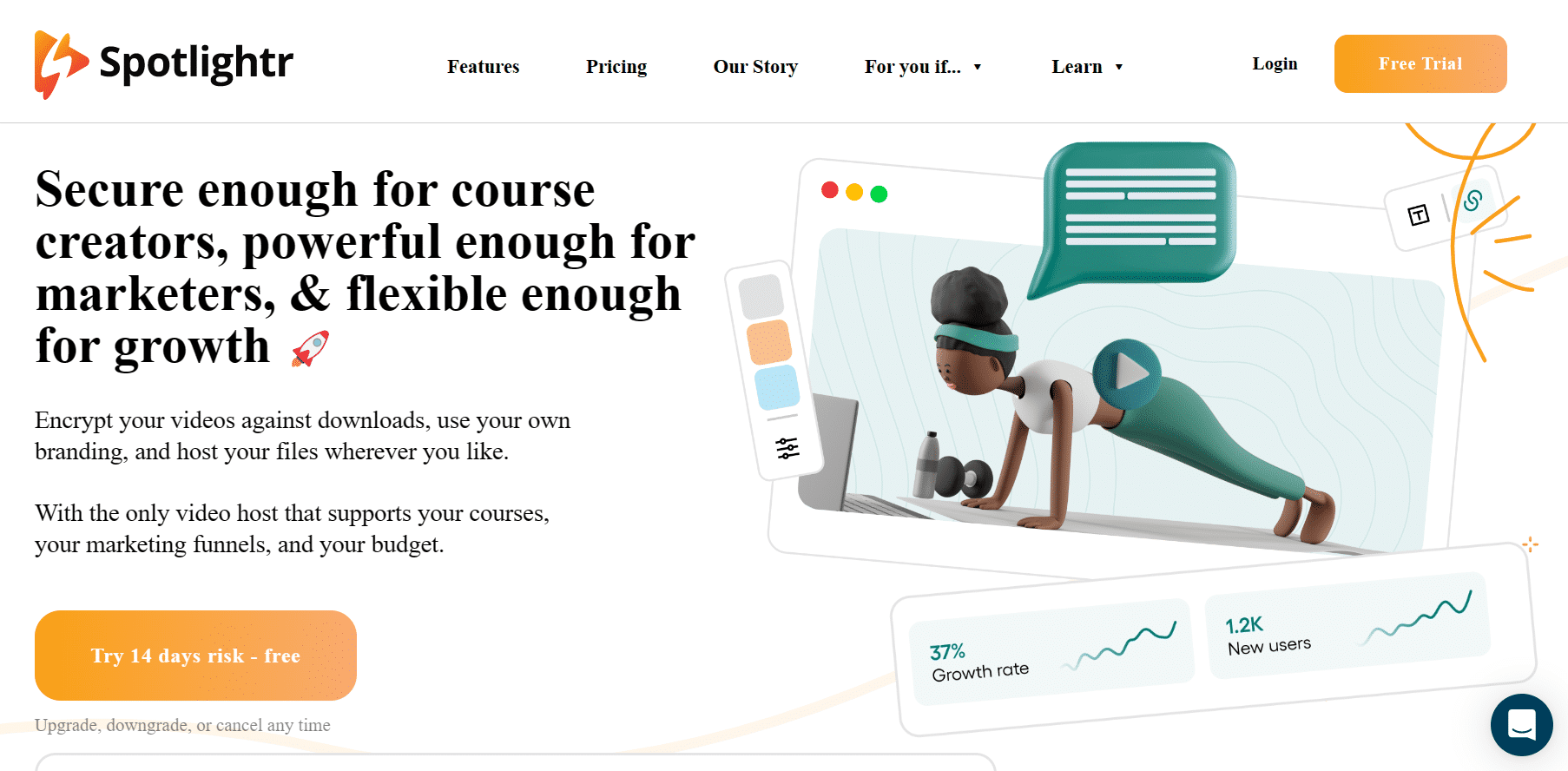
Spotlightr is a video hosting suite built for businesses and marketers as an all-in-one tool. It gives you full control over player customization and a detailed analytics dashboard. It will not build an audience for you, since it is focused purely on hosting and marketing, which is exactly why it suits business use.
You can host video in its own cloud or use a hybrid setup that combines platforms like YouTube and Vimeo for more customization, then embed via an iframe in a WordPress HTML block, add a call to action, and track everything in one place.
Pros of Spotlightr
- In-depth video analytics
- Advanced player customization
- Lead-capture CTAs on videos
- Ad-free hosting
Cons of Spotlightr
- Storage and bandwidth scale with price
- No built-in audience
Paid plans run from $13 per month (Light) up to $163 per month (Scale), with a 14-day free trial.
Also Read: How to Create a WordPress YouTube Video Gallery to turn your hosted clips into a gallery.
8. Cloudflare Stream
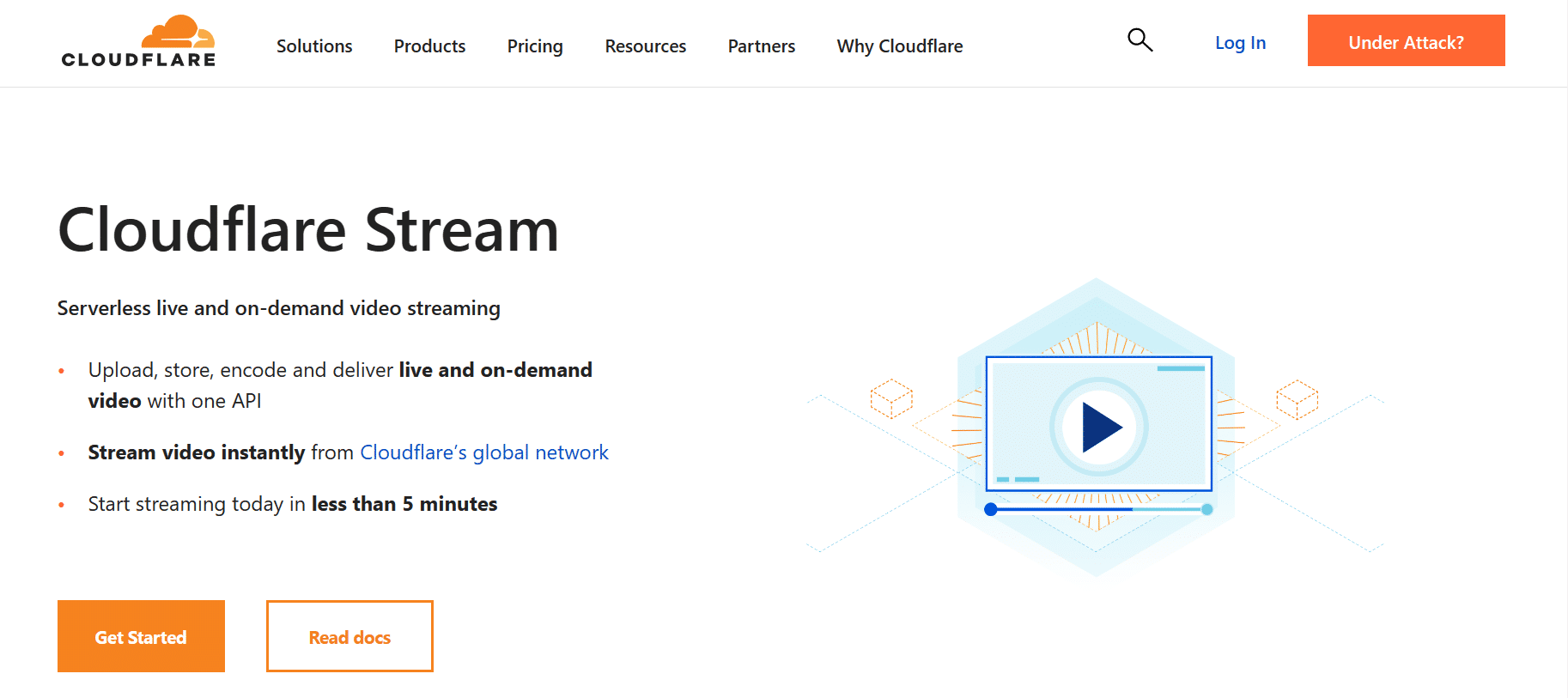
Cloudflare Stream is a serverless video host that delivers your videos from Cloudflare’s network, which spans 330+ cities worldwide. That global edge is what makes playback fast, and caching cuts the requests hitting your own server and your bandwidth bill.
You can connect it to WordPress with the Cloudflare Stream plugin and upload straight from your dashboard. It also works as private hosting: set a signing key and restrict which domains may embed. There is no built-in audience, but you can choose to run ads using the VAST format if you want.
The pricing is refreshingly simple: you do not pay for encoding or bandwidth, only for storage and streaming time.
Pros of Cloudflare Stream
- No bandwidth charges
- Fast global delivery from Cloudflare’s network
- Customizable player
- Private hosting with signed URLs
- Easy WordPress integration
Cons of Cloudflare Stream
- Storage is tied to video length
- Billing rounds up to the next 1,000 minutes
- No built-in audience
Cloudflare Stream costs $5 per 1,000 minutes of video stored and $1 per 1,000 minutes delivered to viewers.
9. Jetpack VideoPress

Jetpack is best known for security, backups, and performance, but it also hosts video. VideoPress is available standalone or as part of the Jetpack Complete plan, and because it is built by the team behind WordPress.com, it slots straight into the block editor.
Videos are stored on WordPress.com’s servers and upload from your media library, and you can customize and brand the player. VideoPress includes 1TB of storage, full 4K resolution at 60fps, an ad-free player, and unlimited users, with a 5GB maximum file size per upload. It is billed yearly, so check jetpack.com/videopress for the current rate.
Pros of Jetpack VideoPress
- Built for WordPress, with native editor integration
- 1TB storage and full 4K at 60fps
- Ad-free, customizable player
- Unlimited users
Cons of Jetpack VideoPress
- Basic analytics
- Fewer advanced features than dedicated video platforms
- No built-in audience
10. Bunny Stream
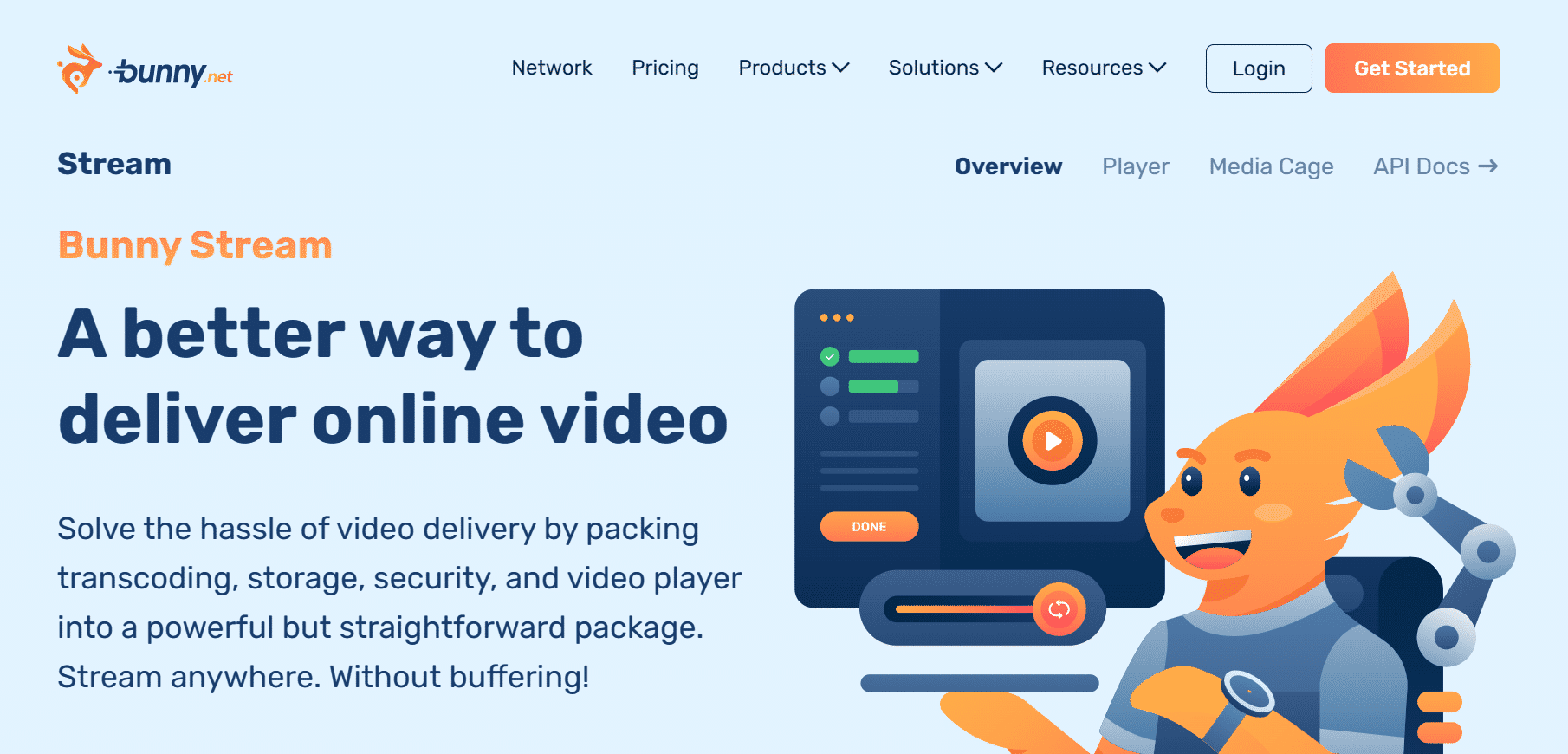
Bunny Stream is a CDN-based video host that delivers from a global network of 119 points of presence, so playback stays fast wherever the viewer is. Like Cloudflare Stream it caches your videos and offers DRM security, which makes it a solid private host. You can add watermarks and block users from screenshotting while they watch.
You can make Bunny your main CDN for the whole WordPress site, use it for live streaming with free encoding, and rely on a fully customizable, mobile-responsive player. There is a 14-day free trial to test it first.
Pros of Bunny Stream
- Free video encoding
- DRM security for private hosting
- Customizable, responsive player
- Fast global delivery and caching
Cons of Bunny Stream
- Storage scales with usage
- Muted autoplay is not supported
- No built-in audience
Bunny Stream charges $0.01/GB for storage and $0.005/GB for delivery, which Bunny says is up to 10x cheaper than traditional cloud providers.
Also Read: How to Create a WordPress Video Gallery to organize your hosted videos into a gallery or carousel.
11. SproutVideo
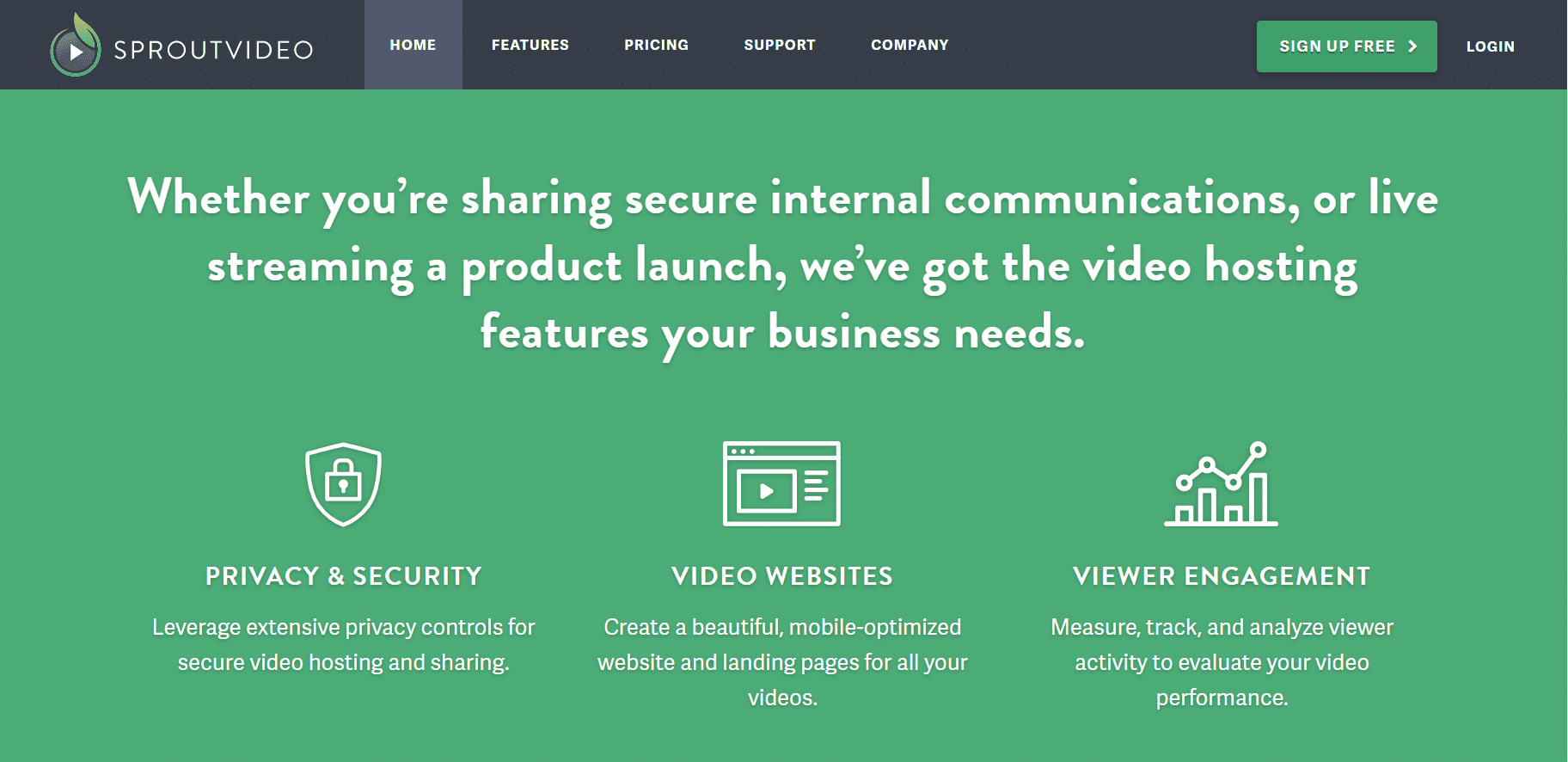
SproutVideo is an on-demand and live-streaming video host built mainly for business owners. It ships with advanced marketing and analytics tools, and it is strong on privacy: you can apply login protection and block other sites from embedding your videos.
Videos are stored on a global CDN for fast delivery, the player is highly customizable with animated thumbnails, and it supports all major formats in high quality. You can even create a dedicated landing page for a video inside SproutVideo, though that uses your storage. There is a 30-day free trial.
Pros of SproutVideo
- Password-protected private hosting
- Advanced analytics dashboard
- Customizable player
- Marketing tools and video SEO
- Detailed documentation
Cons of SproutVideo
- Storage and bandwidth scale with price
- No built-in audience
SproutVideo plans run from $10 per month (Seed) to $295 per month (Forest), with a 30-day free trial.
Which Hosting Platform Should You Choose?
There is no single best platform. The right pick depends on what the video is for, so here is the honest recommendation for each common use case and why.
Best for small businesses: Vimeo, Wistia, and Jetpack VideoPress
Vimeo and Wistia both have free tiers you can start on and upgrade as you grow. Jetpack VideoPress is a strong value if you want a lot of storage with native WordPress integration.
Best for large businesses: Gumlet, SproutVideo, Cloudflare, and Wistia
These give you the marketing tools, protection, and delivery scale that bigger video programs need.
Best for SEO: YouTube, Vimeo, SproutVideo, and Wistia
All four let you add chapters and structured data so search engines understand the video, which helps it surface in search and AI answers.
Best for private hosting: Vimeo, SproutVideo, Bunny Stream, Cloudflare Stream, Dailymotion, and YouTube
Each of these can lock videos behind a password or restrict which domains embed them. Bunny Stream goes furthest, even blocking screenshots, which makes it good for paid courses.
Best for large-scale live streaming: Bunny Stream and Cloudflare Stream
Live streaming is core to both, and because they deliver from a CDN, playback stays fast for a global audience.
Best for sharing with family: Facebook and YouTube
Both are social platforms, which makes them the easiest way to host and share videos with family and friends.
Wrapping Up
We covered 11 video hosting solutions for WordPress and matched them to the use cases that matter most: small and large businesses, SEO, private hosting, live streaming, and sharing. The short version is to start from what the video is for, not from the price tag, and the right host usually becomes obvious.
Whichever you pick, you can embed and restyle the player for free with the Nexter Blocks Video Player block after installing the Nexter Blocks plugin.
Suggested Reading
- 5 Best YouTube Feed Plugins for WordPress
- 5 Best Vimeo Video Player Plugins for WordPress
- 5 Best Facebook Feed Plugins for WordPress
- 5 Best WordPress Social Media Feed Plugins
- 27 Best WordPress Podcasts to Listen To
