












A bar tells you roughly how far. A number tells you exactly.
Percentage adds a live, rounded number that updates as the visitor scrolls — a small addition that works the same way on every type of bar.
For every Dynamic Device setting in one place, see the Progress Tracker block guide.
Before You Start
- Edition: Free — the Progress Tracker block works in Nexter Blocks (free) and Nexter Blocks Pro.
- Block to enable: Progress Tracker, switched on under Nexter > Blocks in your WordPress dashboard.
- The bar is fixed to the screen, not the page. It stays in place as you scroll, pinned to the edge you choose — that is what makes it a reading indicator rather than a static graphic.
Steps
- Add the Progress Tracker block anywhere on the page.
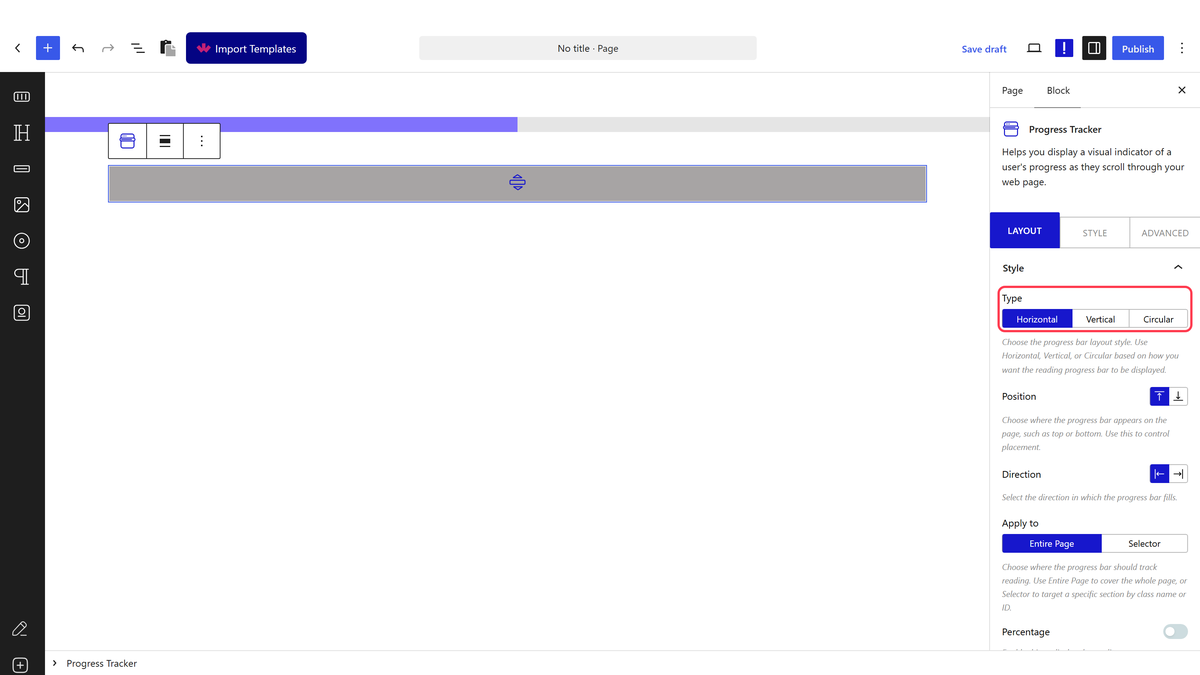
- Choose a Type: Horizontal, Vertical or Circular.
- Turn on Percentage.
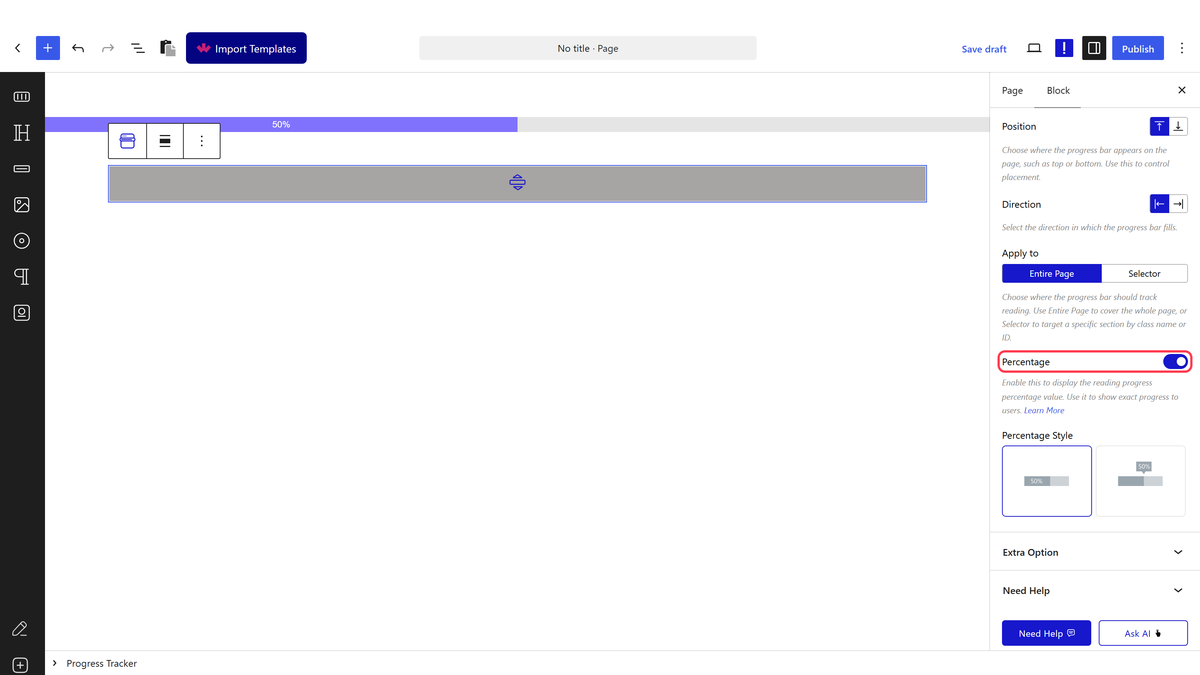
- Pick a Percentage Style for where the number sits relative to the bar.
Measured live: scrolled to 40% down the page, the percentage text read exactly
40%, rounded to the nearest whole number.
How It Behaves
- Works on all three types — Horizontal, Vertical and Circular all measured showing a matching, live-updating number.
- The number is always rounded to the nearest whole percent, never a decimal.
- It updates on every scroll event, alongside the bar itself, so the two never fall out of sync.
- Percentage Style controls placement (for example, inside or beside the bar) — try each option to see which fits your layout.
Limitations
- No custom text or units — it is always a plain rounded percentage.
- On a section-scoped bar, the percentage reflects that section’s own scroll trap — see the section guide if the number seems to jump unexpectedly.
- Small text against a busy background can be hard to read — check contrast, especially inside a thin bar.
Troubleshooting
The number is not showing
Check Percentage is switched on, and that a Percentage Style is selected.
The number jumps straight to 100% early on
If Apply to is set to a section, that section is probably shorter than the screen — see the section guide.
The number and the bar disagree
They should not — both read from the same scroll calculation. Clear any caching plugin and reload; if the mismatch persists, note the exact numbers for a bug report.
