















If there is one thing 2025 taught us, it is this.
Building a WordPress website should not feel complicated.
From the very beginning, Nexter’s goal has been simple: to make website building fast, smooth, and stress-free.
In 2025, that goal quietly became reality. Step by step, update by update, we removed friction, clarified workflows, and made Nexter easier to use.
Let’s take a walk down memory lane and see the work we did this year to make your WordPress experience smoother, faster, and more efficient.
Unified Nexter Dashboard
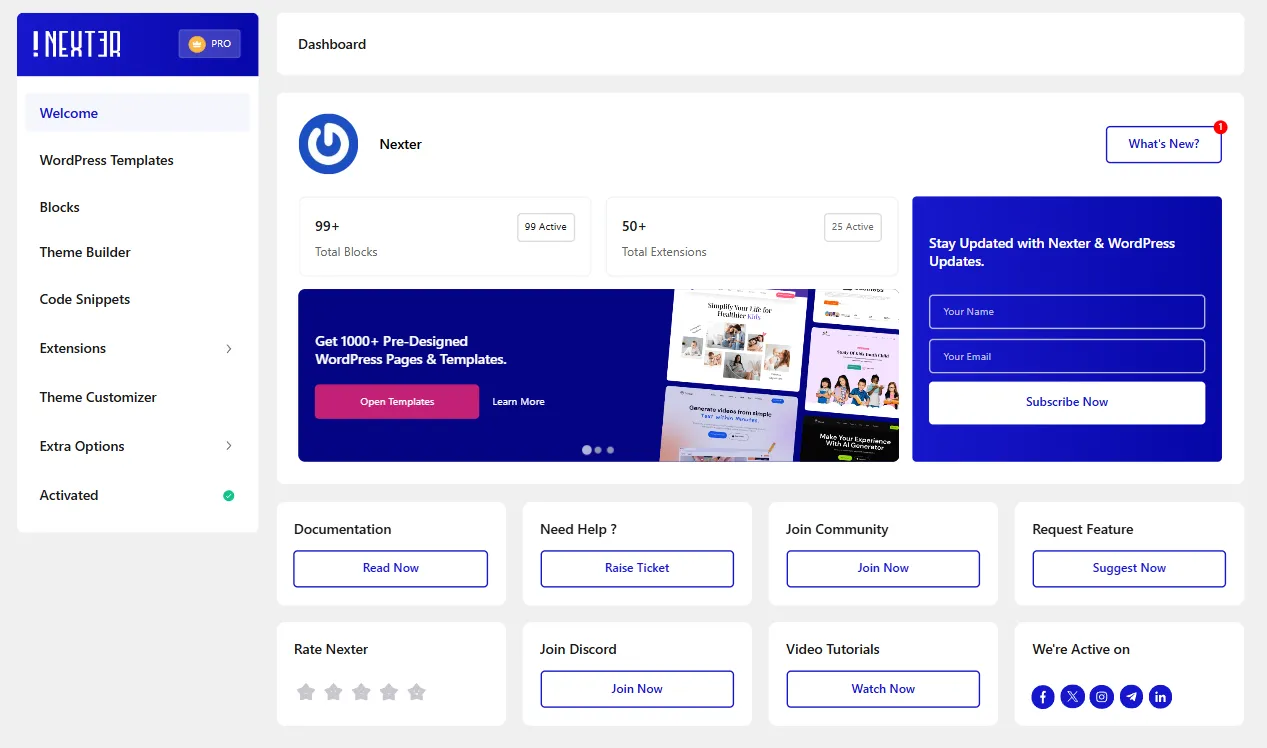
One of the biggest updates in 2025 was bringing everything into one place.
The Unified Nexter Settings Panel combines settings from Nexter Theme, Nexter Blocks, and Nexter Extension into a single dashboard.
Now, no more switching between panels or searching for options.
Theme Builder Upgrade, Pre-Made Templates & Faster Setup
In 2025, we upgraded the Nexter Theme Builder to make designing your site easier.
The new Grid View helps you see and manage headers, footers, and templates visually, so layouts are clearer and simpler to work with. Assigning a homepage and linking templates is now straightforward, with no confusion.
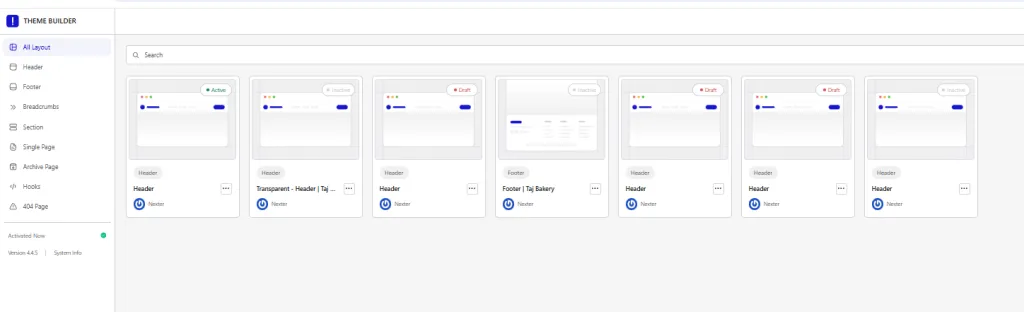
We also added ready-to-import templates for headers, footers, posts, archives, and 404 pages through WDesignKit. You can import sections instantly, saving time and making it easier to build professional layouts.
On top of that, the improved template import and onboarding flow lets you launch a complete WordPress website in under 60 seconds. Everything is guided, fast, and hassle-free.
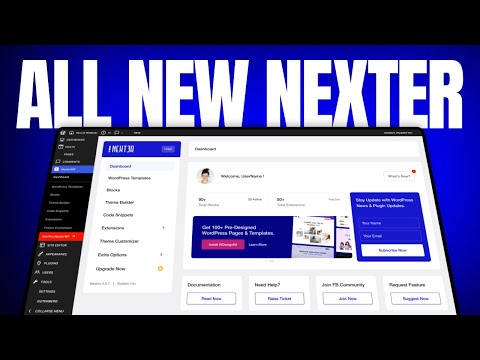
For a full, detailed update about the new Nexter dashboard and the Theme Builder upgrade, you can watch this video:
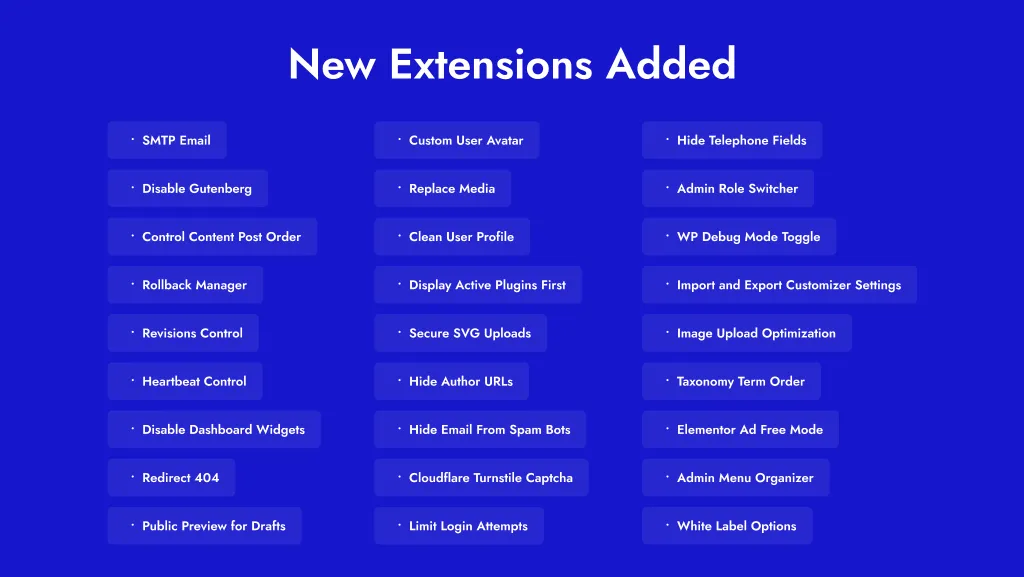
New Extensions Added (Now Replace 50+ Plugins with Nexter Extension)
Nexter Extension expanded significantly in 2025 with powerful new tools for real-world WordPress needs.
New extensions include SMTP Email, advanced security features, admin workflow enhancements, performance optimizations, content protection tools, and the Code Snippets Manager. These additions help WordPress websites stay secure, fast, and reliable after launch.
Each extension was designed to solve practical problems without adding unnecessary complexity.
Ready-to-Use Block Presets for Faster Web Design
Design speed was a key focus for Nexter in 2025.
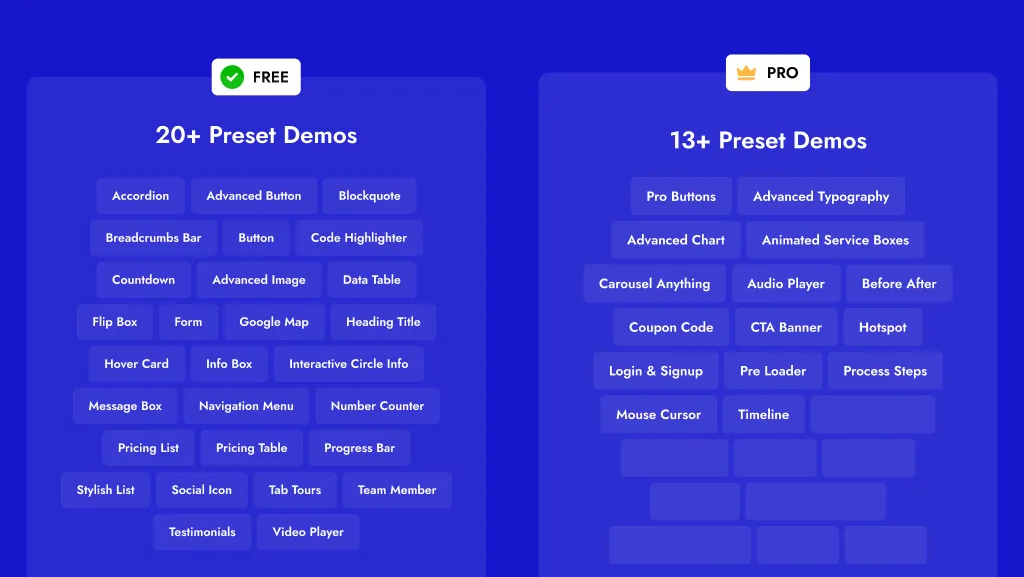
We introduced ready-to-import presets for more than 40 WordPress blocks across Free and Pro versions. Blocks such as Buttons, Forms, Google Maps, Testimonials, Tabs, Timeline, Pricing Tables, and more now come with professionally designed presets.
Instead of styling blocks from scratch, users can choose a preset, customize it, and move forward quickly.
Introduced a Built-In Form Block
We added a built-in Form Block to help you create forms without relying on third-party plugins.
You can now make contact forms, newsletter signups, or custom forms right inside the Gutenberg editor. You also get full control over the success messages, redirects, and spam protection.
This makes setting up forms simpler, keeps your site lighter, and makes managing forms easier for you.
For full details, check out this video:

Added Glassmorphism (Modern Liquid Glass Effect)
We added Glassmorphism in Nexter Blocks to help you give your site a sleek, modern look.
This effect creates the illusion of frosted glass with blurred, semi-transparent backgrounds. You can use it for hero sections, cards, callout boxes, navigation bars, overlays, and modals.
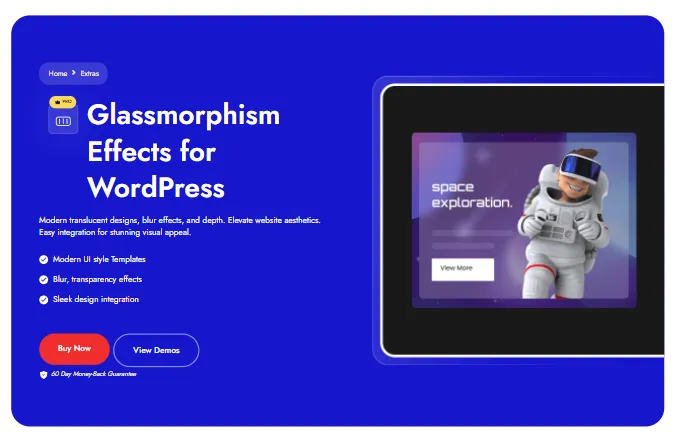
It adds depth and focus to your content without cluttering the design. The best part is that you don’t need any custom code or extra plugins, just select the block, apply the blur, adjust saturation, and your site instantly gets a premium, polished look.
Introduced Dynamic Repeater Block
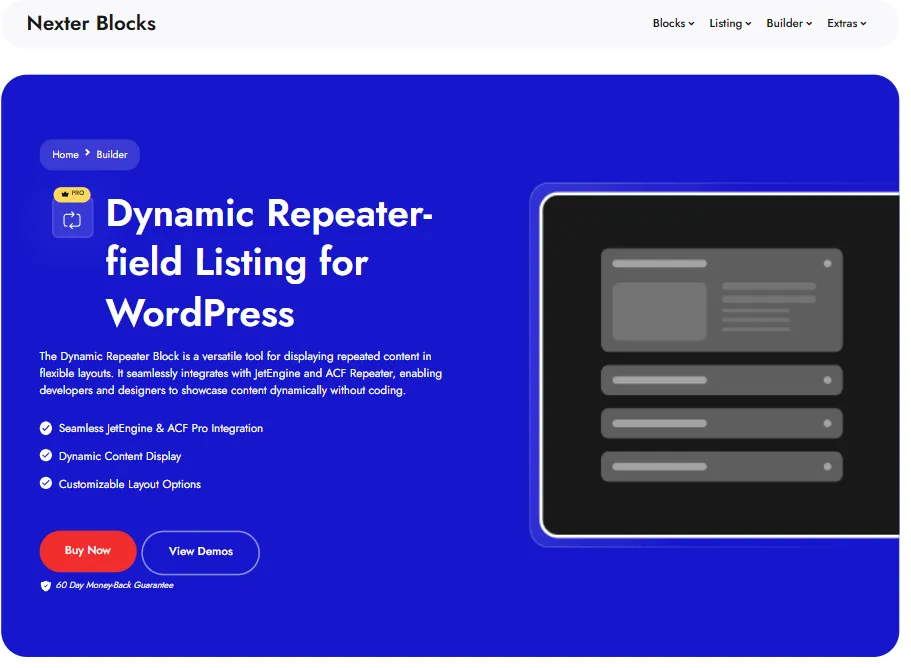
We also added the Dynamic Repeater Block to simplify managing repeating content.
Now, you can create FAQs, services, testimonials, team member lists, or pricing plans without copying and pasting elements. Just set up your repeater fields, choose a layout, and the block handles the rest.
This keeps your designs consistent, saves time, and makes it easy to add or remove content on the fly.
For full details about Glassmorphism Effectsand the Dynamic Repeater Block, watch this video:

Theme Builder & Code Snippets Work With Any WordPress Theme
This year, we made Nexter Extension even more flexible by ensuring the Theme Builder and Code Snippets work with all WordPress themes.
This means you’re no longer locked into a single theme. You can use your preferred WordPress theme while still taking full advantage of Nexter’s Theme Builder and powerful Code Snippets.
With this update, we gave you complete control and flexibility, letting Nexter fit into your workflow instead of forcing you to change it.
Massive Backend Performance Boosts
We improved the backend performance of Nexter Blocks significantly.
Some dynamic blocks previously triggered multiple backend requests. After the update, many now operate with just 2–3 requests, making the editor faster and more stable.
This update means:
- The editor loads quicker
- Drag-and-drop is smoother
- Large sites are more stable
- Frontend speed stays fully optimized
The focus was on making the design workflow more efficient and reliable.
Added Global Block Styles
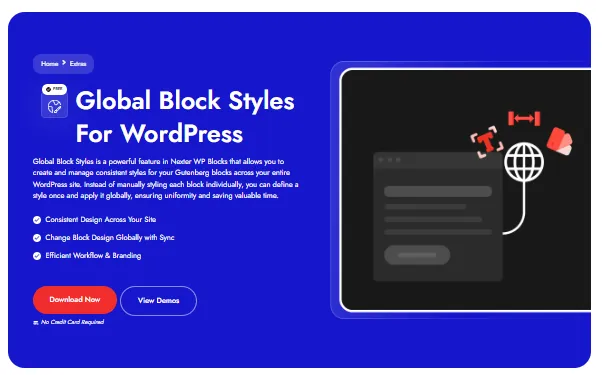
We added Global Block Styles to make designing your website easier. Now you can style a block once and use that style across your entire site.
Once you save a block as a global style, you can apply it to all similar blocks. If you update the style later, it updates everywhere automatically. This keeps your design consistent, saves you from repeating the same work, and helps you build pages faster.
Added CSS Grid Layout in Nexter Blocks
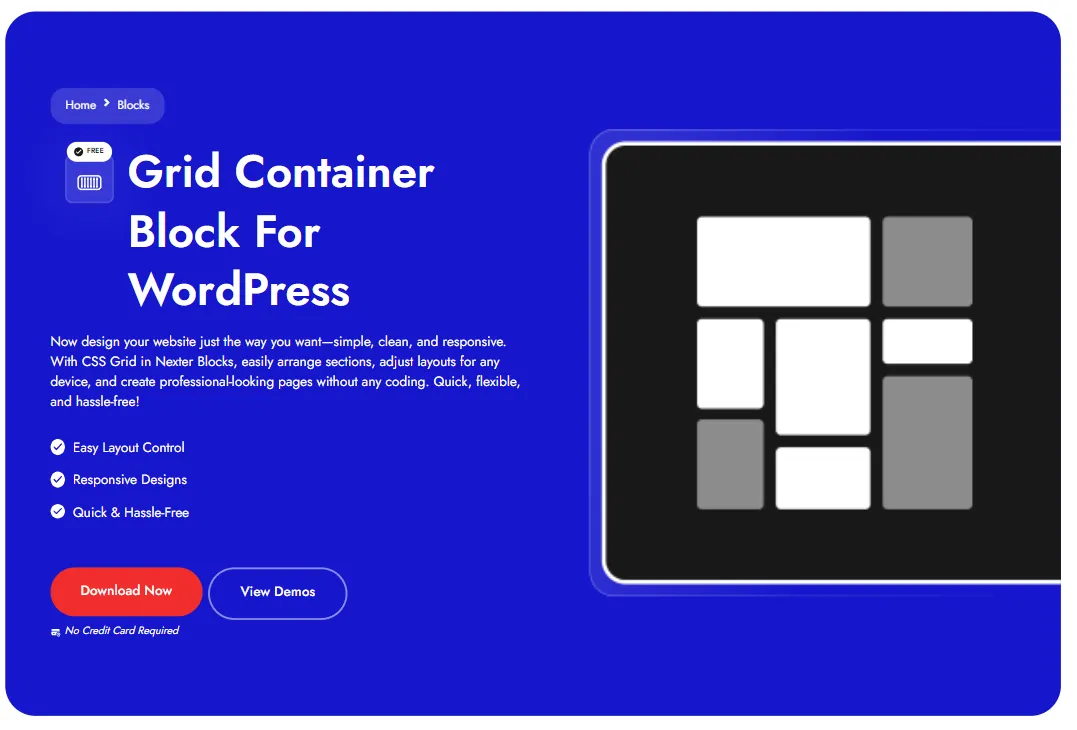
We also added support for CSS Grid Layout in Nexter Blocks to give you more control over your page layouts. With this update, you can arrange elements in both rows and columns inside a container.
This makes it easier to build more structured and creative layouts that were harder to achieve before.
You can use CSS Grid for things like full‑page layouts, photo galleries, product listings, pricing tables, and dashboard sections, all without extra plugins or custom code.
This update gives you better layout control and lets your designs adapt more easily across devices, so building unique and responsive pages becomes more intuitive.
Google Maps: Set Pins by Address
You asked, we delivered.
Now, you can set a pin on your Google Map block by simply entering an address. No more fiddling with coordinates or dragging a marker manually.
This makes setting up maps faster and more accurate, especially helpful for service-based businesses or local listings. Whether you’re using the Free version or Pro, this update improves your workflow and output quality.
Improved Navigation & Mega Menu Experience
This year, we revamped the Mega Menu across the Nexter website to make navigation clearer, faster, and more user-friendly.
Along with this, we added dedicated new Extensions pages, making it easier for you to explore Nexter’s features and find exactly what you need with ease.
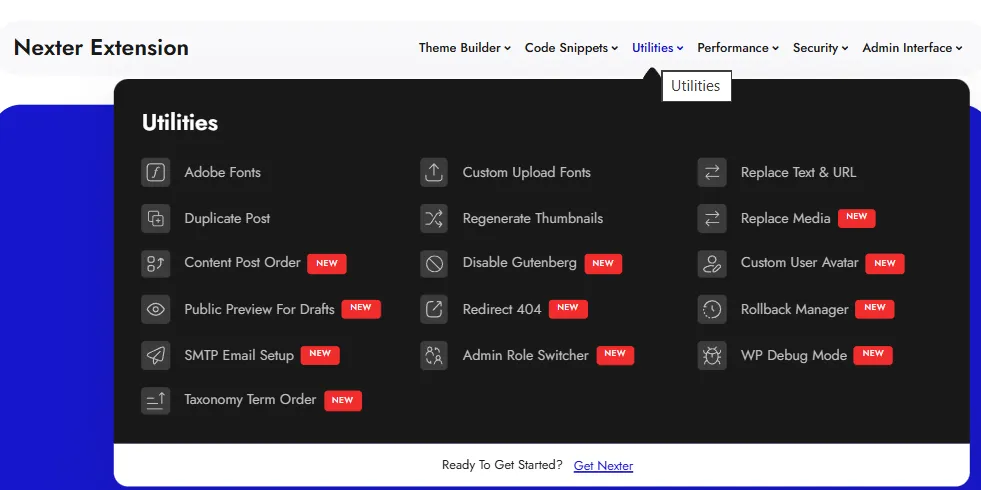
These updates significantly improved overall site structure, discoverability, and browsing experience, especially for new users exploring Nexter for the first time.
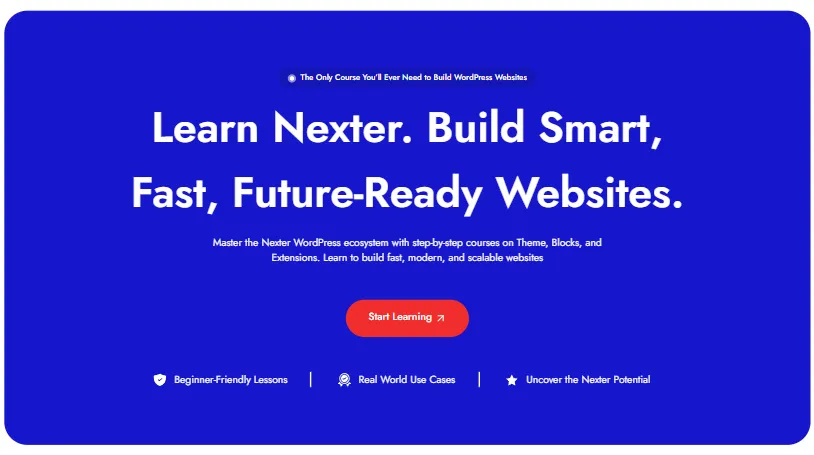
Launched Nexter Academy
Education became an important part of the Nexter ecosystem in 2025.
We launched Nexter Academy to help users learn faster with clear tutorials, practical walkthroughs, and real-world examples to build their websites with Nexter.
Whether you are new to WordPress or building advanced websites, Nexter Academy provides structured learning to build with confidence.
Nexter Discord Community Launch
To stay closer to our users, we introduced the Nexter Discord community.
The community allows users to ask questions, share feedback, exchange ideas, and connect directly with the Nexter team.
It created faster conversations and stronger collaboration within the Nexter ecosystem.
We currently have 230+ members. If you haven’t joined yet, feel free to join here.
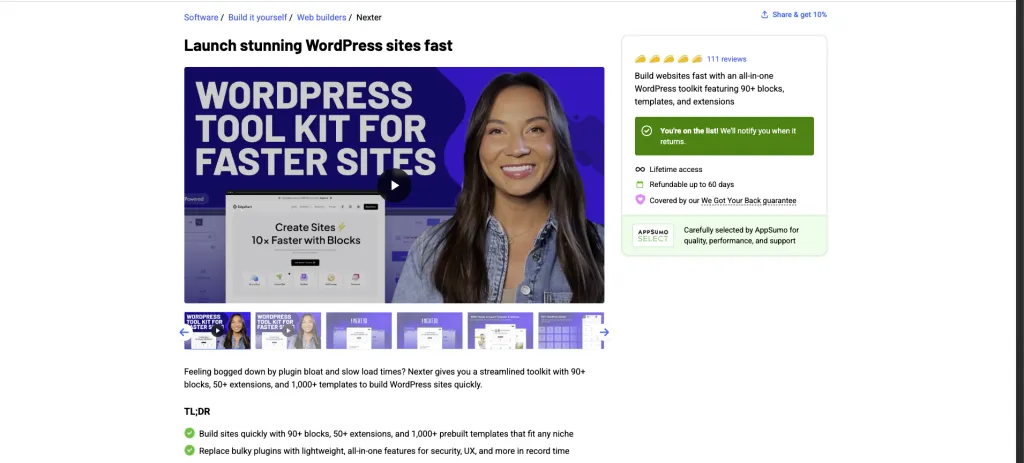
Successful AppSumo Campaign for Nexter
2025 was also a big year for Nexter with our AppSumo campaign.
A lot of users discovered Nexter, used it in real projects, and shared honest feedback with us. Their insights helped confirm that we were on the right track because speed, simplicity, and ease of use really matter to builders.
Throughout the year, we refined many features based on this feedback, making Nexter stronger and more user-friendly.
We also received over 100 reviews during the campaign, which is a big milestone for any product and shows that people are finding real value in what we built.
More Than Updates: Our 2025 Journey with Nexter in Numbers
In 2025, the focus remained on helping users get the most out of Nexter through learning, product updates, and direct conversations.
Here’s a quick glimpse of this year’s milestones in numbers.
- Published 200+ blogs covering Nexter features, best practices, and real-world WordPress use cases.
- Released 124+ long-form YouTube videos with step-by-step tutorials.
- Shared 59 YouTube Shorts with quick tips and feature highlights.
- Created and published 73 Nexter docs.
- Stayed active on Facebook by sharing updates, tips, and feature announcements.
- Sent 30+ emails, including monthly newsletters and product updates.
- Solved 600+ support tickets on NexterWP, helping users resolve real issues faster.
- Connected directly with users to gather feedback and understand real challenges.
The Results?
2025 brought amazing growth for Nexter.
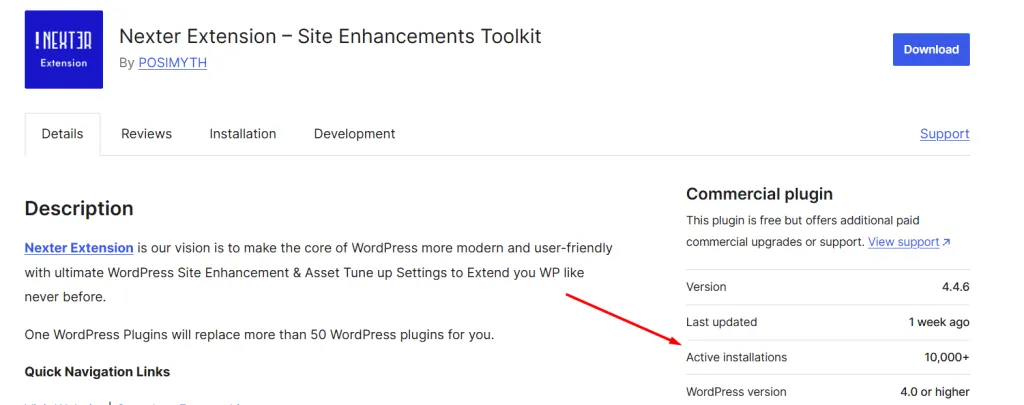
Nexter Extension now has over 10,000 installs.
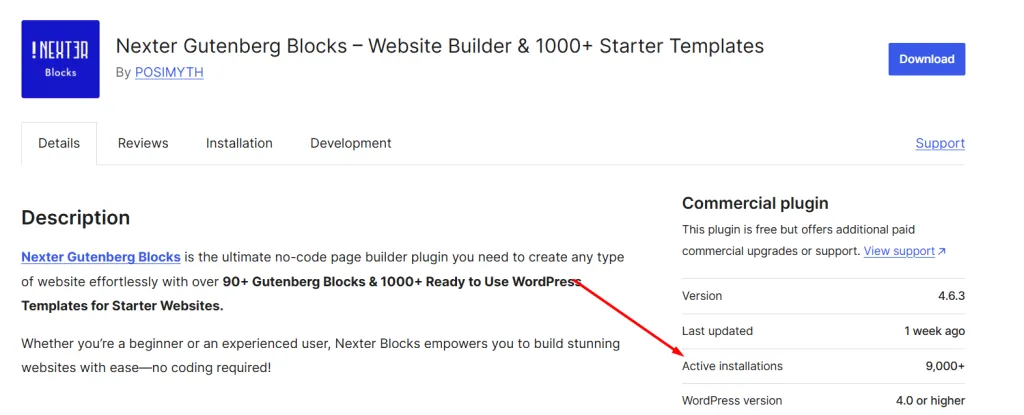
And Nexter Blocks has more than 9,000 installs.
These numbers are growing every day, and they show that our focus on making WordPress website building faster and simpler is paying off.
The data speaks for itself, builders love the improvements, and our growth is proof that Nexter is helping people create better websites with less effort.
Stay updated with Helpful WordPress Tips, Insider Insights, and Exclusive Updates – Subscribe now to keep up with Everything Happening on WordPress!
What’s Next in 2026?
We’re just getting started. In 2026, Nexter will bring even more powerful features to make building your website easier, faster, and more creative.
Here’s a glimpse of what’s coming:
- AI Content Creation – let AI help you write content faster
- AI-powered features in Nexter – smarter AI tools inside the builder
- A new Code Library – organize and reuse your code snippets easily
- Modern Code Snippets Look – sleek, cleaner design for your code
- Cloud Storage for Personal Code Snippets – access your custom code anywhere
- WooCommerce Block
- Grid Builder Search & Filters
Also, we’ll be going on more user calls from 2026 to connect with you directly.
We’re excited to make 2026 the year your Nexter experience becomes even faster, smarter, and more enjoyable.
Share your thoughts in the comments below. Let us know if there’s a feature you’d like to see or anything else you want to tell us.
If you have a minute, can you please take the short survey? There’s a small surprise waiting at the end of the survey! 👇🏻

