












WordPress and WooCommerce are not the same thing, and most online stores need both. WordPress is the free content management system that runs your website. WooCommerce is a free plugin you add to WordPress that gives it a store: products, a cart, checkout and orders. WooCommerce cannot run without WordPress.
WordPress powers 40.1% of all websites, according to W3Techs (7 October 2026), and WooCommerce.com reports more than 4 million online stores built with WooCommerce. One is the foundation. The other is a specialized layer built on it. This guide is for anyone building a WordPress site and deciding whether their project needs the store layer at all.
We checked every price, version and statistic below against WooCommerce.com, WordPress.org and W3Techs on 7 October 2026. You will get the real differences, how to add WooCommerce to a WordPress site in four steps, what it costs, the honest pros and cons, and a simple way to decide which setup you need.
Last updated 7 October 2026
| Feature | WordPress | WordPress + WooCommerce |
|---|---|---|
| Primary purpose | Content management, blogging, business sites | eCommerce: selling products and services |
| Core cost | Free (open source) | Free plugin, but hosting + extensions add up |
| Requires the other? | No. Works standalone. | Yes. WooCommerce requires WordPress. |
| eCommerce features | Basic (with plugins) | Full: cart, checkout, inventory, payments |
| Best for | Content-first websites | Online stores of any size |
| Current version (7 Oct 2026) | WordPress 7.1.3 | WooCommerce 11.1.2, which needs WordPress 7.0 or higher |
| Technical complexity | Low to medium | Medium to high |
How WordPress And WooCommerce Work Together
Think of one website with two layers. WordPress is the base layer: it stores your pages, posts, media and user accounts, runs the block editor, and lets you choose a theme. WooCommerce sits on top as a plugin and adds the store layer: a product type, a cart and checkout, orders, shipping zones, tax rates and payment gateways. Visitors see one site, and you manage it all from one WordPress dashboard.
The two move together on versions. As of 7 October 2026, WooCommerce 11.1.2 on WordPress.org has more than 7 million active installations and requires WordPress 7.0 or higher, while the current WordPress release is 7.1.3. WooCommerce’s server requirements list PHP 8.3 or greater, MySQL 8.0 or MariaDB 10.6, and a 256 MB WordPress memory limit. Older PHP 7.4 still runs it, but that version is end of life and exposes your store to security risk.
How To Add WooCommerce To WordPress In 4 Steps
This is the part most people searching for “wordpress woocommerce” actually want. These steps assume a self-hosted WordPress site, meaning the WordPress.org software on your own hosting.
- Get WordPress running. Pick a host with one-click WordPress install, or download WordPress from WordPress.org and install it yourself.
- Install and activate WooCommerce. In your dashboard go to Plugins, then Add New, search for WooCommerce, click Install Now, then Activate.
- Run the setup wizard. WooCommerce opens it right after activation and walks you through store details, payments, shipping and your theme. WooCommerce strongly advises following it.
- Add a product and place a test order. Create your first product, buy it yourself, and check the cart, checkout, emails and thank-you page before you go live.
WooCommerce documents the same flow in its Start with WooCommerce in 5 Steps guide. If you want to design the shop pages visually, our walkthrough on how to build a WooCommerce store with the Nexter Theme covers it step by step.
What Can You Sell With WooCommerce?
Out of the box, WooCommerce handles physical and digital goods, product variations and affiliate items, according to its WordPress.org listing. Subscriptions, bookings and memberships come from paid WooCommerce extensions, which the cost section below breaks down.
What Is WordPress?

WordPress is a powerful, open-source platform for building websites, applications, and blogs.
Started as a blogging tool in 2003, WordPress has grown into the most widely used content management system on the web. It now powers about 40% of all websites, from personal blogs to large publishers and online stores.
At its core, WordPress lets you build and manage full-featured websites without writing code. It handles your content, media, users, and settings through a clean dashboard, and extends through thousands of free and premium plugins and themes.
WordPress is the platform every website in this guide runs on. WooCommerce, Elementor, and Nexter are all plugins that run on top of it.
For instance, Nexter Blocks, a Gutenberg block plugin by POSIMYTH Innovations, gives you 90+ Gutenberg blocks and 50+ site extensions, and it pairs with the free Nexter Theme. It is designed to replace several single-purpose plugins with one lighter setup.
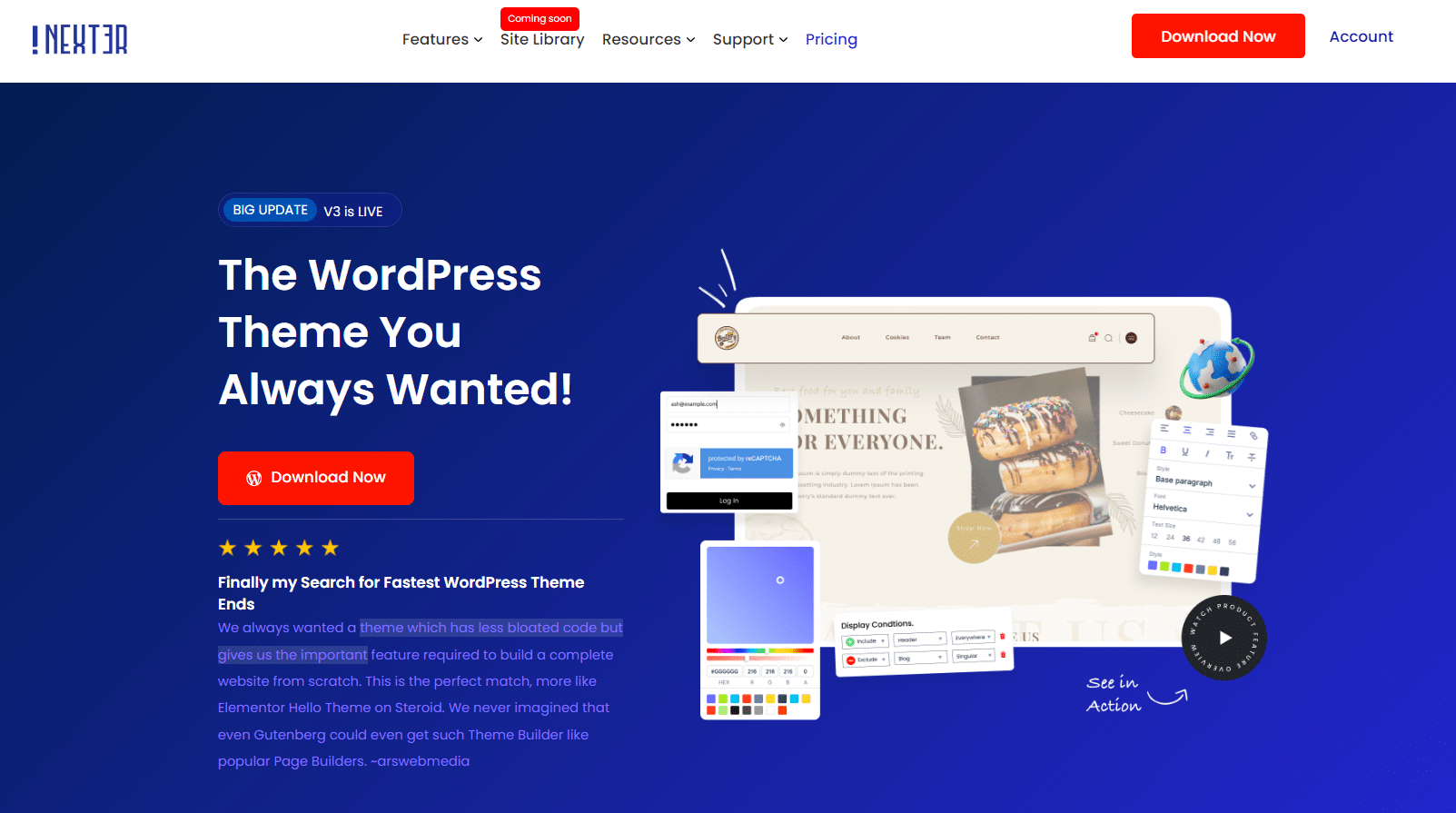
WordPress on its own does not include a built-in eCommerce system. To sell products or services from your WordPress site, you need to add WooCommerce.
Want to put your WordPress site to work as a revenue source? Here’s how to monetize a WordPress blog with 4 proven strategies.
Also Read: Dreamweaver vs WordPress if you are comparing WordPress with other site-building tools.
What Is WooCommerce?
WooCommerce is a free WordPress plugin that adds a complete eCommerce system to your WordPress site.
Installing WooCommerce on a WordPress site gives you product listings, a shopping cart, checkout flow, payment gateway integrations, inventory management, order tracking, and much more. WooCommerce.com lists 4 million or more online stores built with WooCommerce and cites Store Leads data that puts it on 31% of the top 1 million ecommerce sites.
The critical thing to understand: WooCommerce does not work without WordPress. It is not a standalone platform. You install WordPress first, then add WooCommerce as a plugin. Once installed, WooCommerce adds its own dashboard sections, product post type, and settings pages on top of the WordPress admin.
Since WooCommerce is open source, you have complete control over your store’s data, design, and functionality. There are no transaction fees charged by WooCommerce itself, and you can choose from hundreds of free and paid extensions to expand your store’s capabilities.
How Much Does WooCommerce Actually Cost?
WooCommerce is free to download and install. But running a real WooCommerce store is not free. Here is a realistic breakdown of what you will pay.
WooCommerce Core: Free To Download
The WooCommerce plugin itself costs nothing. You download it from WordPress.org, install it like any other plugin, and get the full core eCommerce feature set at no charge. This includes product listings, cart, checkout and order management. Payment processors connect through free or paid payment extensions.
What You’ll Actually Pay: The Real Costs
The core plugin is free, but a functional WooCommerce store requires several paid components:
- Hosting: WooCommerce.com puts hosting at $25 to $350 a month for most stores, rising with traffic and performance needs. Managed WooCommerce hosting is the safer choice once a store has real traffic.
- Domain and SSL: A domain is a yearly fee from your registrar. Any store taking payments needs an SSL certificate, and most managed hosts include one free.
- Theme: Free themes work, including Storefront, the free theme WooCommerce recommends. Premium WooCommerce themes are optional. A block theme like Nexter Theme (free) lets you design your own shop pages without paying for a theme.
- Payments: WooPayments installs with no setup cost or monthly fee, and you pay per transaction. WooCommerce’s pricing page lists about 2.5 to 2.9% plus 30 cents per card payment. Other gateways, such as Stripe and PayPal, charge their own rates.
- Extensions: WooCommerce.com lists extensions at $29 to $299 a year each, billed annually. On 7 October 2026 the one-year prices were $279 for Subscriptions, $199 for Memberships and $249 for Bookings.
Total Cost Estimate For A WooCommerce Store
Your real cost is hosting plus the extensions you choose, because WooCommerce core and WooPayments carry no fixed fee. A simple store with no paid extensions pays for hosting, a domain and card processing. A store that sells subscriptions, memberships and bookings adds $727 a year in extensions on top ($279 + $199 + $249 on one-year plans).
For comparison, WooCommerce’s own cost comparison lists Shopify Basic at $29 a month, plus an extra 2% fee when you use a third-party payment gateway. WooCommerce can work out cheaper as you grow, but it needs more hands-on management. If speed is part of that management, our guide on how to speed up a WooCommerce store shows what to fix first.
Planning to build your first WordPress site before adding WooCommerce? Here’s how to make a WordPress website for free in 6 easy steps.
WooCommerce Pros And Cons
Before committing to WooCommerce, it helps to understand exactly what you are getting into.
WooCommerce Advantages
- Full ownership and control: Your store data lives on your server. No platform can shut down your store, change your pricing, or limit your product count. This is fundamentally different from Shopify or BigCommerce, where the platform owns the infrastructure.
- No transaction fees from WooCommerce itself: WooCommerce does not take a cut of your sales. You pay only the payment processor’s standard rate. WooCommerce’s published comparison lists an extra 2% on Shopify Basic and 0.6% on Shopify Advanced when you use a third-party payment gateway.
- Unlimited customization: Because WooCommerce runs on WordPress, you have access to the entire WordPress plugin ecosystem, custom code, and open-source extensions. There is no feature cap and no proprietary lock-in. Nexter Blocks’ WooCommerce product grid (Pro) lets you design product listings visually in Gutenberg without custom development, and Nexter Blocks 5.0 added 27 WooCommerce blocks, covered in our WooCommerce blocks guide.
WooCommerce Disadvantages
- You manage everything: Updates, backups, security, performance, and hosting are your responsibility. A Shopify or BigCommerce store handles this infrastructure for you. WooCommerce requires an ongoing time investment, or a developer budget, to handle it properly.
- Costs add up: The plugin is free, but hosting ($25 to $350 a month per WooCommerce.com), paid extensions and payment processing fees all add up. Budget carefully before assuming WooCommerce is cheap.
- Performance requires active management: WooCommerce adds significant database load. Without proper hosting, caching, and optimization, WooCommerce stores get slow. You need a performance-focused setup: a lightweight theme, a caching plugin, and a reliable host to keep page speeds acceptable for conversions. Nexter Extension (Pro) includes image optimisation and performance controls alongside its other site tools, so you need fewer separate plugins.
Are WooCommerce And WordPress The Same?
No. WordPress is the content management system. WooCommerce is a free plugin that adds a store to it: products, a cart, checkout and orders. You install WooCommerce on top of WordPress, never instead of it. If you only publish content, you can skip WooCommerce entirely. If you sell anything, you add it.
WordPress Vs WooCommerce: 6 Key Differences
Now that you understand what each platform does and what WooCommerce costs, here are the six areas where they differ most.
The major difference between WooCommerce and WordPress lies in their purpose. In simple terms: WordPress is the operating system. WooCommerce is the app you install on it.
1. Purpose
WordPress is a flexible content management system that lets you build websites for any purpose: blogs, business sites, portfolios, membership sites, eCommerce stores, and more.
The platform offers a user-friendly interface along with extensive design options and additional plugins to customize your website. By default, it works with the Gutenberg block editor, but you can also install page builder plugins like Elementor depending on your project needs.

WooCommerce is a plugin designed specifically to turn a WordPress website into a functional online store. It adds product management, cart and checkout flow, payment gateway integrations, shipping rules, tax calculations, and order fulfillment to your existing WordPress site.
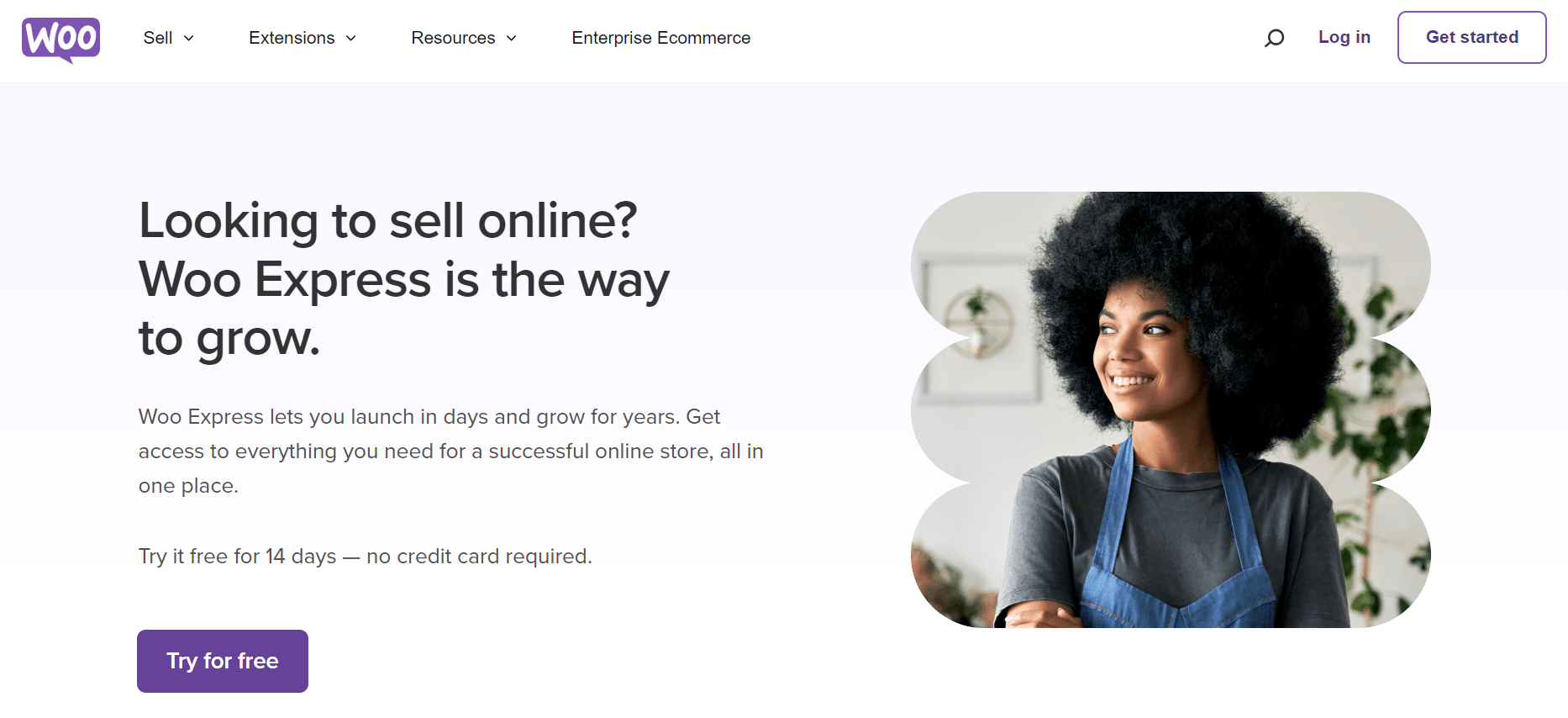
2. E-Commerce Features
WordPress alone provides basic content management with limited eCommerce options. You can sell digital products through simple plugins, but advanced store functionality requires WooCommerce.
WooCommerce adds an extensive marketplace for tools, themes, and extensions built specifically for online stores. You get built-in support for product variations, inventory tracking, tax management, coupon codes, and more. Payment gateways and extra currencies come through extensions.
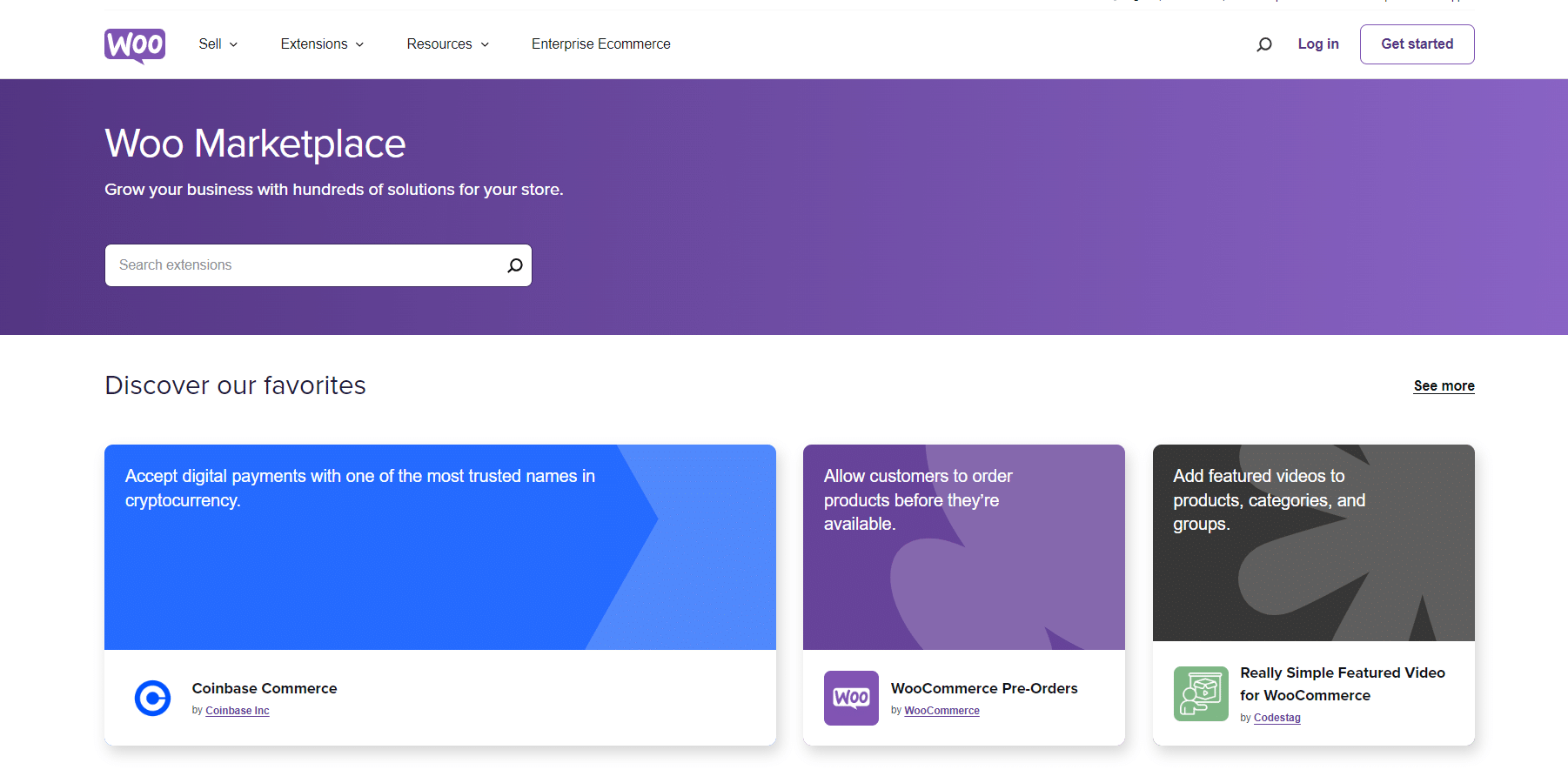
WooCommerce also supports automated tax planning, live shipping rate updates, and real-time inventory tracking. For optimal performance, implementing eCommerce image optimization ensures product photos load quickly without sacrificing quality.
3. Focus
WordPress is built to manage content. It stores your pages, posts, media, user accounts, and settings in a clean database structure. Every element of your site (from navigation menus to sidebar widgets) is managed through WordPress.

WooCommerce is tightly integrated with WordPress but operates with its own separate codebase. It adds its own database tables, admin menu sections, product post type, and settings pages on top of WordPress. WooCommerce brings features entirely separate from what WordPress manages: shipping zones, tax rates, product attributes, and order management are all WooCommerce-specific.
4. Ease Of Use
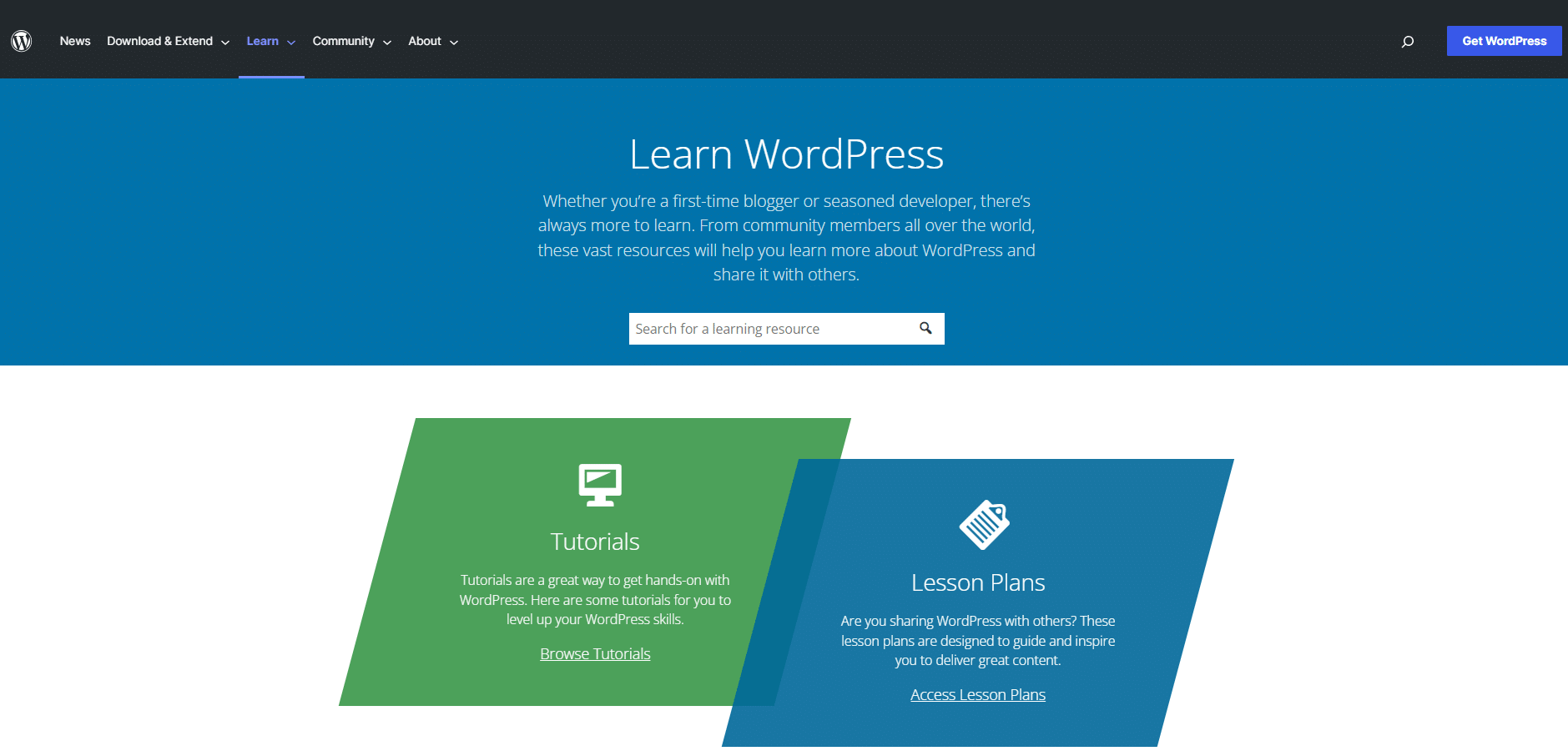
WordPress is known for its relatively low learning curve. Its dashboard is intuitive, and most tasks (adding pages, publishing posts, installing plugins) are straightforward even for beginners.
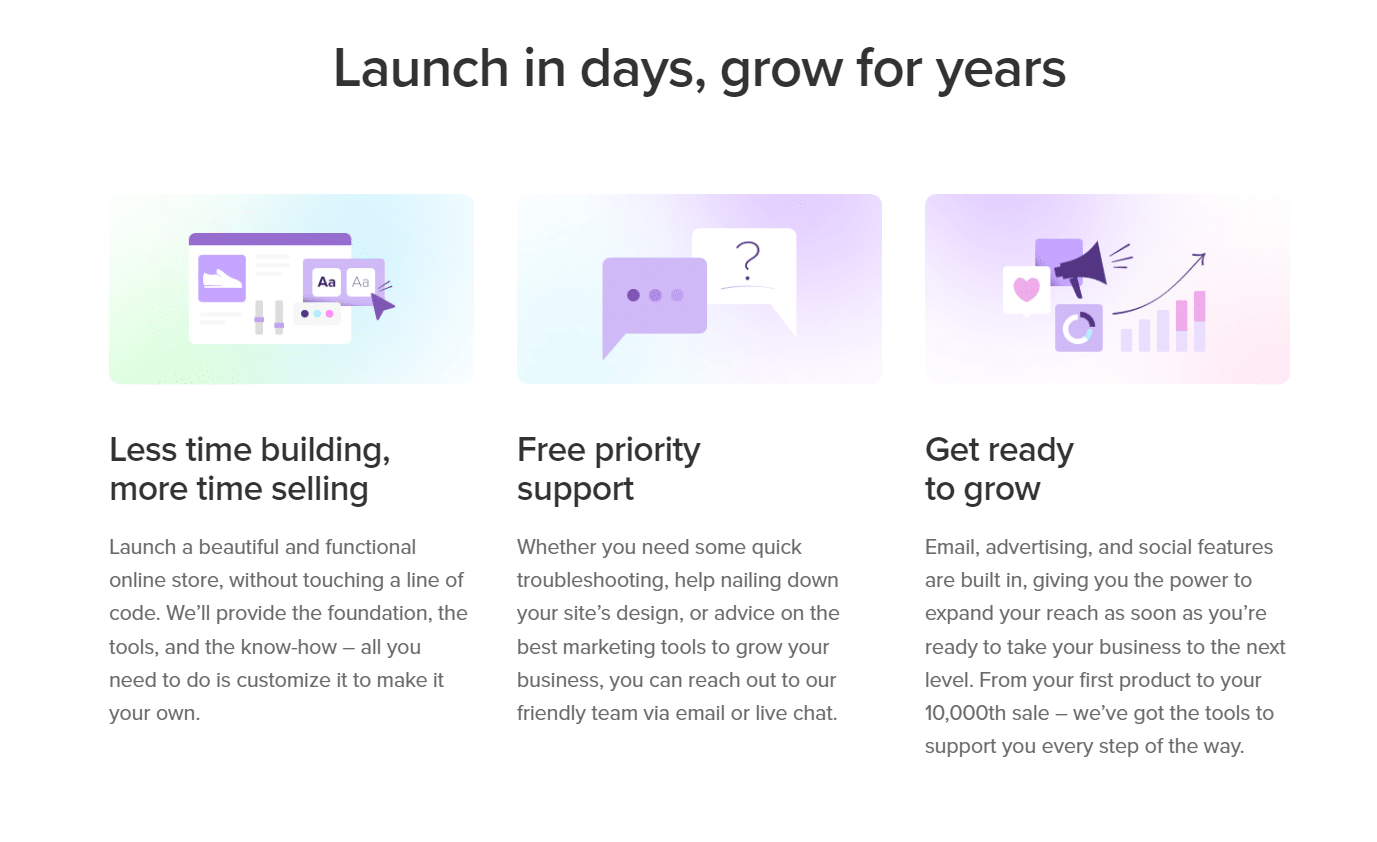
WooCommerce adds complexity. Running an online store means understanding product listing, inventory management, payment configurations, shipping zones, tax rules, and order fulfillment. None of it is impossible to learn, but it requires a higher time investment than a standard WordPress site.
Both platforms offer extensive documentation, video tutorials, and active communities to support new users. WooCommerce has a dedicated setup wizard that walks you through the initial store configuration, which helps flatten the learning curve significantly.
5. Extendibility
Both WordPress and WooCommerce have rich extension ecosystems.
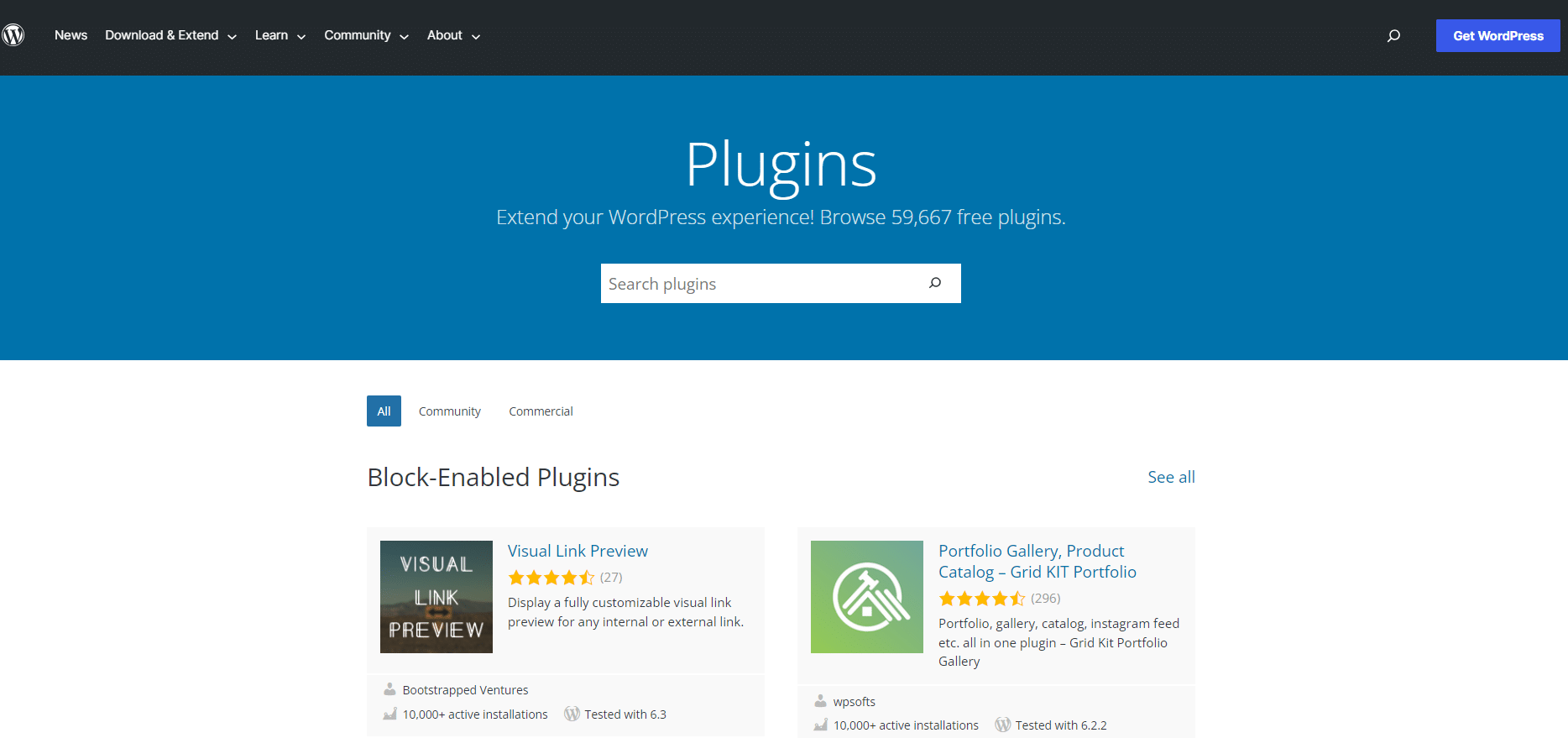
WordPress gives you access to the official plugin directory for everything from SEO and security to social media feeds, contact forms, and page builders. You can build virtually any type of website using WordPress’s plugin ecosystem.
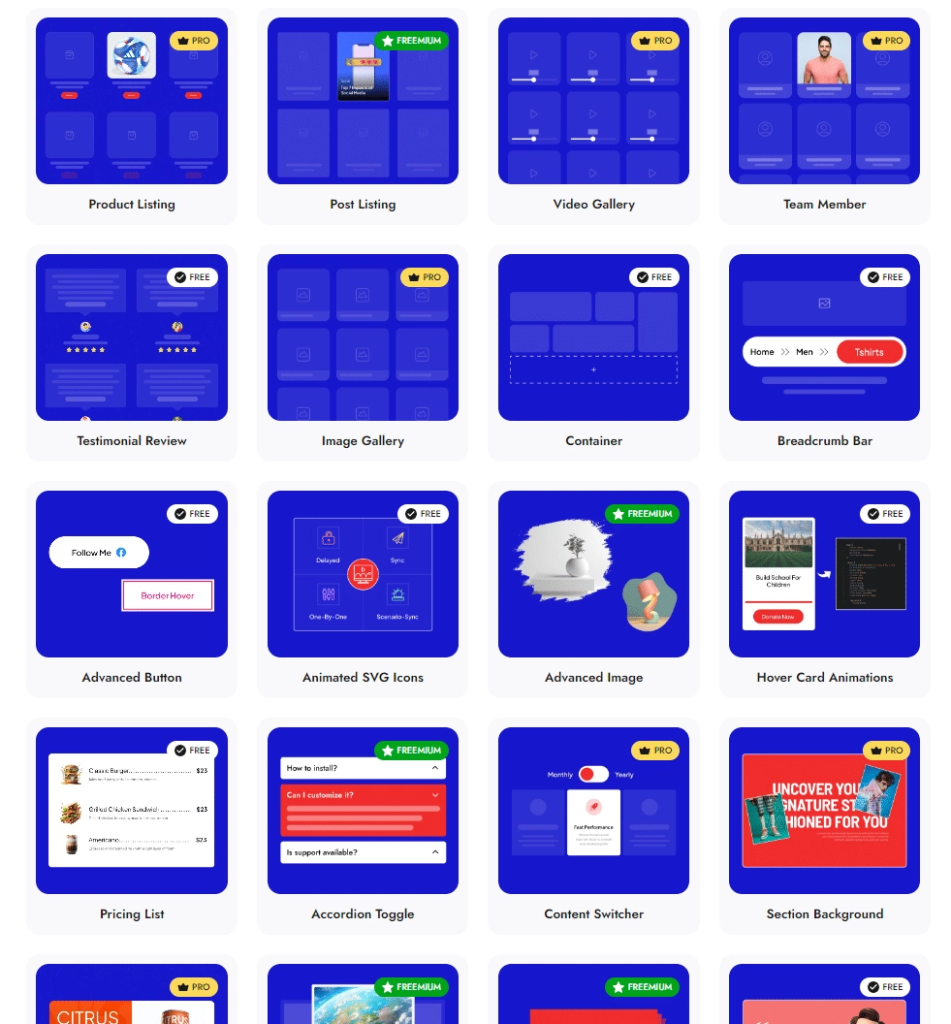
Nexter Blocks by POSIMYTH Innovations adds 90+ Gutenberg blocks to your WordPress editor, including WooCommerce product listing layouts, popup builders, form builders, and advanced animation blocks, all from one plugin that replaces several separate tools. If you also build sites with Elementor, The Plus Addons for Elementor by POSIMYTH Innovations gives you a large widget library for Elementor in a single plugin.
WooCommerce adds eCommerce-specific extensions on top of the WordPress plugin library. The official WooCommerce marketplace houses hundreds of extensions for payment processing, shipping rate calculators, tax management, subscription billing, and more.
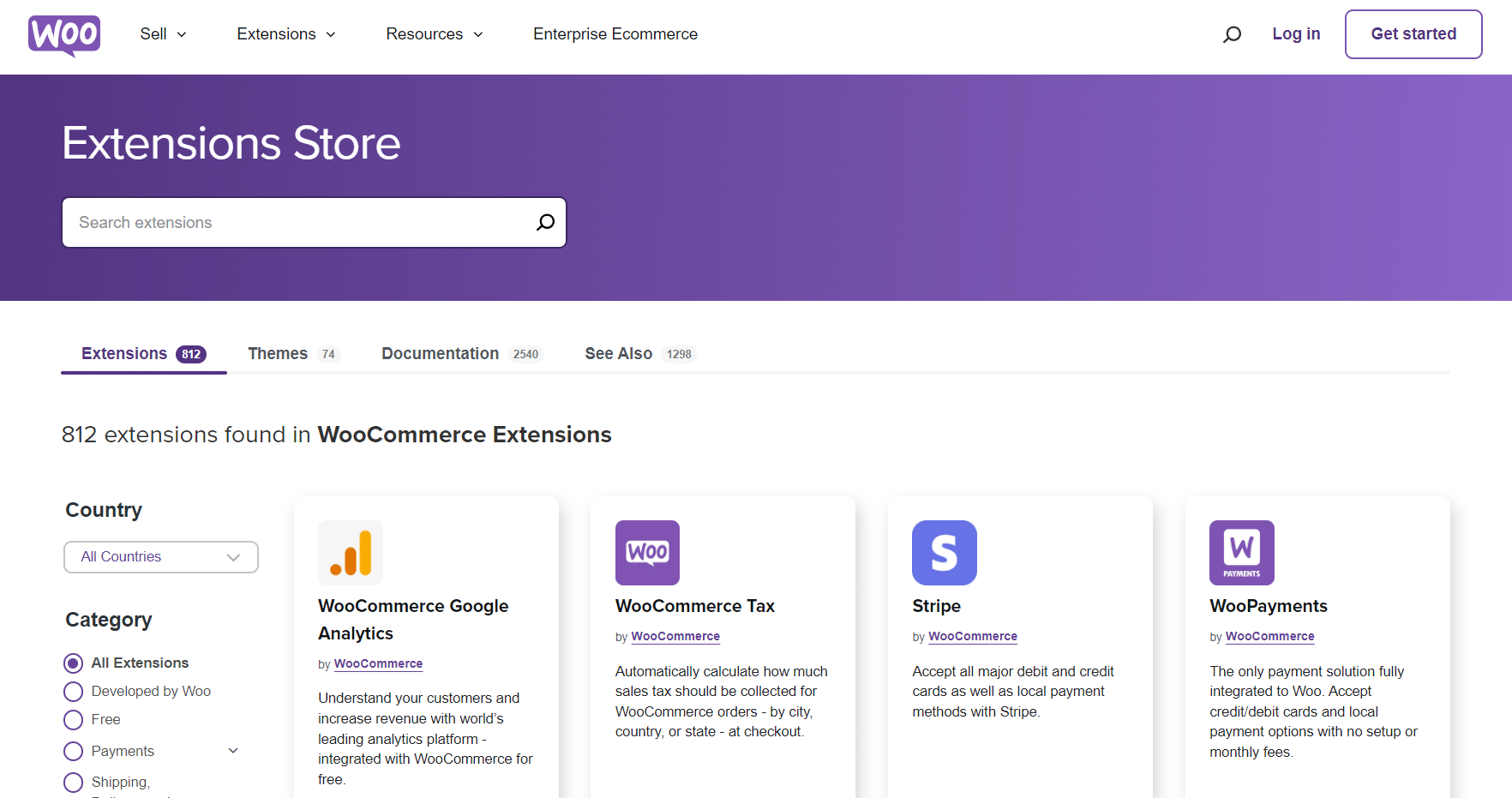
If you want to browse WooCommerce-ready design templates and starter kits, WDesignKit offers a library of ready-made templates, including WooCommerce store layouts, that import with one click.
6. Hosting Requirements
WordPress has relatively modest hosting requirements. It runs on most shared hosting, VPS, or dedicated server environments that meet the basic PHP and MySQL requirements.
WooCommerce is more demanding. Adding a store to your WordPress site increases database queries, server memory usage, and traffic handling requirements. Basic shared hosting that works fine for a blog may struggle under a WooCommerce store with active orders and product searches.
Looking to add the Gutenberg editor to your WooCommerce product pages? Here’s how to add the Gutenberg editor to WooCommerce in two methods.
WooCommerce Hosting Vs WordPress Hosting: Is It The Same?
At the basic level, yes: any hosting that supports WordPress also supports WooCommerce, since WooCommerce is just a WordPress plugin. But the practical difference is significant.
WooCommerce hosting plans are specialized packages with features specifically tuned for online store performance: advanced caching rules that do not interfere with cart sessions, higher PHP memory limits, database optimization for product queries, and staging environments for testing store changes safely.
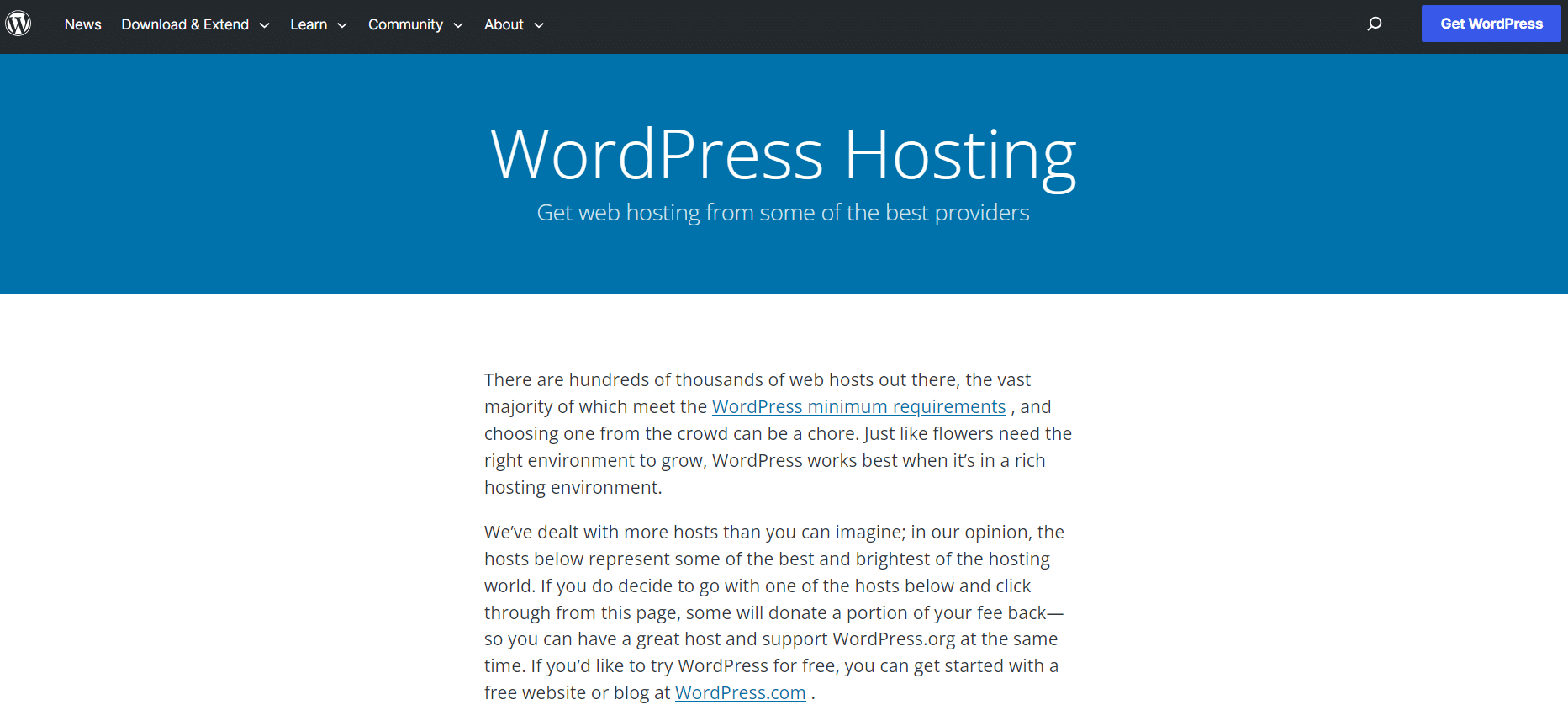
Not all WordPress hosting is made to run WooCommerce at scale. Here are the three areas where the difference matters most:
- Optimized caching: WooCommerce stores have dynamic pages (cart, checkout, account) that must not be cached the same way static blog pages are. Dedicated WooCommerce hosting configures caching rules to handle this correctly, while generic WordPress caching setups can break cart functionality.
- Database performance: WooCommerce is database-intensive. Product searches, inventory updates, and order processing all hit the database hard. Basic shared hosting struggles under real eCommerce traffic. WooCommerce-specific hosting allocates more resources to database performance.
- Uptime and support: An eCommerce store losing uptime means lost sales. Specialized WooCommerce hosts typically back their plans with uptime guarantees and support teams who understand WooCommerce-specific issues, not just generic WordPress troubleshooting.
Further Reading: Looking to enhance the speed and performance of your WordPress website? Check out these 20+ Tips to Speed Up WordPress Website.
WooCommerce Vs Shopify: A Quick Note
If you are researching WooCommerce, you are almost certainly also looking at Shopify. Here is a brief, honest comparison.
Shopify is a fully hosted eCommerce platform. You pay a monthly fee, starting at $29 a month on Basic, and get hosting, security, updates, and support bundled in. You do not own the infrastructure. Shopify does. But you also do not have to manage it.
WooCommerce is self-hosted. You own everything, control everything, and are responsible for everything. This is its greatest strength and its most significant challenge.
| Factor | WooCommerce | Shopify |
|---|---|---|
| Base cost | Free (plugin) + hosting | From $29/month (Basic), hosting included |
| Extra fee for third-party gateways | None from WooCommerce itself | 2% on Basic, 0.6% on Advanced |
| Ownership | Full: your server, your data | Shopify owns the infrastructure |
| Customization | Unlimited: open source | Limited to Shopify’s theme/app ecosystem |
| Technical management | You handle updates, backups, security | Shopify handles everything |
| Scalability | Very high with the right hosting | High: Shopify manages it for you |
| Best for | Full ownership, existing WP sites, scale | Fastest setup, managed hosting preferred |
Shopify figures come from WooCommerce’s own cost comparison (7 October 2026), so check Shopify’s pricing page before you decide.
Choose WooCommerce if: You already have a WordPress site, you want full ownership of your store, you have technical capacity (or budget for a developer), and you want to avoid long-term platform lock-in.
Choose Shopify if: You want the fastest possible setup, you prefer not to manage hosting and updates, you are comfortable paying a predictable monthly fee, and eCommerce is your entire business focus rather than one feature of a larger website.
One angle most comparison guides miss: WooCommerce store speed directly affects your Google rankings, not just your conversion rate. Google’s Core Web Vitals (LCP, CLS, INP) feed into its page experience signals. A WooCommerce store on a bloated theme with slow load times can lose ground to a faster competitor with identical content. Shopify handles performance at the infrastructure level. With WooCommerce, performance is entirely your responsibility, which is why theme and plugin choice matter more than most store owners realize.
Stay updated with Helpful WordPress Tips, Insider Insights, and Exclusive Updates – Subscribe now to keep up with Everything Happening on WordPress!
Your Theme And Blocks Decide How The Store Looks
WooCommerce handles the selling. What your shop pages look like depends on your theme and your blocks. On a block theme you can build product grids, product pages and cart layouts in the block editor instead of editing template files, and you can add a block plugin when the core blocks run out. Nexter Blocks includes WooCommerce blocks for this, covered in our WooCommerce blocks guide, and the Nexter for E-Commerce page shows the store-builder side. If you are still choosing a theme, our Nexter Theme vs Blocksy comparison is a good place to compare block themes.
Which Should You Choose: WordPress Or WooCommerce?
The choice is simpler than it looks. WordPress and WooCommerce are not competing options. They work together. The real question is whether you need the eCommerce layer at all.
Use WordPress alone if your site is primarily about content: a blog, a portfolio, a business landing page, a news site, or a service company website. WordPress handles all of this natively without any eCommerce overhead.
Use WordPress + WooCommerce if you want to sell physical products, digital downloads, subscriptions, bookings, or any other product or service online. WooCommerce gives you a full-featured store while keeping all the flexibility of WordPress for your content and marketing pages.
Who should NOT use WooCommerce: If your site is a blog, a portfolio, a lead generation page, or a service company website with a contact form, you do not need WooCommerce. Adding it to a non-store WordPress site adds database tables, slows admin load times, and creates plugin conflict surface area for no real benefit. Install it only when you are actively selling.
One decision that affects long-term WooCommerce performance: your theme choice. Many store owners start with a heavyweight multipurpose theme and discover months later that it is dragging down their Core Web Vitals scores and conversion rates. Unlike features locked to a specific theme or page builder, Nexter Blocks’ WooCommerce product grid layouts are theme-independent. You can switch themes later without losing your product page designs.
Whichever direction you go, your theme and block setup matters more than most people expect. A bloated theme slows WooCommerce stores significantly, which directly affects conversion rates. Nexter is built for eCommerce performance: a theme with zero jQuery, and 90+ Gutenberg blocks including WooCommerce product grid layouts, popup builders, and form integrations, all in one plugin. See Nexter pricing plans or download the free Nexter Theme to get started.
WordPress WooCommerce FAQs
Can You Use WooCommerce Without WordPress?
No. WooCommerce is a WordPress plugin and needs a running WordPress install. Headless setups that use a different front end still keep WordPress and WooCommerce running as the back end.
Is WooCommerce Free?
The core plugin is free to download, and WooCommerce.com lists 0% revenue share. You still pay for hosting, any paid extensions and payment processing fees.
What Are The Downsides Of Using WooCommerce?
You manage updates, backups, security and performance yourself, and costs rise with hosting and extensions. If you would rather have that handled for you, a hosted platform such as Shopify may fit better.
Is WooCommerce As Good As Shopify?
Neither wins for everyone. WooCommerce gives you full ownership and no platform fee, and Shopify gives you a managed setup. The comparison table above shows where each one is stronger.
Is WordPress Outdated In 2026?
No. WordPress 7.1.3 is the current release on WordPress.org, and W3Techs still shows WordPress on 40.1% of all websites. For what is coming next, read our WordPress 7.2 release date and roadmap guide.
Which Is Better, WordPress Or WooCommerce?
They do different jobs, so it is not a head-to-head choice. Use WordPress alone for a content site, and add WooCommerce when you start selling.
Get Exclusive WordPress Tips, Tricks And Resources Delivered Straight To Your Inbox!
Subscribe to stay updated with everything happening on WordPress.
