












If you’re a WordPress user looking for a powerful block editor, you’ve likely come across both Kadence Blocks and Stackable.
These two popular plugins offer a range of features to enhance your website’s design and functionality.
In this blog, we’ll compare over 20 features of Kadence Blocks and Stackable to help you decide which one is right for you.
What is Kadence Blocks?
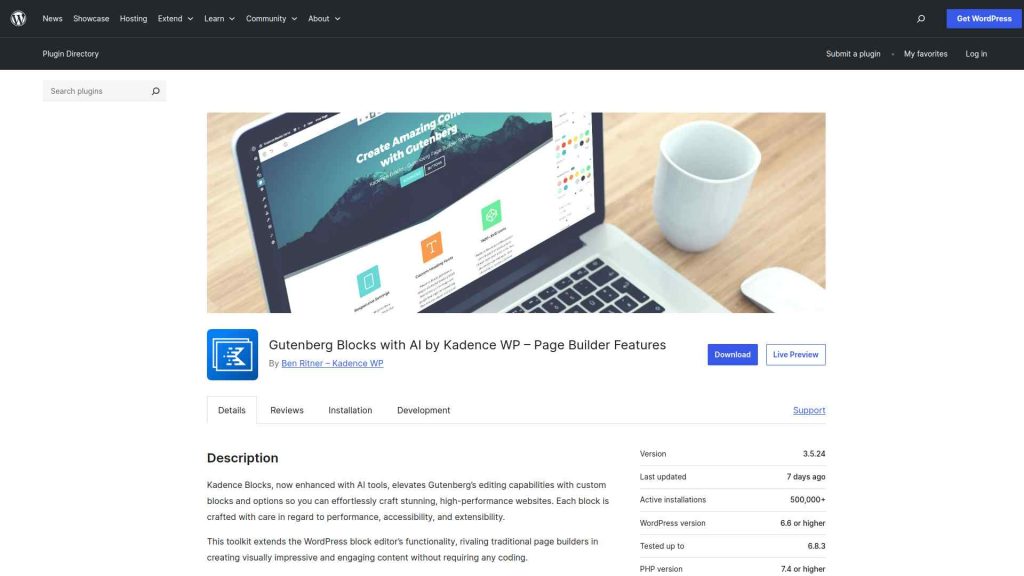
Kadence Blocks is a feature-rich WordPress plugin that enhances the Gutenberg editor with a wide range of over 15 customizable blocks.
The plugin’s intuitive interface and extensive styling options allow easy customization, ensuring seamless integration with any website design.
Kadence Blocks is a valuable tool for WordPress users seeking to expand the functionality of the Gutenberg editor and build visually stunning and engaging websites.
Want to learn more about its Pros and Cons? Here’s a detailed review of Kadence Blocks.
What is Stackable?
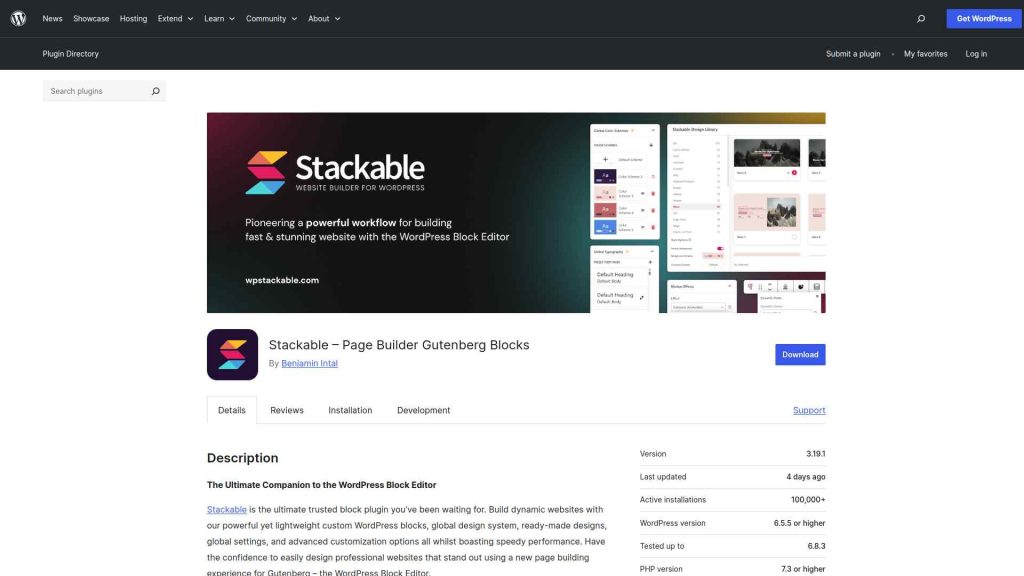
Stackable is a versatile WordPress plugin designed to enhance the Gutenberg editor by providing a comprehensive library of over 40 blocks.
Each block comes with advanced customization options, allowing users to tailor the appearance and style to match their website’s branding.
With Stackable, users can easily create visually stunning and professional-looking layouts.
Stackable empowers WordPress users to create captivating and responsive content, making it an excellent choice for those looking to elevate their Gutenberg editing experience.
Want to learn more about its Pros and Cons? Here’s a detailed review of Stackable.
Kadence Blocks vs Stackable Compared
.tpgb-table tbody tr td:nth-child(3), .tpgb-table tbody tr td:nth-child(6), .tpgb-table tbody tr td:nth-child(7), .tpgb-table tbody tr td:nth-child(8), .tpgb-table tbody tr td:nth-child(9), .tpgb-table thead th:nth-child(3), .tpgb-table thead th:nth-child(6), .tpgb-table thead th:nth-child(7), .tpgb-table thead th:nth-child(8), .tpgb-table thead th:nth-child(9) { display: none; }| FEATURES | Nexter Blocks | Spectra | Kadence Blocks | Stackable | Greenshift | Essential Blocks | Crocoblock |
|---|---|---|---|---|---|---|---|
| Total Blocks | 90+ | 25+ | 15+ | 40+ | 100+ | 70+ | 60+ |
| Total Extensions | 15+ | 3 | - | - | - | - | - |
| Blog Builder | Yes | - | - | - | Limited | Limited | - |
| Advanced Data Table | Yes | - | Limited | - | (Limited, Only Comparison Table Block) | Yes | Yes |
| Popup Builder/Off Canvas | Yes | Limited | Limited | (Limited, Only Video Popup Block) | (Limited, Simple Popup Builder with Button Trigger) | Yes | (Limited, Requires separate JetPopup plugin) |
| Dynamic Listing | Yes | - | Limited | Yes | Yes | Limited | Yes |
| Custom Loop Skin | Yes | - | - | Yes | - | - | - |
| Vertical & Horizontal Mega Menu | Yes | - | - | - | Limited | Limited | (Limited, Requires separate JetMenu plugin) |
| Dark Mode | Yes | - | - | - | Yes | - | - |
| Cross Domain Copy and Paste | Yes | - | - | (Limited, Only includes Copy-Paste Styles) | Limited | Limited | - |
| Live Ajax Search | Yes | - | - | - | Yes | - | (Limited, Requires separate JetSearch plugin) |
| Header & Footer Builder | Yes | Limited | - | Yes | - | - | (Limited, Requires separate JetThemeCore plugin) |
| Carousel Anything & Remote | Yes | Limited | Limited | Yes | Yes | Limited | Yes |
| Login/Signup Form | Yes (Contains Password Reset too) | Yes | - | - | (Limited, Only Login Form Block) | - | (Limited, Requires separate JetFormBuilder and JetWooBuilder plugin) |
| Advanced Row Background | Yes | - | Yes | Limited | - | Limited | - |
| Code Snippets & Hooks | Yes | - | - | - | Limited | - | - |
| Advance Theme Builder | Yes | Limited | - | - | - | - | (Limited, Requires separate JetThemeCore plugin) |
| Social Reviews | Yes (Includes Facebook & Google Reviews) | - | - | - | - | - | - |
| Social Feeds | Yes (Includes Facebook, Instagram, YouTube, Vimeo & Multi Social) | - | - | - | - | (Limited, Only Instagram feed) | - |
| Scroll Sequence | Yes | - | Limited | (Limited, Only included Motion Effects) | (Limited, Only Background Parallax Block) | - | - |
| Form Styler | Yes | Yes | Yes | - | - | Yes | (Limited, Requires separate JetFormBuilder plugin) |
| Advanced Display Conditions | Yes | Limited | Limited | Yes | Limited | - | Limited |
| White-label Plugin | Yes | - | - | - | Yes | - | - |
Why We Recommend Using Nexter Blocks?
Depending on your business, website, and the features you’re looking for, you might be looking for different Gutenberg blocks. Besides, your budget and affordability are also important factors in this decision.
However, when choosing the right Gutenberg blocks, you must consider certain factors to ensure a smooth experience. These include ease of use, premium customer support that extends beyond phone and chat support, flexibility, security, and so on.
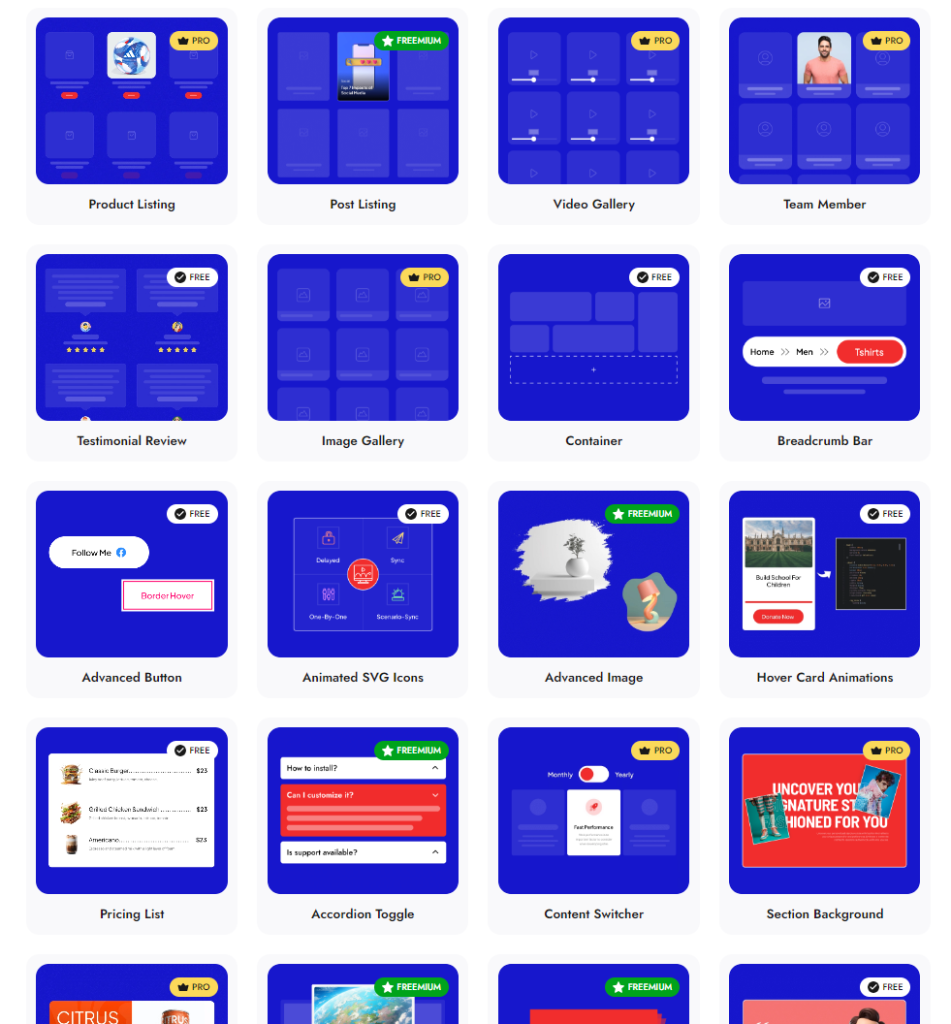
Check 90+ Gutenberg Blocks Library from Nexter Blocks
Nexter Blocks brings you all these features and more in a single plugin. It is easy to install and use, you can enjoy hands-on support, and the plugin offers you possibly every unique function you need to create a stunning website.
And the best part? The blocks are highly customizable, and you don’t need to know coding to use them for your website.
Stay updated with Helpful WordPress Tips, Insider Insights, and Exclusive Updates – Subscribe now to keep up with Everything Happening on WordPress!
Extra Resources
Nexter Official Website
Check 90+ Gutenberg Blocks Library
Get Premium Plan – Yearly & Lifetime (Both available)
Join our Facebook Community – Ask all your WordPress questions
Subscribe for Product Updates, Elementor News, Tips & More
