












A select field gives editors a fixed list to choose from, so a value like a status or a category is always one of the options you allow — never a typo.
What It Does
You define the choices; the editor picks one, or several if Select Multiple is on. Each choice has a stored value and a label shown in the UI, so you can change wording later without changing stored data.
Before You Start
- Nexter Extension is installed and active.
- Content Fields is enabled under Nexter → Content Fields.
- You have a field group, or are about to create one.
Add a Select Field
- Go to Nexter → Content Fields and open the Group Fields tab.
- Open a field group, or create a new one.
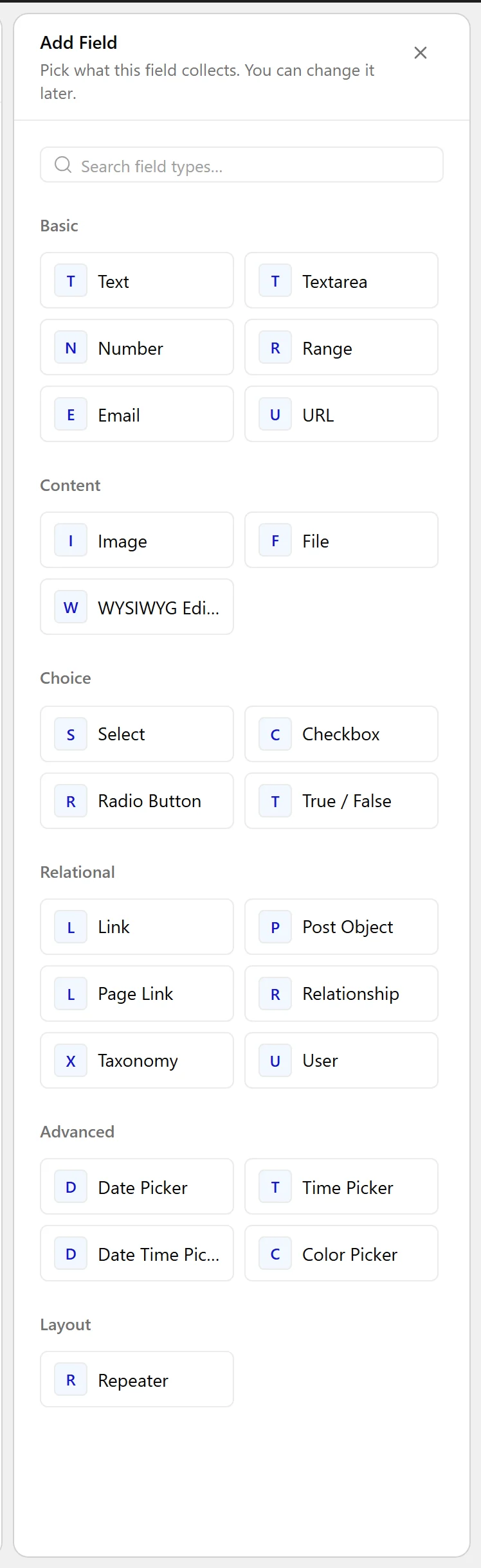
- Click Add Field.

- Set Field Label to Listing status. The Field Name fills in automatically and is what you use in code.
- Set Field Type to Select.
- Enter the Choices, one per line, as
value : Label.
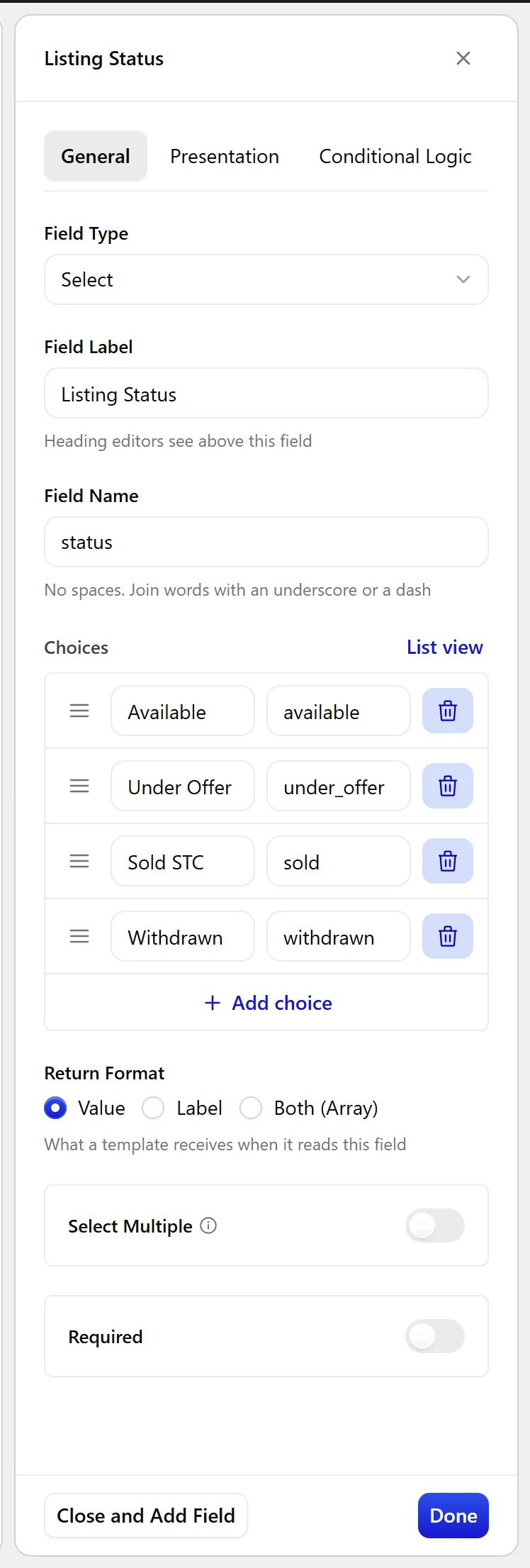
- Turn on Select Multiple if editors may pick more than one.
- Click Update.

Field Settings
Every field is configured across four tabs. These are the settings this field type offers, read from the field group builder in Nexter Extension 4.9.0.
General
| Setting | Options | What it does |
|---|---|---|
| Choices | No help text in the UI. | |
| Return Format | No help text in the UI. | |
| Select Multiple | Let editors pick more than one value. |
Validation
| Setting | Options | What it does |
|---|---|---|
| Required | No help text in the UI. |
Presentation
| Setting | Options | What it does |
|---|---|---|
| Instructions | No help text in the UI. | |
| Stylized UI | Use a stylized checkbox using select2 | |
| Placeholder Text | No help text in the UI. | |
| Prepend | No help text in the UI. | |
| Append | No help text in the UI. | |
| Wrapper Attributes | No help text in the UI. |
Conditional Logic
| Setting | Options | What it does |
|---|---|---|
| Conditional Logic | No help text in the UI. |
When to Use It
- A listing status — available, under offer, sold.
- A difficulty level on a recipe or course.
- A region or department on a directory entry.
Display the Value
Read the value like any other field. With Select Multiple on, the value is an array:
<?php
$status = nxt_field_value( 'status' );
echo esc_html( $status );

// Select Multiple on:
foreach ( (array) nxt_field_value( 'status' ) as $v ) {
    echo esc_html( $v );
}
Limitations
- Choices are fixed in the field definition. To let editors manage the list themselves, use a taxonomy field instead.
- Changing a choice value does not migrate posts already storing the old value.
Troubleshooting
The dropdown is empty
Choices is blank, or the lines are not in value : Label form. Each choice needs its own line.
I get an array where I expected a string
Select Multiple is on. Either turn it off, or cast with (array) and loop as above.
