












A date time picker field stores a date and a time together — an open house, a webinar start, a deadline — so the moment is unambiguous.
What It Does
This is the field to use when a date alone is not enough. Storing both parts in one value keeps them in step, which two separate fields do not guarantee.
Before You Start
- Nexter Extension is installed and active.
- Content Fields is enabled under Nexter → Content Fields.
- You have a field group, or are about to create one.
Add a Date Time Picker Field
- Go to Nexter → Content Fields and open the Group Fields tab.
- Open a field group, or create a new one.
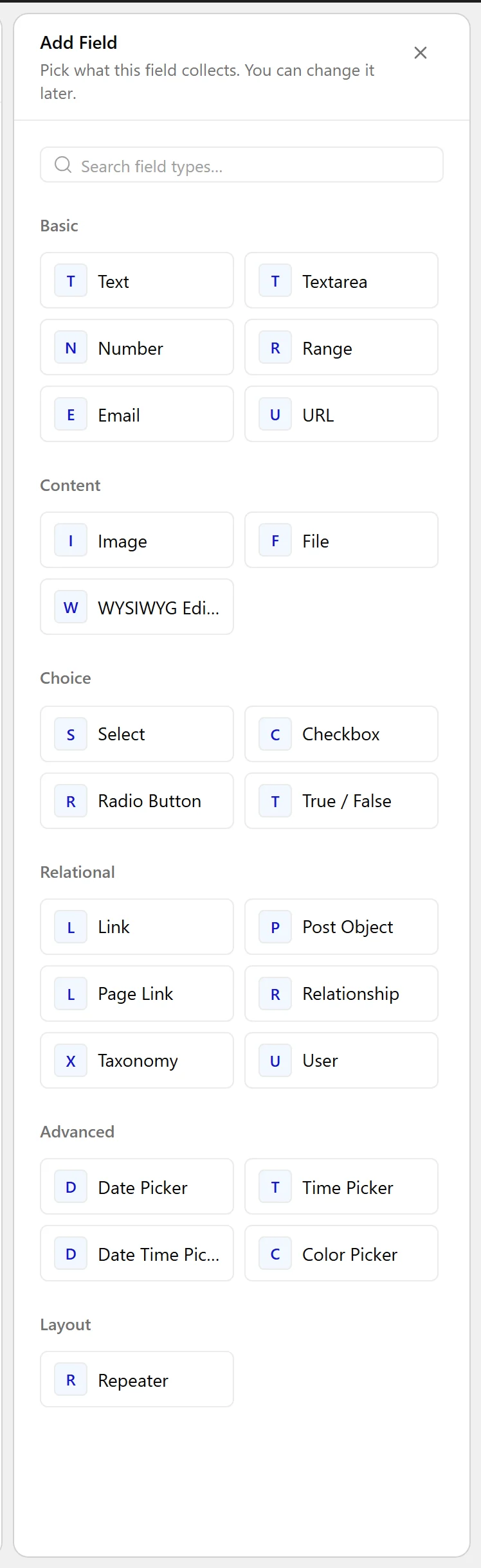
- Click Add Field.

- Set Field Label to Open house. The Field Name fills in automatically and is what you use in code.
- Set Field Type to Date Time Picker.
- Set Display Format for the picker.
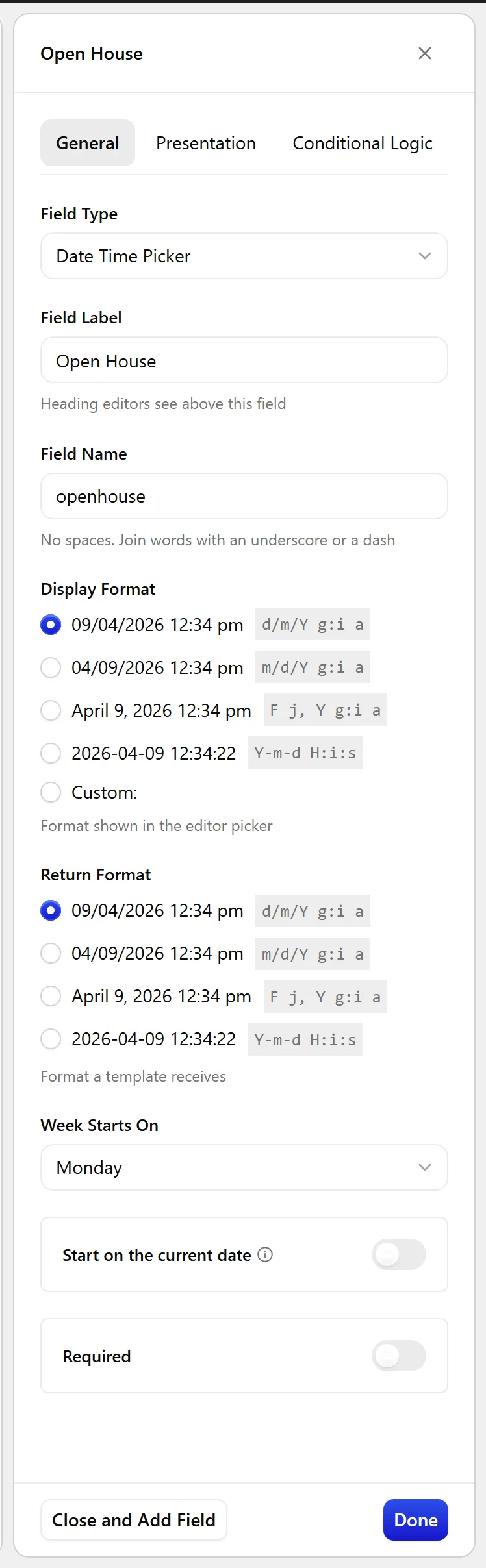
- Set Return Format —
Y-m-d H:i:sis the safe choice for sorting and comparison.
- Click Update.

Field Settings
Every field is configured across four tabs. These are the settings this field type offers, read from the field group builder in Nexter Extension 4.9.0.
General
| Setting | Options | What it does |
|---|---|---|
| Display Format | No help text in the UI. | |
| Return Format | No help text in the UI. | |
| Week Starts On | Sunday, Monday, Tuesday, Wednesday, Thursday, Friday, Saturday | No help text in the UI. |
| Start on the current date | Start new items on the current date. |
Validation
| Setting | Options | What it does |
|---|---|---|
| Required | No help text in the UI. |
Presentation
| Setting | Options | What it does |
|---|---|---|
| Instructions | No help text in the UI. | |
| Wrapper Attributes | No help text in the UI. |
Conditional Logic
| Setting | Options | What it does |
|---|---|---|
| Conditional Logic | No help text in the UI. |
When to Use It
- An open house or viewing appointment.
- A webinar or session start.
- A submission deadline.
Display the Value
With Y-m-d H:i:s returned, the value goes straight into date functions:
<?php
$when = nxt_field_value( 'openhouse' );
if ( $when ) {
    $ts = strtotime( $when );
    echo esc_html( date_i18n(
        get_option( 'date_format' ) . ' ' . get_option( 'time_format' ),
        $ts
    ) );
}
Limitations
- The value carries no time zone. It is interpreted in the site time zone set under Settings → General, which matters if your audience is in another one.
- Comparing against “now” in a query means comparing strings, so Return Format must be a sortable format.
Troubleshooting
Upcoming events are in the wrong order
Return Format is a display format. Only Y-m-d H:i:s sorts correctly as text.
Times are off by an hour twice a year
That is daylight saving. The stored value has no time zone, so converting it through a timestamp shifts with the site time zone.
