












A date field gives editors a date picker and stores the result in a consistent machine-readable form, so you can sort and compare dates instead of parsing whatever someone typed.
What It Does
The field separates how the date looks in the editor from how it is stored and returned. Display Format controls the picker; Return Format controls what your template receives.
Before You Start
- Nexter Extension is installed and active.
- Content Fields is enabled under Nexter → Content Fields.
- You have a field group, or are about to create one.
Add a Date Field
- Go to Nexter → Content Fields and open the Group Fields tab.
- Open a field group, or create a new one.
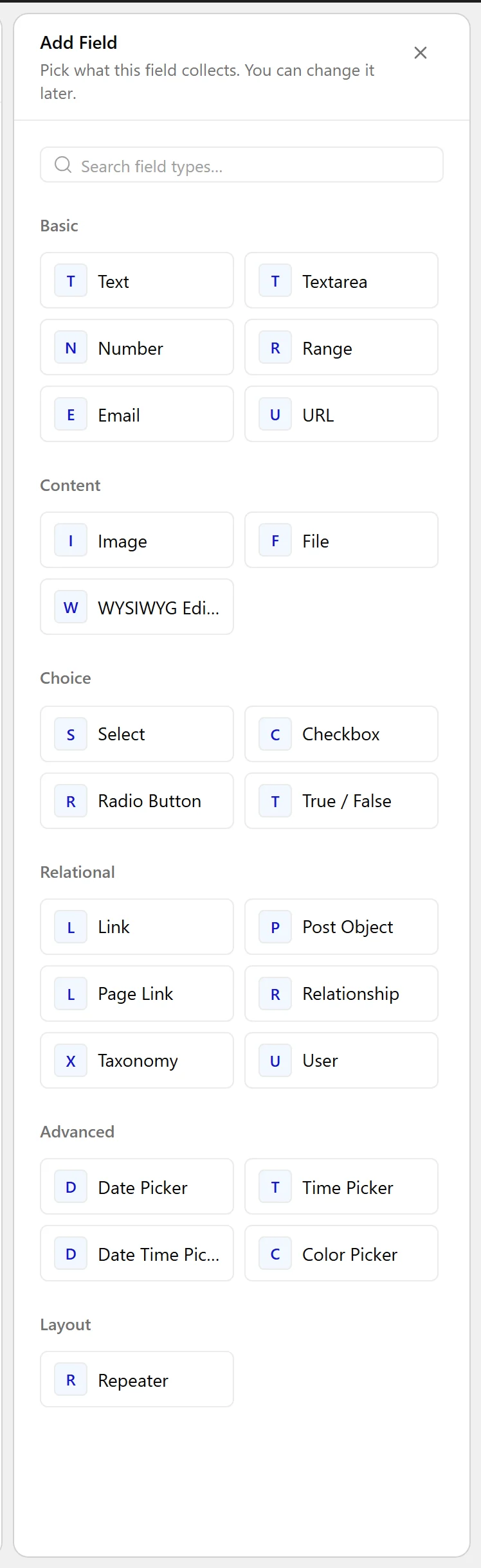
- Click Add Field.

- Set Field Label to Available from. The Field Name fills in automatically and is what you use in code.
- Set Field Type to Date Picker.
- Set Display Format — how the date reads in the editor.
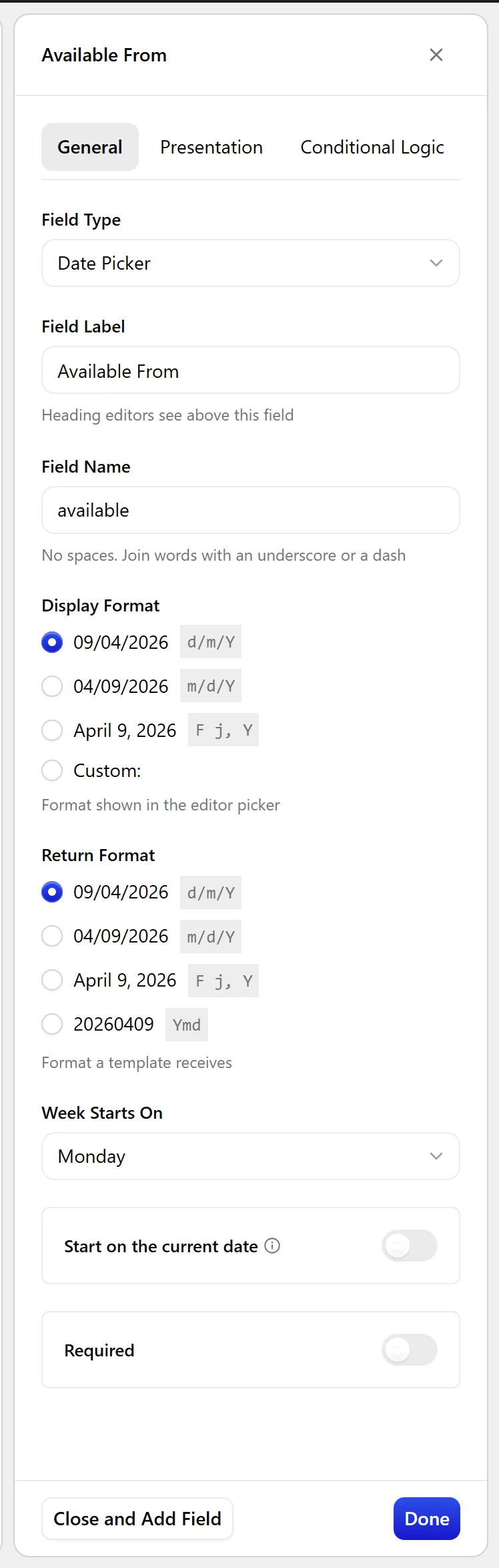
- Set Return Format — how it arrives in your template.
Y-m-dis the safe choice for sorting and comparison.
- Click Update.

Field Settings
Every field is configured across four tabs. These are the settings this field type offers, read from the field group builder in Nexter Extension 4.9.0.
General
| Setting | Options | What it does |
|---|---|---|
| Display Format | No help text in the UI. | |
| Return Format | No help text in the UI. | |
| Week Starts On | Sunday, Monday, Tuesday, Wednesday, Thursday, Friday, Saturday | No help text in the UI. |
| Start on the current date | Start new items on the current date. |
Validation
| Setting | Options | What it does |
|---|---|---|
| Required | No help text in the UI. |
Presentation
| Setting | Options | What it does |
|---|---|---|
| Instructions | No help text in the UI. | |
| Wrapper Attributes | No help text in the UI. |
Conditional Logic
| Setting | Options | What it does |
|---|---|---|
| Conditional Logic | No help text in the UI. |
When to Use It
- An availability or start date on a listing.
- An event date.
- A published-on or reviewed-on date separate from the post date.
Display the Value
With Return Format set to Y-m-d, the value is safe to pass straight into date functions:
<?php
$raw = nxt_field_value( 'available' );   // e.g. 2026-10-24
if ( $raw ) {
    echo esc_html( date_i18n( get_option( 'date_format' ), strtotime( $raw ) ) );
}
Limitations
- A date field stores a date, not a time zone. For an exact moment, use a Date Time Picker field.
- Changing Return Format changes what existing posts hand back to templates — it does not rewrite stored values.
Troubleshooting
Sorting by this field gives the wrong order
Return Format is probably a display format such as d/m/Y, which does not sort alphabetically. Use Y-m-d.
The date is one day out
Check the site time zone under Settings → General. A date field stores a calendar date with no time zone, so converting it through a timestamp near midnight can shift it.
