












nxt/update_value runs just before a value is written. Use it to normalise, clean or derive what actually gets stored.
What It Does
The filter receives the value on its way in, the field definition and the object ID. What you return is what lands in the database.
Before You Start
- Nexter Extension 4.9.0 or later with Content Fields enabled.
- Somewhere to add PHP — a child theme’s
functions.php, a small plugin, or a Nexter code snippet. - You know the field or post type key you want to affect.
Filter a Saved Value
- Add a filter on
nxt/update_valuewith three arguments.
- Test the field name so you only affect the field you mean.
- Return the value you want stored — or the original, untouched.
- Save a post and check the stored value, not just the screen.
When to Use It
- Forcing a consistent case or format on a code.
- Stripping characters an import brought in.
- Deriving one value from another at save time.
Display the Value
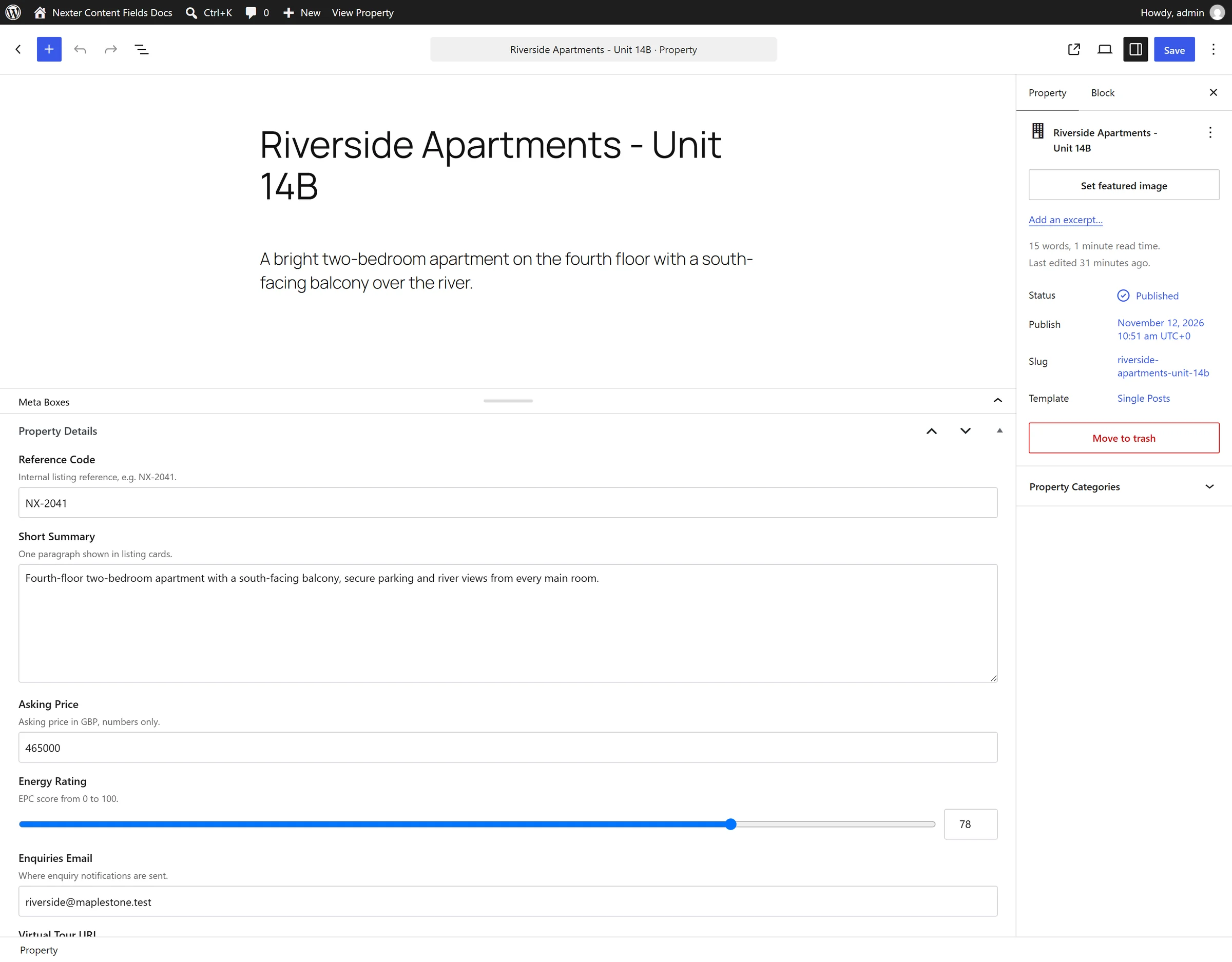
Normalising a reference code on save:
<?php
add_filter( 'nxt/update_value', function ( $value, $field, $object_id ) {
    if ( 'reference' !== $field['name'] ) {
        return $value;
    }
    return strtoupper( trim( (string) $value ) );
}, 10, 3 );
Limitations
- This changes what is stored. Existing values are not rewritten — the filter only runs on new saves.
- It runs after the field type’s own sanitisation, so do not rely on it for security. Sanitising happens first either way.
- Returning nothing stores
null. Every branch must return.
Troubleshooting
Old values still have the wrong format
The filter only runs on save. Run a one-off script over existing posts to normalise what is already stored.
The value saved empty
A branch in the callback returns nothing. Check every path returns a value.
