












A preloader hides everything, including the header a visitor might want to see straight away.
Animated Load First lets you name the parts that should appear immediately while the rest waits.
For every Pre Loader setting in one place, see the Pre Loader block guide.
Before You Start
- Edition: Pro — the Pre Loader block is part of Nexter Blocks Pro.
- Block to enable: Pre Loader, switched on under Nexter > Blocks in your WordPress dashboard.
- A CSS class on the content you want to keep visible, added in the block’s Advanced settings.
Steps
- Give the block you want visible a class of your own, such as keep-visible, under its Advanced settings.
- Open the Pre Loader block and go to the Animated Load First panel.
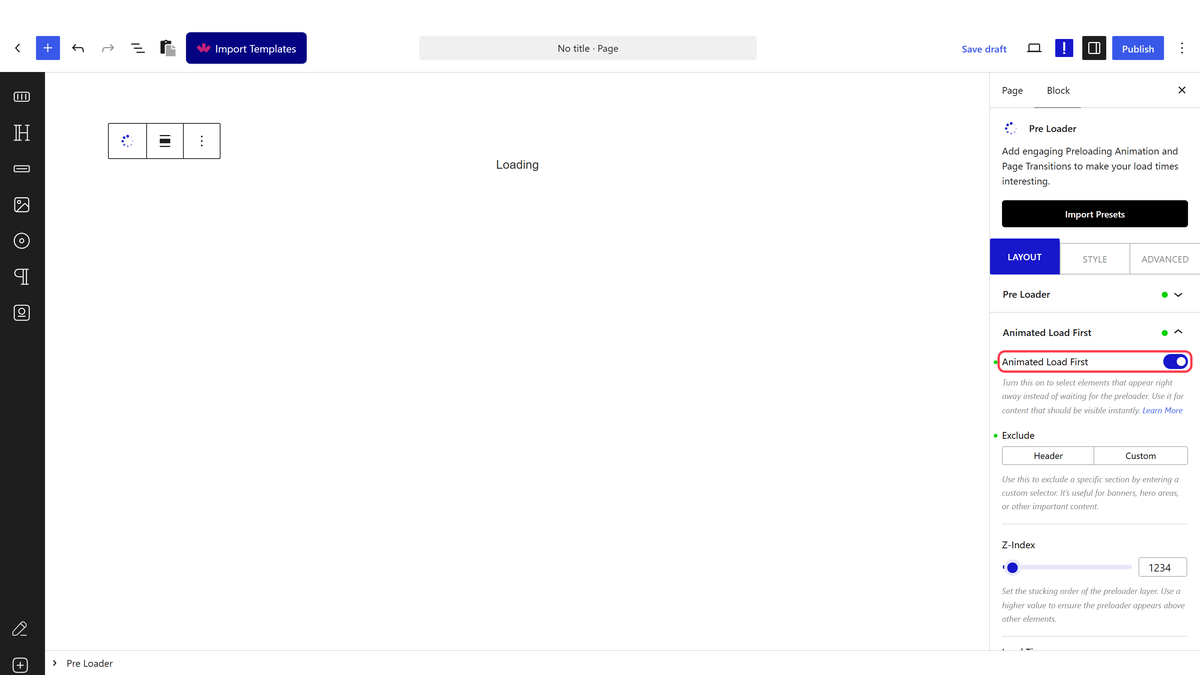
- Switch Animated Load First on and enter that class as the element to load first.
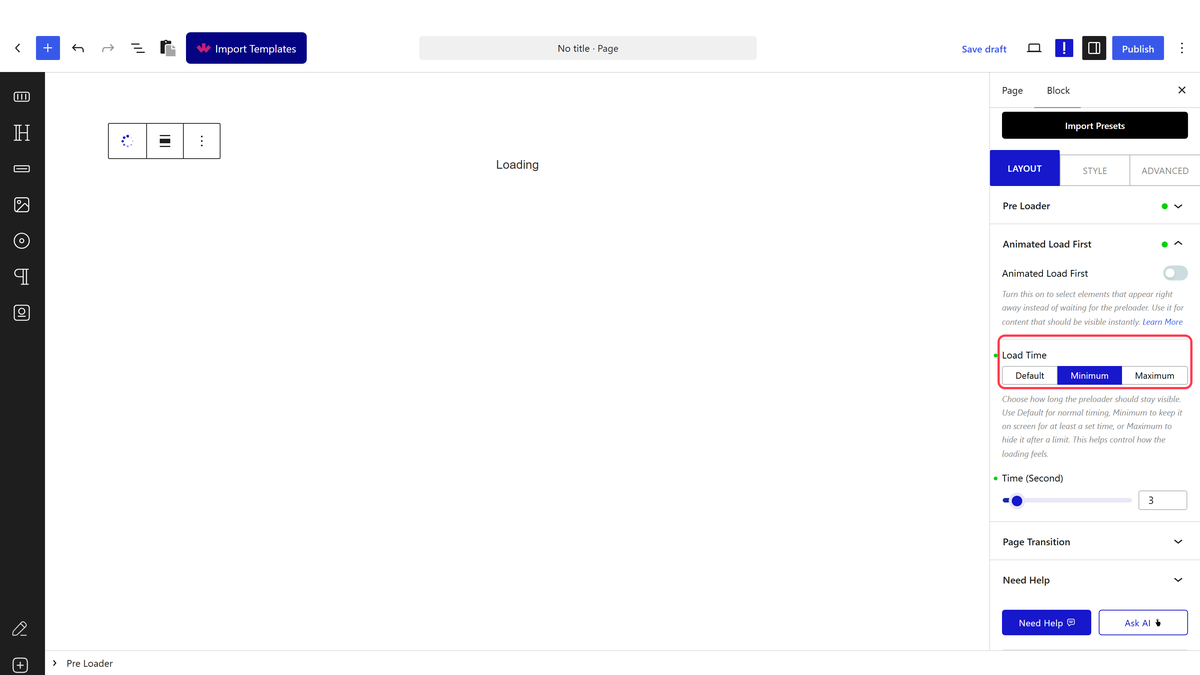
- Set Load Time if you also want to control how long the loader stays.
- Publish the page and open it in a new tab.
Load Time
| Option | What it does |
|---|---|
| Default | The loader clears as soon as the page has loaded |
| Minimum | Keeps the loader on screen for at least the seconds you set, even if the page is ready sooner |
| Maximum | Clears the loader after at most the seconds you set, even if the page is still loading |
How It Behaves
- The class you type is passed straight to the block’s front-end script, so it must match the class on your element exactly.
- Excluded content is shown immediately while the overlay still covers the rest of the page.
- Maximum is the safer of the two limits: it guarantees the visitor is never stuck behind the loader if something on the page is slow.
- While the page is loading, the block adds
tpgb-body-preloaderto the page and shows the overlay. Once loading finishes it swaps intpgb-loadedand the overlay goes away.
Limitations
- Pro only.
- It works on a CSS class you manage yourself, so renaming the class in one place and not the other silently stops the exclusion working.
- Excluded content appears over the loading screen, so it needs to be readable against the overlay.
- Minimum deliberately slows the page down for the visitor — use small values.
Troubleshooting
The excluded content is still hidden
The class does not match. Check the exact class on the element’s Advanced settings and that the same text is entered in Animated Load First.
The loader never clears
Set Load Time to Maximum with a small number of seconds, so the overlay always goes away even if something on the page never finishes.
The loader disappears too quickly to see
That means the page is loading fast. Use Minimum if you want it shown for longer, but keep it to a second or two.
