












You type a value, come back, and it is gone. Field values are stored with the post, so most causes come down to the save never happening or the value being rejected.
Repeater and Relationship require Nexter Pro Extensions 4.8.0 or later. On Nexter Extension alone neither type can be added, and an existing field of either type is locked: the value is kept read-only and is never cleared on save.
What It Does
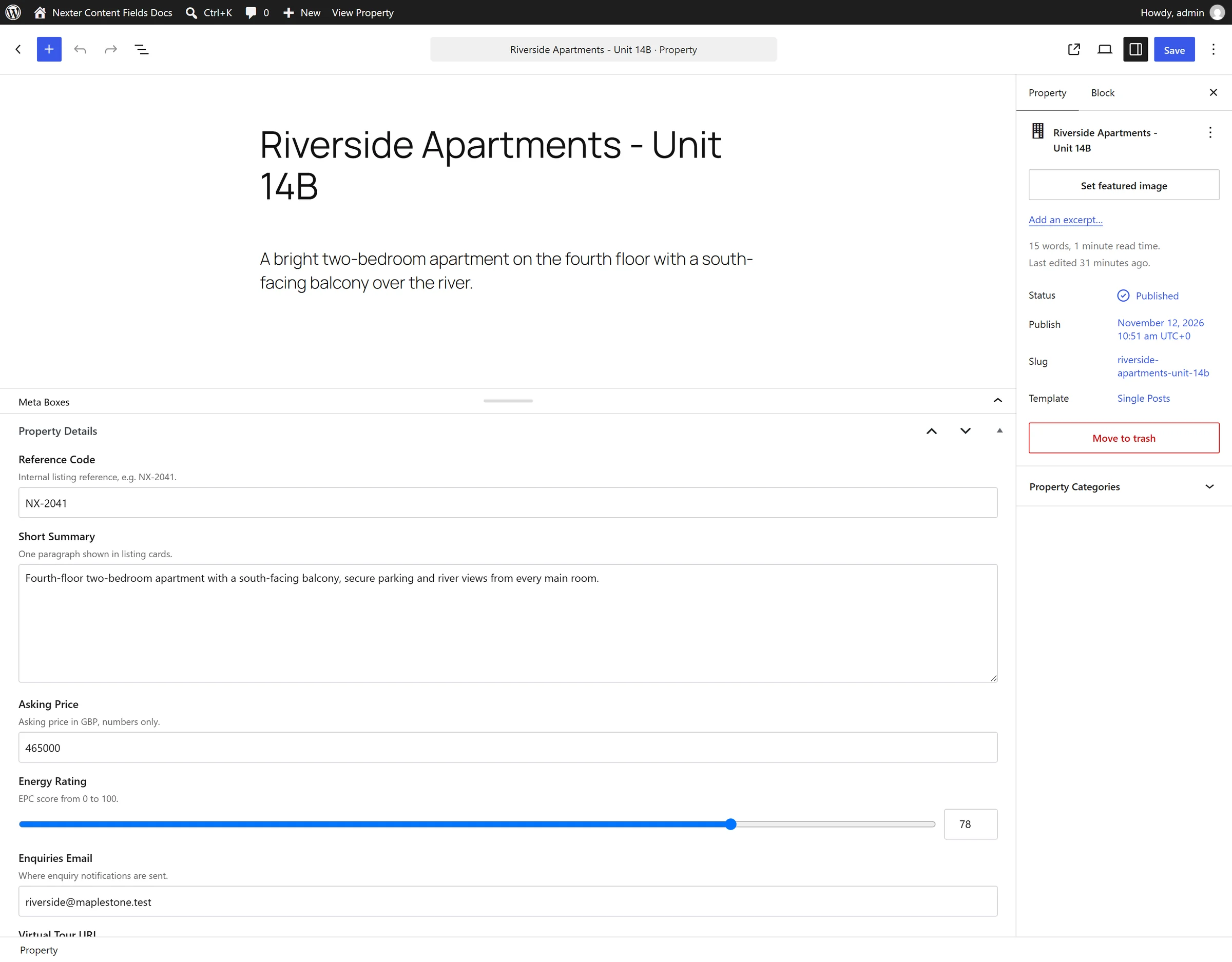
Field values are post meta saved as part of the post. Adding a repeater row or picking an image changes the form, not the database, until you update the post.
Before You Start
- You can edit the post.
- The field group is visible on the editing screen.
Check These in Order
- Did you update the post? Entering a value and navigating away saves nothing. Click Update or Save.
- Is a bound reached? A repeater with Maximum Rows lower than the rows you are adding will not keep the extras. A number field with a Minimum or Maximum will reject an out-of-range value.
- Is the field required and empty elsewhere? A failed validation can block the save.
- Is the value the right shape? If a script is writing the value, a checkbox needs an array and a media field needs an attachment ID.
- Are you writing from WP-CLI? There is no logged-in user under WP-CLI, so the capability check refuses the write. Add
--user=1.
Limitations
- Values save with the post, not independently. There is no separate save action for a field group.
- A false toggle is stored as an empty string, not
0. That is a storage detail, not a lost value.
Troubleshooting
Everything saves except the repeater rows
Check Maximum Rows on the repeater. Rows beyond the maximum are discarded.
A script reports success but nothing is stored
nxt_save_field_value() checks the current user’s capability to edit the object. Under WP-CLI pass --user=1; in a cron job, set the user explicitly.
