












Shoppers who do not know exactly what they want browse by category. A shop page that opens with a clear set of category cards converts better than one that opens with 40 products.
Product categories are an ordinary taxonomy to this block, so the setup is the same as for blog categories — with one WooCommerce-specific catch about images.
For every Taxonomy Listing setting in one place, see the Taxonomy Listing guide.
Before You Start
- Edition: Pro — the Taxonomy Listing block needs Nexter Blocks Pro.
- Block to enable: Taxonomy Listing, switched on under Nexter > Blocks in your WordPress dashboard.
- WooCommerce active, with product categories. Product categories are an ordinary taxonomy to this block, but they only exist once WooCommerce does.
- Products assigned to categories. An empty category is hidden by default.
Steps
- Add the Taxonomy Listing block and choose product categories as the taxonomy.
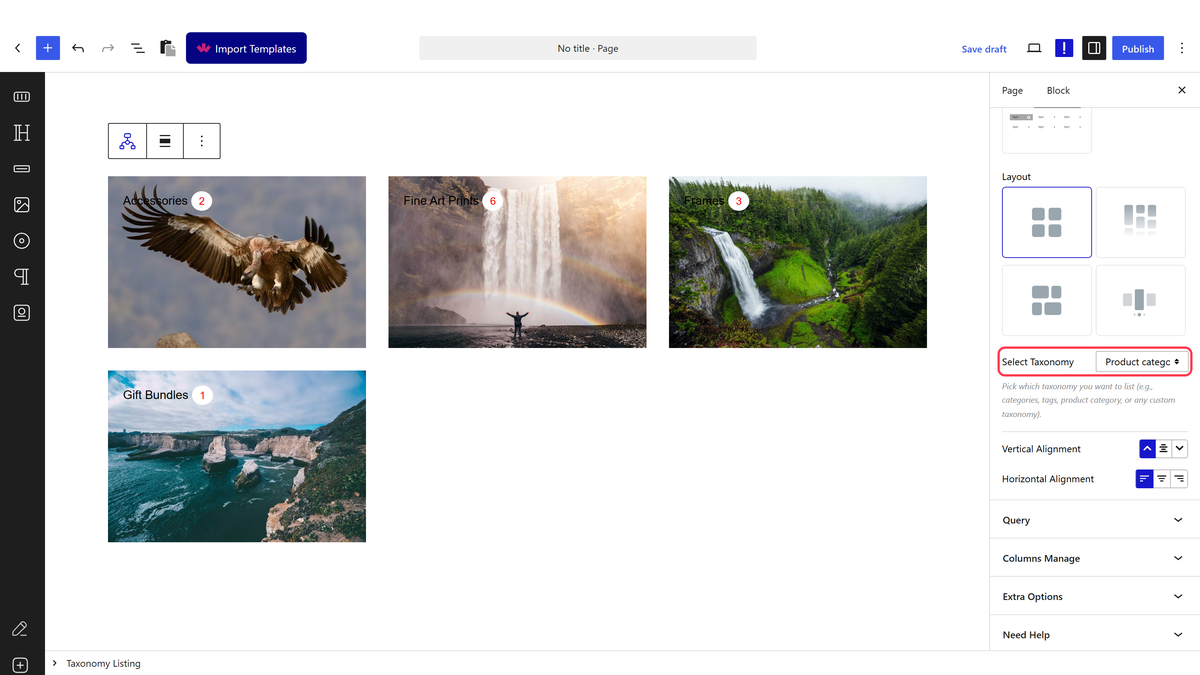
- Pick your layout and column count, then publish.
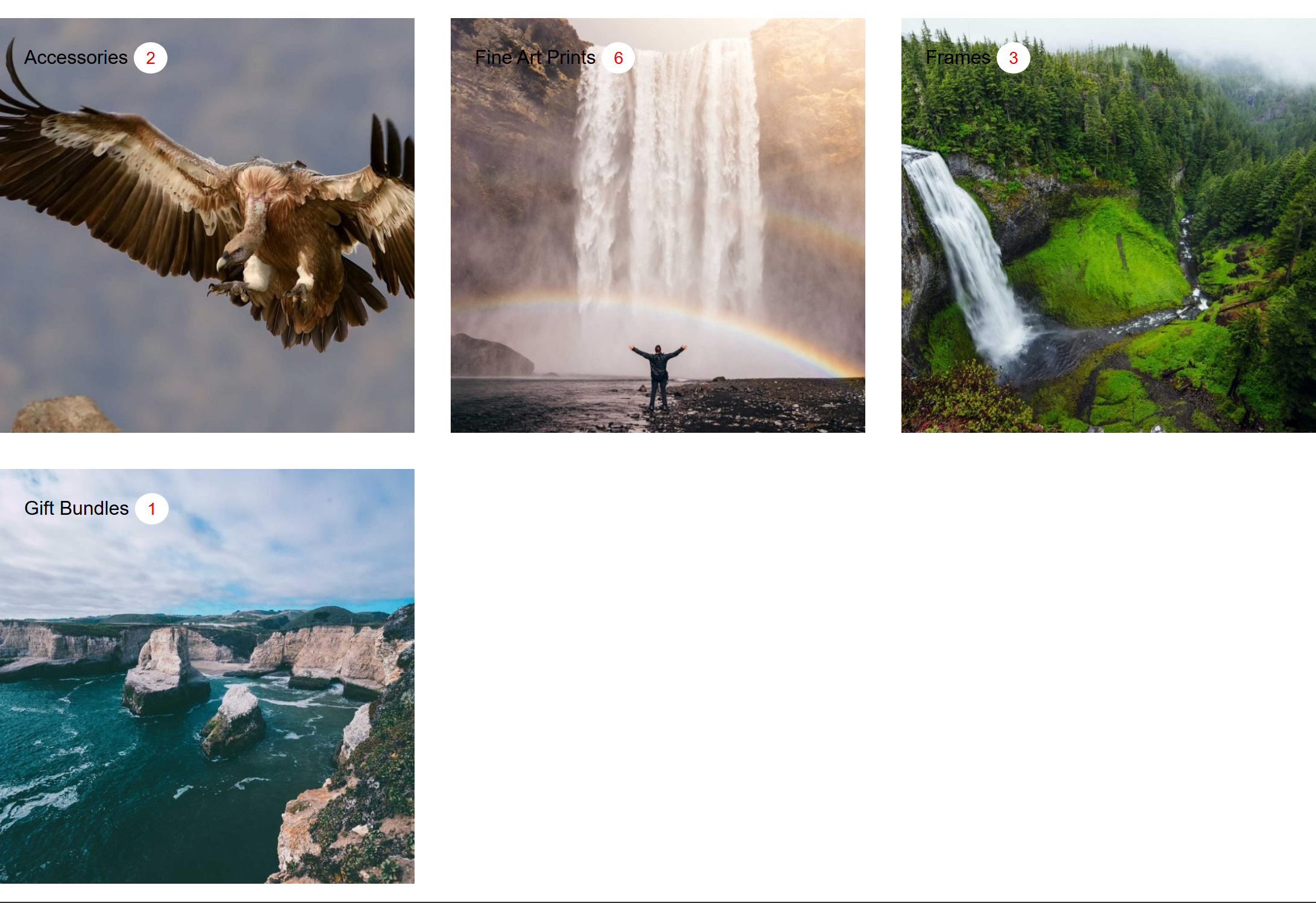
Set the card image on the product category itself, in Nexter’s image field. A category image set through WooCommerce is stored separately and this block does not read it.
How It Behaves
- Product categories behave like any other taxonomy here. Measured on a seeded store: 4 categories rendered with their real product counts of 2, 6, 3 and 1.
- Each card links to that product category’s archive — measured, the first linked to
/product-category/accessories/. - The count is the product count, and it is shown by default.
- Empty categories are hidden by default, so a category you have not stocked yet will not appear.
- The category image comes from Nexter’s own term image field, set on the term itself when you edit it. It is not WordPress’s featured image and, on a product category, it is not WooCommerce’s category image either — those are stored separately and this block does not read them.
- A term with no image still renders one. Measured: removing a term’s image produced a card showing a generic placeholder shipped with the plugin, not a blank or broken image. That is why missing category images are easy to miss.
- Type a number into the item count; do not leave it blank. Measured on 5.0.6: a blank field renders one term rather than all of them, and so does
0. Reported to the developers. - Measured with Nexter Blocks Pro deactivated: the block renders nothing at all — not a wrapper, not a message, zero output. This is a Pro-only block.
Limitations
- Pro only — nothing renders with Pro deactivated.
- WooCommerce’s own category image is not used. This is the most common surprise with this block on a store: the image is set in a separate field and has to be set again here.
- The count includes every published product in the category, including out-of-stock ones.
- Sub-categories appear as their own cards unless you limit the listing to top-level terms.
- It lists categories, not products. For the products themselves, use Product Listing.
Troubleshooting
My product category images are not showing
They are read from Nexter’s term image field, not WooCommerce’s. Edit the product category and set the image there. This is the single most common issue with this block.
A category is missing
It has no products, and empty terms are hidden by default. Switch that off if you want it shown.
Sub-categories are cluttering the list
Limit the listing to top-level terms.
Only one category is showing
The item count is blank or zero. Enter a number.
