












Key Takeaways
- A redirect plugin points old, moved, or broken URLs to the right new page without editing server files, and most also log the 404 errors your visitors hit.
- Redirection (free, 2 million-plus installs) is the safe default for most sites. 301 Redirects and Simple 301 Redirects are lighter options, and Safe Redirect Manager fits developer and multisite setups.
- If you already run Rank Math, its free Redirection Manager means you may not need a separate plugin. Yoast and All in One SEO keep their redirect managers behind a paid plan.
- A 301 is a permanent redirect that passes ranking signals to the new URL. A 302 is temporary and does not. Use a 301 whenever content has moved for good.
- You can set a 301 with a plugin in about a minute, or add one by hand in your .htaccess file if you are comfortable editing server config.
Say you finally tidy up your WordPress permalinks, or move a batch of old blog posts under a cleaner category. You hit save, feel good about it, and a week later Google Search Console is full of 404 errors. Every link Google had indexed, every share on social, every bookmark someone saved now lands on a dead page.
That is the moment most site owners go looking for a redirect plugin. A redirect quietly sends anyone who requests an old URL, whether a human or a search crawler, to the correct new one. Done right, it protects the rankings you already earned and keeps visitors out of dead ends. Done wrong, or skipped entirely, it leaks traffic and link equity every day. This guide covers the redirect plugins worth using in 2026, splits them into the two types that actually exist, and shows you how to set a 301 redirect both ways: with a plugin and by hand.
What a Redirect Actually Does (301 vs 302 vs 307)
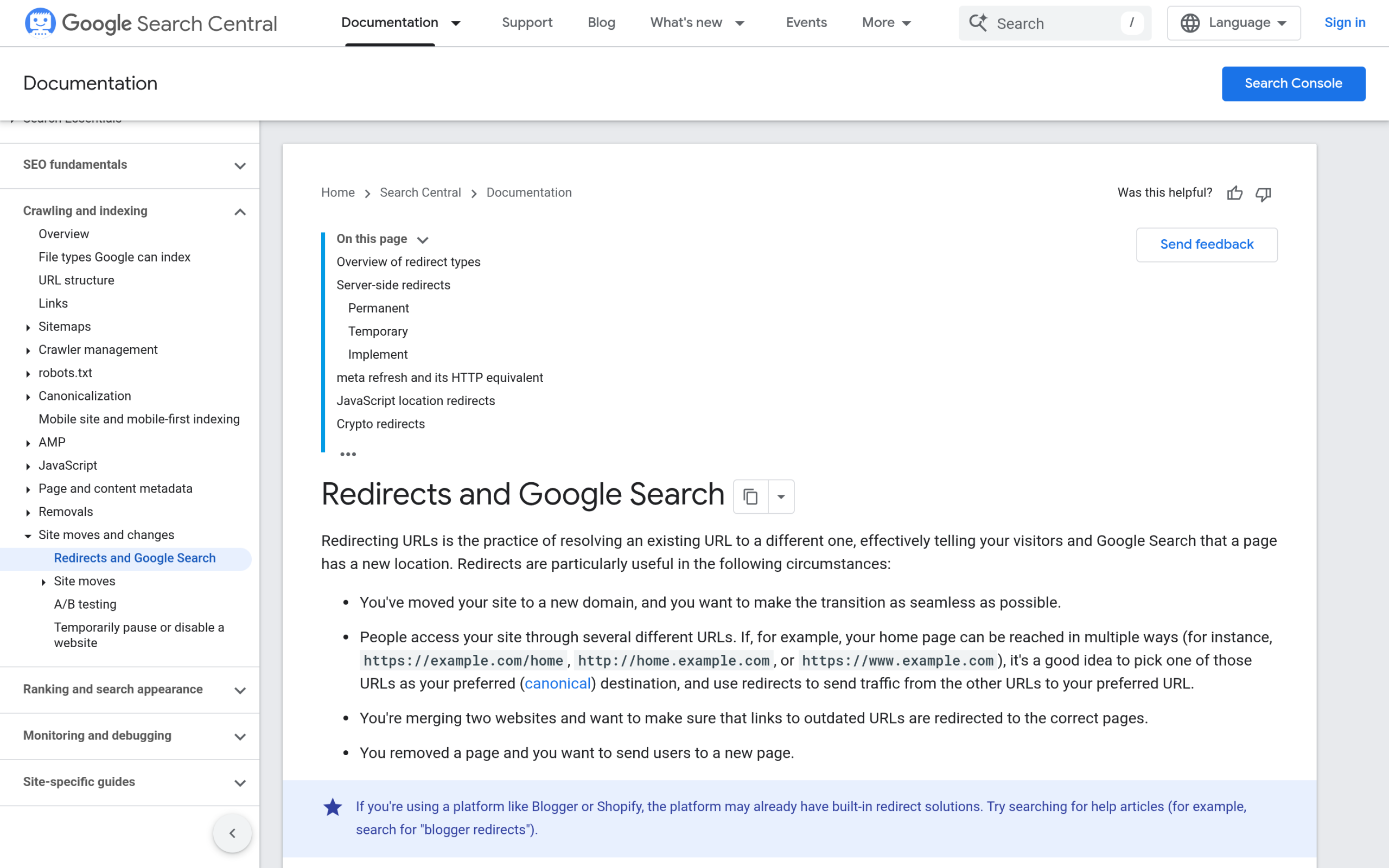
A redirect is a small instruction your site sends back to the browser: the page you asked for lives somewhere else now, go here instead. The browser follows it automatically, so the visitor barely notices. What matters for SEO is the status code attached to that instruction, because search engines treat each one differently.
- 301 Moved Permanently. The page has moved for good. Per MDN, “search engines receiving this response will attribute links to the original URL to the redirected resource, passing the SEO ranking to the new URL.” This is the one you want most of the time.
- 302 Found (temporary). The move is temporary and the original URL should keep its standing. Use it for A/B tests or a page that will come back.
- 307 Temporary Redirect. Like a 302, but it guarantees the request method (for example a form submission) is preserved. Mostly a developer concern.
Google frames it in terms of canonical signals. In its own documentation, a permanent redirect means “the indexing pipeline uses the redirect as a signal that the redirect target should be canonical,” while a temporary redirect is deliberately not used that way. Translation: if content has moved for good, a 301 tells Google to move the ranking with it. One caveat from MDN worth knowing, if a redirect follows a form submission, use a 308 instead of a 301 so the browser does not silently switch the request to a GET.
Do You Even Need a Redirect Plugin?
Honest answer: not always. If you are comfortable editing your server config, a single line in an .htaccess file (on Apache) or a rule in your Nginx config does the same job with zero plugin overhead. We cover that method below.
But a plugin earns its place the moment you have more than a handful of redirects, or you are not the only person managing the site. A good redirect plugin gives you a searchable list of every rule, logs the 404s people actually hit so you know what to fix, and in most cases creates a redirect automatically when you change a post’s slug. That last feature alone prevents the most common cause of self-inflicted 404s. If your site is small and rarely changes, server rules are fine. If it grows, changes often, or has multiple editors, a plugin saves you from a messy .htaccess file nobody wants to touch.
Best Dedicated Redirect Plugins for WordPress
These plugins do one job and do it well: manage redirects. If redirects are your main need, start here.
1. Redirection
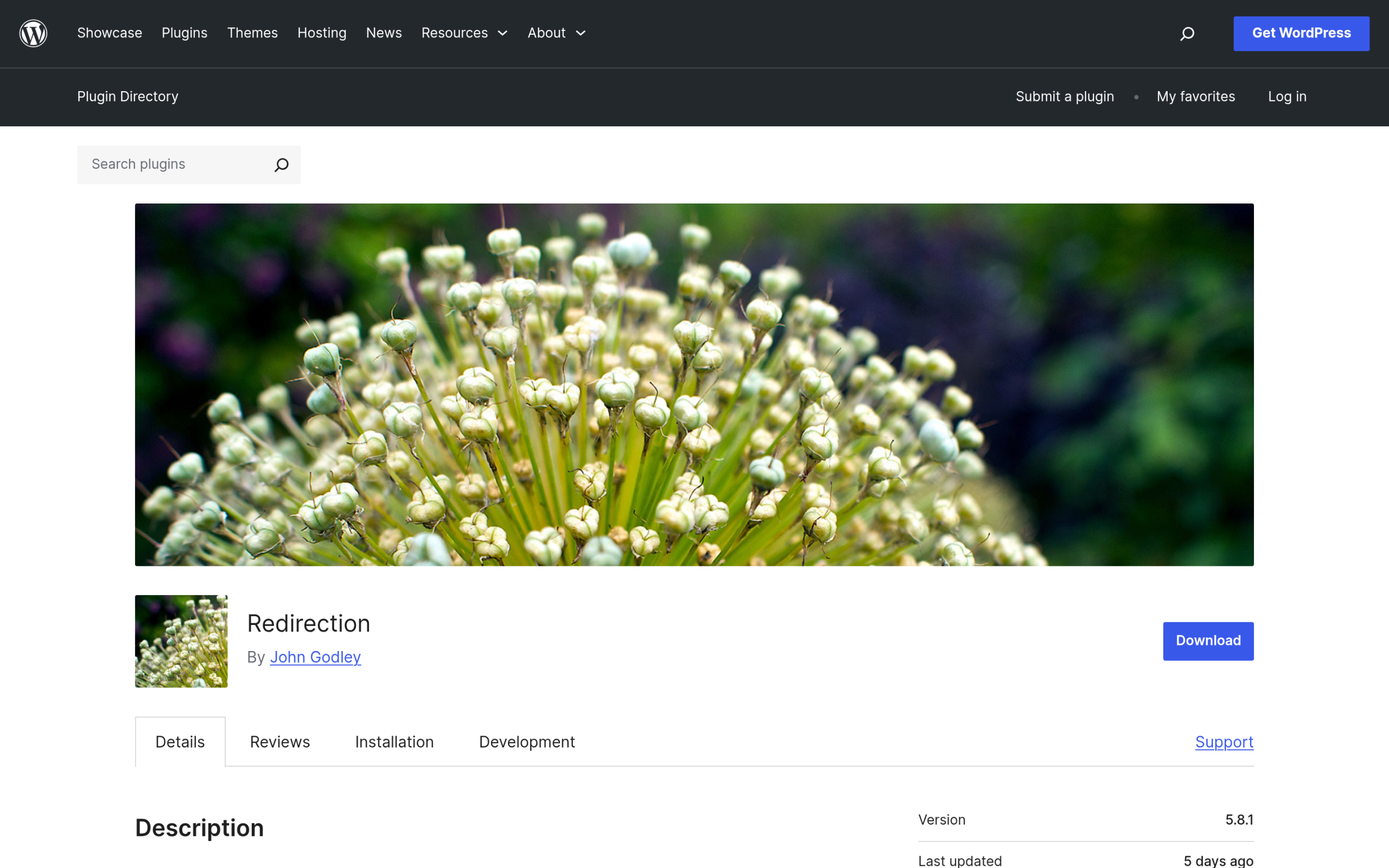
Redirection by John Godley is the most widely used redirect manager for WordPress, with over 2 million active installs (version 5.8.1, rated 4.4 out of 5 across 701 reviews, updated July 2026). It manages 301 redirects, tracks 404 errors, and can create a redirect automatically when you change a post or page permalink. Power users get regex pattern matching, conditional redirects based on login status, browser, referrer or IP, and import or export to Apache .htaccess, Nginx rules, JSON, and CSV.
Best for: almost everyone. It is free, actively maintained, and scales from one redirect to thousands.
Worth knowing: the 404 log can grow large on busy sites and add database weight if you never clear it. Turn logging off once your redirects are stable, or prune it periodically.
2. 301 Redirects – Easy Redirect Manager
Built by WebFactory Ltd, 301 Redirects (300,000-plus installs, version 2.84, 4.7 out of 5 across 578 reviews) is the friendly option for non-technical users. You pick the destination from a dropdown of your existing pages, posts, custom post types, and archives, or type a custom URL. It handles 301, 302, and 307 redirects, logs 404s, and supports bulk import and export.
Best for: people who want a point-and-click redirect manager without touching regex.
Worth knowing: wildcard and regex matching are reserved for the paid PRO edition. The free version covers straightforward one-to-one redirects well.
3. Safe Redirect Manager
Safe Redirect Manager by 10up (40,000-plus installs, version 2.2.2, 4.7 out of 5) takes a developer-first approach. It stores each redirect as a WordPress custom post type, which keeps rules portable and comfortable at scale, including on multisite. It supports both 301 and 302 status codes, wildcard matching, and regex via a simple checkbox.
Best for: developers, agencies, and large or multisite installs that want redirects stored the WordPress-native way.
Worth knowing: it is deliberately lean, so it leans on your own workflow for bulk management rather than a heavy import and export interface.
4. Simple 301 Redirects By BetterLinks
Now maintained by WPDeveloper, Simple 301 Redirects (100,000-plus installs, version 2.1.0, 3.8 out of 5) does exactly what the name says: point old URLs to new ones in a few steps. It supports CSV import and export for bulk work, wildcard redirects for entire directories, and a 404 error log. Deeper click analytics come through its BetterLinks integration.
Best for: quickly migrating a batch of old URLs, especially from a spreadsheet.
Worth knowing: its rating sits lower than the others at 3.8 out of 5, so test your rules on a staging copy before a big migration.

Also Read: the best internal linking plugins for WordPress to rebuild link equity once your redirects are clean.
SEO Plugins That Already Include a Redirect Manager
Before you install anything, check what you already run. Several popular SEO plugins ship a redirect manager built in, which can save you a plugin entirely.
Rank Math (free)
Rank Math (4 million-plus installs) includes a Smart Redirection Manager and a 404 Monitor in its free version, not behind a paywall. In its own words, the manager lets you “create, manage, delete, enable, or disable redirects at scale,” and the 404 monitor “helps you find and resolve 404 errors.” If Rank Math is already your SEO plugin, you likely do not need a separate redirect plugin at all.
Yoast SEO (Premium only)
Yoast’s redirect manager is Premium only, not in the free plugin. It is genuinely capable: it supports 301, 302, 307, 410 (content deleted), and 451 status codes, and it prompts you to create a redirect automatically whenever you delete a post or change a slug. It also supports regex and import or export. Yoast says a majority of Premium users rate it their favorite Premium feature.
Also Read: Rank Math vs Yoast SEO if you are still deciding which SEO suite to run.
All in One SEO (Pro)
All in One SEO (3 million-plus installs) offers a Redirection Manager, but it lives in the paid Pro and Elite plans, not the free Lite version. It handles 301, 302, and 307 redirects, automatic 404 detection, bulk CSV tools, full redirect logs with hit counts, and server-level (Apache and NGINX) redirects for full-site moves and domain migrations.
| Plugin | Best for | 404 monitor | Free version | Latest (version) |
|---|---|---|---|---|
| Redirection | Most sites, the default pick | Yes | Free | Jul 2026 (5.8.1) |
| 301 Redirects | Simple dropdown redirects | Yes | Free (Pro adds regex) | Apr 2026 (2.84) |
| Safe Redirect Manager | Developers and multisite | Redirects stored as CPTs | Free | May 2026 (2.2.2) |
| Simple 301 Redirects | Bulk CSV migrations | Yes | Free | May 2026 (2.1.0) |
| Rank Math (built-in) | Sites already on Rank Math | Yes | Free | Jul 2026 (1.0.273) |
| Yoast (built-in) | Yoast Premium users | Yes | Paid only | Current |
| All in One SEO (built-in) | AIOSEO Pro users | Yes | Paid (Pro) | Current |
How to Set Up a 301 Redirect in WordPress
There are two ways: the plugin way (recommended for most people) and the manual way (for anyone comfortable editing server files).
Method 1: With a Redirect Plugin
Using Redirection as the example, though the steps are similar in any of the plugins above:
- Install and activate Redirection from Plugins > Add New, then open Tools > Redirection.
- In the Source URL field, enter the old path (for example, /old-post/).
- In the Target URL field, enter the full new URL (for example, https://yoursite.com/new-post/).
- Confirm the redirect type is set to 301, which is the default.
- Click Add Redirect, then test the old URL in a private browser window to confirm it lands on the new page.
That is it. The plugin writes the rule and starts sending anyone who hits the old URL to the new one.
Method 2: Manually in .htaccess
If your site runs on Apache and you are comfortable editing files, you can add a 301 without any plugin. Edit the .htaccess file in your site’s root folder and add a line above the # BEGIN WordPress block:
Redirect 301 /old-post/ https://yoursite.com/new-post/Save the file and test the old URL. Always back up .htaccess first, because a single typo here can take the whole site down. If that happens, our guide on fixing the WordPress white screen of death walks you through the recovery. On Nginx, the equivalent goes in your server block as a rewrite rule, which usually means asking your host if you do not manage the config yourself.
Common Redirect Mistakes to Avoid
- Redirect chains. A points to B, B points to C. Each hop slows the page and dilutes signals. Point the old URL straight at the final destination.
- Redirect loops. A points to B and B points back to A, so the page never loads. Double-check that your target is not itself redirected.
- Using a 302 when you mean a 301. A temporary redirect will not pass ranking to the new URL. For permanent moves, always use a 301.
- Redirecting everything to the homepage. Google treats a mass redirect to the homepage as a soft 404. Send each old URL to its closest matching page instead.
- Forgetting to prune. Old, unused rules and a bloated 404 log add database weight over time. Review your redirects a couple of times a year.
Suggested Reading
- Best Internal Linking Plugins for WordPress
- 5 Best WordPress SEO Plugins Using AI
- Rank Math vs Yoast SEO: Which Wins in 2026
- SEO Audit Tools: What to Check
- How to Find and Remove Malware From WordPress
Frequently Asked Questions
Are 301 redirects bad for SEO?
No. A 301 is the SEO-safe way to move a page. Google follows it and treats the new URL as canonical, carrying the old page’s ranking signals along. The risk is not the redirect itself, it is redirect chains, loops, or using a temporary 302 for a permanent move.
What is the best free WordPress redirect plugin?
For most sites, Redirection. It is free, has over 2 million installs, handles 301s and 404 logging, and auto-creates redirects when you change a slug. If you already use Rank Math, its built-in Redirection Manager is also free and may cover your needs without a second plugin.
Do I need a plugin, or can I just use .htaccess?
Both work. A line in .htaccess is fine for a few static redirects. A plugin is better once you have many rules, multiple editors, or you want a 404 log and automatic redirects on slug changes, all without editing server files.
What is the difference between a 301 and a 302 redirect?
A 301 is permanent and tells search engines to move ranking signals to the new URL. A 302 is temporary and keeps the original URL’s standing. Use a 301 for content that has moved for good, and a 302 only when the move is genuinely temporary.
Will redirects slow down my WordPress site?
A reasonable number of redirects has a negligible effect. Problems come from long redirect chains, thousands of unused rules, or a huge 404 log left running forever. Keep chains short and prune old rules and logs periodically.
