












Brainstorm Force split Spectra into two plugins this summer, and a lot of site owners are now staring at a plugin list that says Spectra Legacy while the WordPress.org search box offers something called Spectra Blocks. If you run Spectra today, the honest answer to “which one should I keep” is simpler than the naming suggests. I read both plugin listings and both changelogs on 5 October 2026 so the numbers below are current, and I will point out where the vendor’s own words matter more than mine.
The short version: keep Spectra Legacy on sites that already work, start new builds on something actively developed, and do not migrate a live site just because a new name appeared. The rest of this post explains what each plugin is, what it costs you to move, and where a third option fits.
The Short Answer
- Existing site built on Spectra: keep Spectra Legacy and keep it updated. The vendor says it is not deprecated and keeps getting security and compatibility fixes.
- New project and you want AI page generation: Spectra Blocks is the one under active development, but the AI part runs on a separate plugin and a credit-based account.
- New project and you want a large block library without an AI dependency: look at alternatives such as Nexter Blocks, covered near the end.
- Both plugins on one site: normal during a transition, not meant to be permanent.
What Actually Happened To Spectra
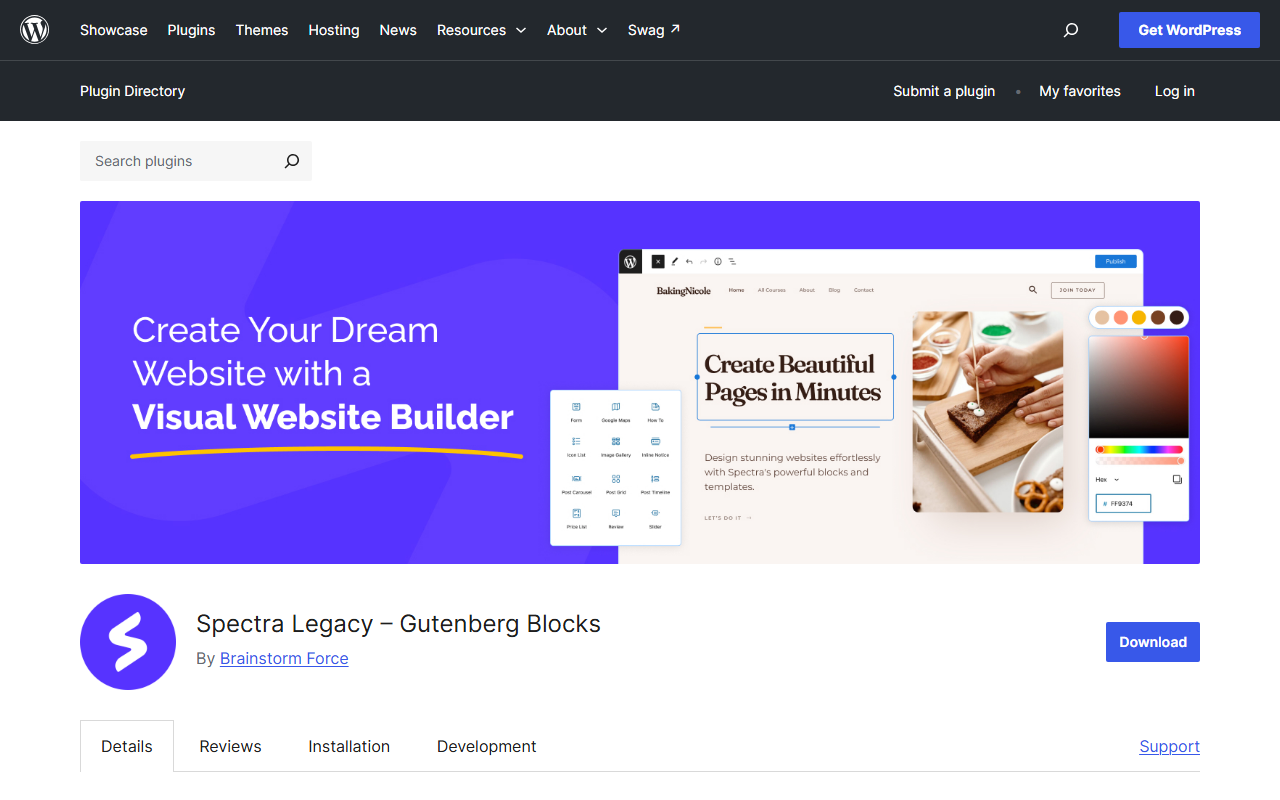
The Spectra plugin most people know, listed on WordPress.org as Ultimate Addons for Gutenberg, was renamed Spectra Legacy in version 2.20.0 on 14 July 2026. The changelog for that release says all blocks, settings and content stay intact. Nothing on your site changes when you update.
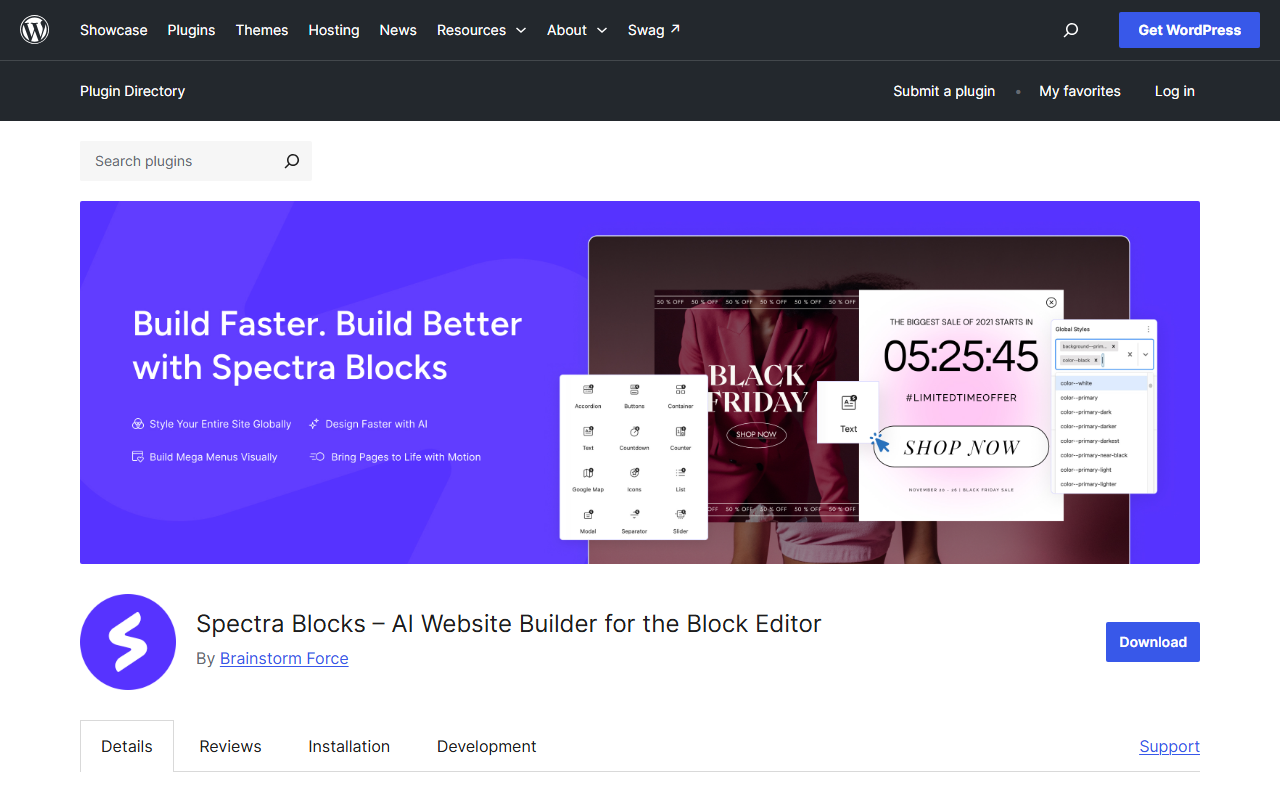
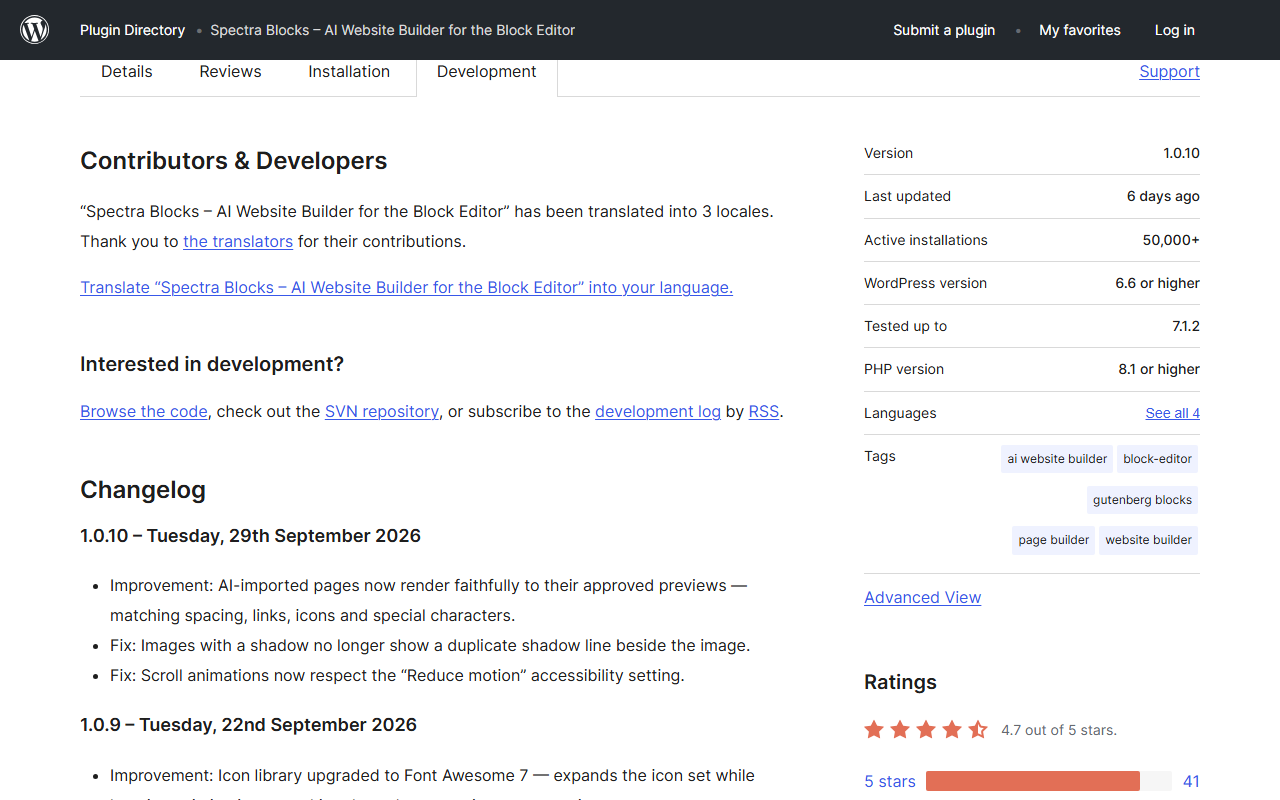
At the same time Brainstorm Force published a separate plugin called Spectra Blocks. Its first release, 1.0.0, shipped on 13 July 2026. It is not an update to your existing install. It is a complete rebuild on WordPress’s modern core block APIs, according to its own description, and all new feature work now goes there.
The Legacy listing is blunt about this. It says Legacy “receives security and compatibility updates and full support, but no new features.” That one sentence is the real split: Legacy is maintained, Blocks is where the future happens.
Spectra Blocks Vs Spectra Legacy At A Glance
Every number in this table comes from the two WordPress.org listings on 5 October 2026.
| Item | Spectra Legacy | Spectra Blocks |
|---|---|---|
| Current version | 2.20.4 (28 Sep 2026) | 1.0.10 (29 Sep 2026) |
| Active installations | 1+ million | 50,000+ |
| Rating | 4.7 from 1,870 ratings | 4.7 from 47 ratings |
| Minimum WordPress / PHP | 5.6 / 7.4 | 6.6 / 8.1 |
| Tested up to | 7.1.2 | 7.1.2 |
| New features | None, maintenance only | All new development |
| Block approach | Dozens of dedicated blocks | Smaller set of flexible blocks plus Extensions for core blocks |
| AI | AI block kept as ZipAI for compatibility | Page, section and copy generation via Zip AI companion plugin |
| Price of the core plugin | Free | Free, with a Pro version |
Two rows deserve a second look. The PHP jump from 7.4 to 8.1 matters if you are on older hosting. And the install gap is large: Legacy has roughly twenty times the installations, which means most of the real-world fixes, tutorials and Stack Overflow answers still describe Legacy.
What Spectra Legacy Still Does Well
Legacy ships the full block library people built sites on: Container, Info Box, Call To Action, Countdown, Sliders, Tabs, Post Grid, Post Carousel, Modal Popup, Testimonials, Team, Instagram Feed and forms. It also includes SEO blocks for FAQ, How-To, Review and Table of Contents, plus site tools such as a Popup Builder and Coming Soon mode. If your pages use any of those dedicated blocks, Legacy is the plugin that renders them.
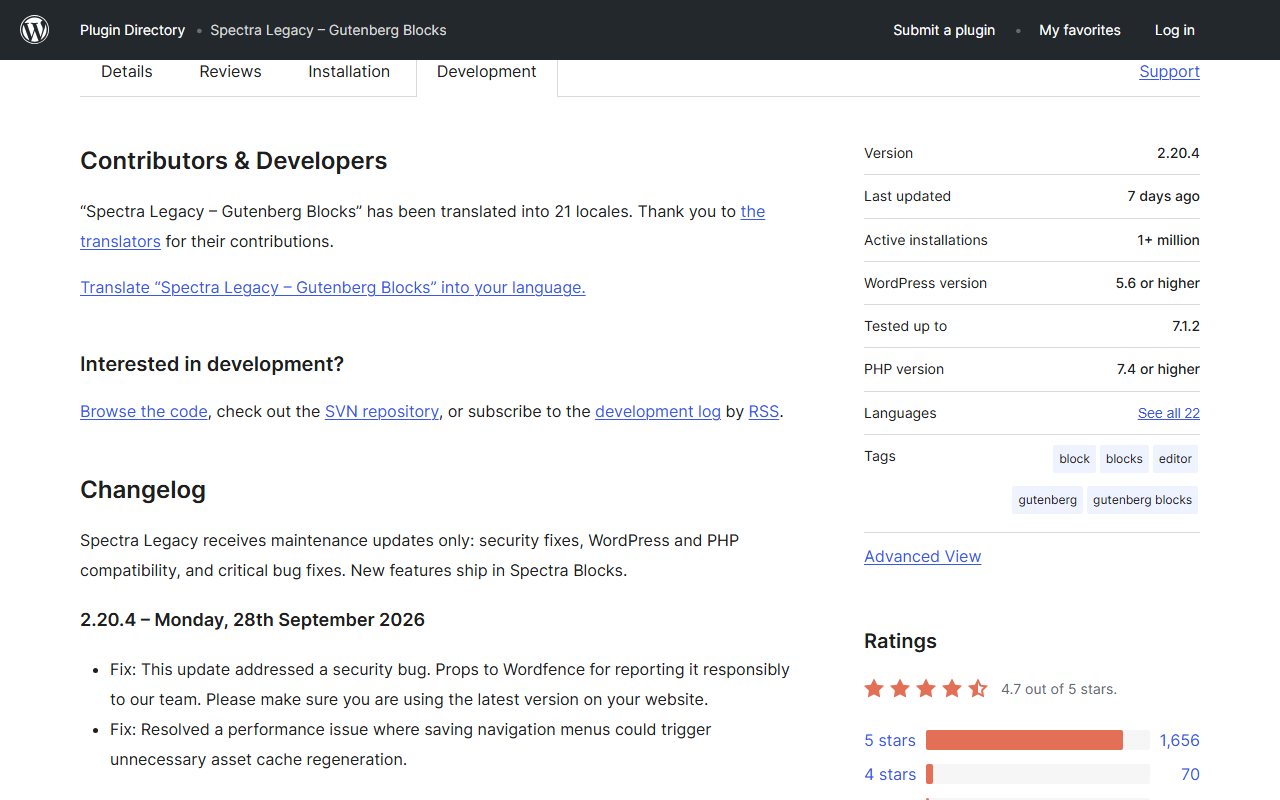
It is also being looked after. The changelog shows regular releases, and the most recent, 2.20.4 on 28 September, fixed a security bug reported by Wordfence and a performance issue where saving navigation menus regenerated asset caches. For a site that already works, that is exactly what you want from a plugin: boring and patched.
The Security Cadence Is A Feature, Not A Red Flag
Counting the changelog, nine Legacy releases in 2026 mention a security fix: 2.19.18, 2.19.21, 2.19.23, 2.19.26, 2.19.29, 2.20.0, 2.20.1, 2.20.3 and 2.20.4. Six of those landed between 4 May and 28 September. Several credit outside researchers such as Wordfence and Patchstack. A plugin with a million installs gets looked at hard, and disclosure followed by a quick patch is how that is supposed to work. The practical takeaway is simple: enable auto-updates for Legacy, because the fixes are only useful if they reach your site.
I would not read the clean Spectra Blocks changelog as proof it is safer. It is only twelve weeks old and has far fewer installs, so fewer people are probing it yet.
What Spectra Blocks Changes
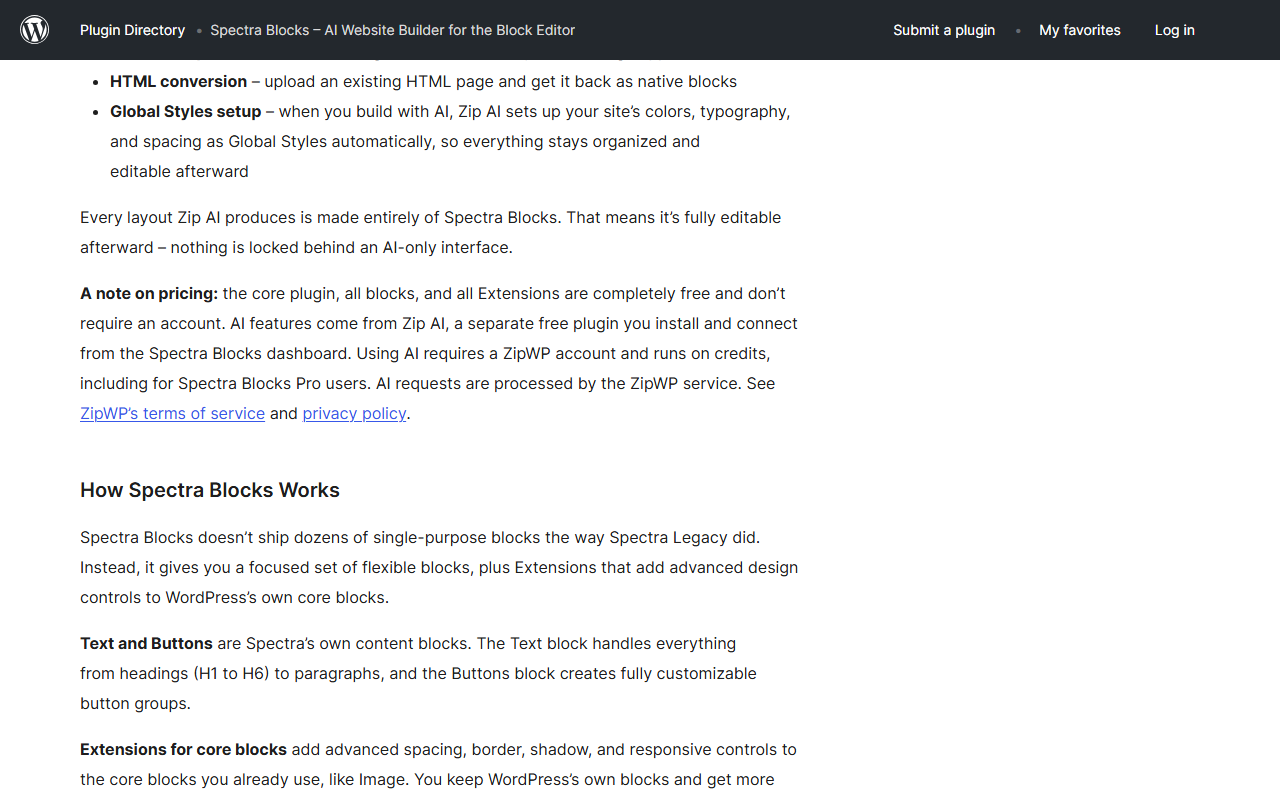
Blocks is built around a different idea. Instead of shipping dozens of single-purpose blocks, it gives you a focused set (Text, Buttons, Container, Accordion, Tabs, Slider, List, Icon, Separator, Google Map, Post, Countdown, Counter, Modal and Popup Builder) and adds advanced spacing, border, shadow and responsive controls to core WordPress blocks through Extensions. The listing explains that a testimonial is now a Container holding an Image, Text and Buttons, and a pricing table works the same way.
That is closer to where WordPress itself is heading. If you want to see how far core has come on its own, our write-up of Gutenberg 24.1 shows design tools reaching almost every core block, and responsive block styles in WordPress 7.1 covers mobile, tablet and hover styling without custom CSS. The Spectra Blocks changelog confirms it follows the same direction: version 1.0.7 notes that responsive editing now follows core’s breakpoints.
The AI Part Has Strings Attached
The headline feature is page generation from a text prompt. Read the fine print before you plan around it. The core plugin, all blocks and all Extensions are free and need no account. The AI features come from Zip AI, a separate free companion plugin that you install and connect from the Spectra Blocks dashboard. Using it requires a ZipWP account and runs on credits, including for Spectra Blocks Pro users, and requests are processed by the ZipWP service. If you build client sites, that is a data-handling decision to make on purpose, not a default to click through.
What It Costs You To Move
This is the part the rename hides. Spectra Blocks is a separate plugin, so nothing converts automatically. The listing itself lists the friction:
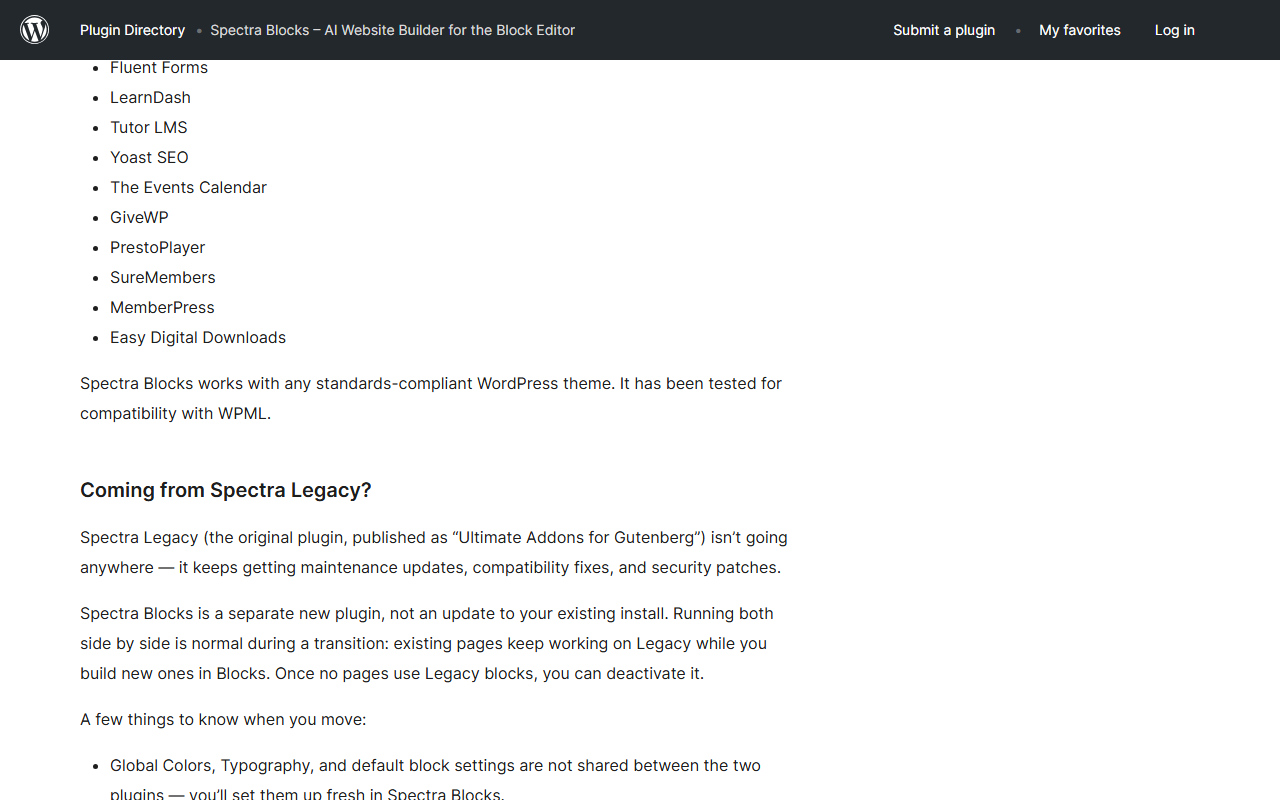
- Global colors, typography and default block settings are not shared between the two plugins. You set them up again in Blocks.
- Custom CSS written against Legacy block classes needs updating for any section you rebuild.
- Legacy pages keep working only while Legacy stays active, so you carry both plugins until the last page is rebuilt.
- Blocks needs PHP 8.1 and WordPress 6.6 or higher, which excludes older hosting.
There is also early user feedback worth reading. A 24 September review on the Blocks listing says the global container width and responsive padding are less flexible than Legacy’s container, and that building a page with many sections means setting width and spacing section by section. Another reviewer who moved from Legacy to Pro says Blocks is fast but that dynamic content and templates still need tweaks. Both are single reviews, not a verdict, but they match what you would expect from a plugin that is on version 1.0.10.
If you decide to leave Spectra entirely rather than move to the new plugin, our guide on moving from Spectra Legacy to Nexter Blocks walks through it page by page. This post is about the choice before that step.
How To Check What Your Site Actually Uses
Before you decide anything, find out how much of your site depends on Legacy-only blocks. Open the Plugins screen and confirm which Spectra plugin is active. Then open your five most important pages in the editor and look at the block names in the List View. Anything labelled Info Box, Testimonials, Team, Post Timeline or a Spectra form is a dedicated Legacy block, and each one will need rebuilding if you ever leave Legacy.
Next, search your theme and customizer for custom CSS that targets Spectra class names, because that CSS will not carry over. Finally, check your PHP version under Tools, then Site Health. If it reads below 8.1, Spectra Blocks will not install, and that settles the question for now. Ten minutes of checking beats a weekend of cleaning up a half-migrated site.
Which Should You Choose?
Keep Spectra Legacy If
- Your site is live, stable and built with dedicated Spectra blocks such as Info Box, Testimonials or the form blocks.
- You are on PHP below 8.1 and cannot upgrade soon.
- You depend on the Legacy-only SEO blocks or Popup Builder setup you already configured.
- You want the lowest-risk path: update on schedule and change nothing else.
Start New Projects On Spectra Blocks If
- You are comfortable with a 1.0 plugin that is moving fast.
- AI-generated first drafts would genuinely save you time, and you accept the ZipWP credit model.
- You prefer building layouts from Containers and core blocks over a library of dedicated blocks.
- Your host runs PHP 8.1 or newer.
Look At A Third Option If
- You want a large ready-made block library without tying page building to an AI credit service.
- You are already planning to rebuild pages and would rather not carry two Spectra plugins during the move.
- You want to compare before committing. Our Spectra review, Spectra vs Kadence Blocks and Spectra vs Stackable posts cover the older comparison, and the GenerateBlocks alternatives and Kadence Blocks alternatives lists show how the wider field looks.
Where Nexter Blocks Fits
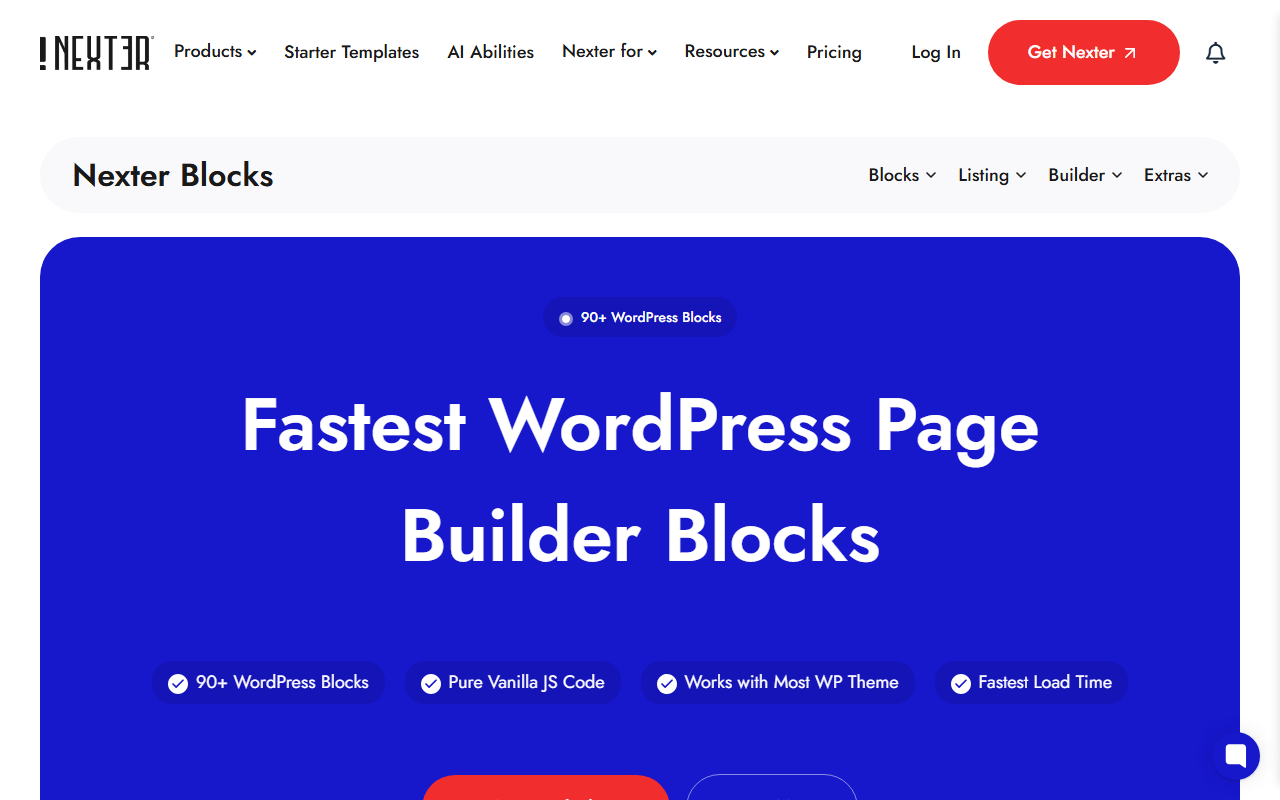
I work on the Nexter side, so weigh this section accordingly. Nexter Blocks is a library of 90+ WordPress blocks, built as native Gutenberg blocks with pure vanilla JavaScript, and it works with most themes. The relevant contrast with Spectra Blocks is philosophy: Nexter keeps dedicated blocks for things like pricing tables, data tables and listings, instead of asking you to assemble them from a Container. There is no AI page generator that you have to route through a separate credit account to get started.
That is a trade-off, not a verdict. If AI-first page building is what you want, Spectra Blocks is built for that and Nexter is not. If you want a deep block library that works as plain Gutenberg blocks, Nexter is worth a test on a staging copy. Either way, test on staging with a backup before you rebuild anything on a live site.
What This Doesn’t Cover
I did not install Spectra Blocks or Spectra Legacy for this post, so I have no performance benchmarks, no editor-experience verdict and no hands-on view of Zip AI output quality. Everything about the two plugins comes from their WordPress.org listings, changelogs and reviews read on 5 October 2026, and those will change as both plugins ship updates. I also did not evaluate Spectra Pro or Spectra Blocks Pro features, the Spectra One theme, or how either plugin behaves with WooCommerce or multilingual setups beyond what the listings state. Install counts on WordPress.org are bucketed, so 50,000+ and 1+ million are floors, not exact figures.
The Bottom Line
Spectra did not shut down. It split. Legacy is the safe, maintained home for sites that already run on it, and Blocks is the new, AI-first build for people starting fresh. Pick based on your PHP version, whether you want AI generation tied to ZipWP credits, and how many Legacy-only blocks your pages use. If none of that fits, compare a third option on a staging site before you commit.
Suggested Reading
- How To Move From Spectra Legacy To Nexter Blocks Without Breaking Your Pages
- Spectra Review
- Gutenberg 24.1: Design Tools Now Reach Almost Every Core Block
- Best GenerateBlocks Alternatives For Building WordPress Sites Without Writing CSS
