












Key Takeaways
- Speakable is a schema.org property that flags the exact sentences on a page that are best read aloud, pointed to with a CSS selector or an XPath.
- Google’s Speakable rich result is still a beta, limited to English-language news publishers and U.S. Google Home users, so do not expect a Google feature from it today.
- The real 2026 value is different: clean Speakable markup tells voice assistants and AI answer engines which sentences are safe to quote.
- You can add it by hand with a small JSON-LD block, or have a plugin generate Article plus Speakable schema on every post automatically.
- Mark up one or two short, factual sentences such as a summary or key takeaway, never a whole article.
A reader emailed me last year to say she found one of our tutorials in an odd way. She asked her smart speaker a question out loud, and it answered by reading back a single sentence from the post, word for word. I had never written that line to be read aloud. It just happened to be short, clear, and sitting near the top of the page.
That one sentence is the whole idea behind Speakable schema. It is a small piece of structured data that points a machine at the exact lines on your page worth saying out loud. With voice search and AI answer engines now pulling single sentences out of articles to respond to people, deciding which sentence gets picked is no longer something you want to leave to luck. Here is what Speakable actually is, the honest story on Google’s support for it, and how to add it to a WordPress site without touching much code.
What is Speakable schema, exactly?
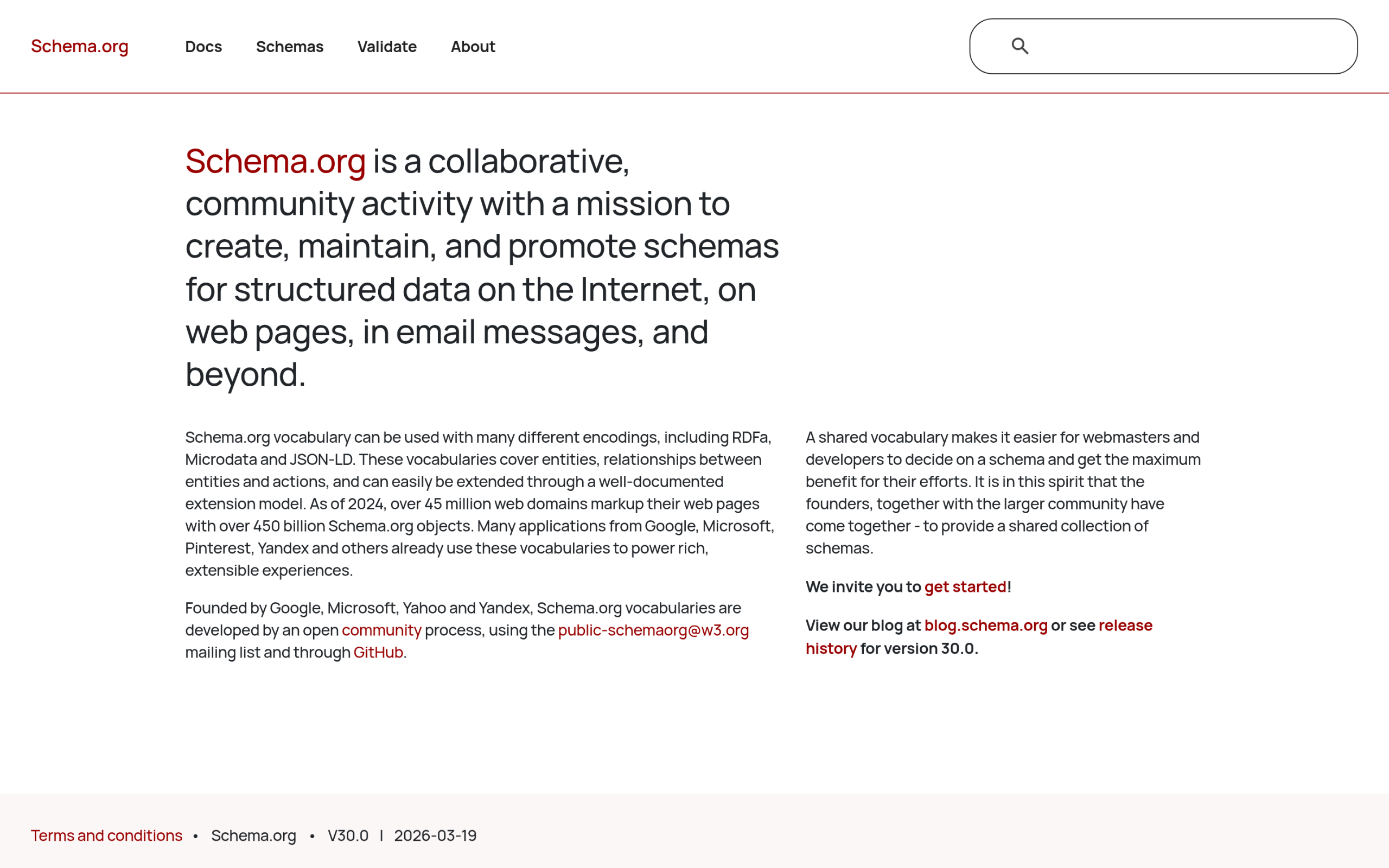
Speakable is part of the shared structured-data vocabulary at schema.org. In schema.org’s own words, a SpeakableSpecification “indicates (typically via xpath or cssSelector) sections of a document that are highlighted as particularly speakable.” The speakable property attaches to Article and WebPage types and “indicates sections of a Web page that are particularly ‘speakable’ in the sense of being highlighted as being especially appropriate for text-to-speech conversion.”
In plain terms: instead of leaving a machine to guess which line to read, you hand it a pointer. There are two ways to make that pointer. A CSS selector targets content by its class or tag, for example the box that holds your key takeaways. An XPath targets content by its position in the page structure. Most people use a CSS selector because it survives small layout changes better.
The honest truth about Google’s Speakable rich result
If you have read older guides promising a Google voice feature from Speakable, here is the part they skip. Google’s own documentation still labels it clearly: “This feature is in beta and subject to change.” More importantly, the eligibility is narrow. Google states the speakable property “works for users in the U.S. that have Google Home devices set to English, and publishers that publish content in English,” and it is built so Google Assistant can “answer topical news queries on smart speaker devices.”
Read that twice. It is a beta. It is U.S.-only. It is English-only. It is aimed at news publishers and Google Home speakers. Google even says it hopes “to launch in other countries and languages as soon as sufficient number of publishers have implemented speakable.” That sentence has sat in the docs for a long time. So if you run a normal WordPress blog or business site, you should not add Speakable expecting a Google rich result to appear. That is the wrong reason to do it.
Also Read: Answer Engine Optimization for WordPress for the bigger picture on how engines decide what to quote.
Why Speakable still matters in 2026
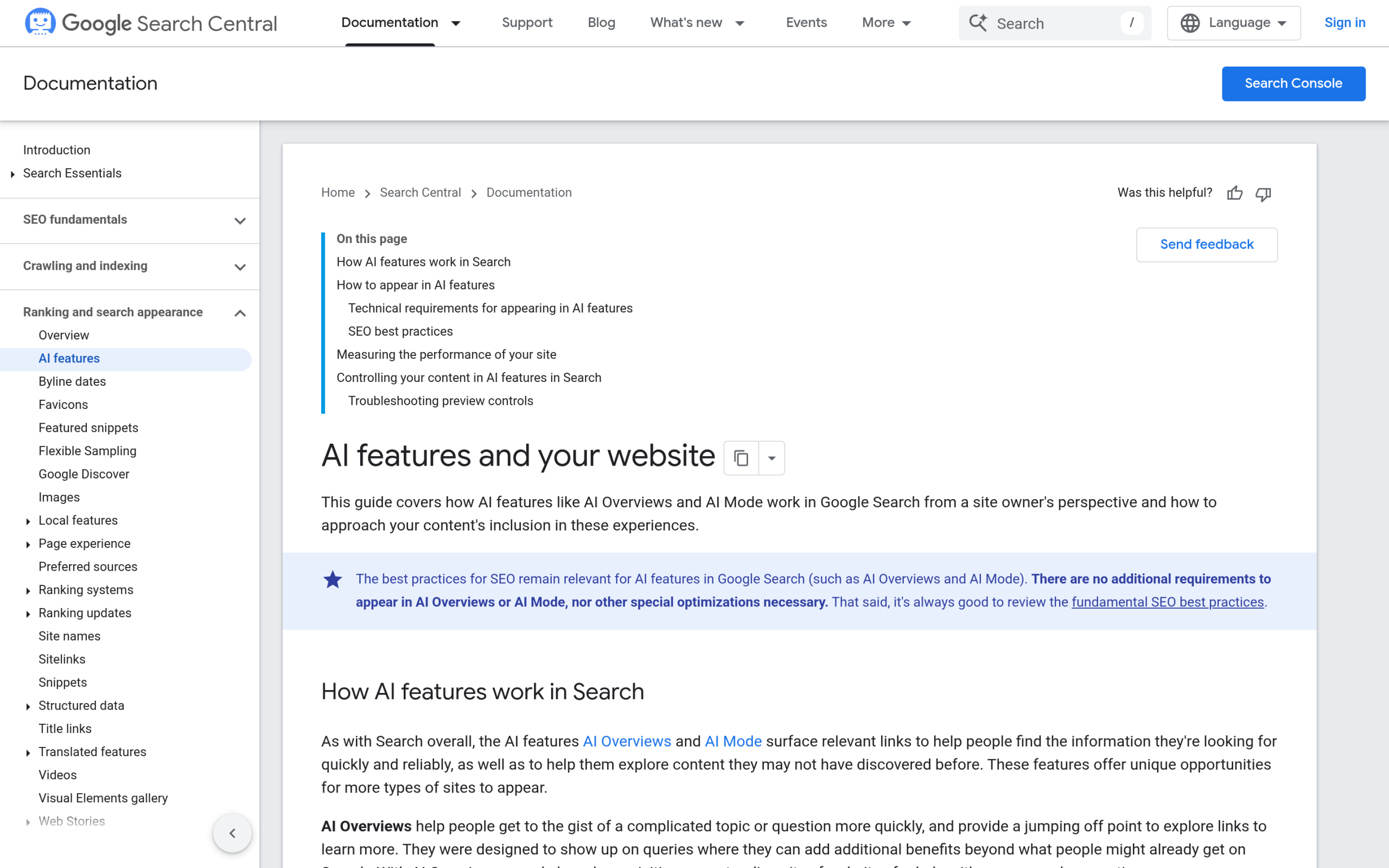
If the Google feature stalled, why bother? Because the job Speakable does is now more useful than the feature it was built for. The schema.org property is valid, well-formed markup either way. And the way people get answers has shifted. Voice assistants read sentences aloud. AI answer engines like ChatGPT, Perplexity, and Google’s AI Overviews lift a sentence or two out of a page and present it as the answer. In every one of those cases, something is choosing a single line from your article to speak or quote.
Speakable is an explicit, machine-readable way to say “this is the sentence I would want quoted.” It will not force any engine to obey, and no honest guide should claim otherwise. But pairing a clean summary sentence with a Speakable pointer removes ambiguity. You are writing for extraction, not just for reading, and you are labelling the part you stand behind. That is a small, low-risk signal that fits the way LLM SEO on WordPress actually works.
How to add Speakable schema to WordPress
You have two routes. The manual route is a small JSON-LD block you place in the page head or body. It points a CSS selector at the element you want flagged, for example your key-takeaways box and the H1:
<script type="application/ld+json">
{
  "@context": "https://schema.org",
  "@type": "WebPage",
  "name": "How to Brew Pour-Over Coffee",
  "url": "https://example.com/pour-over-coffee/",
  "speakable": {
    "@type": "SpeakableSpecification",
    "cssSelector": [".key-takeaways", "h1"]
  }
}
</script>
That works, but you have to keep the selector in sync with your theme and repeat it for every post. The no-code route is to let a plugin handle it. RankReady, the free AI SEO plugin from POSIMYTH, generates this for you: every post gets Article JSON-LD with the Speakable sentences flagged separately for voice assistants and AI quotation. Its one-click AI Summary feature creates a short key-takeaways block and wraps it in Speakable schema, so the engine is told exactly which sentences to quote. It is free, licensed GPL-2.0-or-later, and runs on WordPress 6.0+ with PHP 7.4+. You can see how it handles schema on the RankReady plugin page.
Speakable best practices: what to mark up and what to skip
The mistake I see most often is marking up too much. Speakable is meant for a small, deliberate set of sentences, not your whole post. A few rules that keep it useful:
- Pick one or two sentences. A single summary line or your top key takeaway is the right size. If a speaker read it aloud, it should make sense on its own.
- Keep them self-contained. Avoid sentences that start with “this” or “that” and depend on the paragraph above to make sense.
- Lead with the fact. Put the answer first, then any nuance. Extraction tools grab the front of a sentence.
- Never mark up navigation, ads, author bios, or related-post widgets. Point only at real content.
- Match the selector to a stable element, such as a class on your takeaways box, so a theme tweak does not break it.
Also Read: What Is Entity SEO? to understand how clear, factual sentences also help engines recognise who and what your content is about.
Where Speakable fits in your AI-readiness stack
Speakable is one signal, not a strategy on its own. It works best alongside the rest of your structured data and machine-readable layer: Article schema so engines understand the page is an article, a schema markup generator to keep your JSON-LD clean, an FAQ schema block where it fits, and an llms.txt file that gives crawlers a tidy index of your content. Think of Speakable as the line-level pointer and the rest as the page-level and site-level context.
If you want the whole picture of how these pieces fit together on WordPress, the 2026 AI-readiness stack walks through llms.txt, schema, MCP, and more in order. Speakable slots in once your content and Article schema are already solid. Adding it to thin or unclear content will not help, because no plugin makes a weak sentence worth quoting.
Suggested Reading
- Answer Engine Optimization for WordPress: The Complete Guide
- LLM SEO for WordPress: How to Get Cited by ChatGPT, Gemini and Perplexity
- What Is Entity SEO? How WordPress Sites Get Recognized by Google and AI
- Schema Markup Generator for WordPress: Auto-Generate JSON-LD
- The 2026 AI-Readiness Stack for WordPress
