












Key Takeaways
- Local SEO is how your business shows up in Google’s map pack, in “near me” results, and increasingly in AI answers when someone nearby searches for what you offer.
- Google ranks local results on three factors it names openly: relevance, distance, and prominence. You can shape relevance and prominence. Distance you cannot.
- Your Google Business Profile does most of the work. Your WordPress site backs it up with LocalBusiness schema, consistent contact details, and location-relevant pages.
- Add LocalBusiness structured data with Rank Math’s free Local SEO module or hand-written JSON-LD so both search engines and AI models can read your address, hours, and phone.
- In 2026, the same structured, crawlable content that wins the map pack also helps you get surfaced in AI Overviews and assistant answers for local queries.
Picture a bakery that ranks on page one for “sourdough recipes” but never appears when someone two streets away searches “bakery near me.” The blog analytics look healthy. The line at the counter does not move. That gap between traffic and walk-in customers is exactly what local SEO is built to close.
If you run a local business on WordPress, most of your competitors are still treating local SEO like it stopped evolving in 2019: claim a Google listing, install an SEO plugin, done. It has moved on. The map pack now sits next to AI Overviews and “near me” answers inside ChatGPT and Gemini, and the businesses that win are the ones whose site data is clean, structured, and easy for both Google and AI models to read. This playbook walks through the whole stack, from your Google Business Profile to the schema on your pages to the new AI answer layer, with the parts WordPress actually controls.
What Local SEO Means for a WordPress Site in 2026
Local SEO is the practice of getting your business found by people searching nearby. It plays out across three surfaces, and in 2026 there is a fourth worth naming.
- The local pack (map results). The block of three businesses with a map that sits at the top of local searches. This is driven mostly by your Google Business Profile, not your website.
- Organic “near me” results. The regular blue links below the map, where your WordPress pages compete directly on content and structured data.
- Google Maps. The same profile data, surfaced inside the Maps app when people search on the go.
- AI answers. When someone asks an assistant “what is a good coffee shop near downtown,” the model pulls from structured, crawlable sources. Your site being machine-readable now feeds this layer too.
The important shift: your Google Business Profile and your WordPress site are not competing systems. The profile owns the map pack. Your site supports it with proof, structured data, and depth that both Google and AI engines can verify. Get them working together and you cover all four surfaces.
How Google Ranks Local Results: Relevance, Distance, Prominence
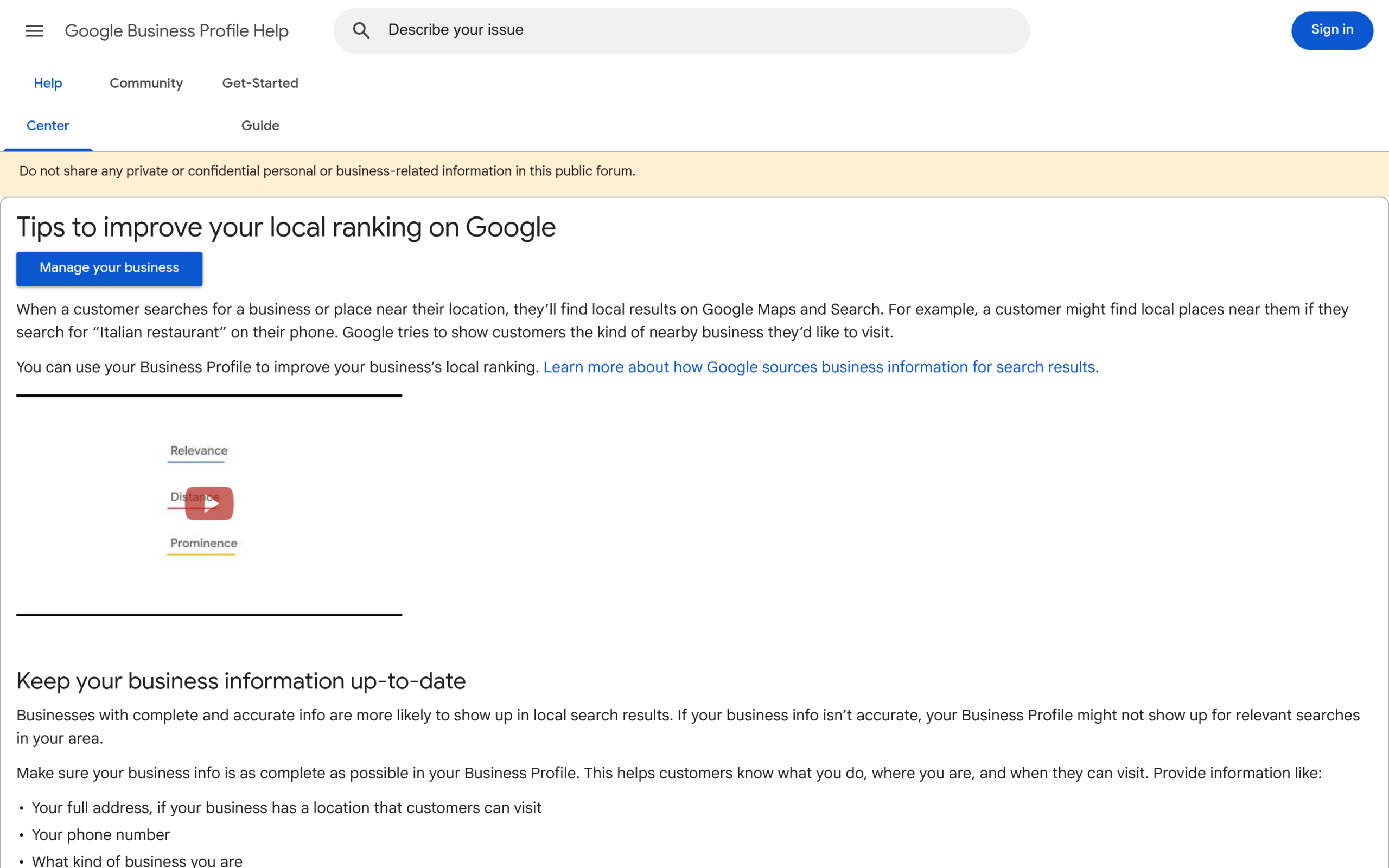
Google is unusually direct about this. In its own Business Profile help documentation, it lists three factors that decide local ranking, and understanding them tells you exactly where to spend your effort.
- Relevance is, in Google’s words, “how well a Business Profile matches what someone is searching for.” You improve this with complete, accurate business information and content that clearly states what you do and where.
- Distance is “how far each business is from the customer who’s searching.” You cannot change your location, so this is the one factor outside your control.
- Prominence means “how well-known a business is,” and Google notes that “prominent places are more likely to show up in search results.” Reviews, links, and citations build it.
One line from that same page is worth taping to your monitor: “There’s no way to request or pay for a better local ranking on Google.” Anyone selling you guaranteed map-pack placement is selling you nothing. The work is relevance and prominence, done consistently.
Step 1: Claim and Fully Complete Your Google Business Profile
This is the highest-return task in local SEO, and it happens off your WordPress site. If you do nothing else this month, do this. Google’s own guidance on improving local ranking points at a short list of actions.
- Verify ownership. Google states that verifying your business increases the likelihood of appearing in results. Unverified profiles are effectively invisible.
- Complete every field. Address, phone, business category, services, and description. Google explicitly rewards complete, accurate information.
- Keep hours current. Regular hours plus special hours for holidays. Wrong hours cost you both rankings and trust.
- Respond to reviews. Google says replying to reviews shows you value customer feedback, and it feeds prominence.
Match every detail here to what appears on your WordPress site. If your profile says “Suite 200” and your contact page says “Ste. 200,” that small inconsistency is the kind of thing local SEO cares about, which brings us to schema and NAP.
Step 2: Add LocalBusiness Schema to Your WordPress Site
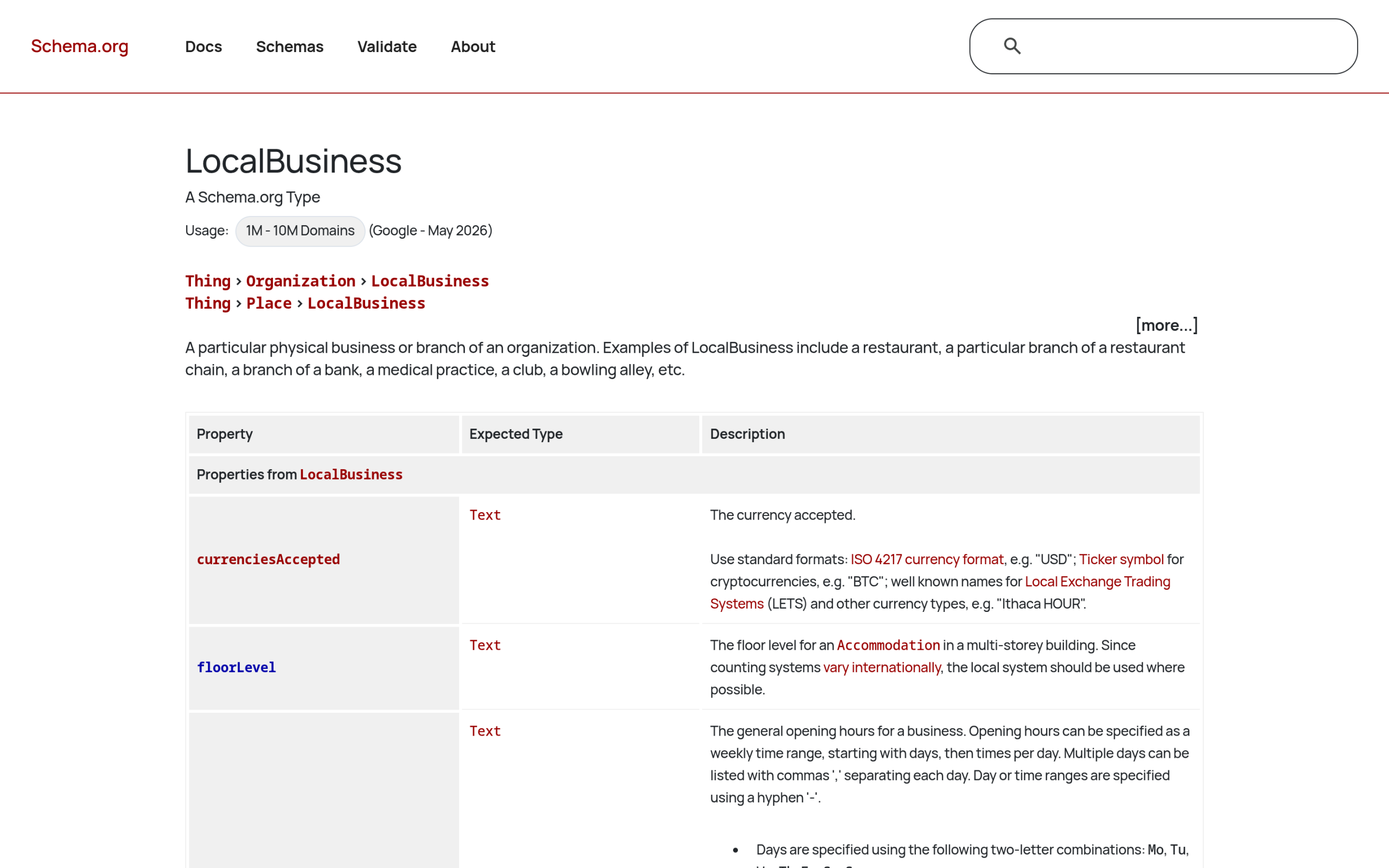
Schema markup is structured data that spells out your business facts in a format machines read directly. For local, the type you want is LocalBusiness. On schema.org it is defined as “a particular physical business or branch of an organization,” and it is a subtype of both Organization and Place, so it inherits the properties of each.
The properties that matter for local search map neatly onto what a customer needs to know:
name,address(as a PostalAddress), andtelephone: your core NAP data.openingHoursoropeningHoursSpecification: when you are open.geo: latitude and longitude, which reinforces your location.priceRange,aggregateRating, andreview: signals that add context and social proof.url: your website.
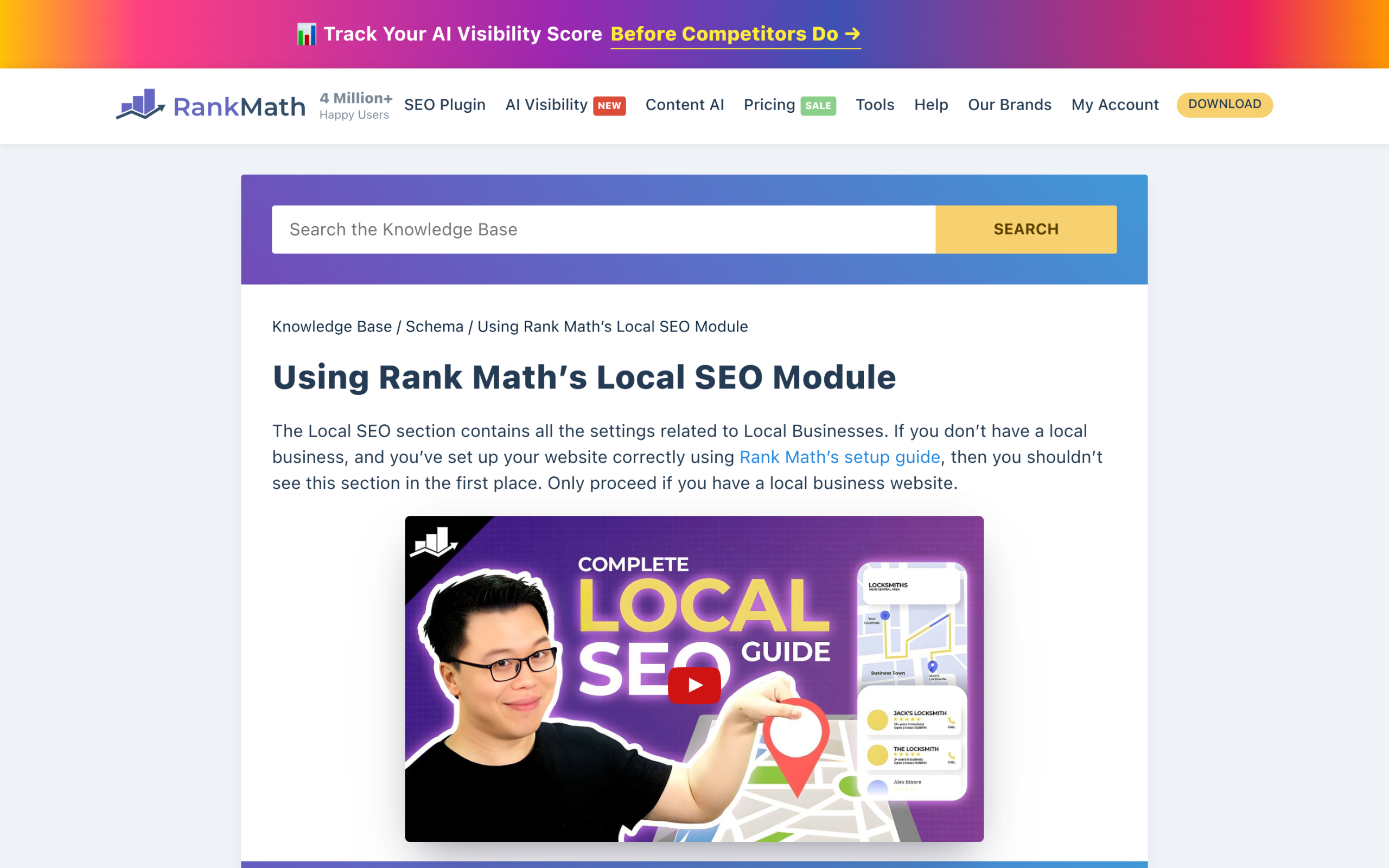
You do not need to write this by hand unless you want to. Rank Math includes a Local SEO module in its free version that generates LocalBusiness JSON-LD from a simple settings form: business name, address, phone, opening hours, geo coordinates, and business type. The catch to know up front is that managing multiple locations through a dedicated custom post type is a Pro feature, so a single storefront is fully covered on the free tier while a chain needs the upgrade.
One honest note so you set this up in the right place: a block plugin like Nexter Blocks handles the visible layer, your map, hours, and contact details, but it does not emit LocalBusiness schema, and neither do most AI-focused SEO tools. The structured data itself belongs in a dedicated SEO plugin such as Rank Math or Yoast, or in hand-written JSON-LD you drop into the page head. If you already run one of the big SEO plugins, you are one settings screen away.
Also Read: Rank Math vs Yoast SEO if you are still deciding which SEO plugin to run the Local module on.
Step 3: Build Location Pages and Keep Your NAP Consistent
NAP stands for Name, Address, Phone. Consistency of that data everywhere it appears, your site, your Google profile, and every directory, is a foundational local ranking signal. Pick one exact format and never deviate. “Street” or “St.”, suite number style, phone punctuation: choose once, use it everywhere.
On the page itself, put the essentials where a customer and a crawler both find them fast. This is where a block library earns its place. Nexter Blocks, the free-on-WordPress.org set of 120+ Gutenberg blocks from POSIMYTH, gives you the pieces a local page needs: a Google Map block to embed your exact location, a Data Table or Infobox block for hours and services, and a form builder with name, email, and phone fields for inquiries. Build a clear contact and location page, then a separate page for each service area you genuinely serve, each with unique content rather than a template with the town name swapped.
Also Read: How to add Google Maps to WordPress for the step-by-step on embedding your location, with or without an API key.
Step 4: Earn Reviews and Show Them On-Site
Reviews feed prominence, the one ranking factor you can actively grow. Google’s guidance is plain: more positive reviews and higher ratings support better local ranking, and responding to them signals that you value feedback. The practical loop is simple. Ask happy customers to review you on your Google Business Profile, reply to every review (the critical ones especially), and never buy or fake them.
Then surface that social proof on your own site. Nexter Blocks includes Google Reviews, a Review Wall, and a Google Badge block, so the trust you have earned on your profile shows up on your landing pages instead of staying locked inside Maps. Pair those with the aggregateRating and review schema properties from Step 2 and the same signal works for human visitors and machines at once.
Step 5: Build Local Citations and Links
A citation is any mention of your business name, address, and phone on another site, think local directories, chamber of commerce pages, and industry listings. Consistent citations reinforce that your business is real and located where you say it is, which is prominence again. Start with the obvious high-value directories for your industry and region, make sure every listing matches your NAP exactly, and clean up any old listings with outdated addresses or numbers.
Local links matter too. A link from the local newspaper, a supplier, a sponsored community event, or a nearby business you partner with carries real local weight. These are harder to earn than a directory listing, and that is exactly why they move the needle.
Step 6: Show Up in AI Answers for Local Queries
Here is the 2026 layer most local SEO guides skip. When a customer asks ChatGPT, Gemini, or Google’s AI Overviews for a recommendation near them, the model assembles an answer from sources it can crawl and parse. The good news is that the work already covered in this playbook is most of what you need: a complete Google Business Profile, clean LocalBusiness schema, consistent NAP, and real reviews are exactly the structured signals AI systems lean on.
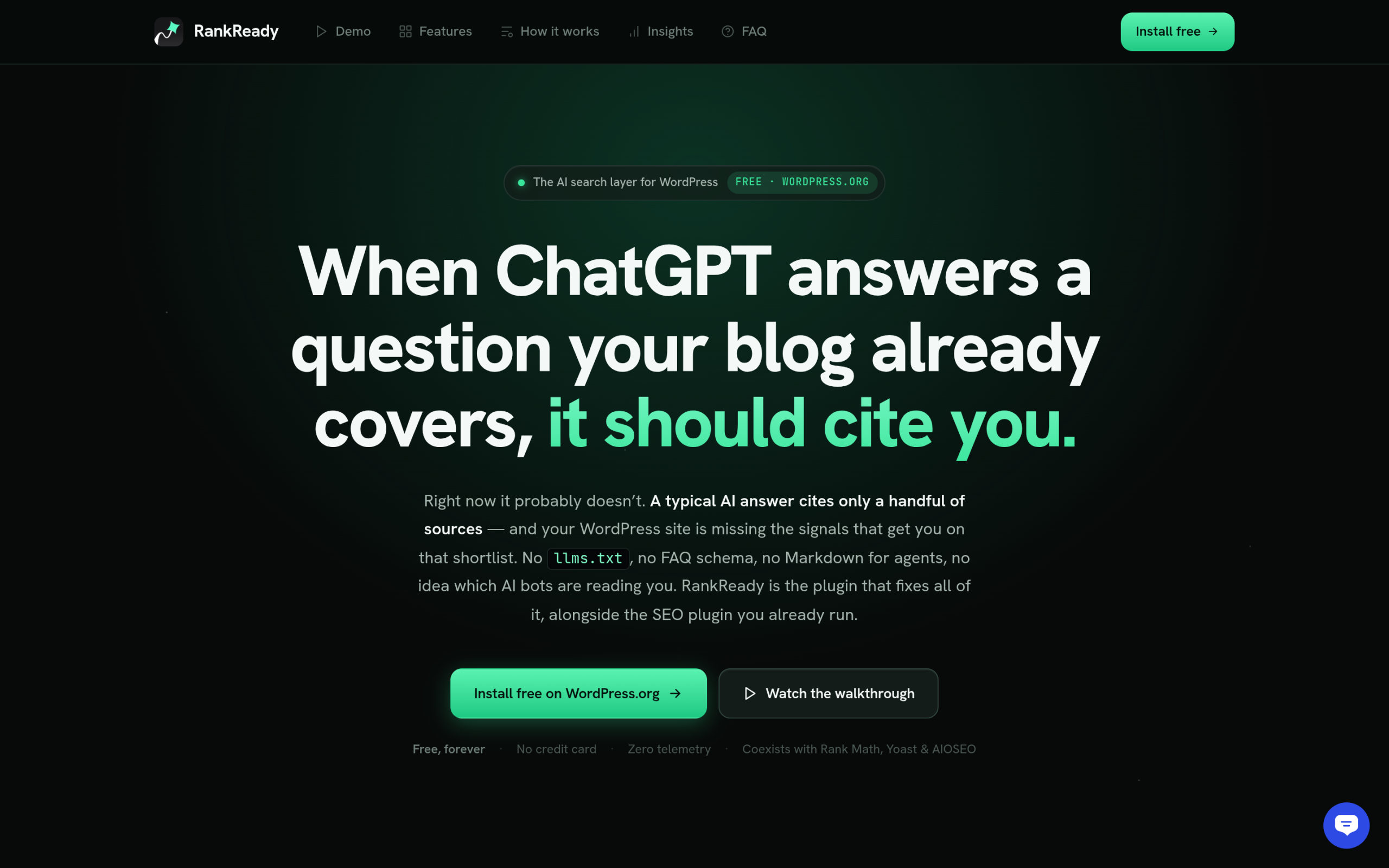
What changes is measurement. Traditional rank tracking cannot tell you whether an AI assistant mentioned you, because that happens off the search results page entirely. This is where a tool like RankReady, a free plugin from POSIMYTH, fits: it logs which AI crawlers fetch your pages and flags citation candidates, so you can see whether your local content is actually being read by the models answering “near me” questions. Worth being precise here: RankReady is a measurement and AI-readiness layer, not a LocalBusiness schema generator, so it complements the Rank Math setup from Step 2 rather than replacing it. If AI visibility is becoming a real channel for you, you can start with RankReady.
For the wider strategy behind getting cited by AI, our guide to generative engine optimization covers the content structure that makes any page, local or not, easier for models to quote. And if search engines and AI keep confusing your business with a similarly named one, entity SEO is the missing piece.
Local SEO Tasks and the WordPress Route for Each
| Local SEO task | Where it lives | WordPress route |
|---|---|---|
| Map pack ranking | Google Business Profile | Match profile data to your site exactly |
| LocalBusiness schema | Your site’s head | Rank Math free Local SEO module or JSON-LD |
| Location and map on page | Your pages | Nexter Blocks Google Map, Infobox, form |
| Reviews on site | Your pages | Nexter Blocks Google Reviews / Review Wall |
| Citations and links | Off-site | Consistent NAP across directories |
| AI answer visibility | AI engines | Structured content, measured with RankReady |
Frequently Asked Questions
Do I need a plugin for local SEO on WordPress?
Not strictly, but one helps. You can hand-write LocalBusiness JSON-LD, yet a free SEO plugin like Rank Math generates it from a form and keeps it consistent sitewide. A block library such as Nexter Blocks then handles the visible map, hours, and reviews. The single non-negotiable is your Google Business Profile, which is free and lives outside WordPress.
Can I do local SEO without a physical storefront?
Yes. Service-area businesses such as plumbers or mobile groomers can set a service area in their Google Business Profile instead of showing a street address, then build genuine, distinct pages for each area they serve. The relevance and prominence factors work the same way; only the distance signal is handled through the service-area setting.
How long does local SEO take to work?
Profile completeness and schema can affect visibility within a few weeks, since they are direct signals Google reads quickly. Prominence built from reviews, citations, and links is slower and compounds over months. Treat it as ongoing maintenance rather than a one-time project, because your competitors are also updating their profiles.
Suggested Reading
- How to Add Google Maps to WordPress (Free Methods)
- 5 Best WordPress Google Map Plugins
- Generative Engine Optimization (GEO): The 2026 WordPress Guide
- Programmatic SEO on WordPress: How to Scale Pages Safely
- Multilingual SEO for WordPress: The Complete Guide
