












Key Takeaways
- “Gemini API” and WordPress connect in two directions: you can feed Gemini into your site to generate content, and you can shape your site so Gemini cites it in answers.
- You get a free Gemini API key from Google AI Studio. The free tier costs nothing in tokens; paid Gemini 2.5 Flash starts at $0.30 per million input tokens.
- Three ways to connect Gemini to WordPress: a no-code plugin like RankReady, an automation platform, or a custom plugin built on Google’s PHP client.
- Google tells you plainly: never expose an API key in client-side code. Store it server-side, in the WordPress database, never in a template.
- Getting cited by Gemini is a separate job from calling its API. It rewards clean extractable answers, schema, author trust, freshness, and crawler access.
The first time I wired the Gemini API into a WordPress site, I did the lazy thing and pasted the key straight into a theme template. By the next morning the project’s free quota was gone, burned through by a bot that found the key sitting in the page source. That afternoon cost me nothing in real money, because billing was off, but it taught me how easy it is to wire AI into WordPress the wrong way.
Here is the part most tutorials miss. “Gemini API” and WordPress meet in two completely different directions, and people usually only think about one of them. The first direction is pushing Gemini into your site, so it writes summaries, drafts FAQs, or powers a chatbot. The second is the reverse: shaping your WordPress content so that Gemini, and the Google AI Overviews it powers, pick your pages as the answer. This guide covers both, with the exact steps, the real pricing, and the security mistakes to skip.
What “Gemini API” Actually Means for a WordPress Site
The Gemini API is the programmatic door to Google’s Gemini models. Instead of typing into the Gemini chat window, your code sends a request and gets back generated text, structured data, or analysis. On a WordPress site that opens two separate jobs.
Also Read: prefer ChatGPT models? See how to use the OpenAI API in WordPress and get cited by ChatGPT.
The inbound job is using Gemini as a writing and automation engine inside wp-admin: generating post summaries, building FAQ blocks, answering reader questions, or tagging content. The outbound job is answer engine optimization, where the goal is to get your existing pages cited inside Gemini and Google AI Overviews. The two jobs share a name and almost nothing else. The inbound job needs an API key and a place to store it. The outbound job needs structure, schema, and trust signals that Gemini can read. Treat them as one task and you will do both badly, so the rest of this guide keeps them apart.
How to Get a Gemini API Key (Free Tier and Pricing)
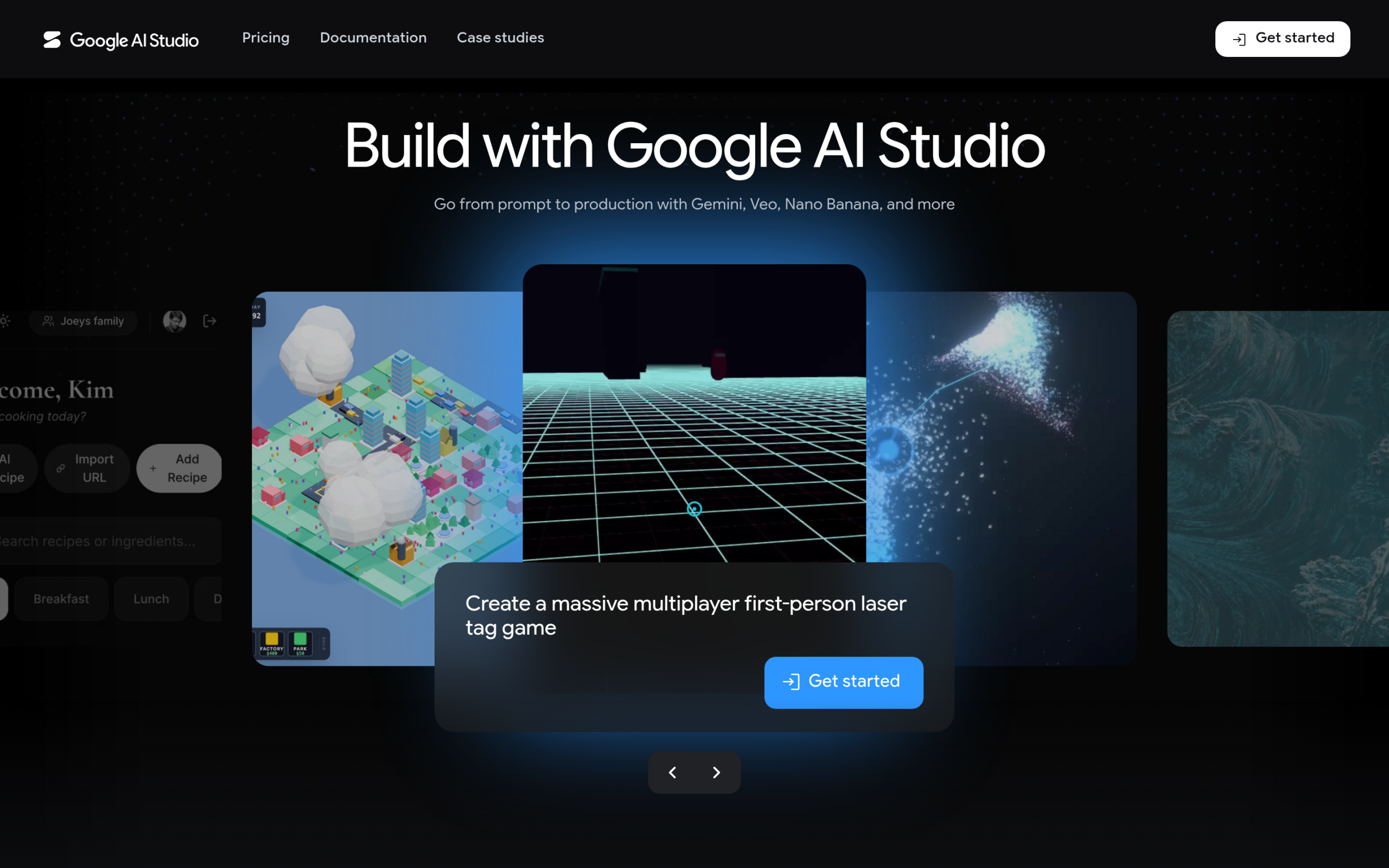
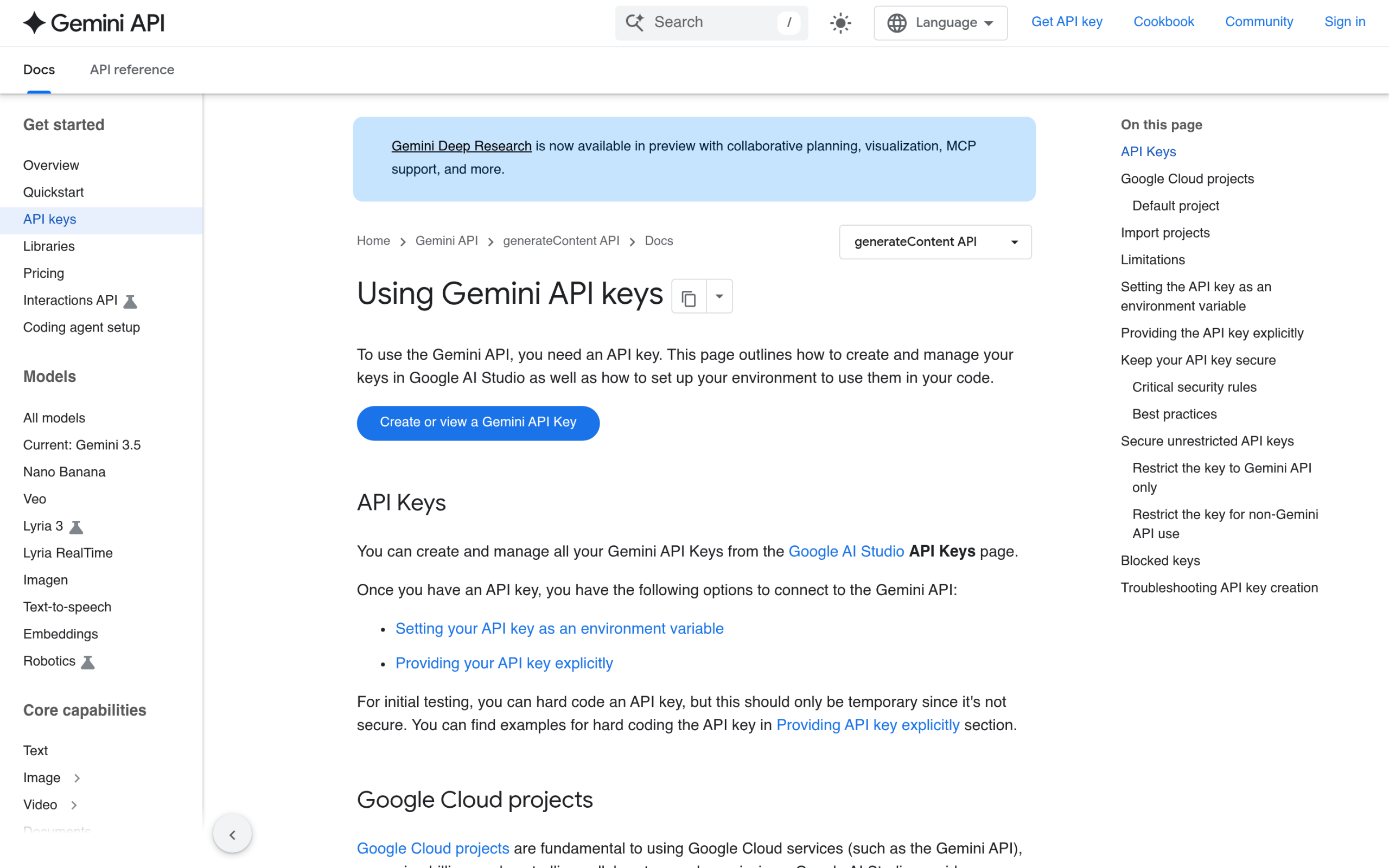
Everything inbound starts with a key, and you create it in Google AI Studio. Google’s own documentation says it plainly: “You can create and manage all your Gemini API Keys from the Google AI Studio API Keys page.” Sign in with a Google account, open the API Keys page, and generate a key tied to a project. That key is the credential your WordPress site will send with every request.
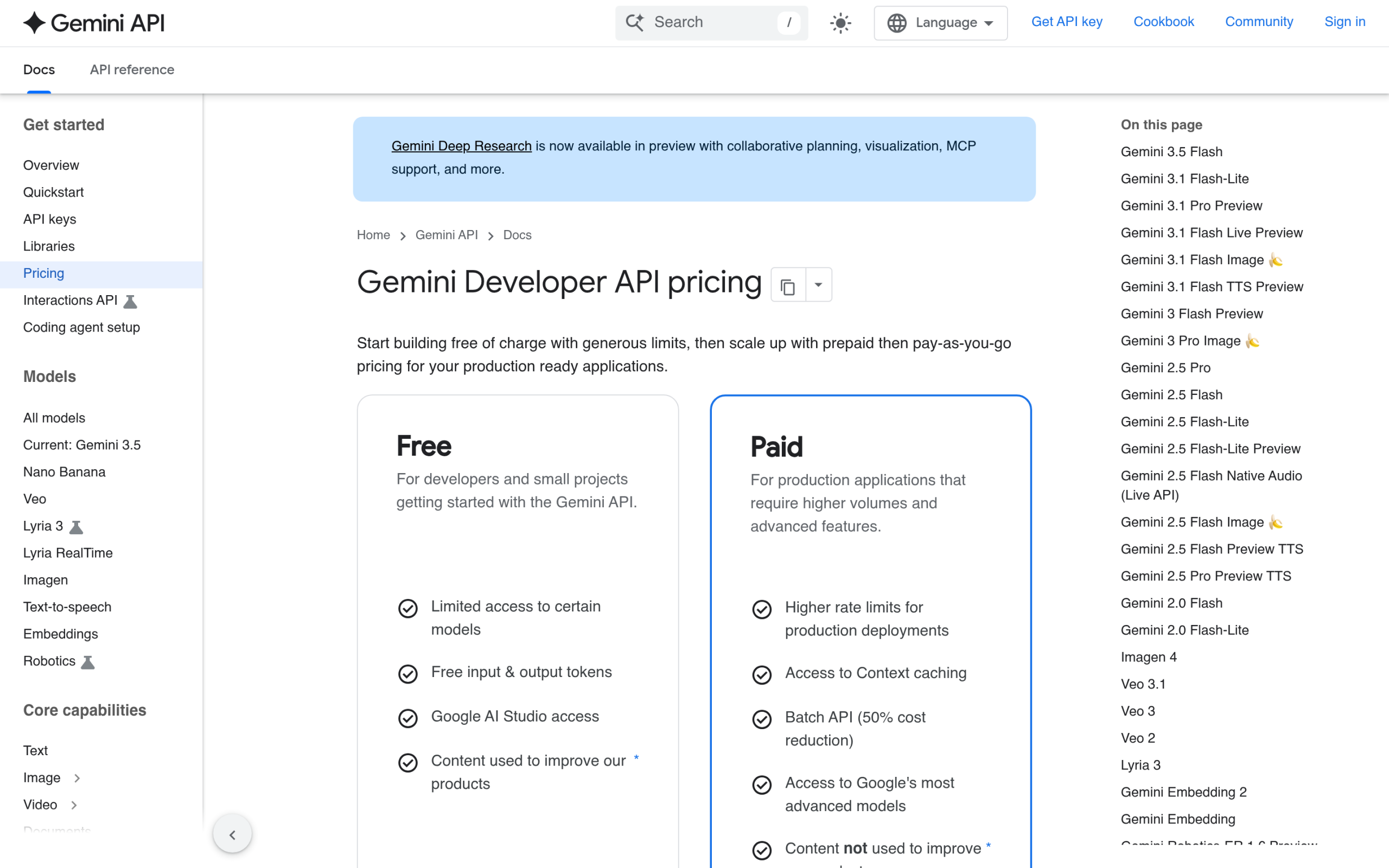
The good news for anyone testing this on a WordPress site: there is a free tier. Google offers free input and output tokens with limited access to certain models, which is enough to wire up summaries or an FAQ generator and see it working before you spend anything. When you move to the paid standard tier, the current rates are straightforward. Gemini 2.5 Flash costs $0.30 per million input tokens and $2.50 per million output tokens. Gemini 2.5 Pro costs $1.25 per million input tokens for prompts up to 200k tokens and $10.00 per million output tokens at that size. For typical blog tasks, Flash is the model you want, because a single post summary runs a few thousand tokens, not millions.
How to Connect the Gemini API to WordPress (3 Routes)
Once you have a key, there are three honest ways to bring Gemini into WordPress. Which one fits depends on how much code you want to write and how much control you need.
Route 1: A no-code plugin (the fastest path for content)
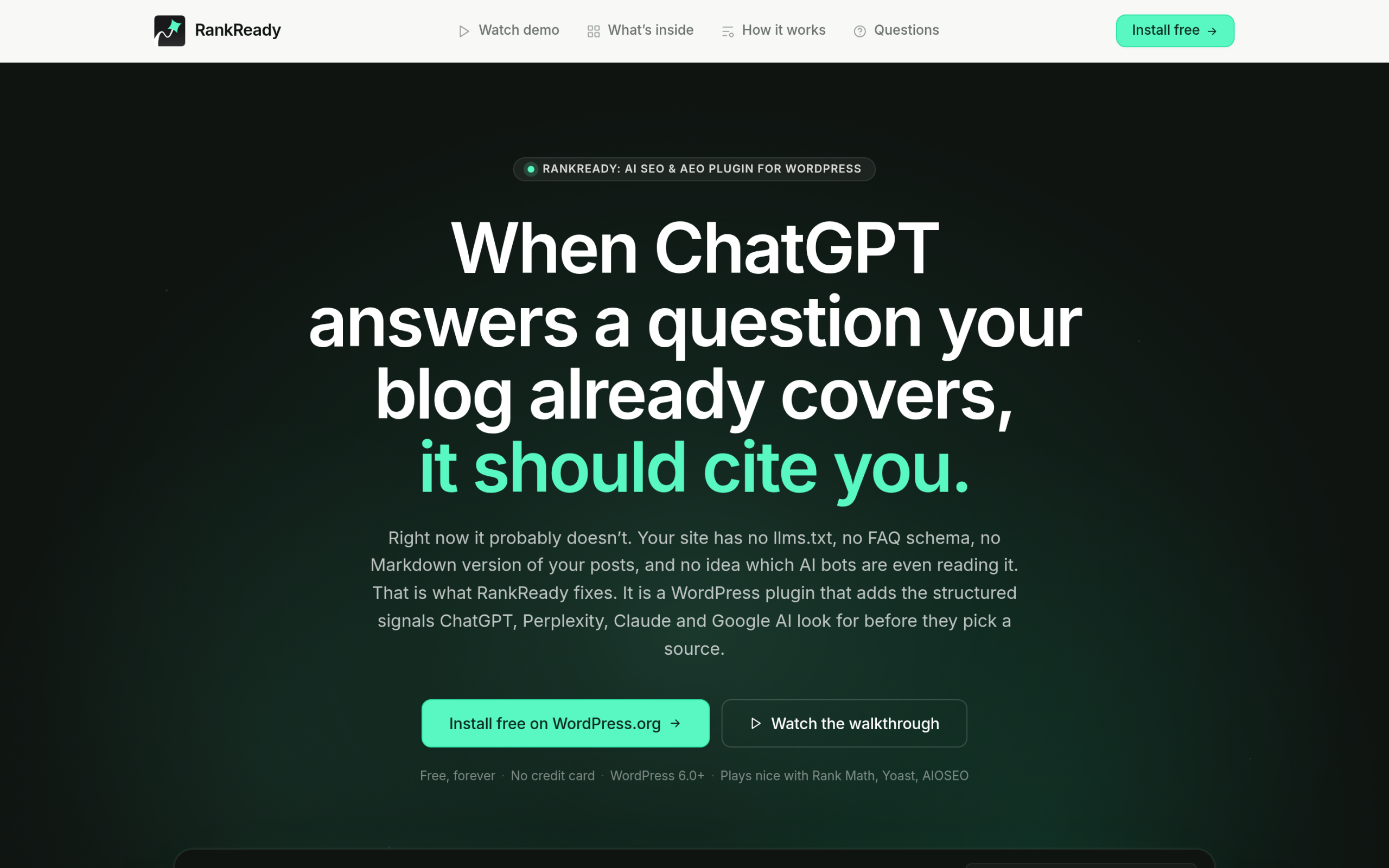
If your goal is content rather than a custom feature, a plugin that already speaks Gemini saves you the whole build. RankReady is one example built for this: it lets you bring your own API key and supports Google Gemini 2.5 Flash and Pro alongside OpenAI, Anthropic, and DeepSeek. You paste your key once, then generate AI summaries and FAQ blocks from inside the Gutenberg editor, with live spend tracking per provider so you can watch the cost in real time. Because you use your own key, generation has no artificial caps, and you pay Google directly at the rates above. For a block-theme site that just wants Gemini-written summaries and FAQs, this is the route that takes minutes instead of days.
Route 2: An automation platform (connect without code)
If you want Gemini to fire on an event, like drafting a reply when a form is submitted, a no-code automation tool sits between WordPress and the API. Tools such as Uncanny Automator, Bit Flows, and n8n offer native Gemini actions where you map a trigger to an “Ask Gemini” step and route the response back into a post, a field, or an email. You still need your API key, but you never touch PHP. This route fits workflows more than on-page features.
Also Read: 5 Best WordPress SEO Plugins Using AI for a wider look at where AI fits into a WordPress workflow.
Route 3: A custom plugin (full control)
When you need a bespoke feature, you build a small plugin. Create a Google Cloud project, enable the Gemini API, and pull in Google’s PHP client with Composer using composer require google/apiclient. Your plugin reads the key from secure storage, sends the request server-side, and renders the response. This gives you total control over prompts, caching, and where output lands, at the cost of being the one who maintains it.
Why You Should Never Hardcode Your Gemini API Key
This is the mistake I made on day one, and Google is blunt about it. Their documentation states: “Never expose API keys on the client-side. Do not use your API key directly in web or mobile apps in production.” The reason is simple. Anything in client-side code, including JavaScript that runs in the browser, can be read by anyone who views the source. A leaked key lets a stranger spend your quota, run up charges if billing is on, and reach data tied to your project.
The safe pattern in WordPress is to store the key in the database through the Options API and call Gemini from the server, never the browser. Google puts it this way: “The most secure way to use your API key is to call the Gemini API from a server-side application where the key can be kept confidential.” Any plugin worth using does this for you and gives you an admin field to paste the key into, rather than asking you to edit a file. While you are there, set sensible rate limits and keep an eye on spend, because a runaway loop is the other way a quota disappears overnight.
How Gemini Decides Which Websites to Cite
Now the outbound direction. Calling the Gemini API does nothing to get your site cited by Gemini. That is a separate discipline, answer engine optimization, and it is worth understanding because Google AI Overviews now sit on top of a huge share of searches. When Gemini builds an answer, it pulls passages it can extract cleanly and trust. Pages that hand it a tidy, self-contained answer get used. Pages that bury the answer in fluff get skipped.
In practice that means a few things. Lead each section with the answer, not a windup, so a single heading and its first lines can stand alone as a quotable block. Make your author and credentials visible, because Gemini leans on trust signals more than most engines. Keep content fresh, since recency wins on time-sensitive topics. And make sure Google’s AI crawler can actually reach the page. Get those right and your content becomes the kind of source Gemini reaches for.
Also Read: E-E-A-T for AI Search breaks down the trust signals that AI engines weigh before citing a page.
How to Get Your WordPress Content Cited by Gemini
Here is the WordPress-specific checklist for the outbound job. Most of it is structure and access, and a block theme makes it easier because the markup stays clean.
Publish an llms.txt file and Markdown copies
An llms.txt file gives AI systems a clean map of your important content, and a Markdown copy of each post gives them text without the theme clutter. RankReady generates both llms.txt and llms-full.txt automatically and exposes a Markdown copy of every post, which removes the manual work.
Add the schema Gemini reads
Structured data tells an engine what your content is. Article and Speakable schema mark your prose and the lines worth reading aloud, FAQPage schema turns questions into extractable answers, and HowTo and ItemList schema label steps and lists. RankReady adds these for you and works alongside Rank Math, Yoast, AIOSEO, and SEOPress, so you are not forced to switch SEO plugins.
Let Google’s AI crawler in
None of this matters if the crawler is blocked. Gemini’s training and grounding rely on Google-Extended, so your robots.txt has to allow it. Check that you have not blocked it by accident, since some privacy plugins do exactly that. RankReady shows 31 AI crawlers in one screen so you can see who is allowed at a glance.
Also Read: WordPress robots.txt for AI Crawlers shows exactly which directives to set for Google-Extended and the rest.
Show authorship and keep it fresh
Gemini favors pages with a clearly named, credible author and content that has been updated recently. Use real author boxes, keep your dates honest, and revisit important posts so they do not go stale. These are the same trust signals that help in classic search, which is why doing the outbound work pays off twice.
Can You Track Whether Gemini Is Citing You?
You can, and you should, because AEO without measurement is guesswork. The signals to watch are which of your pages AI engines crawl, which ones get surfaced as answers, and whether any referral traffic arrives from AI tools. RankReady tracks this with a live AI crawler log, a citation candidates leaderboard, AI referral traffic, and a per-post readiness score, so you can see which posts are close to being cited and which need work. That feedback loop is what turns the checklist above into steady progress instead of a one-time edit.
Also Read: Rank Math vs RankReady compares a classic SEO plugin against an AI-search-native one if you are deciding what to run.
Should You Build Your Own Gemini Integration or Use a Plugin?
If you need a one-off feature with custom prompts and total control, build a small plugin on Google’s PHP client and keep the key server-side. If you mostly want Gemini to write summaries and FAQs, and you also want your pages cited by Gemini, a plugin that handles both directions is the better use of your time. The inbound and outbound jobs are different, but they share a destination, which is a WordPress site that both uses AI and gets used by it. Start with the free Gemini tier, store your key safely, and measure what gets cited.
Is the Gemini API free to use in WordPress?
Yes, to start. Google offers a free tier with free input and output tokens and limited access to certain models, which is enough to test summaries or an FAQ generator. Beyond that you pay Google per token, starting at $0.30 per million input tokens on Gemini 2.5 Flash. The WordPress plugin you use is often free; the cost is the API usage.
Which Gemini model should I use, Flash or Pro?
For blog summaries, FAQs, and most content tasks, Gemini 2.5 Flash is the right pick because it is cheap and fast and the jobs are small. Reserve Gemini 2.5 Pro for long-context work, like analyzing a very large document, where its bigger context window earns the higher price.
Do I need coding skills to connect Gemini to WordPress?
No. A no-code plugin or an automation platform lets you paste your API key and start generating without touching PHP. You only need code if you are building a custom feature with the Google PHP client.
Will using the Gemini API help my site rank on Google?
Not directly. Calling the API generates content; it does not lift rankings on its own, and thin AI text can hurt you. Getting cited by Gemini and Google AI Overviews is a separate job that depends on structure, schema, author trust, and crawler access, which is the outbound work covered above.
How do I know if Gemini is citing my WordPress site?
Track it with a tool that logs AI crawler visits and AI referral traffic and scores each post for readiness. A plugin like RankReady shows citation candidates and a live crawler log so you can see which pages AI engines are reading and surfacing.
Is it safe to store my Gemini API key in WordPress?
It is safe when the key lives in the database and is used server-side, which is how a proper plugin handles it. It is not safe to paste the key into a theme file or any client-side script, because Google warns that keys in client-side code can be extracted.
Suggested Reading
- llms.txt for Gutenberg WordPress: Why Block Themes Win the AI Citation Race
- E-E-A-T for AI Search: How WordPress Sites Earn Trust from Google AI, ChatGPT and Perplexity
- WordPress robots.txt for AI Crawlers: A Gutenberg Builder Guide
- Rank Math vs RankReady: Which WordPress SEO Plugin Wins for AI Search
- 5 Best WordPress SEO Plugins Using AI
