












A client emailed me last month with a question I hear all the time: “The site you built is great, but Elementor keeps asking me to renew, and the pages feel heavy on mobile. Is there something else we can use?” It is a fair question. Elementor earned its spot as the default WordPress page builder, and for a lot of sites it is still the right call. But it is not the only good option, and in 2026 the alternatives are genuinely strong.
So this is the honest version of the list. No filler entries. I dropped the builders that have gone quiet and added the two that real developers keep recommending in r/Wordpress threads this year. For each one you get what it is good at, who it suits, what it actually costs today, and where it falls short. Let’s get into it.
What Is Elementor, and Why Look for an Alternative?
Elementor is a visual, drag-and-drop page builder plugin for WordPress. It lets you design pages on a live canvas instead of writing code, and its free version plus Elementor Pro cover most of what a small business or freelancer needs. That popularity is exactly why so many tutorials, themes, and addons assume you are running it.
None of that makes it perfect for every project. The reasons people start shopping around are pretty consistent:
- Performance. Elementor wraps content in extra div markup, which can add page weight and hurt Core Web Vitals if you are not careful.
- Recurring cost. Elementor Pro is a yearly subscription, and the price climbs as you add sites.
- Lock-in. Pages built in one visual builder do not move cleanly to another, so switching later takes work.
- You may not need a builder at all. The native block editor has come a long way, and for a lot of sites it is now enough on its own.
If any of those hit home, here are the five alternatives worth your time right now.
Best Elementor Alternatives for WordPress in 2026
1. Gutenberg (plus Nexter Blocks)

The most overlooked Elementor alternative is the one already sitting in your dashboard. Gutenberg is the block editor built into WordPress core. There is no separate plugin, no license, and no extra script loading on the front end beyond what your blocks use. With full-site editing you can now build headers, footers, and templates with the same block interface, apply global styles, and drop in block patterns for full layouts.
The honest catch is that core blocks are deliberately basic. You will quickly want sliders, advanced grids, tabs, popups, and dynamic content that Gutenberg does not ship with. That is the gap a block library fills, and it is where I point most clients.
Adding power to Gutenberg with Nexter Blocks
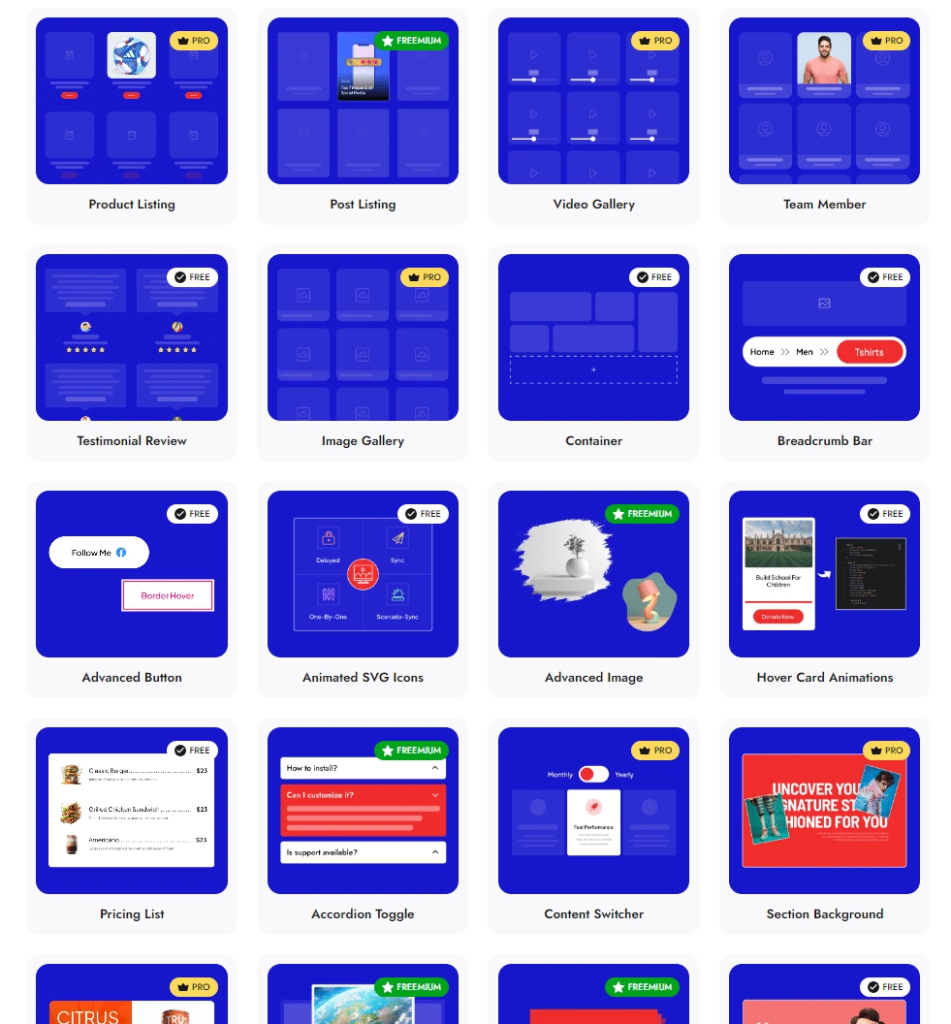
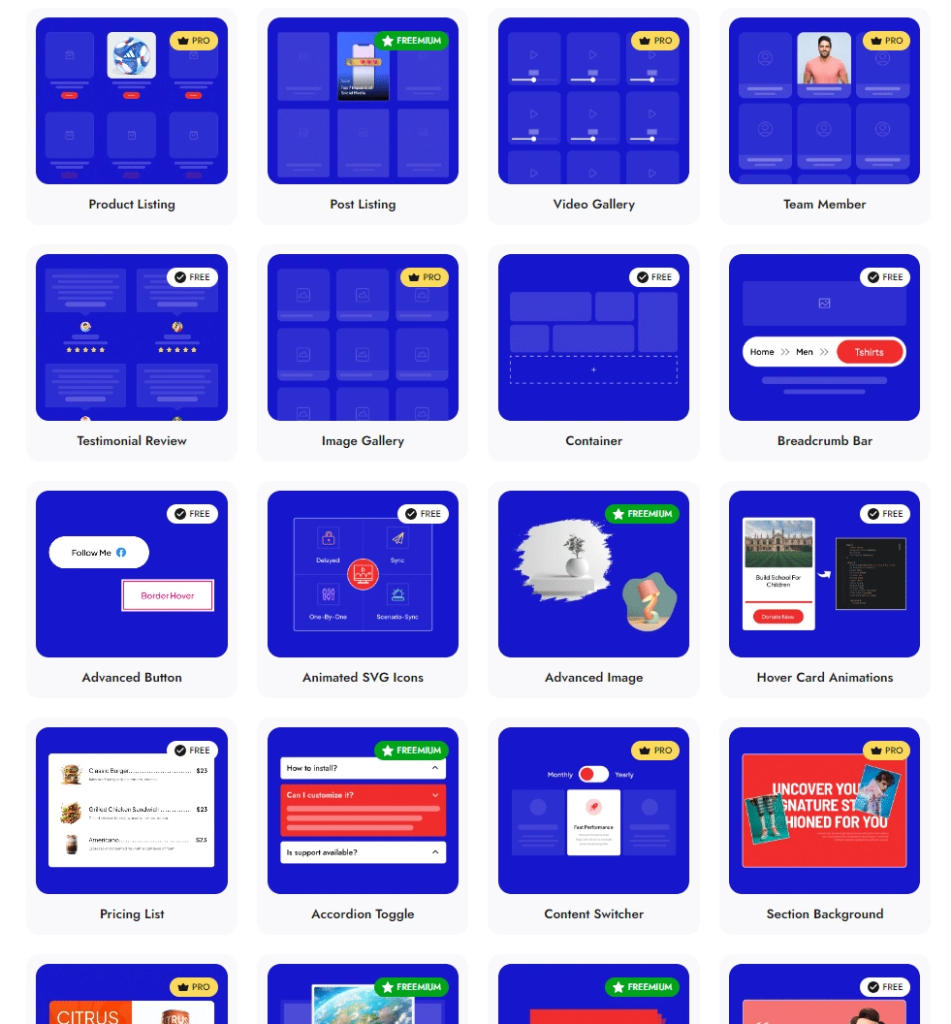
Nexter Blocks turns Gutenberg into a full design toolkit while keeping everything inside the native editor. It adds 90+ blocks across the categories most sites actually need: the entire list of Essential Blocks for layout and content, the entire list of Creative Blocks for carousels, timelines, and animations, all the Nexter Blocks’ marketing widgets here, and the social web page elements here.

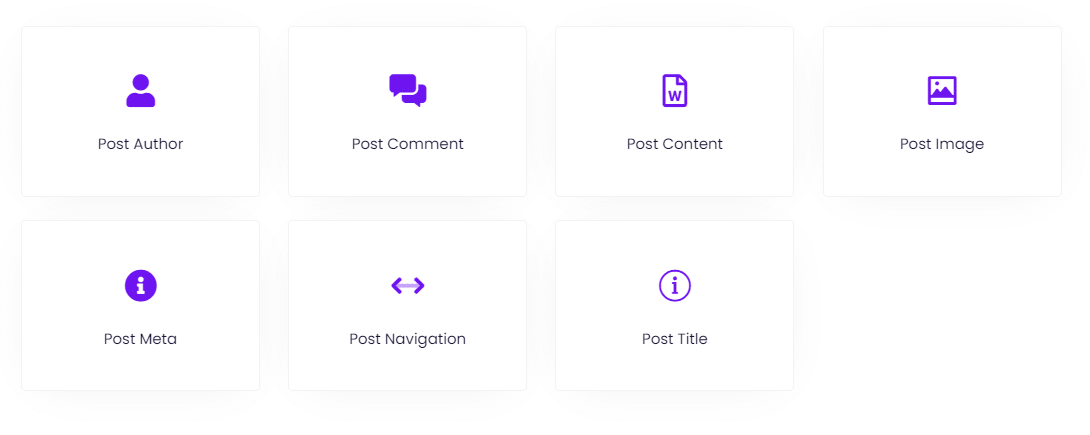
For dynamic sites it goes further. You can see Nexter Blocks’ listing elements here for post grids and product loops, browse the complete blog builder catalog here for headers, footers, and single templates, and check the complete list of Extensions here for display conditions, effects, and AI content tools.
Because it builds on native blocks rather than wrapping them, the output stays lighter than a traditional builder, and there is even an unused block scanner so you only load what you use.
Pricing: Gutenberg is free and built into WordPress. Nexter Blocks has a free version on WordPress.org. Paid plans start at $39/year for one site (or $139 one-time), and the unlimited-site Studio plan is $129/year. Best for: anyone who wants a fast, future-proof site without leaving the native editor or paying a builder subscription forever.
Also Read: Gutenberg vs Elementor: an honest comparison if you are weighing the native editor against a full builder.
2. Bricks
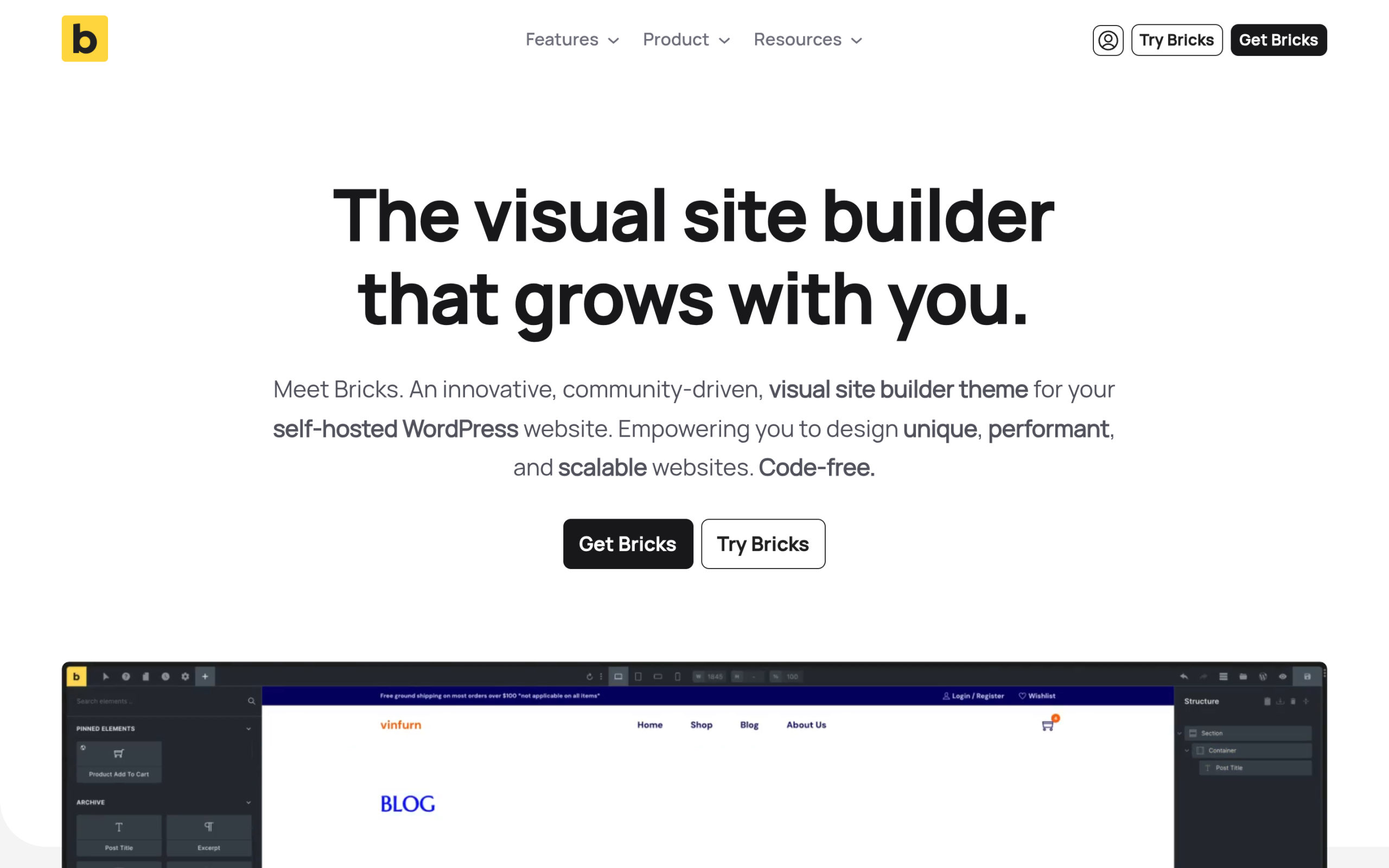
Bricks is the alternative developers actually switch to. It calls itself a “visual site builder theme” for self-hosted WordPress, which means it is both your theme and your builder in one package. The selling point is clean output and a workflow built for people comfortable with CSS. You get visual full-site editing, Flexbox and CSS Grid layouts, custom breakpoints, a query loop builder with custom PHP support, dynamic data with conditions, and a WooCommerce builder for shop and product pages.
The trade-off is the learning curve. Bricks rewards users who understand structure, classes, and responsive design, so a true beginner may find it less forgiving than Elementor or Brizy. There is no permanently free plugin version, though you can test the full builder for free at try.bricksbuilder.io before buying.
Pricing: Starter is $79/year for one site, Business is $149/year for three sites, and Agency is $249/year for unlimited sites. There is also an Ultimate Lifetime plan at $599 one-time for unlimited sites, and every plan includes a 30-day money-back guarantee. Best for: developers and agencies who want lightweight, fast, scalable sites and are comfortable with a more technical builder.
Also Read: WordPress 7.0: what’s actually changing for block builders so you know how core is closing the gap.
3. Breakdance
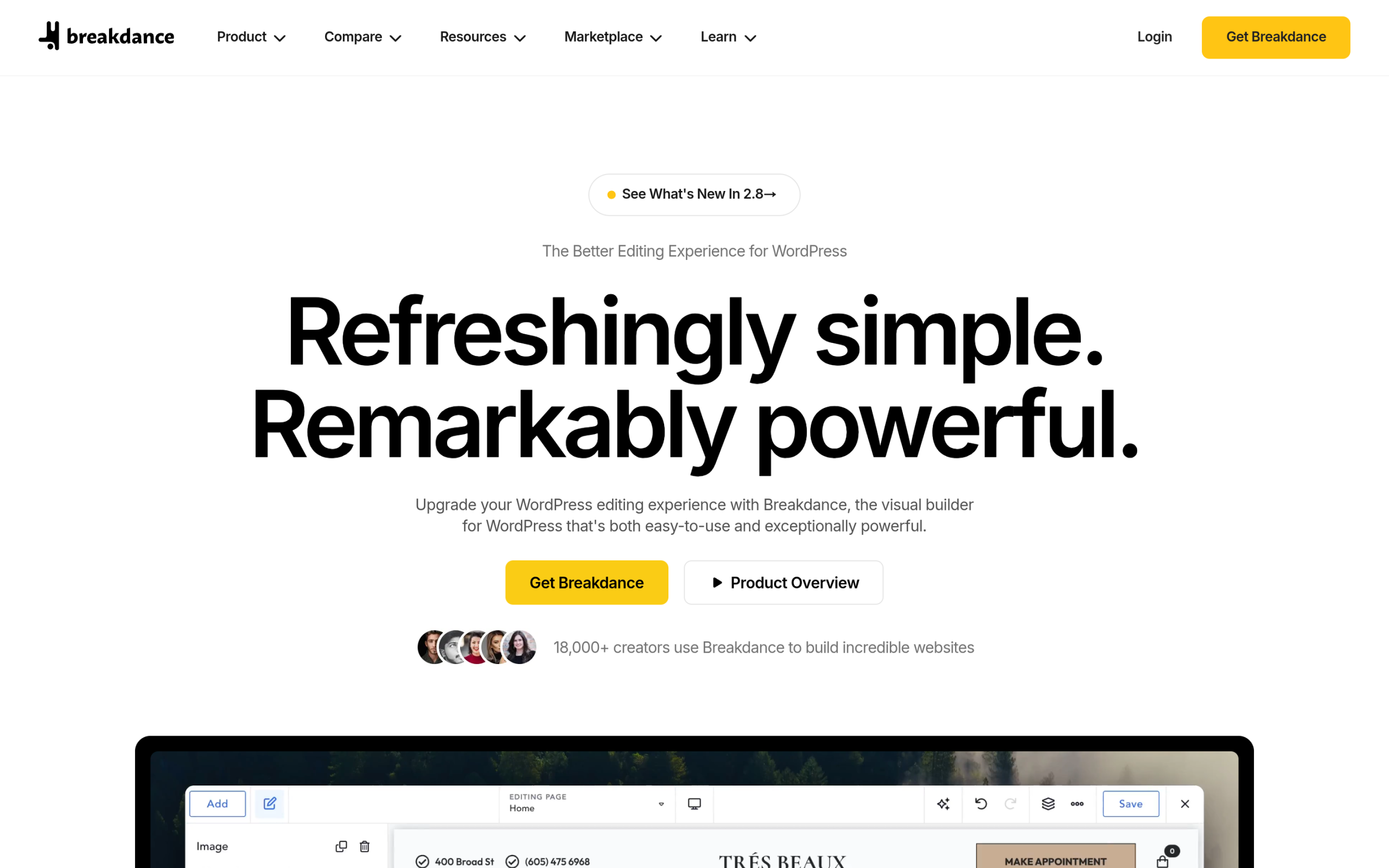
Breakdance, built by Soflyy, sits between Elementor’s friendliness and Bricks’ developer focus. It ships with 145 built-in elements, a multi-step form builder with conditional fields, a visual popup creator, dynamic data with loops and repeaters, and a Client Mode that limits what clients can edit. Two features stand out: Element Studio, a built-in tool for creating your own custom builder elements, and Breakdance AI for content help.
It is a strong fit if you want serious capability but do not want to hand-write CSS the way Bricks expects. The element count is large enough that most sites never need add-ons.
Pricing: Breakdance has a free version called Breakdance Free. The paid plan is listed at $199.99/year for unlimited sites with unlimited domain activations, noted as a limited-time offer. Best for: freelancers and agencies who manage many sites and want an unlimited-site license without per-site costs.
4. Divi
Divi, from Elegant Themes, is the long-standing all-in-one theme and builder, and the current Divi 5 is a complete rebuild. Elegant Themes describes it as rebuilt “from the ground up, focusing on performance and advanced design systems.” That matters, because performance was the old Divi’s weak spot. Divi 5 adds customizable breakpoints, global styles, and Flexbox and CSS Grid layout controls on top of the things Divi was always known for: 200+ elements, 2,000+ pre-built layouts, a Theme Builder for global templates, a Loop Builder for dynamic content, and Divi AI.
The catch is that the sheer number of options can overwhelm new users, and that big template library only pays off if you use it. For people who want maximum design control out of the box, though, few builders match it.
Pricing: Divi is $89/year and Divi Pro is $277/year. There is also a Divi Lifetime plan at $249 one-time, and a Divi Lifetime + Pro option at $297 one-time. All plans include unlimited website usage. Best for: users who want one purchase that covers a theme, a builder, and a huge template library, with a lifetime option. You can Learn More on the Divi site.
5. Brizy

Brizy is the easiest entry point on this list. It describes itself as “a next-gen website builder that anyone can use,” with no designer or developer skills required. The free WordPress plugin ships with 500+ pre-made blocks, 4,000+ icons across 27 categories, global styling, dedicated responsive editing modes, and a smart in-place text editor. With 70,000+ active installs and a 4.7 out of 5 rating on WordPress.org, it has a solid track record.
The honest note is that Brizy has moved some elements, including Forms, from the free tier into Pro in recent updates, so check that the features you need are in the version you choose. If you want to add forms beyond what Brizy includes, our roundup of the top 5 WordPress form builder plugins can help.
Pricing: Brizy is free on WordPress.org, and a paid Pro upgrade unlocks the rest of its features. Best for: beginners, bloggers, and small business owners who want to launch a clean site quickly without touching code. You can Learn More on the Brizy site.
Elementor Alternatives Compared at a Glance
| Builder | Best for | Free version | Starting paid price |
|---|---|---|---|
| Gutenberg + Nexter Blocks | Lightweight, core-native sites | Yes | $39/year (Nexter Blocks) |
| Bricks | Developers and agencies | Free online trial only | $79/year |
| Breakdance | Multi-site freelancers | Yes | $199.99/year (unlimited sites) |
| Divi | All-in-one theme + builder | No | $89/year or $249 lifetime |
| Brizy | Beginners and bloggers | Yes | Paid Pro upgrade |
Which Elementor Alternative Should You Choose?
There is no single winner, only the right fit for your situation. Here is how I would decide:
- You want fast pages and no forever-subscription: stay in the native editor and add Nexter Blocks. It is the lightest path and the cheapest over time.
- You are a developer or agency: Bricks for clean markup and control, or Breakdance if you want power with a gentler curve and an unlimited-site license.
- You want one tool that does everything: Divi 5, especially with the lifetime plan.
- You are a beginner: Brizy, then upgrade only if you hit a wall.
Whatever you pick, test it on a staging site first, watch your Core Web Vitals, and make sure the builder fits how you actually work. A builder you understand will always beat a more powerful one you fight with. For a deeper primer on the layout system most modern builders share, our beginner’s guide to Elementor Flexbox containers is a good next read.
FAQs About Elementor Alternatives
Is Elementor a theme or a plugin?
Elementor is a plugin, not a theme. It works on top of your existing WordPress theme to give you visual, drag-and-drop editing. Some alternatives, like Bricks and Divi, combine the theme and the builder into one product.
Is the Gutenberg block editor free?
Yes. Gutenberg is the block editor built into WordPress core, so it is completely free and already active on your site. You only pay if you add a block library like Nexter Blocks for advanced design features.
Are there free alternatives to Elementor?
Yes. Gutenberg is free in core, and Nexter Blocks, Brizy, and Breakdance all offer free versions on WordPress.org or their own sites. Bricks has no permanently free plugin, but you can try the full builder online for free before buying.
Is Gutenberg better than Elementor?
It depends on the project. Gutenberg is lighter and free, which is better for performance and cost, but core blocks are basic on their own. Paired with a block library like Nexter Blocks, it can match most of what people use Elementor for while keeping pages lean.
Suggested Reading
- Gutenberg vs Elementor: An Honest Comparison
- WordPress 7.0: What’s Actually Changing for Block Builders
- Top 5 WordPress Form Builder Plugins
- How to Generate AI Images in WordPress
- Explore the Full Nexter Blocks Library
