












Key Takeaways
- Bing Chat and Bing Chat Enterprise were renamed to Microsoft Copilot. Copilot became generally available on December 1, 2023, after rolling out at Microsoft Ignite in November 2023.
- Copilot still answers from Bing’s web index, so being crawlable and citable by Bing matters just as much as ranking in blue links.
- Like every answer engine, Copilot pulls a small set of sources into each answer. Pages that are structured, fresh, and easy to crawl get picked.
- The WordPress levers are the same ones you would use for any AI answer engine: control AI crawlers, add schema, publish an llms.txt file, and keep content current.
- RankReady gives a WordPress site the discoverability layer and shows you whether AI engines are actually citing your pages.
Last week a reader emailed me with a simple question: “Bing Chat is gone from my browser. Do my old notes about optimizing for Bing Chat still mean anything?” He had a folder of tips from 2023 and felt like the ground had moved under him. It had, a little, but not in the way he feared. Bing Chat did not die. It got a new name and a much bigger job. If you run a WordPress site and you care about showing up in AI answers, the rename is worth understanding, because the thing it became is now one of the largest front doors to your content.
This guide explains what happened to Bing Chat, why Microsoft Copilot still depends on the same web index, and the practical steps that decide whether your WordPress pages get cited inside a Copilot answer.
What happened to Bing Chat?
Bing Chat was Microsoft’s AI chat experience built into Bing search. In late 2023 Microsoft folded it into a single brand. As Microsoft’s own Bing blog put it, “Bing Chat and Bing Chat Enterprise recently changed to Copilot to make AI-powered web chat more accessible.” The change started rolling out at Microsoft Ignite in November 2023, and Copilot became generally available on December 1, 2023. You now reach it at copilot.microsoft.com instead of through the old Bing Chat button.
So the product did not shut down. It graduated. Copilot is now Microsoft’s assistant across the web, Windows, Edge, and Microsoft 365, and the consumer web version is still grounded in Bing search. For anyone publishing content, that last detail is the one that matters.
Copilot still runs on Bing’s web index
When Copilot answers a question that needs current information, it searches the web and reads pages to build its reply. The web layer it uses is Bing. That means the crawler you need to care about has not changed: it is still Bingbot, the same bot that builds Bing’s search index. If Bingbot cannot reach your page, render it, and understand it, Copilot has nothing to cite from your site.
This is the part the reader with the 2023 notes got right without realizing it. The fundamentals he wrote down, make the page crawlable, give it a clear structure, keep it accurate, are exactly what a Copilot citation needs. The branding changed. The plumbing did not.
How Copilot decides which pages to cite
Copilot does not list ten blue links. It writes an answer and attaches a small number of numbered sources, usually a handful per response. Getting into that short list is a different game from ranking on page one. A few things consistently help:
- Crawlability first. If Bingbot is blocked in robots.txt, or the content only appears after heavy JavaScript, you are invisible to the answer.
- A direct answer near the top. Pages that state the answer in the first paragraph are easier to quote than pages that bury it.
- Clear structure and schema. Headings, lists, and structured data help the engine understand what each section is about and pull the right snippet.
- Freshness. Answer engines lean toward recently updated pages for anything time sensitive.
- Topical depth. A page that fully covers the question, rather than skimming it, is a safer source for the model to trust.
None of this is unique to Copilot. The same signals decide whether you appear in Google AI Overviews or get pulled into a ChatGPT answer. Optimizing for one answer engine tends to help across all of them, which is the whole point of answer engine optimization.
The WordPress levers that make you Copilot-ready
On a WordPress site you control every one of the signals above. Here is where to spend your time.
- Manage AI crawlers in robots.txt. Allow Bingbot, and decide deliberately which AI crawlers you allow or block. Blocking the wrong bot quietly removes you from an engine. See the WordPress-specific setup in our robots.txt for AI crawlers guide.
- Add structured data. Article, FAQ, and HowTo schema tell the engine what your content is. A schema markup generator makes this repeatable across every post.
- Publish an llms.txt file. This emerging file gives AI systems a clean map of your most important content. Our llms.txt for WordPress walkthrough covers it.
- Keep pages fresh. Update your highest-value posts on a schedule so they stay eligible for time-sensitive answers.
Also Read: How to configure robots.txt for AI crawlers in WordPress so you allow the bots you want and block the ones you do not.
How to tell if Copilot and other AI engines are actually citing you
Here is the gap most WordPress site owners hit. You can do all the right things, but standard analytics will not tell you whether an AI engine read your page or used it in an answer. AI crawlers and AI referral traffic do not show up cleanly in the reports you are used to. You end up guessing.
This is the problem RankReady was built to close. It is a free WordPress plugin that adds the AI discoverability layer and then measures it. RankReady generates llms.txt and llms-full.txt files, adds a clean Markdown copy of every post, ships Article, Speakable, FAQPage, HowTo, and ItemList schema, and lets you manage 31 AI crawlers from one screen. On the measurement side it keeps a live AI crawler log, surfaces citation candidates, and tracks AI referral traffic, so you can finally see whether Copilot, ChatGPT, and Perplexity are reaching and using your content.
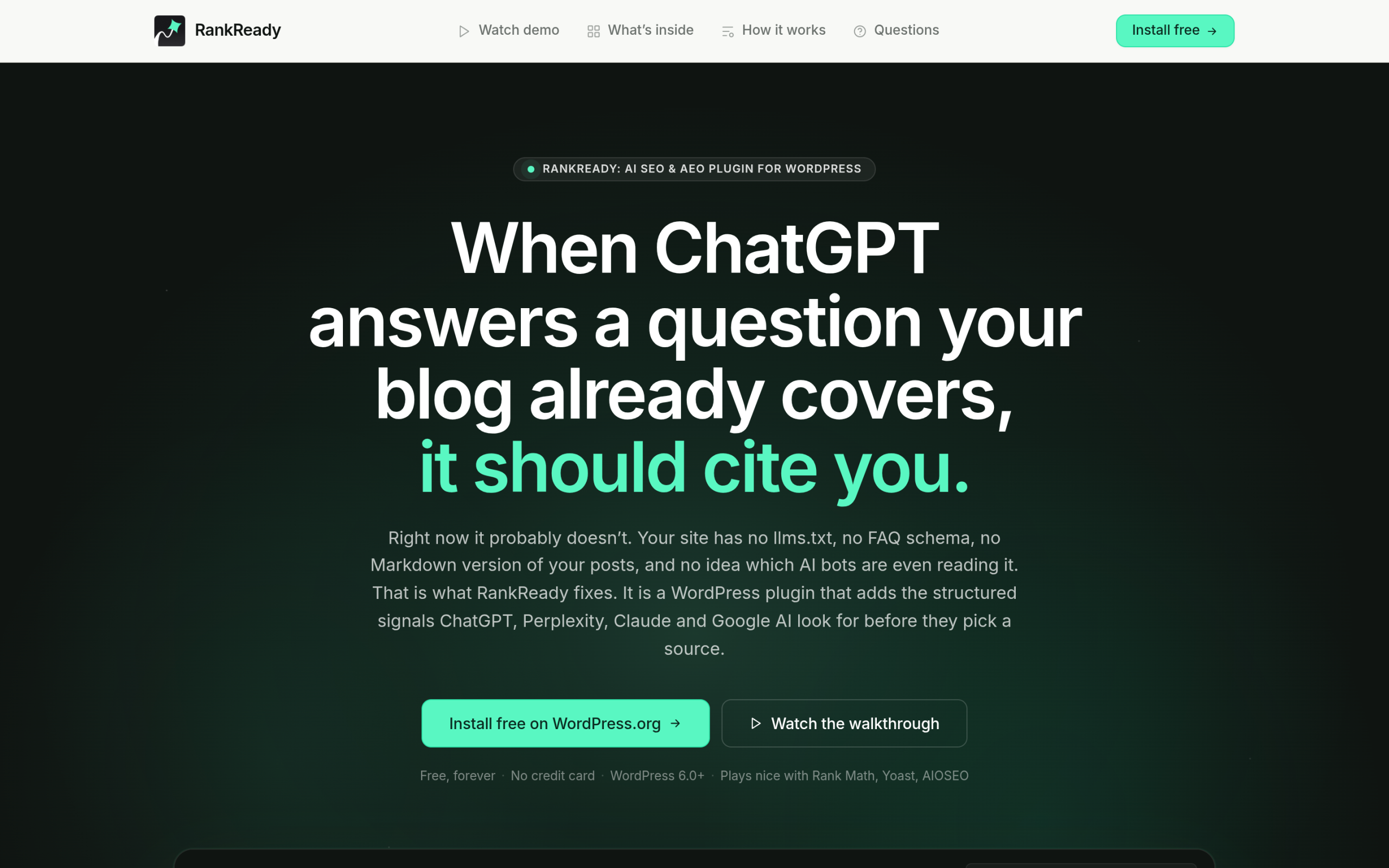
RankReady is free forever under the GPL-2.0-or-later license, runs on WordPress 6.0 and PHP 7.4 or higher, collects zero telemetry, and works alongside Rank Math, Yoast, and AIOSEO rather than replacing them. If you already use a traditional SEO plugin, RankReady merges into its schema graph instead of fighting it. For a side-by-side on where a classic SEO plugin ends and the AI layer begins, see our Rank Math vs RankReady comparison.
Also Read: Answer engine optimization for WordPress for the full playbook behind getting cited in Copilot, ChatGPT, and AI Overviews.
A quick Copilot-readiness checklist for WordPress
- Confirm Bingbot is allowed in your robots.txt and your most important pages are crawlable without heavy JavaScript.
- State the core answer in the first paragraph of each page, then expand below it.
- Add Article and FAQ schema to your key posts so engines can parse them.
- Publish an llms.txt file and keep a Markdown copy of important posts available.
- Refresh your highest-value content on a schedule.
- Track AI crawlers and citations so you know what is working instead of guessing.
Bing Chat becoming Copilot was a rebrand, not a reset. The work that gets you cited is the same work that has always made content easy for machines to read and trust. Do it on WordPress and you are ready for Copilot, and for the next answer engine after it.
Suggested Reading
- Answer Engine Optimization for WordPress
- How to Set Up robots.txt for AI Crawlers in WordPress
- How to Add an llms.txt File to WordPress
- Schema Markup Generator for WordPress
- Best WordPress SEO Plugins Using AI
